Ever feel like your design ideas just aren’t hitting the mark? Maybe it’s because of a few pesky mistakes that are easy to overlook. Let’s take a closer look at what might be holding you back from your next big idea.
1. Ignoring Color Harmony

Colors can speak louder than words. They’re like the background music to your designs. If you ignore color harmony, you might end up with a visual mess.
Make sure your colors work together. Use tools like color wheels or online palette generators. They help you find colors that sing together, making your designs look more professional and pleasing.
Experiment with different shades and tones. It’s fun and can lead to surprising results. Plus, it doesn’t cost much to test different color combos.
2. Overloading with Patterns
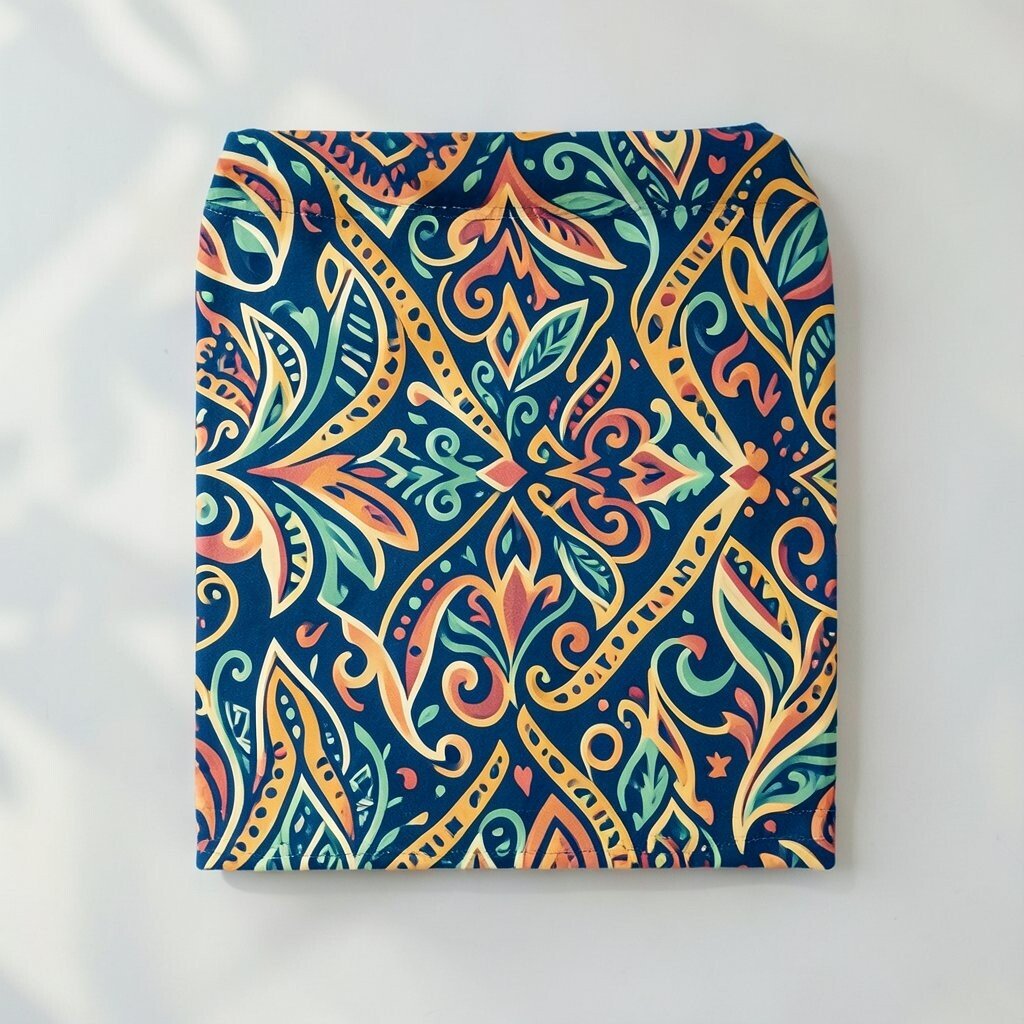
Patterns add interest but too many can make your design dizzying. Think of patterns as spices in a dish—just the right amount makes it delicious.
Try using one bold pattern and balance it with solid colors. This keeps your design interesting without overwhelming the eyes.
Patterns can be unique to your personal style. Customize them to reflect your personality or the theme you’re working with. Plus, many pattern resources are free online!
3. Skipping White Space
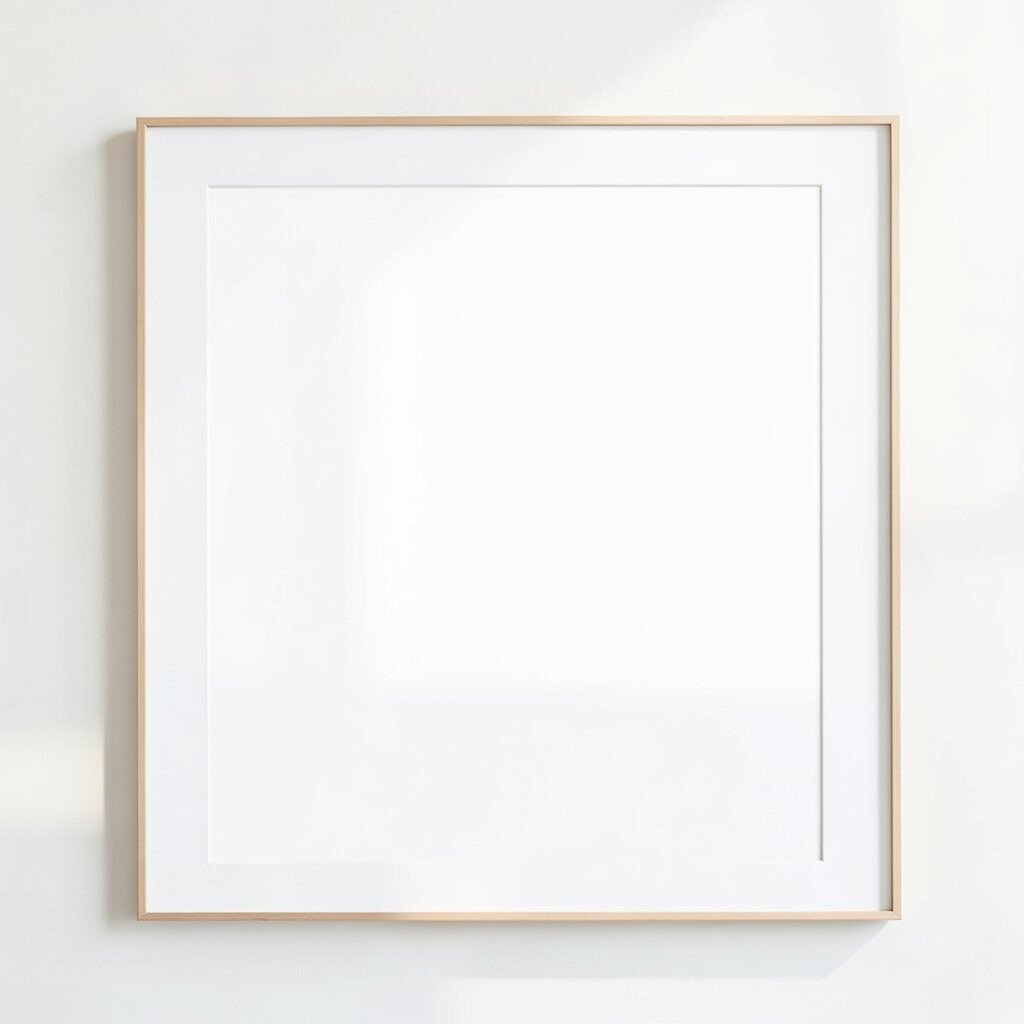
White space isn’t wasted space. It’s the breathing room your design needs to shine. Without it, things can get cramped and chaotic.
Think of white space as a frame for your masterpiece. It guides the viewer’s eye to the important parts of your design.
Use white space to highlight key elements. It’s a cost-free way to make your designs look clean and professional.
4. Neglecting Typography
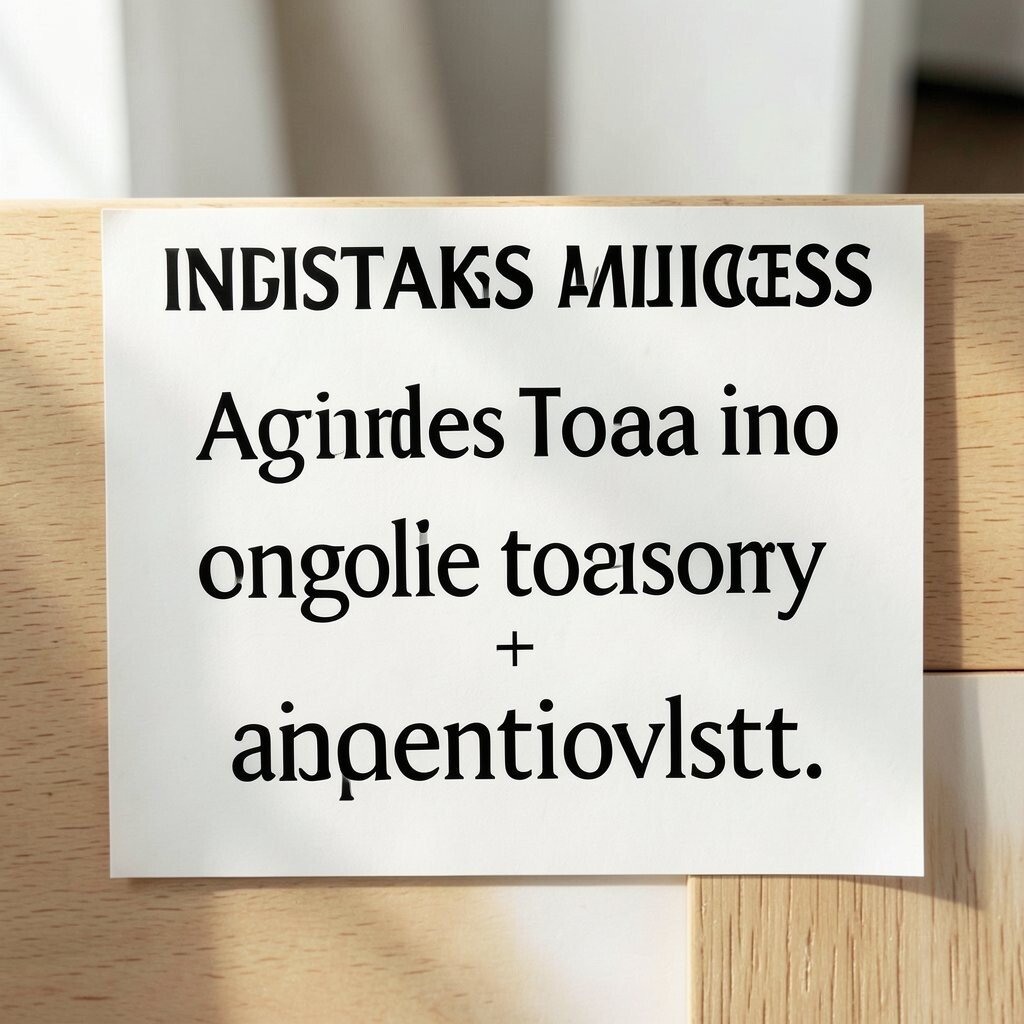
Fonts are more than just letters. They’re an expression of style and mood. Choosing the wrong font can send the wrong message.
Mix and match fonts, but not too many. Two or three complementary fonts can create a cohesive look.
Experiment with sizes and weights for emphasis. Tools like Google Fonts offer a plethora of choices for free, so you can keep things fresh and exciting.
5. Using Poor Quality Images

Blurry or pixelated images can ruin your whole design. High-quality images make your work look polished and professional.
Use stock photo websites or invest in a good camera. The right image can make your design pop.
Personalize your images by editing them to match your color scheme. Many free editing tools online can help you adjust colors and add filters.
6. Forgetting Consistency
Inconsistency can confuse your audience. A consistent design builds trust and recognition.
Stick to a set style guide with specific fonts, colors, and layout rules. This makes your design look unified.
Consistency doesn’t mean boring. You can introduce variety through different layout arrangements and still maintain a cohesive look.
7. Misjudging Scale and Proportion
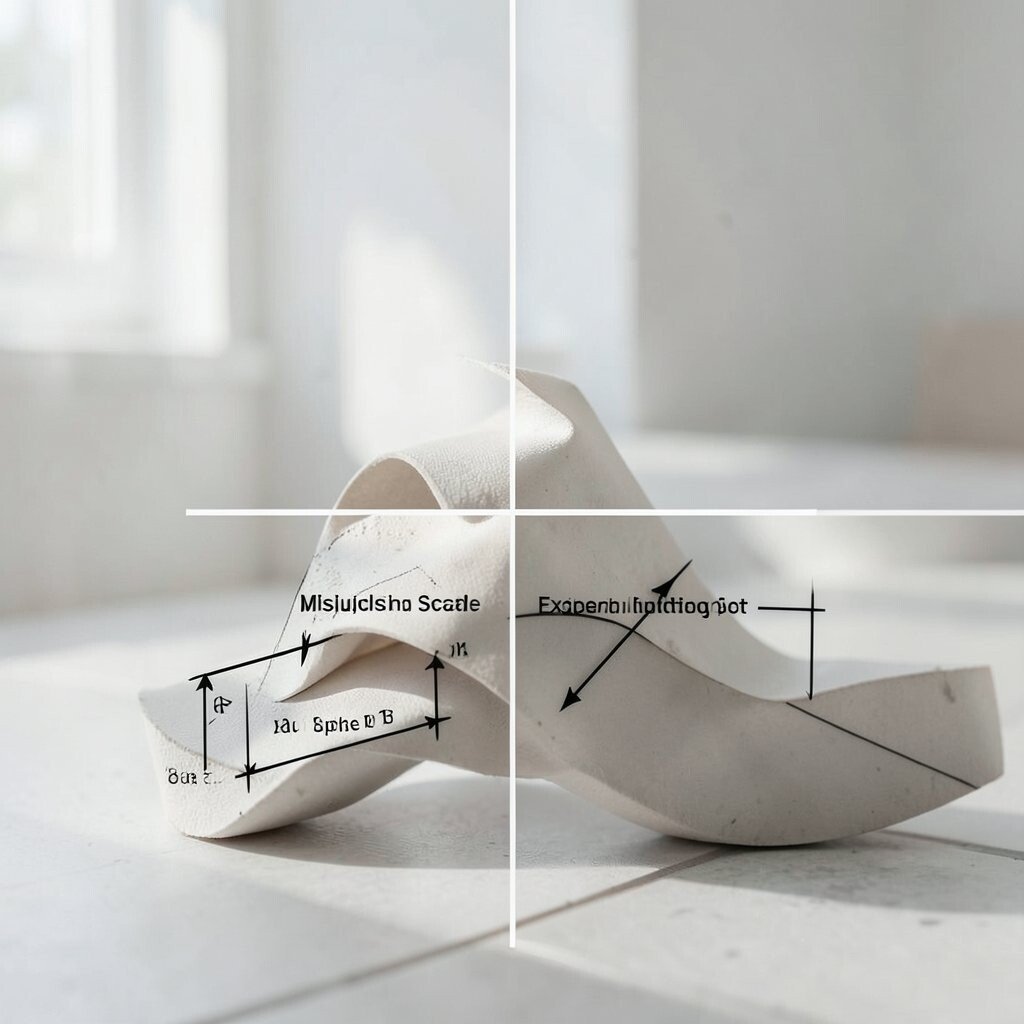
Proportion can make or break a design. If elements are out of scale, things start to look off-balance.
Ensure that text and images are proportional to each other. This keeps your design looking neat and well-structured.
Experiment with different scales for emphasis. It can add drama and interest without costing a penny.
8. Overcomplicating Designs

Sometimes, less is more. Overcomplicated designs can confuse rather than communicate.
Simplify your design by focusing on what’s essential. Remove any unnecessary elements.
Think of simplicity as a way to make your message clearer. It helps in keeping the viewer’s attention where you want it.
9. Ignoring the Power of Contrast
Contrast can create focus and interest. Without it, your design might fall flat.
Use contrast to highlight important elements. Light against dark or bold against subtle can be very effective.
Experiment with color, size, and shape for contrast. It’s an easy way to add depth to your design.
10. Disregarding User Experience

User experience is key, especially in digital designs. If it’s hard to navigate, people won’t stay long.
Think about how someone will use your design. Is it intuitive and easy to understand?
Test your designs on different people. Feedback is invaluable and can help you improve without extra cost.
11. Overlooking Functionality
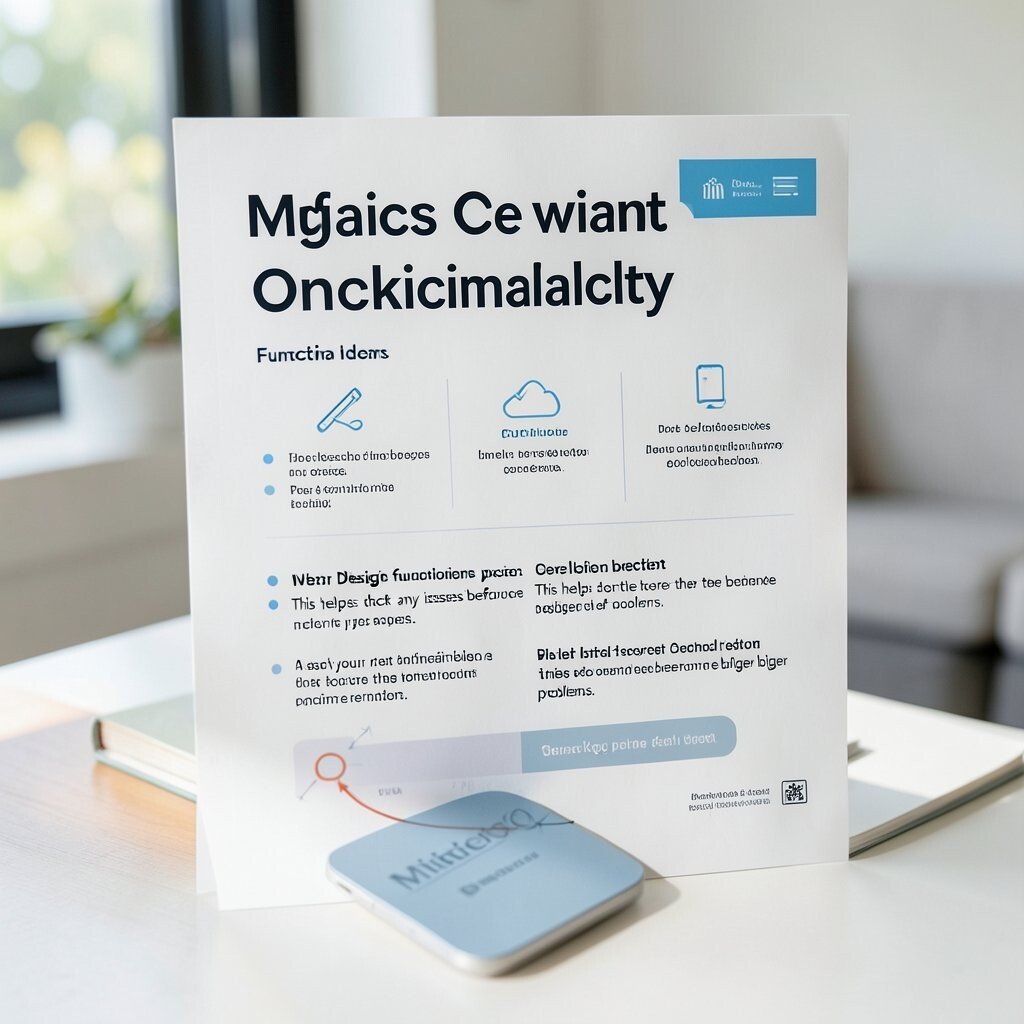
Pretty is good, but functional is better. A design that doesn’t work is just decoration.
Ensure that your design serves its purpose. Whether it’s a website or a poster, it should be easy to use.
Test your design’s functionality often. This helps catch any issues before they become bigger problems.
12. Underestimating the Grid System
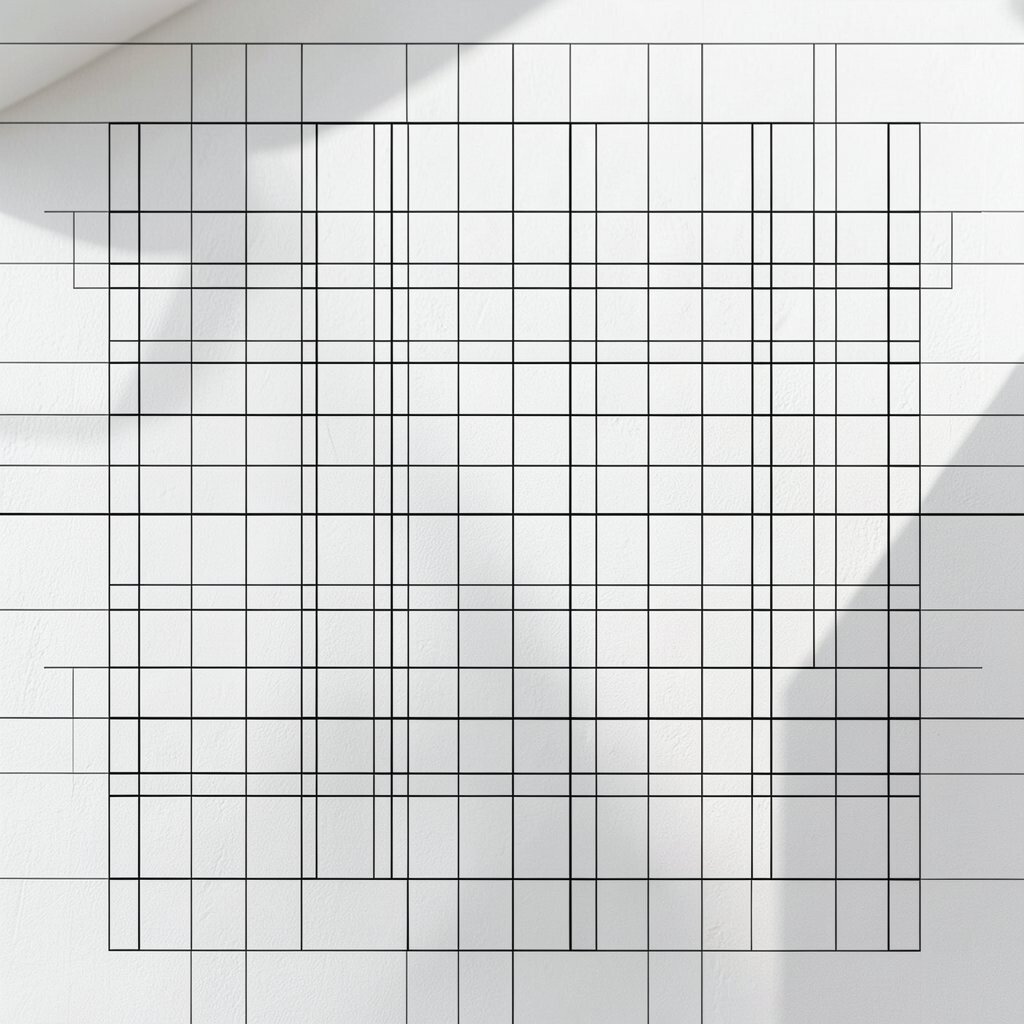
Grids keep your design organized. They’re like the invisible lines that hold everything together.
Use grids to align elements neatly. It makes your design look more professional and less chaotic.
Grids are flexible. You can customize them to fit your design needs without any extra cost.
13. Cluttering the Design

Too much stuff can make a design cluttered and hard to read. Simplicity lets your message shine.
Edit ruthlessly. Keep only what’s necessary for communication.
Less clutter means your important elements stand out more. It’s a simple way to enhance your design without spending a dime.
14. Ignoring the Importance of Alignment
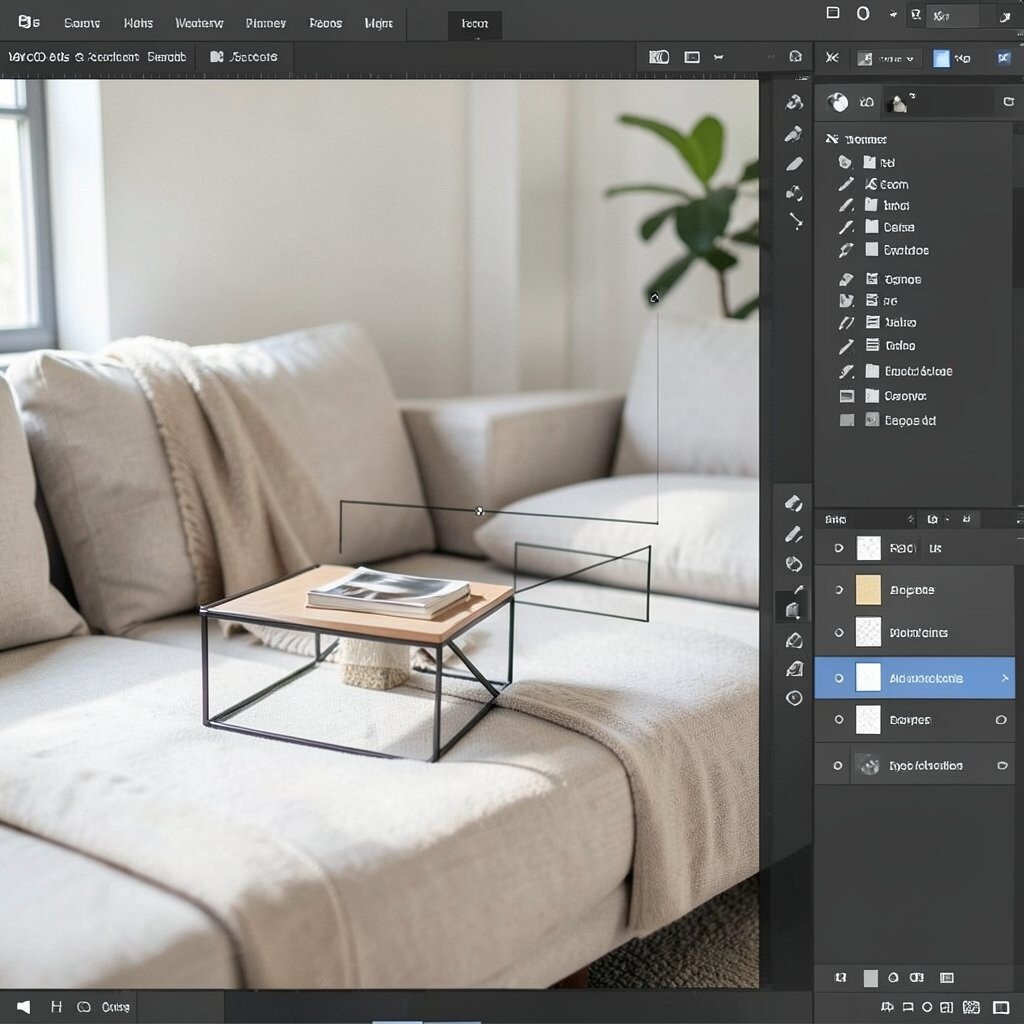
Alignment helps create order. Poor alignment can make a design look disorganized.
Align your elements to give your design a clean and structured look. It makes a huge difference.
Use alignment guides in your design software. They’re usually built-in and free to use.
15. Forgetting to Balance Elements
Balance keeps your design stable. Without it, things might look like they’re about to tip over.
Distribute elements evenly across your design. It creates a harmonious look.
Balance doesn’t have to be symmetrical. Play around to find what feels right for your design.
16. Overusing Text

Too much text can overwhelm. A picture can say a thousand words.
Use visuals to complement text, not the other way around. This makes your design more engaging.
Keep text concise and to the point. It ensures your message is clear and impactful.
17. Neglecting to Update Designs
Trends change, so should your designs. Stale designs can make you look outdated.
Stay current by regularly refreshing your designs. It keeps things interesting and relevant.
Keep an eye on design trends. It can inspire new ideas and doesn’t cost anything to stay informed.
18. Overlooking Accessibility

Design should be for everyone. If it’s hard for some to access, you’re missing out on a wider audience.
Consider color blindness and other accessibility needs. Simple adjustments can make a big difference.
Use tools to check accessibility. Many are free and easy to use, ensuring your design reaches everyone.
19. Disregarding Feedback
Feedback helps you grow. Ignoring it can mean missing out on valuable insights.
Listen to what others say about your design. It can offer new perspectives.
Consider feedback as a tool for improvement. It’s free advice that can take your design to the next level.
20. Not Having Fun with Your Design

Design should be enjoyable. If you’re not having fun, it shows.
Experiment and play with your ideas. It leads to unexpected and exciting results.
Remember, there are no limits in design. This freedom doesn’t cost a thing and can lead to your best work yet.