
The right smart upgrades can make daily life feel smoother. Your home can look better and work smarter at the same time.
1. Start With a Smart Lighting Plan
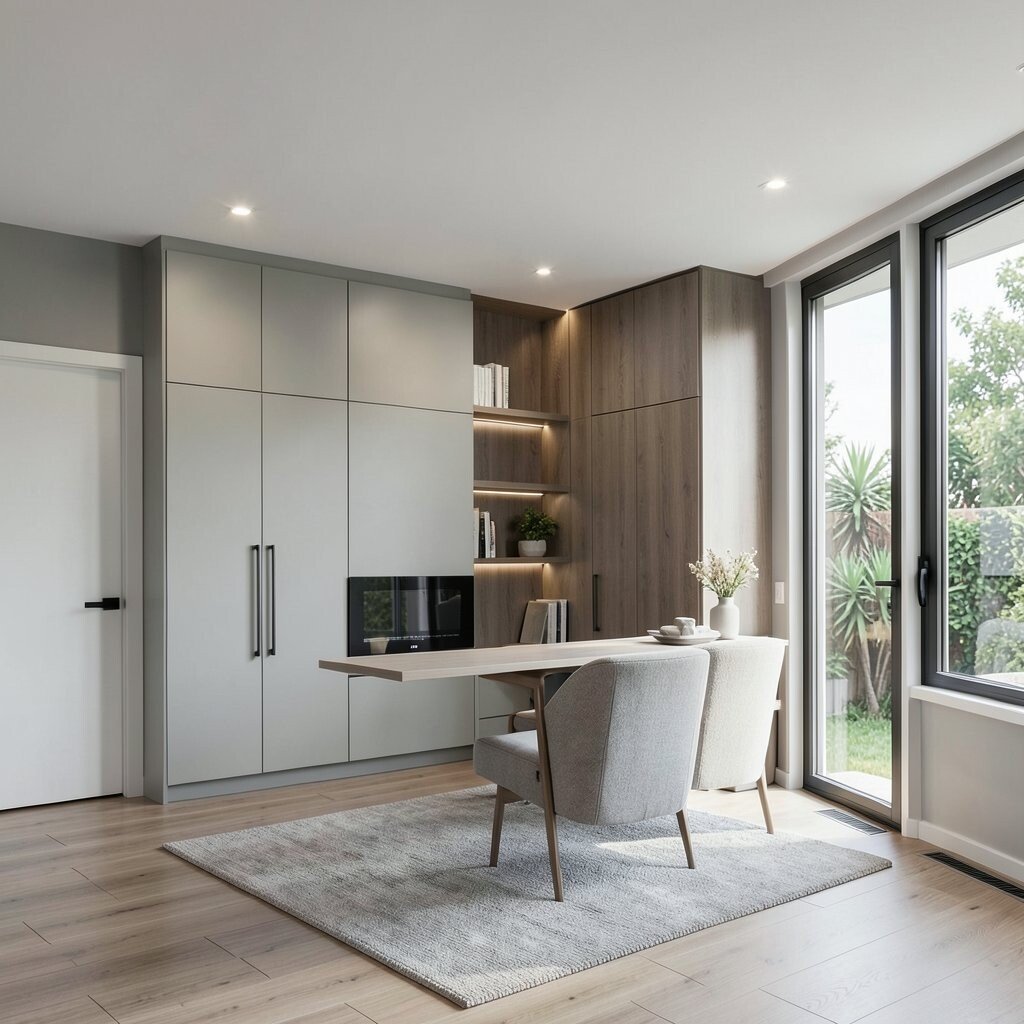
Picture warm light flowing through your rooms when you walk in. You can set scenes for mornings, movie nights, and late dinners without fumbling for switches.
Use motion sensors in hallways so lights turn on only when needed. Pick dimmable bulbs to keep the vibe cozy and to reduce power use. For personalization, choose different color temperatures for areas like your kitchen and reading nook.
2. Install Smart Thermostats With Room Sensors
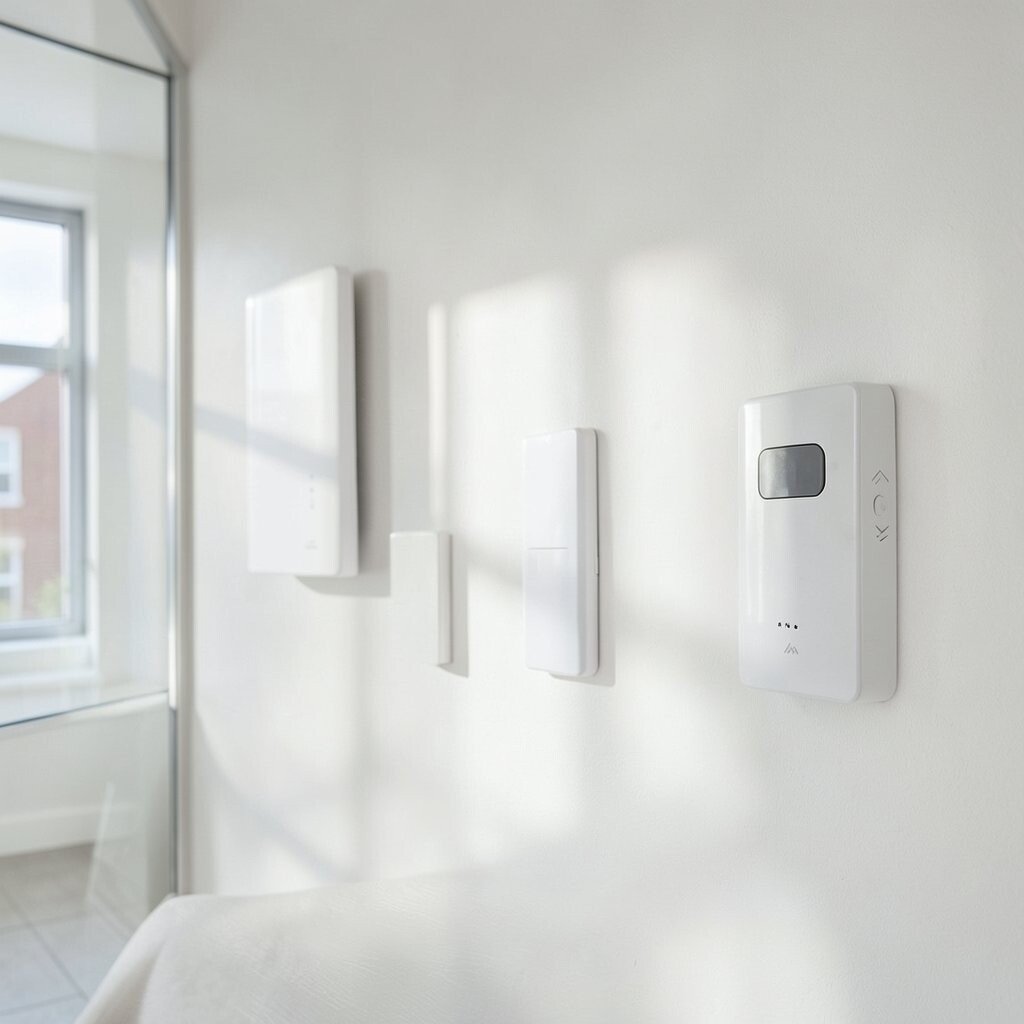
Imagine coming home to the exact comfort you like, even on chilly or hot days. A smart thermostat with room sensors can notice which areas get used most.
It helps cut wasted heating and cooling by adjusting more precisely. Run a quick schedule test for a week so the system learns your habits and you can fine-tune it.
Try placing sensors in spaces where you actually spend time, like the living room or bedroom. If you have remote zones, prioritize comfort where people sit and sleep. You can also set gentle temperature ramps for mornings so it never feels sudden.
3. Add Motorized Shades for Light Control
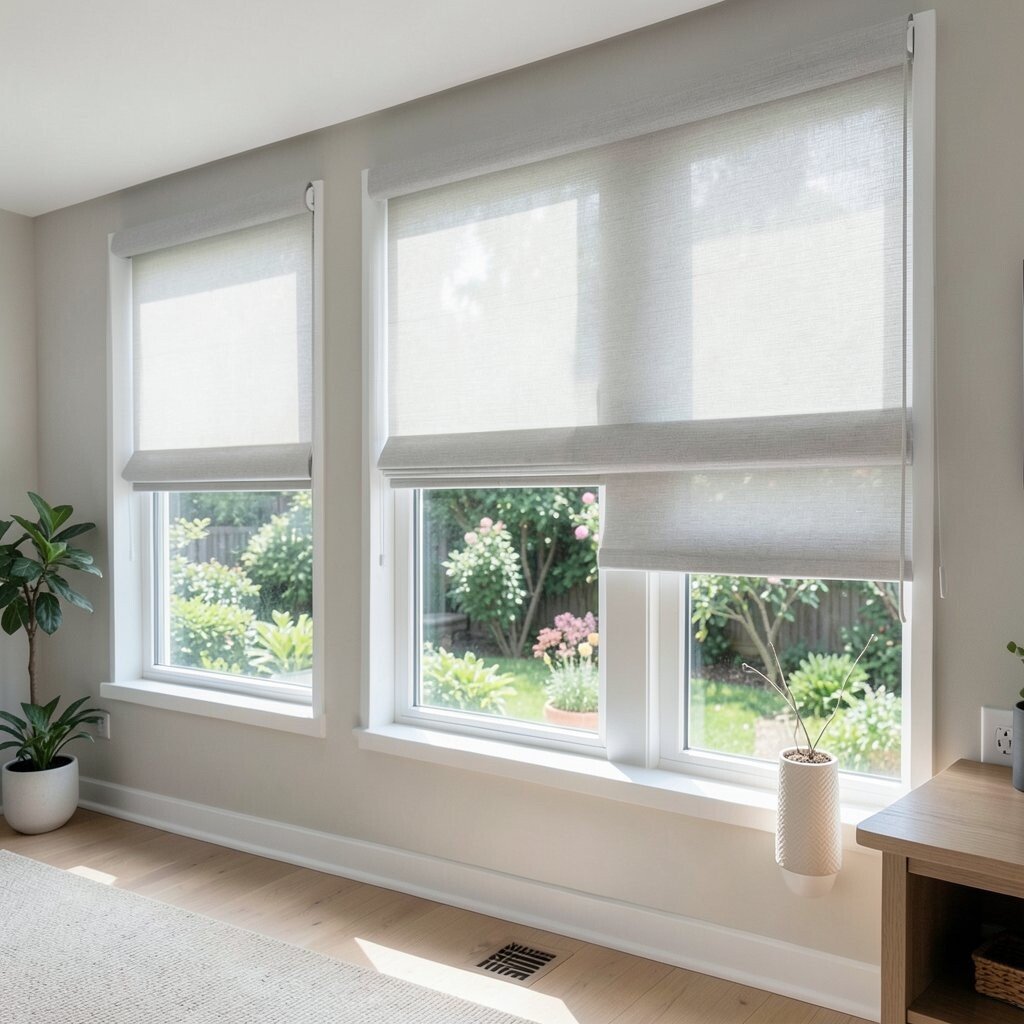
Think about how the right window treatment can make your home feel calm and bright. Motorized shades let you manage glare, privacy, and bedtime darkness with taps or voice control.
Set them to rise gradually on sunny mornings and lower when afternoon heat builds. This can protect furniture and help keep indoor temperatures steadier.
For practicality, pair each room’s schedules with how the sun moves across it. In bedrooms, use blackout settings for better sleep. In offices, use partial shade presets to reduce screen glare without making the space dim.
4. Use Smart Locks for Keyless Entry
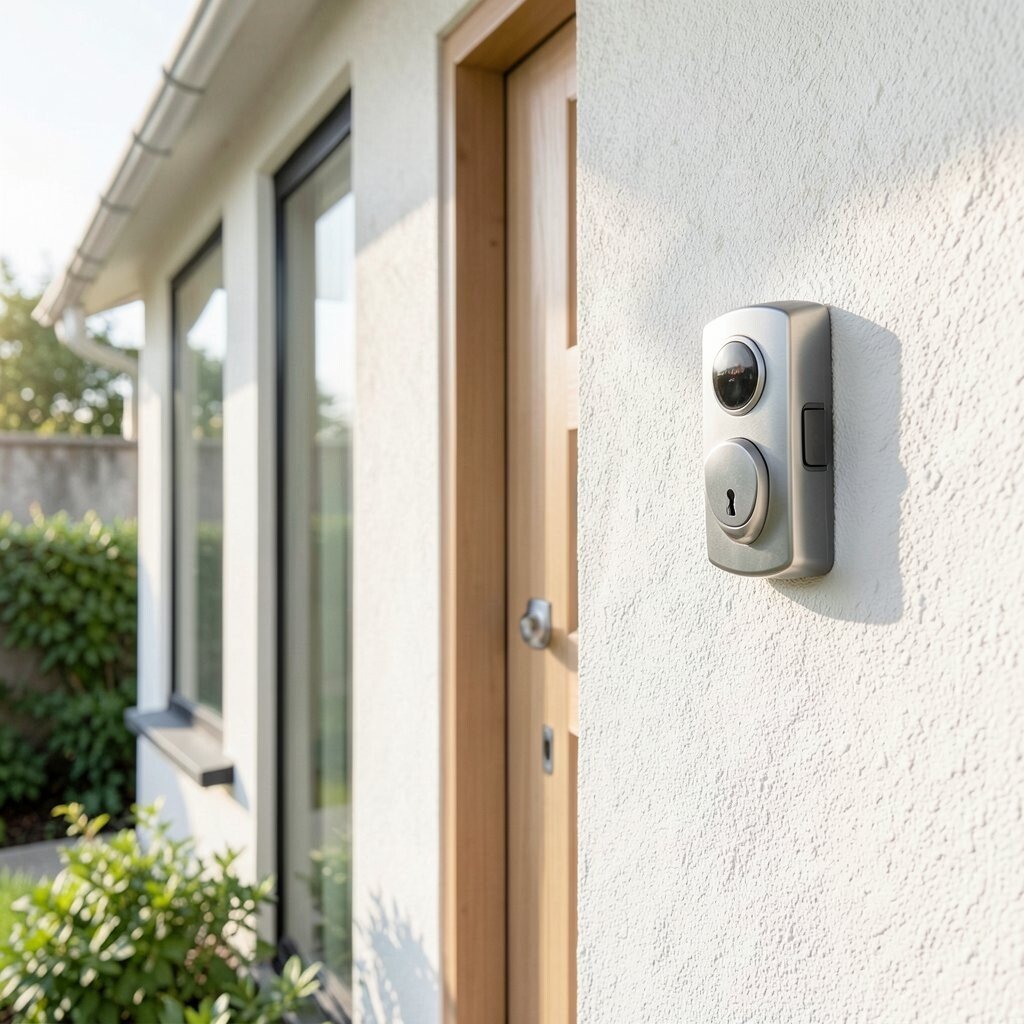
Picture guests walking in without hunting for a key at your door. Smart locks can let you grant access with temporary codes for friends, family, or service people.
You can also set “auto-lock” so the door always secures after a set time. Many models keep an audit trail, which is handy for peace of mind.
5. Build a Whole-Home Audio Zone System
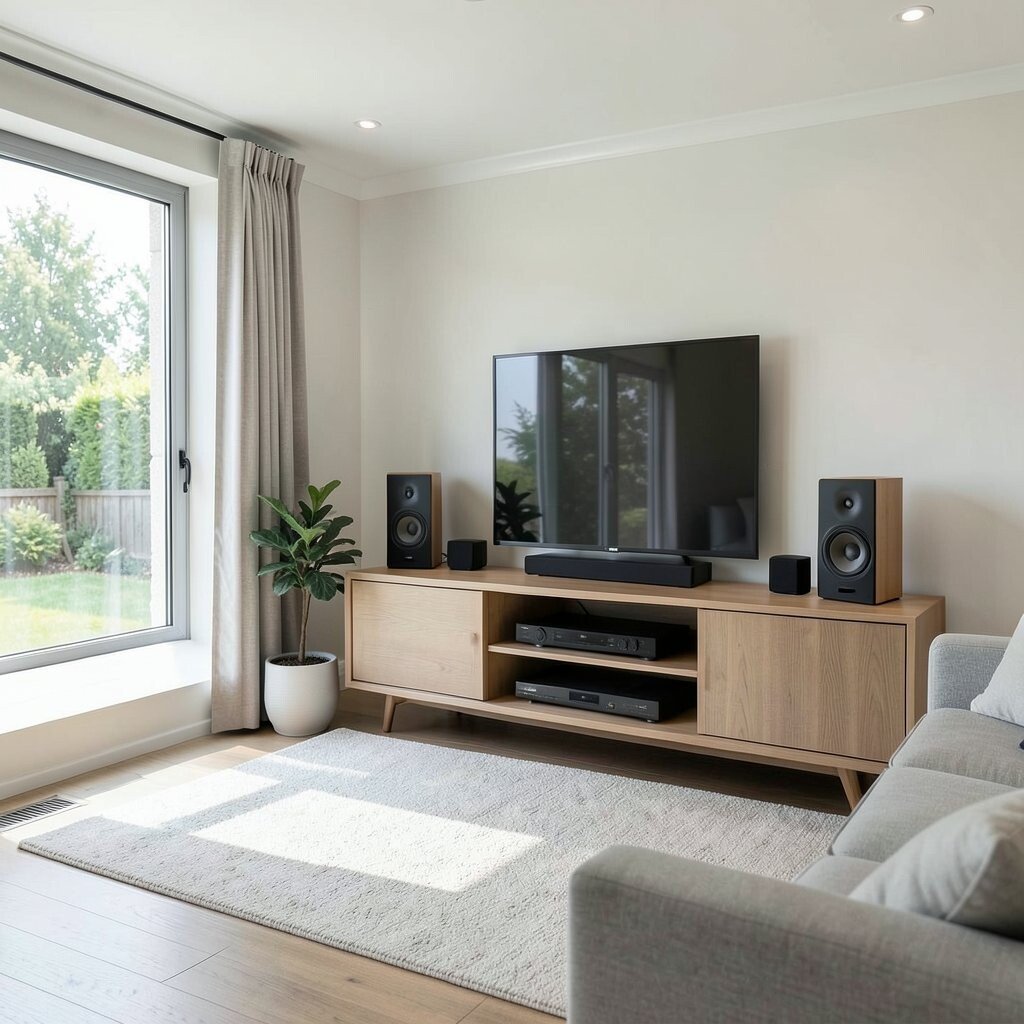
Imagine music following you from kitchen to patio without carrying a phone around. A multi-room audio system makes it easy to control volume and playlists by room.
Choose speakers that match each space so sound feels natural, not harsh. Start with two or three zones and expand later as your budget allows.
To personalize, connect different sources like streaming services and a turntable if you love vinyl. Add “quiet hours” so the system won’t get too loud in the evening. This kind of setup can feel like a luxury upgrade without changing your home’s layout.
6. Set Up Smart Plugs and Energy Monitoring
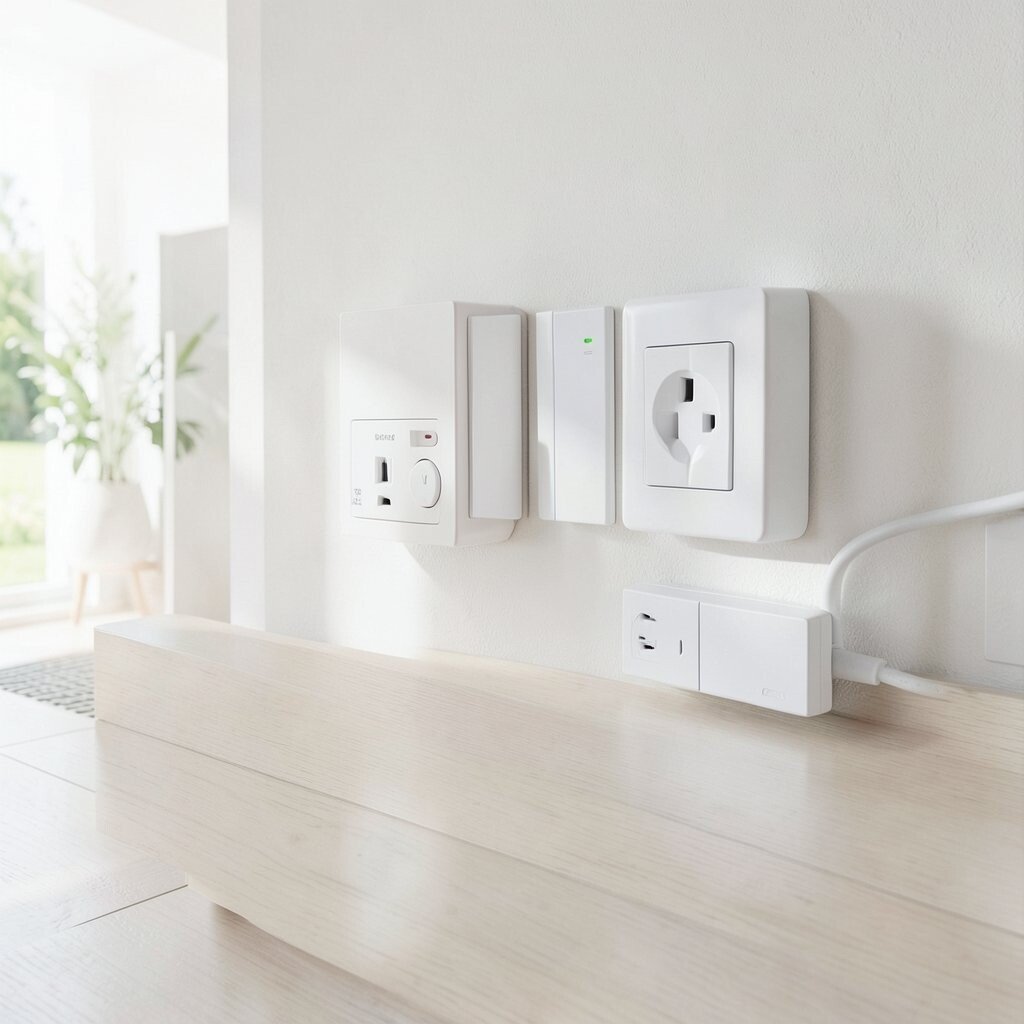
See how much electricity your home uses when you can actually view it. Smart plugs and energy monitors make everyday devices more trackable, from coffee makers to gaming consoles.
Turn off power to items that you forget, and you can lower standby waste over time. Use schedules for seasonal tools like dehumidifiers or holiday lights.
7. Plan an Ethernet-First Network for Fast Wi-Fi
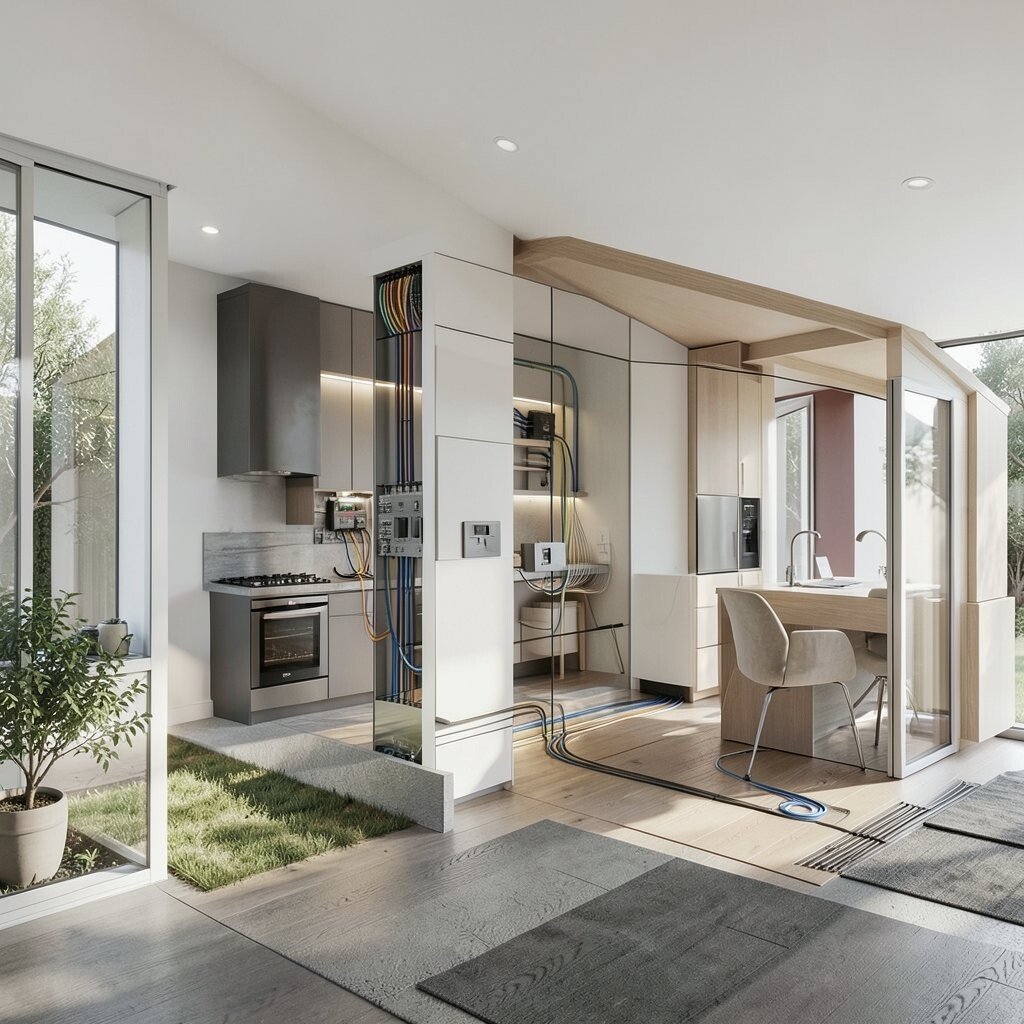
Picture streaming, video calls, and smart devices all running smoothly without annoying drops. A strong home network often comes from planning where wiring and access points will go.
Use wired Ethernet backhaul when possible so your Wi-Fi signal stays stable across rooms. If you’re dealing with dead spots, mount extra access points instead of relying only on a single router.
For a budget-friendly approach, identify the areas you use most, then place equipment accordingly. Consider a mesh system for tricky layouts, but compare speeds and range before buying. Label cables in the attic or utility room so future upgrades feel easy.
8. Upgrade to Smart Smoke and CO Alarms
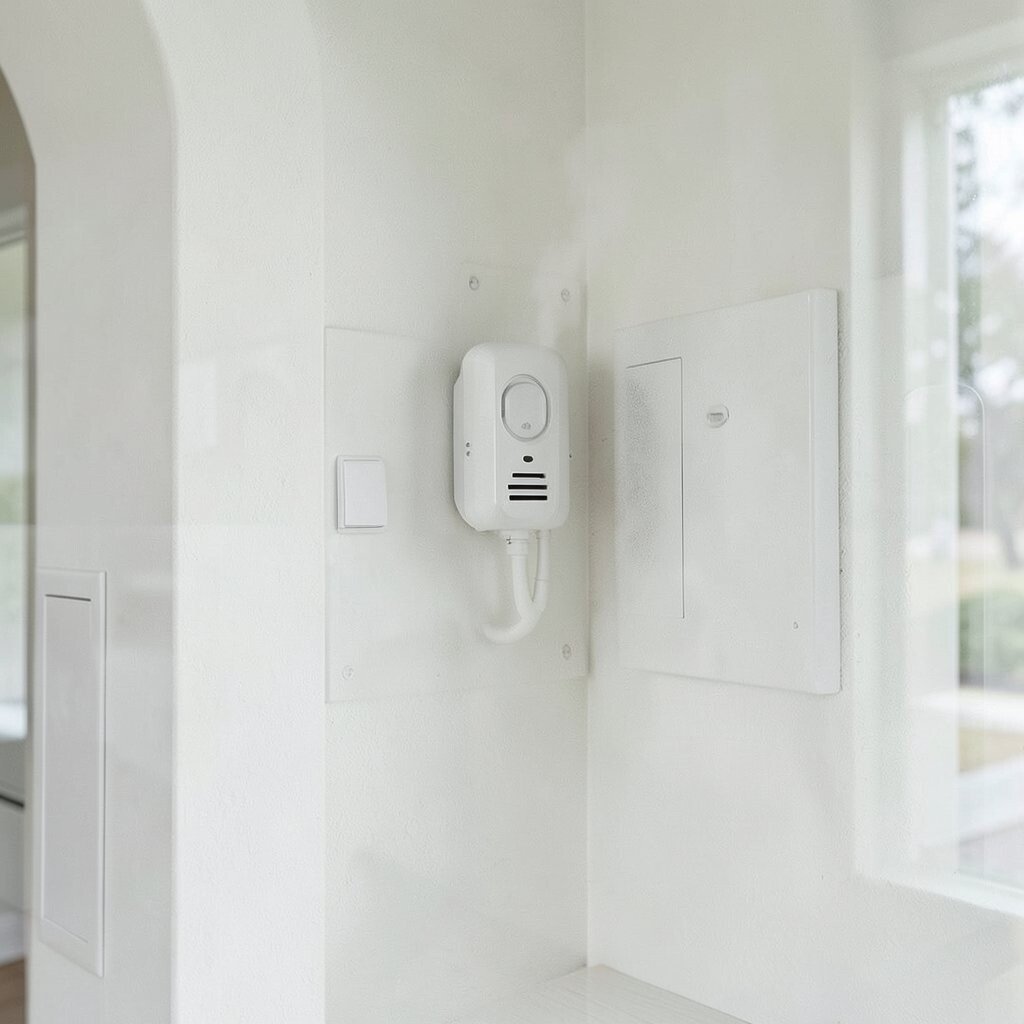
Think about how reassuring it feels when safety systems send alerts quickly. Smart smoke and carbon monoxide alarms can notify you on your phone when trouble is detected.
Some models can link together so if one alarm triggers, the rest can alert too. This helps when you’re asleep, away, or in another part of the house.
9. Add Leak Sensors Under Sinks and Near Water Lines
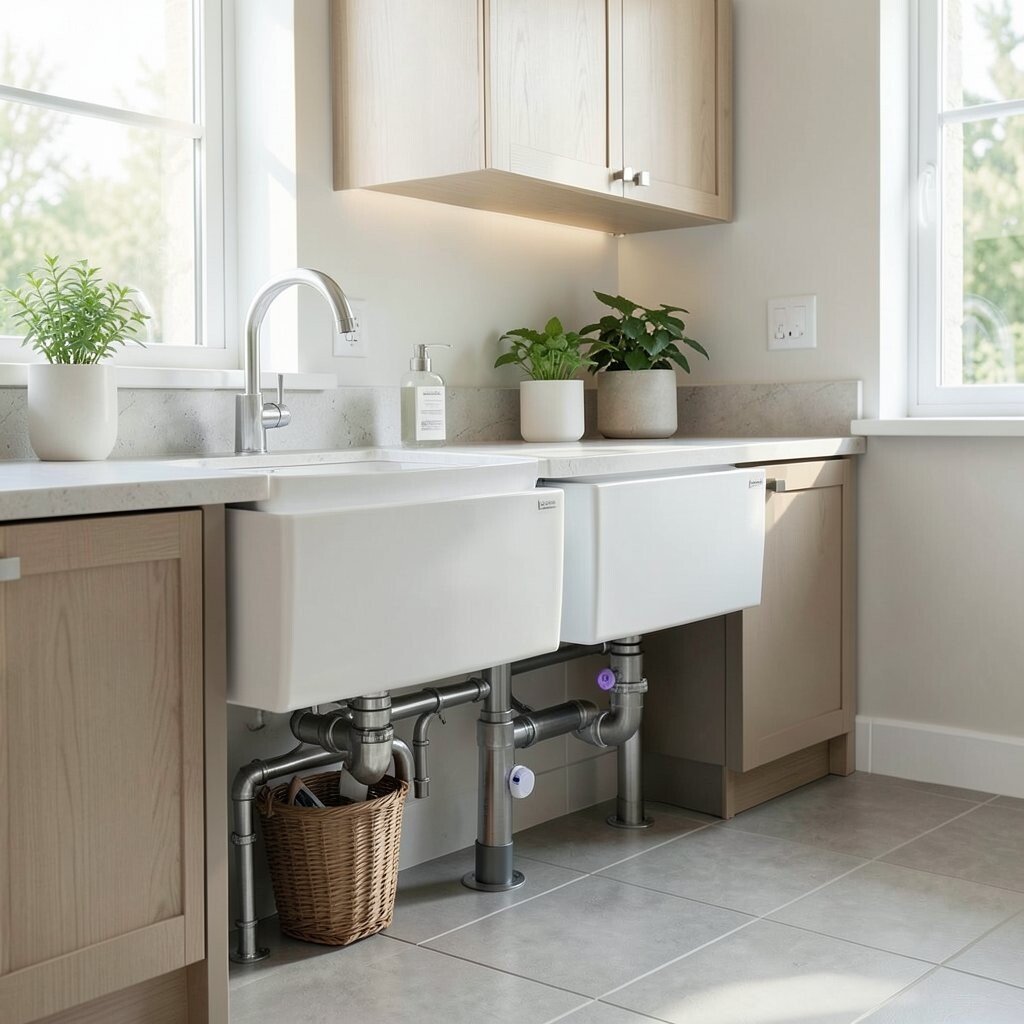
Picture a small puddle being caught early before it turns into a costly mess. Leak sensors can alert you at the first sign of moisture under sinks, behind toilets, and near water heaters.
Place them in areas where spills happen most and where repairs are expensive. Pair alerts with shutoff systems if your home setup supports it for extra control.
To personalize, set different alert styles for each room so you know what needs attention. Consider adding sensors in laundry areas where hoses and machines can wear over time. This is one of those smart upgrades that feels “worth it” almost immediately.
10. Install a Smart Garage Door Opener
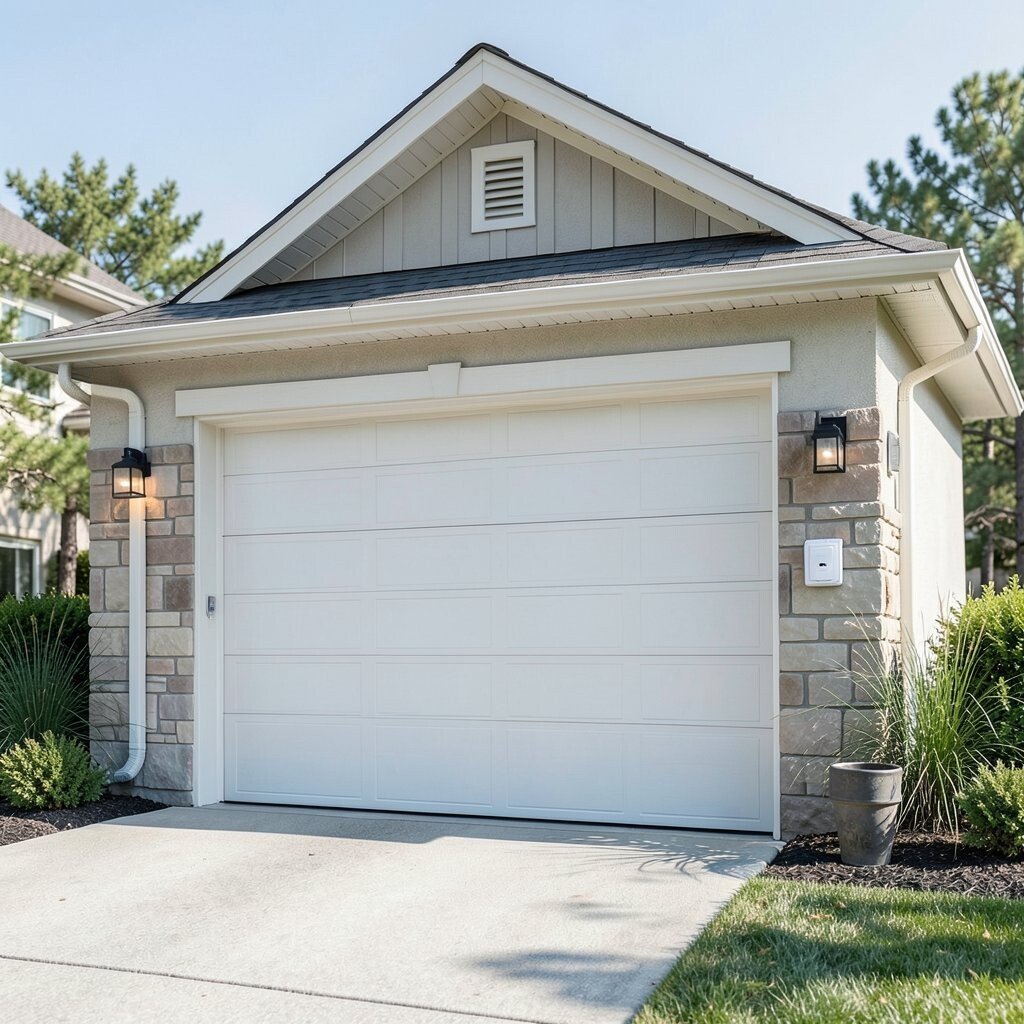
Imagine opening the garage with your phone while carrying groceries. Smart garage controls can also tell you whether the door is fully closed.
That extra confirmation reduces worry and can help prevent security issues. Set notifications for the door state so you’re always aware.
11. Create a Smart Garden With Automated Irrigation
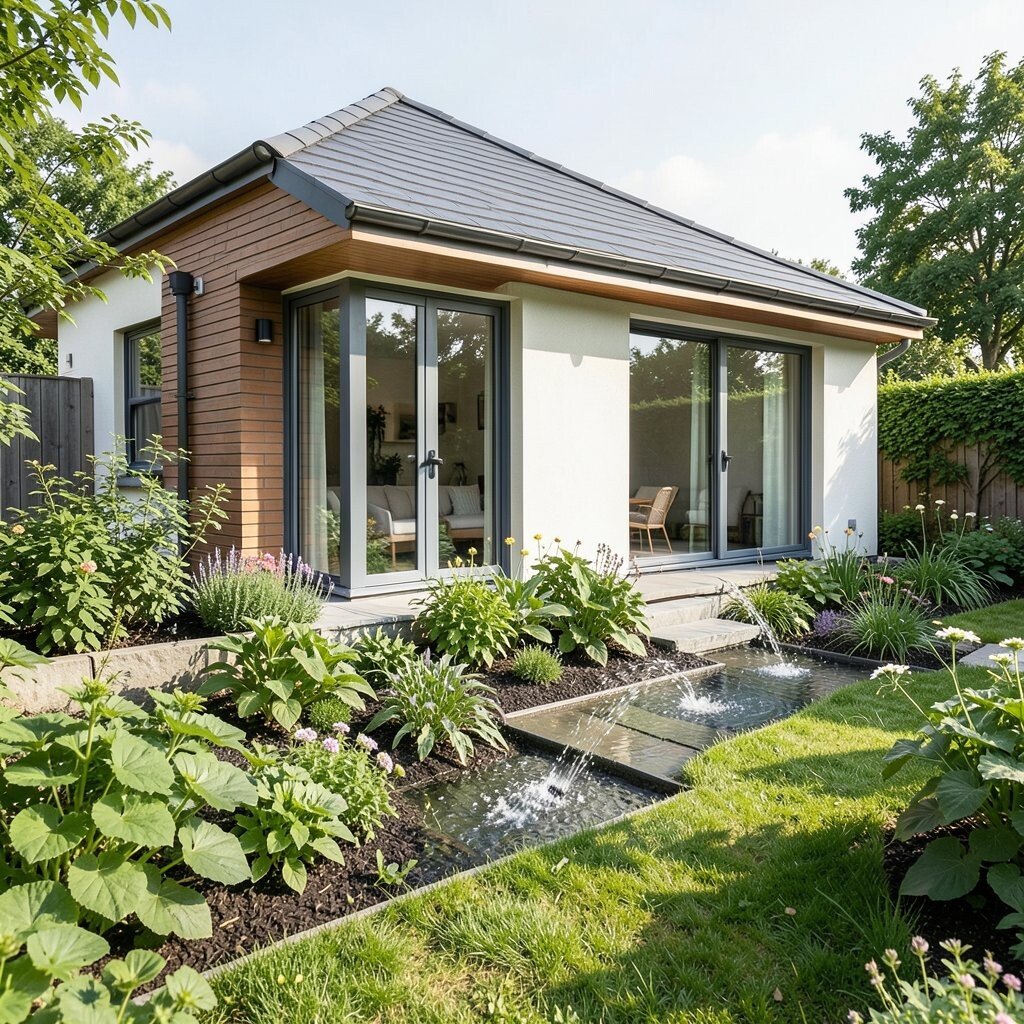
Picture your yard looking cared for even during busy weeks. Automated irrigation uses schedules and sometimes moisture sensors to water based on real conditions.
It helps avoid overwatering and can save money on water bills. Start by mapping your plants and adjusting zones so each area gets the right amount.
For practical personalization, choose smart controllers that allow seasonal watering changes. If you have planters, consider drip systems for targeted watering. Pair irrigation control with weather awareness for smarter timing.
12. Use Smart Window Film and Temperature Sensors
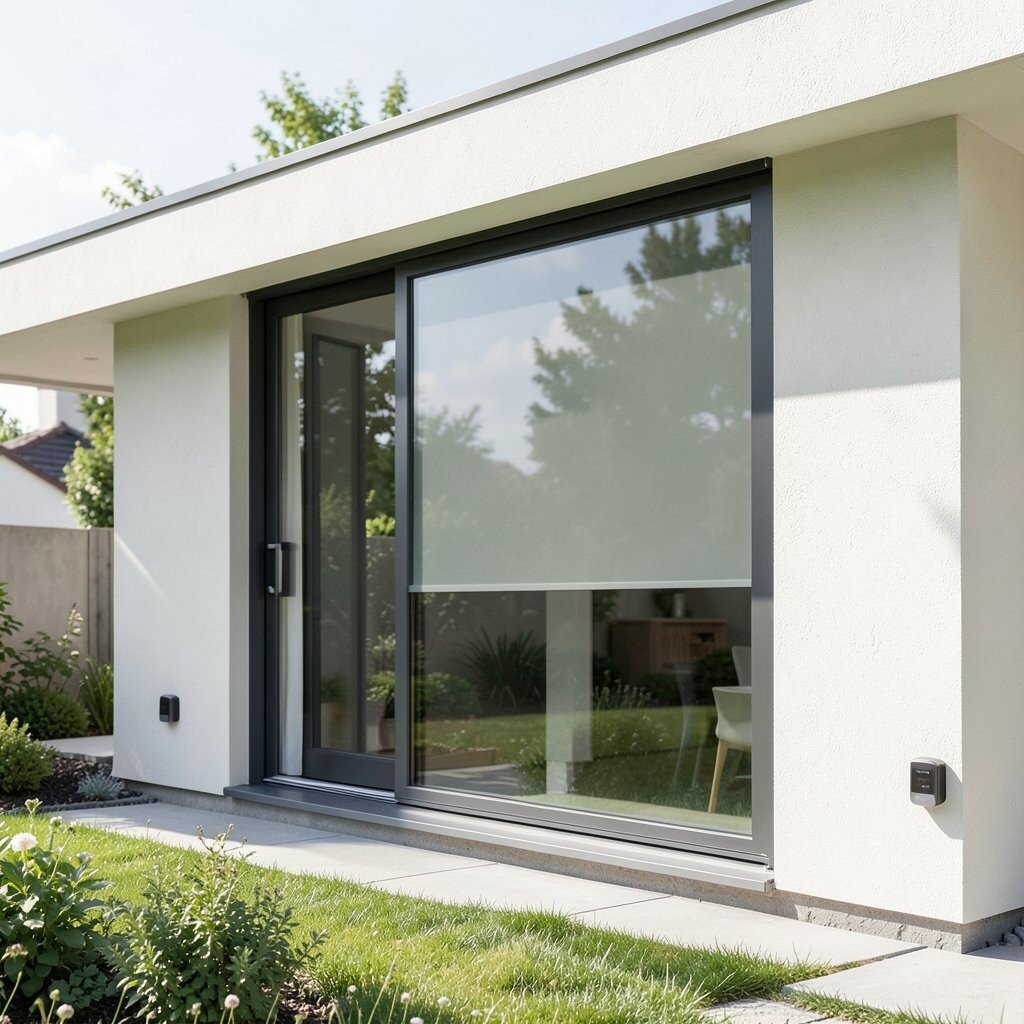
Think about how comfort can change with the right sun control. Some smart window solutions and sensor-based systems help manage heat gain and glare.
They can reduce strain on your cooling system, especially in bright rooms. Place sensors near windows so the system reacts to the real lighting conditions.
13. Add a Video Doorbell With Smart Alerts
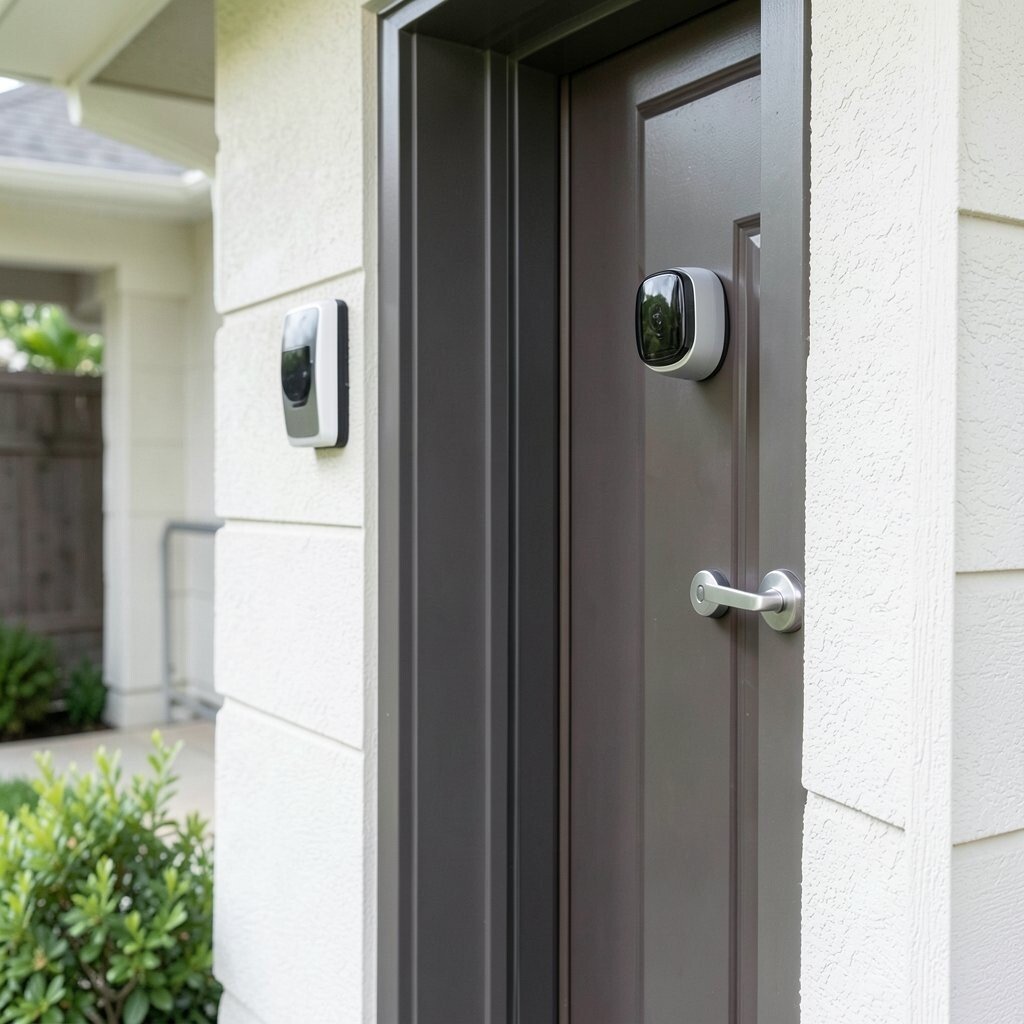
Imagine seeing who’s at the door even when you’re not home. A video doorbell adds visual coverage and can send alerts for motion or package delivery.
It can help you keep an eye on deliveries, and it also encourages safer behavior from visitors. Use privacy settings and motion zones so you don’t get constant alerts from passing cars.
To personalize, select camera angles that include walkways and mail areas. Set activity schedules so nighttime notifications are quieter. This can add both comfort and security without changing your entry layout.
14. Put Smart Sensors in Key Spots for Better Comfort
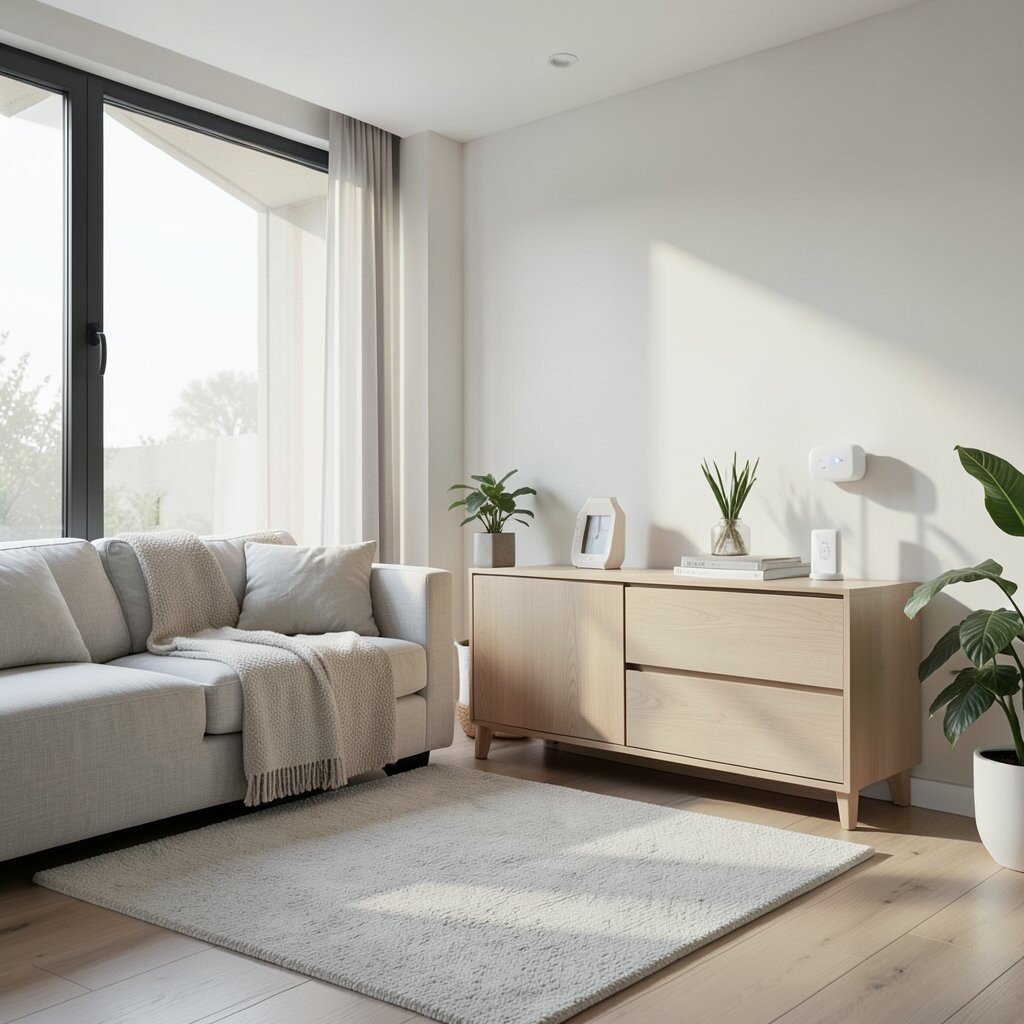
Picture your home feeling “just right” without constant thermostat changes. Temperature and humidity sensors can show you what’s happening in different rooms.
Use them to adjust ventilation, comfort settings, and dehumidification when needed. Pair the sensor data with automation so the system responds more thoughtfully.
15. Choose Smart Ceiling Fans for Year-Round Comfort
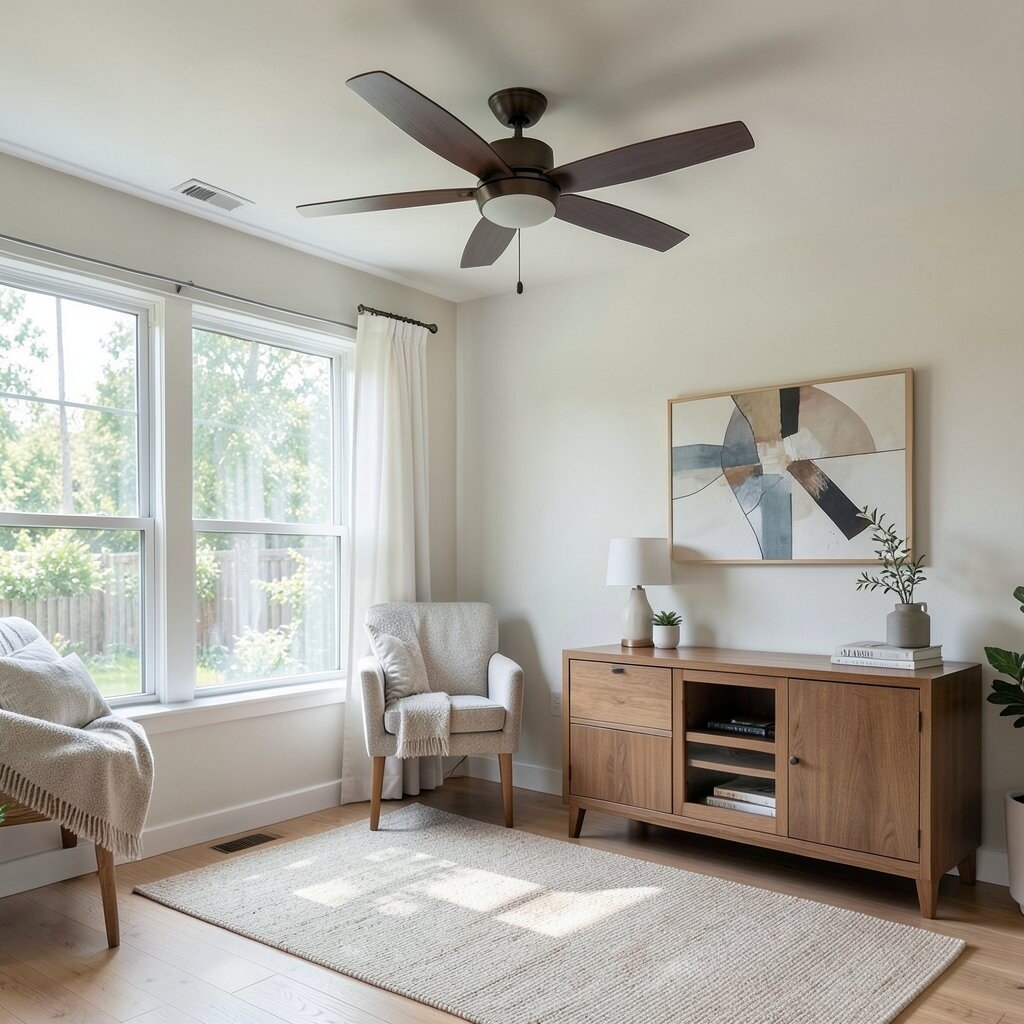
Imagine gentle airflow that makes your rooms feel cooler in summer and warmer in winter. Smart ceiling fans can help you manage temperature and air movement with schedules and remote control.
Running fans strategically can reduce how much your HVAC system works. For practical setup, make sure fan blades and airflow direction fit the room’s layout.
If your budget is tight, start with one or two key rooms like the living area and primary bedroom. Look for models with quiet motors so the sound stays unobtrusive. Personalize by setting fan speed levels to match relaxing evenings versus working hours.
16. Add Smart Kitchen Appliances That Fit Your Habits
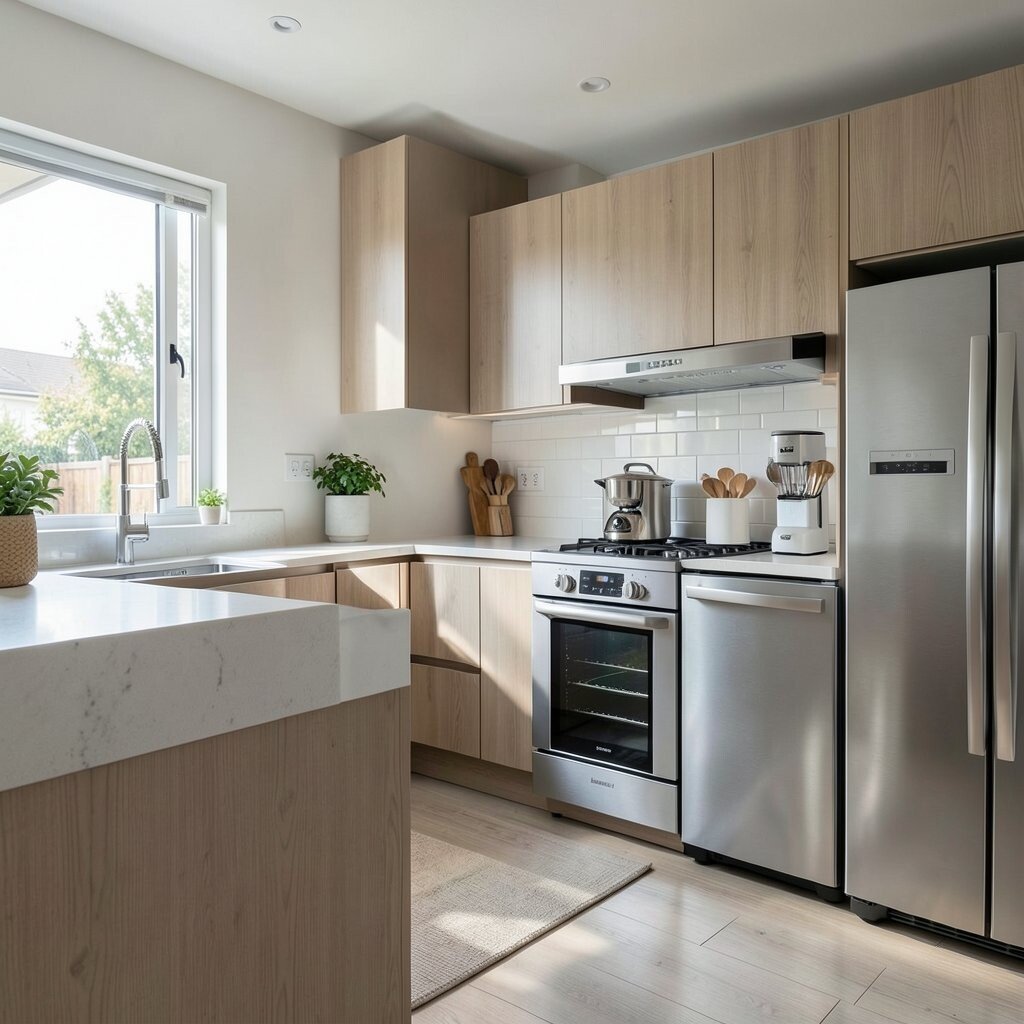
Picture cooking while your home gently supports you behind the scenes. Smart ranges, ovens, and coffee machines can offer timed control and status updates from your phone.
They help you avoid overbaking and can make mornings easier when you’re busy. Focus on one appliance that solves a real problem you face daily.
For personalization, connect the appliance routines to your schedule so dinner prep starts when you usually arrive home. Check for compatibility with your network to avoid frustration. Even one smart upgrade in the kitchen can feel like a big improvement because you use it often.
17. Use Smart Switches and Dimmer Controls for Each Room
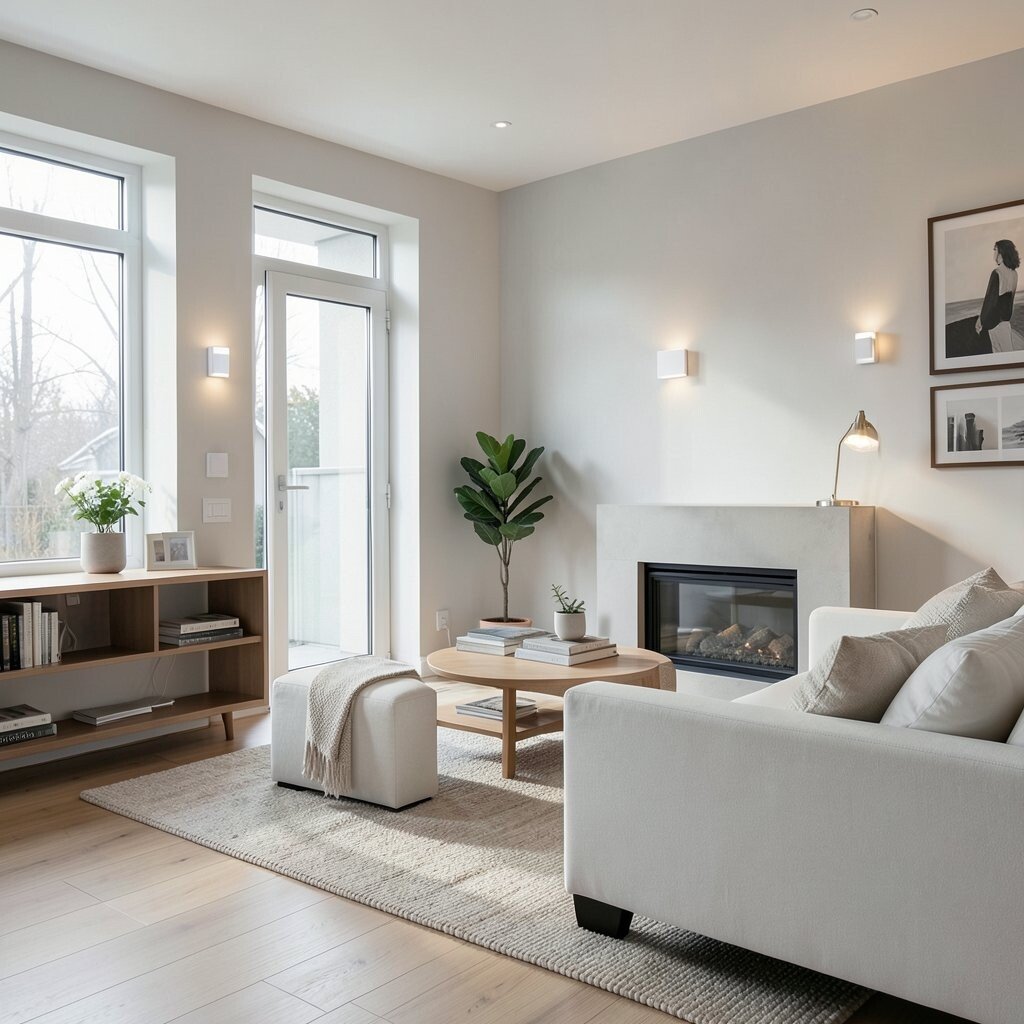
Think about how easy it is to fine-tune lighting instead of choosing one fixed brightness. Smart switches and dimmers can let you control lights from anywhere and create smooth scenes.
They’re especially helpful when you want porch, hallway, and stair lighting to feel safer at night. Choose multi-location support if you have switches in more than one spot.
18. Create a Home Office With Smart Ventilation and Lighting
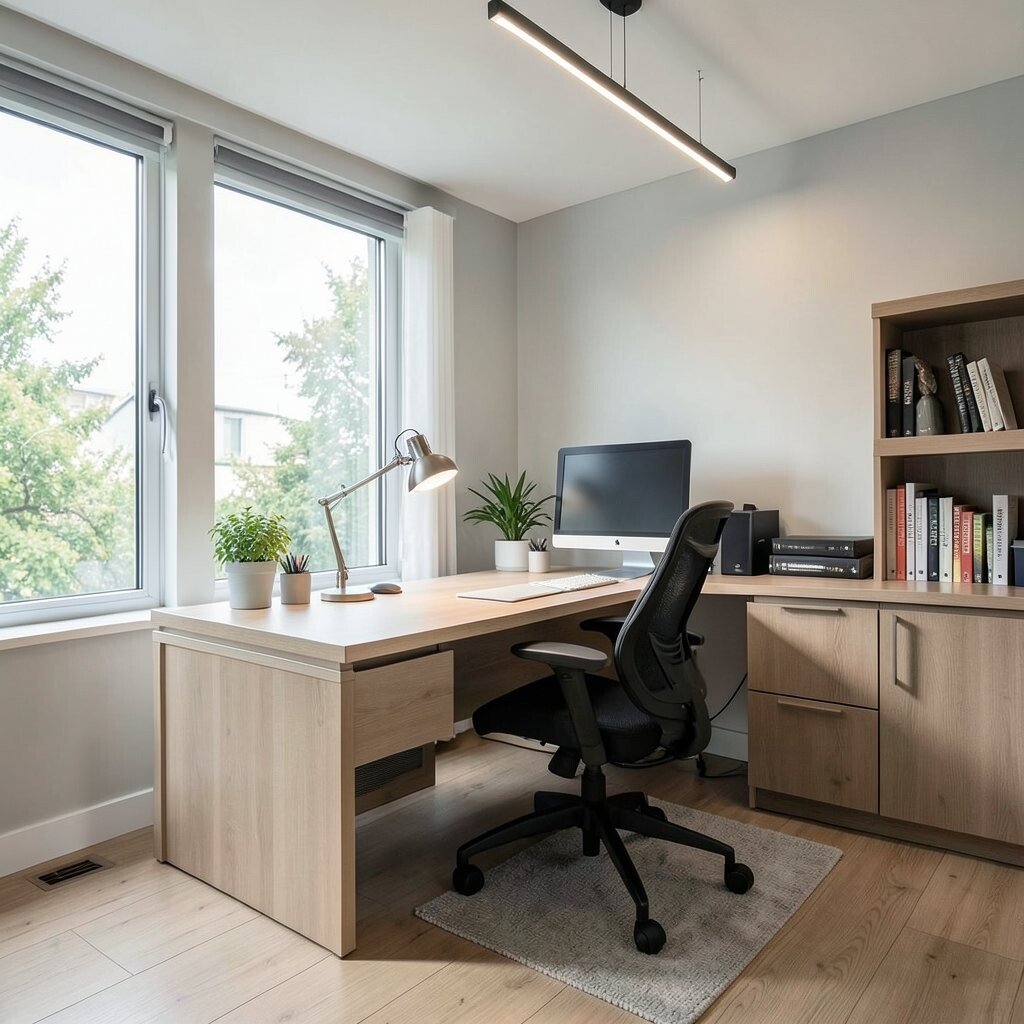
Picture a workspace that stays comfortable while you focus. Smart ventilation fans and controllable lighting help your office feel less stuffy and more pleasant.
Set lighting presets to reduce eye strain, like brighter levels for tasks and warmer tones for breaks. Pair ventilation with occupancy or time schedules so air flow supports your workday without running nonstop.
For practical personalization, position sensors near your desk and use automation for the time you usually start and stop working. If your budget is moderate, start with a smart lamp or smart switch before upgrading ventilation. A more comfortable office can make remote days feel easier and less tiring.
19. Upgrade Your Water Heater With Smart Scheduling
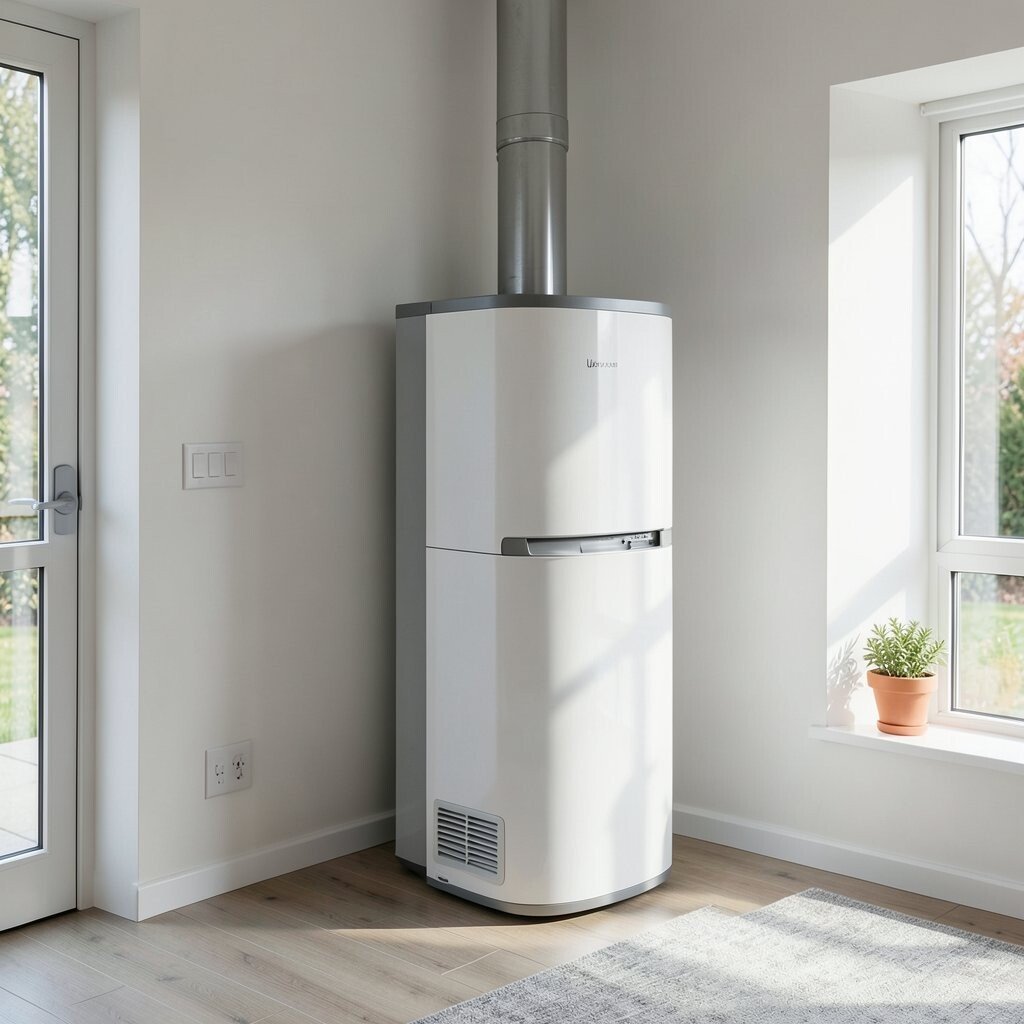
Imagine hot water available when you need it, without heating all day. Smart water heater controls can help manage temperature and recovery timing based on household patterns.
This can reduce energy use while still keeping comfort steady. Set schedules around your morning showers, evening baths, and weekend routines.
20. Add Smart Motion-Activated Exterior Lights
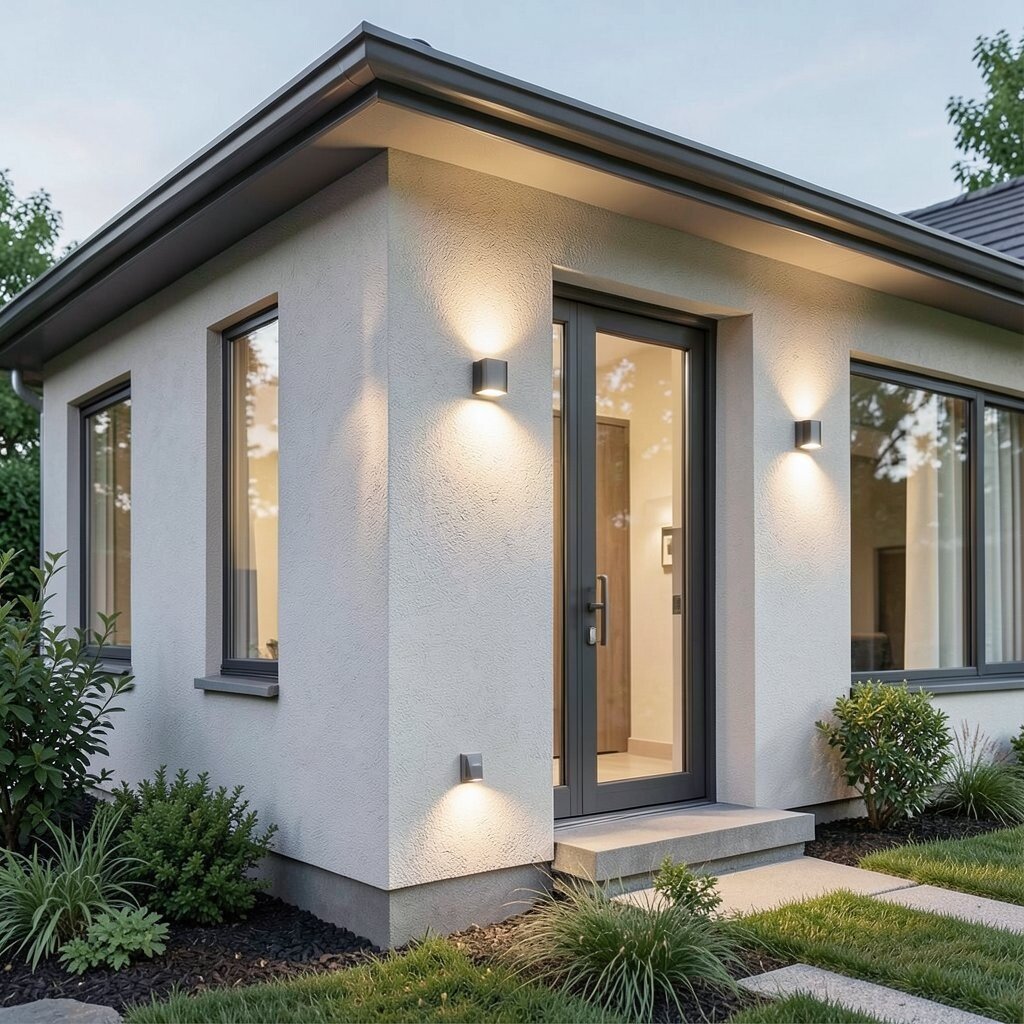
Picture walking up to your home and having the path light up automatically. Smart exterior lights can improve safety and help deter unwanted visitors.
You can aim lights to cover steps, garage doors, and side walkways while keeping glare low. Use adjustable sensitivity so trees, pets, and passing shadows don’t trigger everything.
21. Make Smart Security a Whole System With Habits
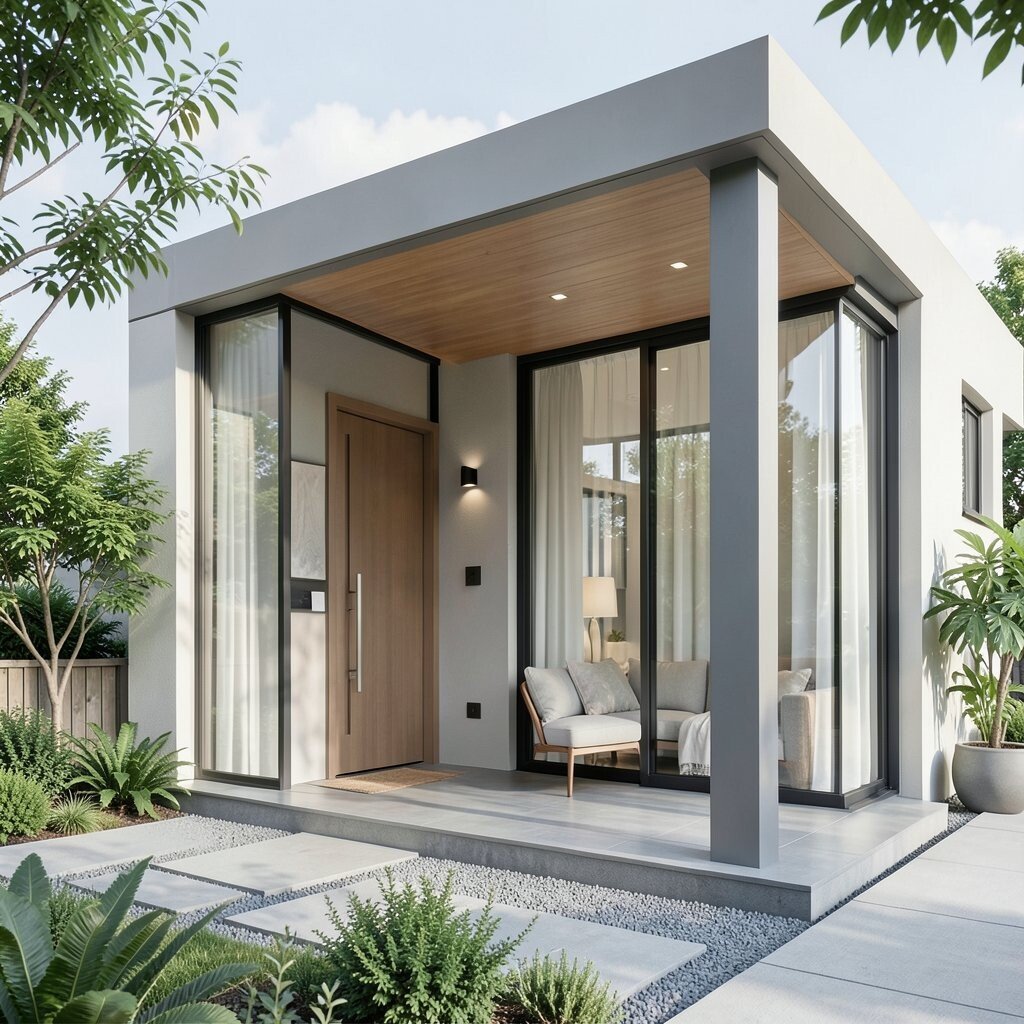
Imagine feeling confident because your home alerts you when something matters. Combining smart sensors, cameras, and automation routines can help create layered security.
Set modes for day, night, and vacation so lights and notifications behave the way you want. For personalization, design routines around your lifestyle, like arming sensors after you leave for work.
When it comes to cost considerations, start with the areas you care about most and expand as you learn. Focus on good placement and reliable connectivity because hardware works best when it’s installed thoughtfully. A smart security setup doesn’t need to be overwhelming to feel powerful.