
The computers in your lab can feel like a playground when activities are planned well. Small changes can make students curious, calm, and excited to work.
These ideas mix fun visuals with real skills so learning feels like play. Each one is easy to set up and invites students to personalize their results.
1. Start With A Mystery Photo Story
Show a blurry photo on the main screen and give students time to guess what might be happening. Then they write a short story that matches the photo’s mood and details they notice.
Students can use drawing tools or simple slides to add captions, arrows, and sound effects. This builds observation, vocabulary, and writing clarity while giving visual learners a strong entry point.
2. Build A Class Newsroom With Roles
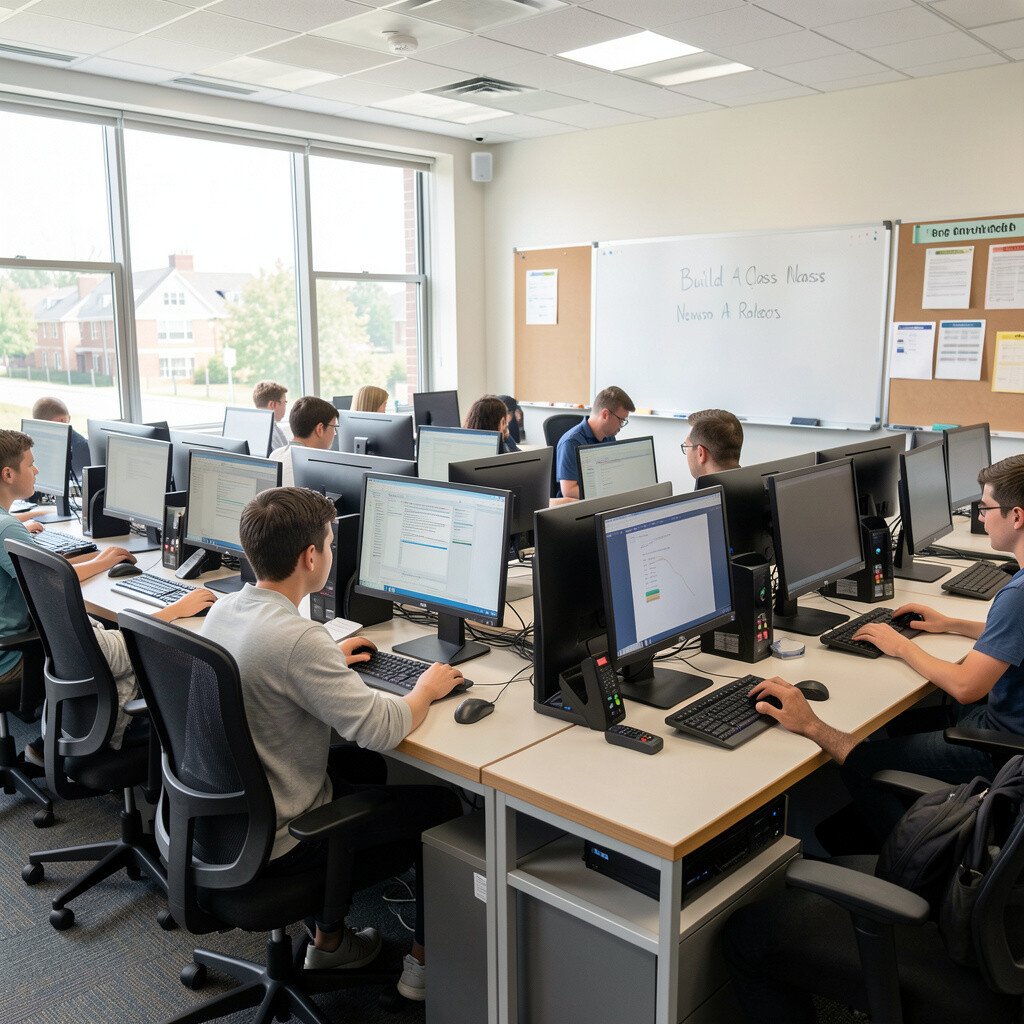
Create a digital “news day” where students rotate through roles like reporter, editor, and camera person. They draft short articles and choose images that fit each headline.
On a shared document, they review each other’s work using friendly checklists for spelling and clarity. The room feels energetic when everyone sees their byline and improves based on real peer feedback.
For practical setup, keep topics simple, like school events, weather, or local history. Students can personalize by using their own names, selecting themes, and adding a favorite style for headlines.
3. Run A Keyboard Quest With Timed Practice
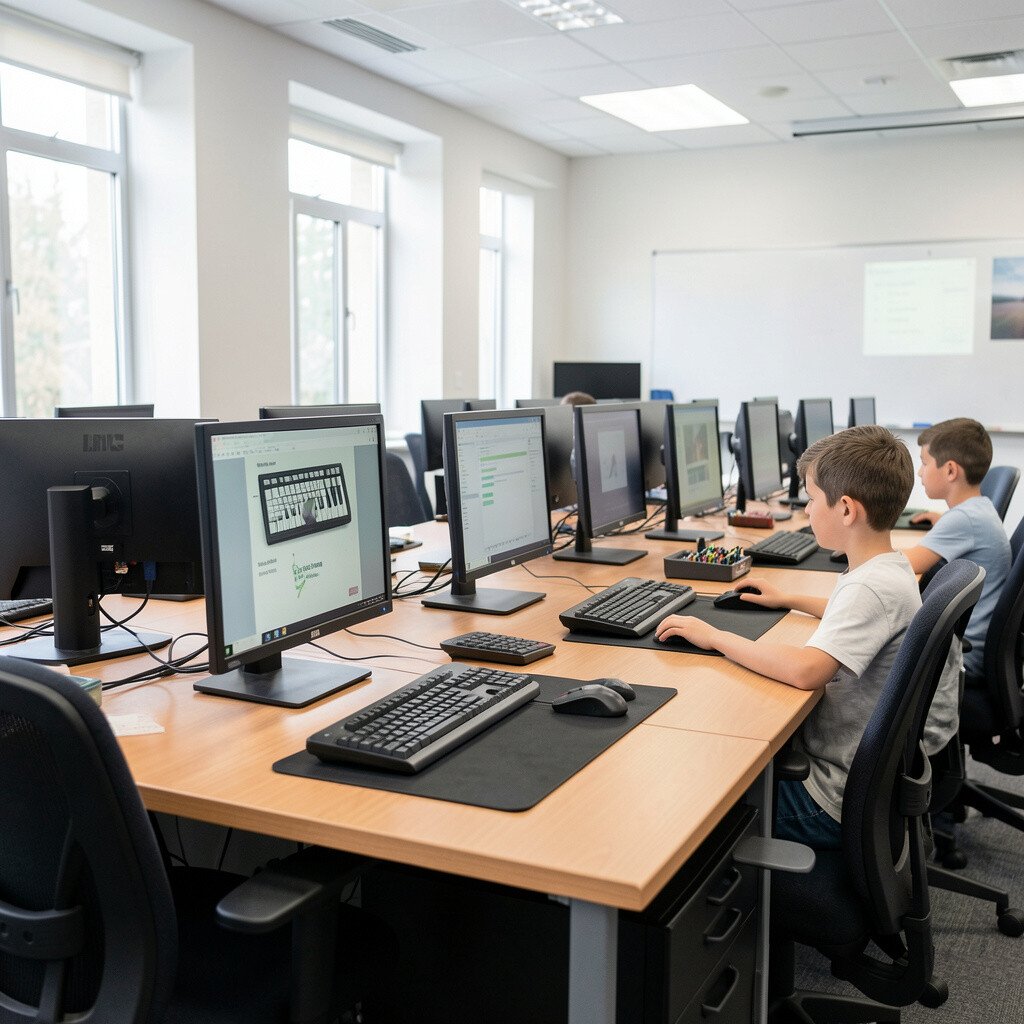
Set up a game-like typing challenge where students earn points for accuracy and steady rhythm. Display their progress as a colorful bar so they can see improvement fast.
Pair students for short rounds so they can cheer each other on. This supports fine motor skills, focus, and confidence without making practice feel like punishment.
To keep it fair and low-stress, allow a “practice mode” with no score for first attempts. You can also let students choose topics for custom sentences, such as sports, animals, or space.
For cost control, use free typing tools or built-in practice websites that don’t require paid accounts. Current trends favor short bursts, so run quick sessions instead of long marathons.
4. Make Interactive Posters With Hotspots
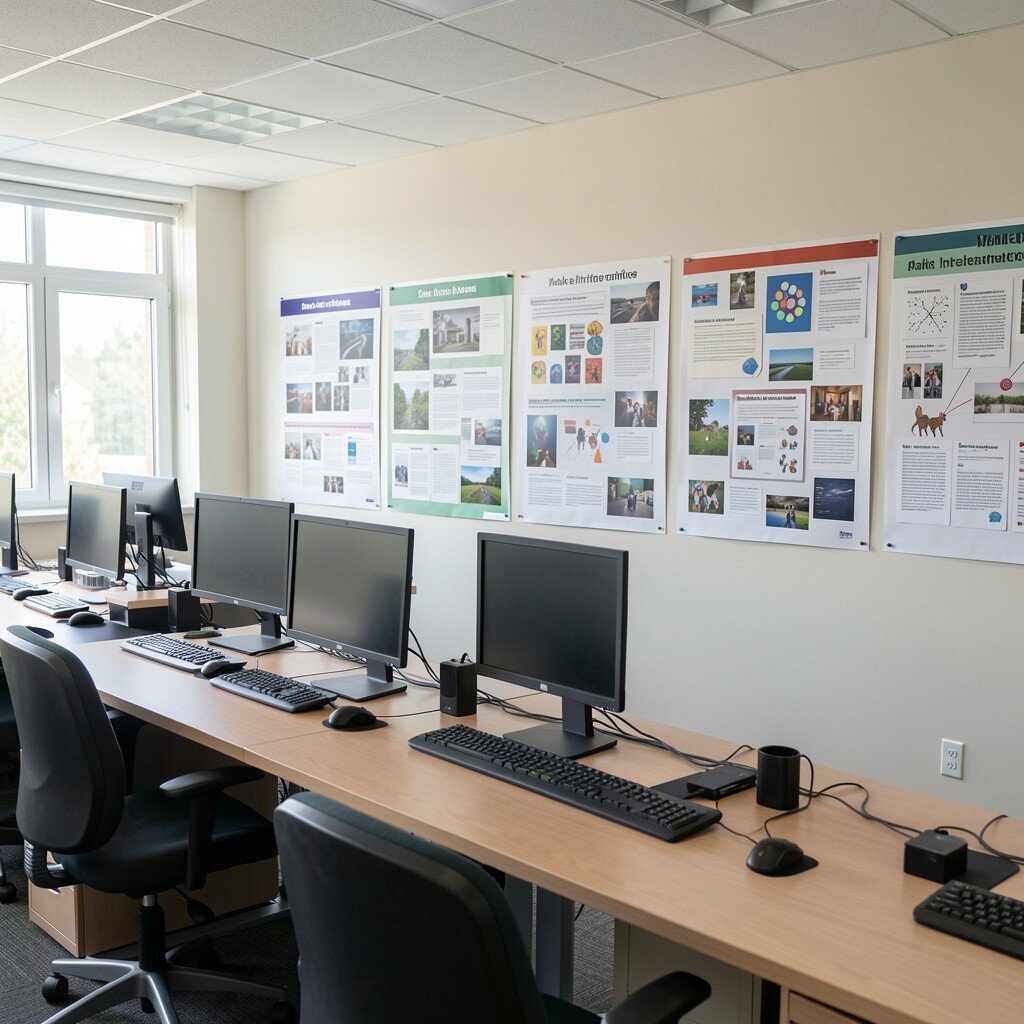
Have students create digital posters with clickable hotspots on important parts like labels and facts. They can link text boxes, audio notes, or mini quizzes to different areas of the design.
As they build, they learn how information connects and how navigation works. The visuals look bright and student-made, which helps motivation stay high.
5. Design A Choose-Your-Own-Adventure Game
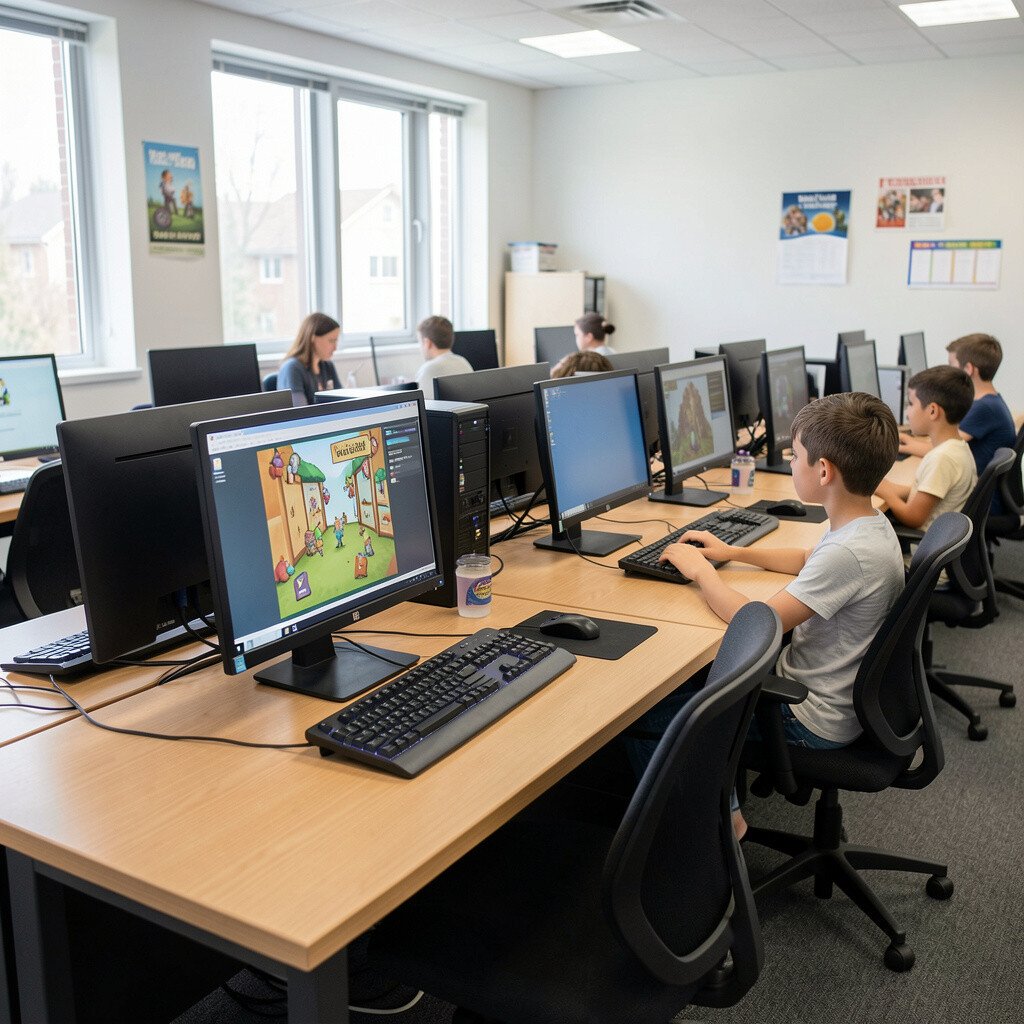
Students write branching story paths and then turn them into a simple game using presentation links or basic coding blocks. Each choice should change the next screen, so the story feels alive.
Work in small teams so students split tasks like writing, drawing, and testing. This strengthens logic, reading comprehension, and digital storytelling in a way that feels playful.
For practical tips, start with a story template and require only a few decision points. Students can personalize the theme with their interests, like mystery, cooking, or magic.
6. Try A Real-Time Math Art Generator
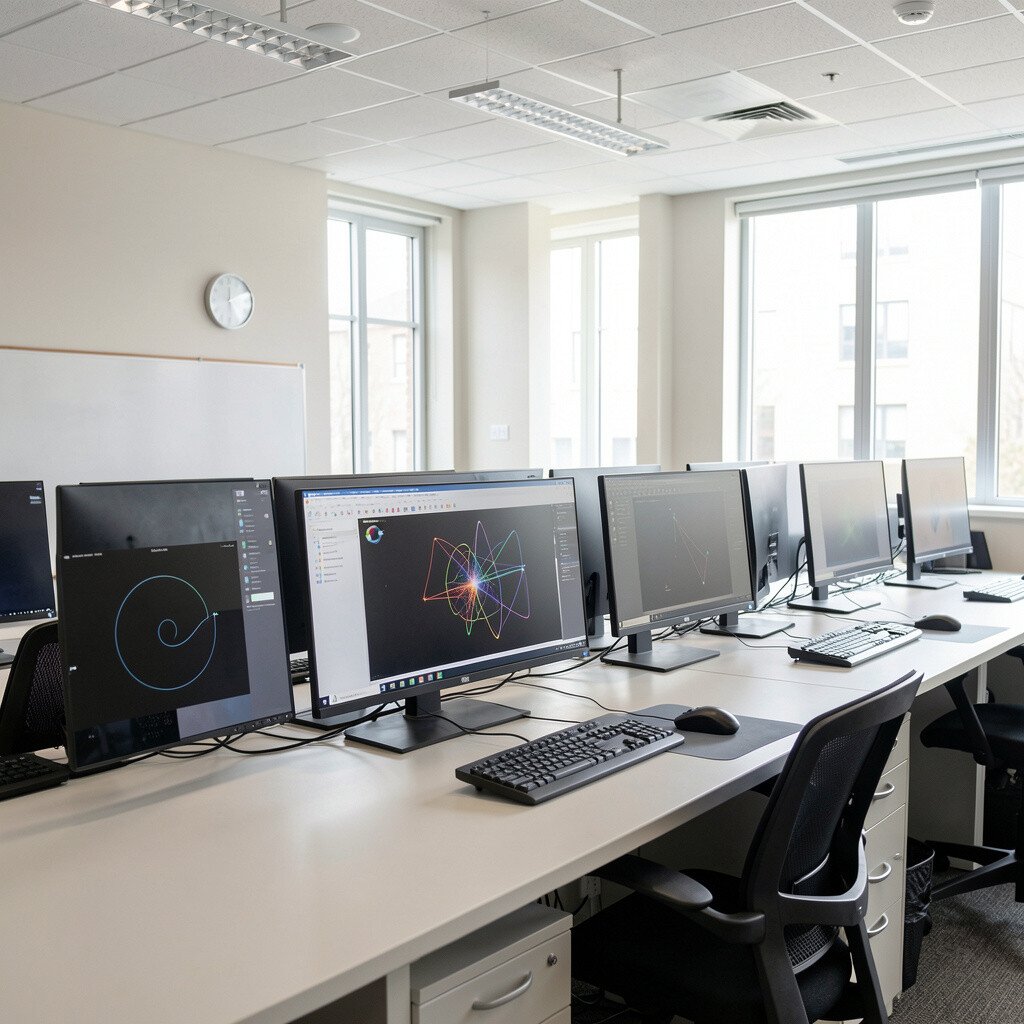
Use a math art tool where students adjust sliders to create patterns and shapes. They watch how numbers change colors and symmetry, like watching sand form neat designs.
When students explain why a pattern looks the way it does, they practice reasoning and math vocabulary. This idea blends creativity with number sense and gives students a visual way to understand equations.
7. Host A Digital Escape Room
Set up a sequence of puzzles that lead students to a final message on the computer. Clues can include riddles, cipher wheels, short video segments, or hidden links in a webpage.
The escape format keeps energy up because students feel like detectives. You can support different skill levels by giving hints that unlock only after a team tries for a while.
For uniqueness, build puzzles around what your class is studying, like fractions, history timelines, or science vocabulary. Students can even create a room for a partner class, which turns learning into a shared project.
8. Create A Meme Lab For Language Skills
Students make memes that use vocabulary words correctly and follow a simple style guide. They must include clear context so the joke teaches something, not just looks funny.
Then they swap creations and write feedback about wording and tone. This strengthens writing, grammar awareness, and critical thinking while keeping the mood light.
9. Map Your Classroom In A Storyboard
Have students take simple photos around the computer lab and build a digital “tour” with narration. Each stop can include what students should do there, like how to log in or share files.
Students learn basic digital citizenship and organization as they describe how technology works in their space. Visual descriptions help new learners remember routines quickly.
Let them personalize by adding different “tour styles,” like superhero mode, nature documentary, or sports commentary. For cost, use devices you already have and free slideshow or website tools.
This also fits current trends toward student-created instruction that feels real and relevant.
10. Build A Trading Card About A Scientist Or Character
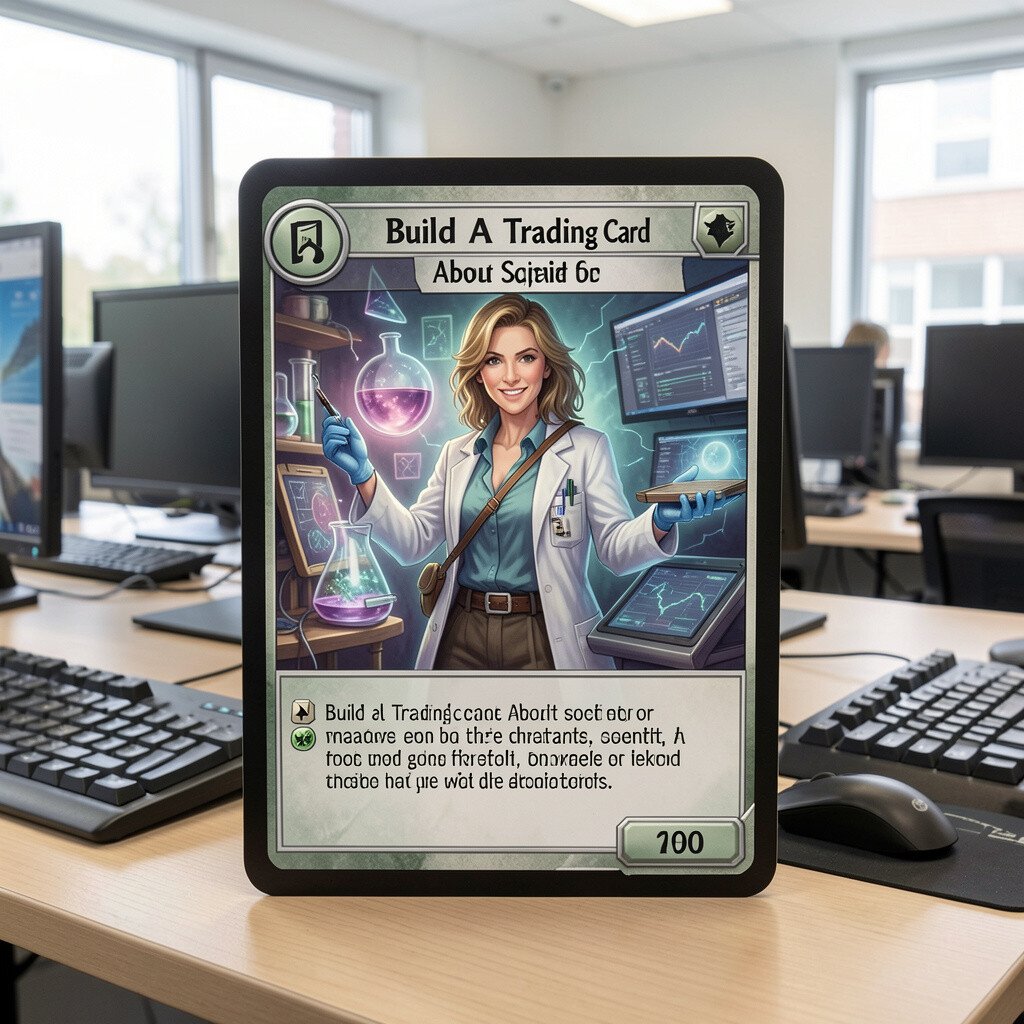
Students design collectible cards with facts, a short biography, and a “power move” related to the topic. The front can include an illustration, while the back includes key details and citations if needed.
Card design pushes students to summarize information and communicate it clearly. The colorful format makes studying feel like collecting rather than memorizing.
11. Create A Study Playlist With Explanations
Students choose a short audio track or sound effect and pair it with a study skill they practice. Then they record a brief explanation of how the sound helps focus.
This supports metacognition, because students learn to describe what works for them. It also builds audio recording confidence and helps students take ownership of learning habits.
For personalization, let them match the sound to their mood, like calm rain or upbeat rhythm. Keep cost low by using free sound libraries and school-approved recordings.
It aligns with the trend of personalized learning, where students justify their choices using evidence from their own experience.
12. Make A Timeline That Can Be Clicked
Have students build an interactive timeline with events they choose and add. Each event includes a picture, a short summary, and a “why it matters” sentence.
Students learn sequence, cause and effect, and the habit of citing sources for facts. Visual timelines help students see patterns across time instead of isolated dates.
13. Try A Simulation Walkthrough For Science
Use a science simulation where students change variables and observe outcomes. They record what happens, using screenshots and short explanations.
Students gain deeper understanding because they can test ideas without waiting for real materials. The visual feedback makes it easier to notice patterns and correct misconceptions.
For practical tips, give them a mini worksheet with three questions and one required screenshot. Personalize by letting students pick a theme, like ecosystems, weather, or motion.
14. Create A Digital Field Journal With Checklists
Students collect observations from a classroom activity, then enter them into a digital journal. They can attach notes, pictures, or short videos of results they see.
This builds organization and scientific habits like documenting evidence. The journal format also helps students track progress across sessions.
15. Run A “Fix The Bug” Mini Challenge
Prepare simple projects that have small mistakes, then students identify and correct them. They can work in teams while the teacher keeps a timer for quick practice rounds.
Students learn debugging as a calm skill, not a scary mystery. The room feels satisfying when their corrected code finally works, like finishing a puzzle.
For personalization, allow students to add an extra improvement after they fix the bug. If you worry about cost, use free coding platforms that run in a browser.
16. Design A Poster Using Accessibility Choices
Give students a topic and ask them to design a poster that is easy for everyone to read. They must use readable fonts, strong contrast, and clear icons.
This strengthens awareness of accessibility and improves design thinking. Visual students especially benefit because the poster becomes both informative and user-friendly.
Make it actionable by giving quick constraints, like minimum font size and a required color palette. Students can personalize by choosing a theme, such as ocean colors, space neon, or warm classroom tones.
17. Host A Debates Podium With Evidence Clips

Students select a debate topic and build an argument using short evidence clips or articles. They then record a short speech with a clear claim and supporting details.
Recording helps students practice speaking, structure, and calm delivery. The visuals of their own presentation also encourage reflection after the activity.
18. Make A Board Game Using Templates

Students design their own board game rules and create a digital version using design or presentation software. They should include a goal, steps, and spaces with prompts or challenges.
When they test each other’s games, they learn clear instructions and fairness. The activity feels unique because every group’s theme and mechanics can be different.
For practical tips, set a simple rule limit and require playtesting notes. Students can personalize with character art, custom dice designs, and theme music using free sound effects.
19. Create A Digital Gallery Walk With QR Links
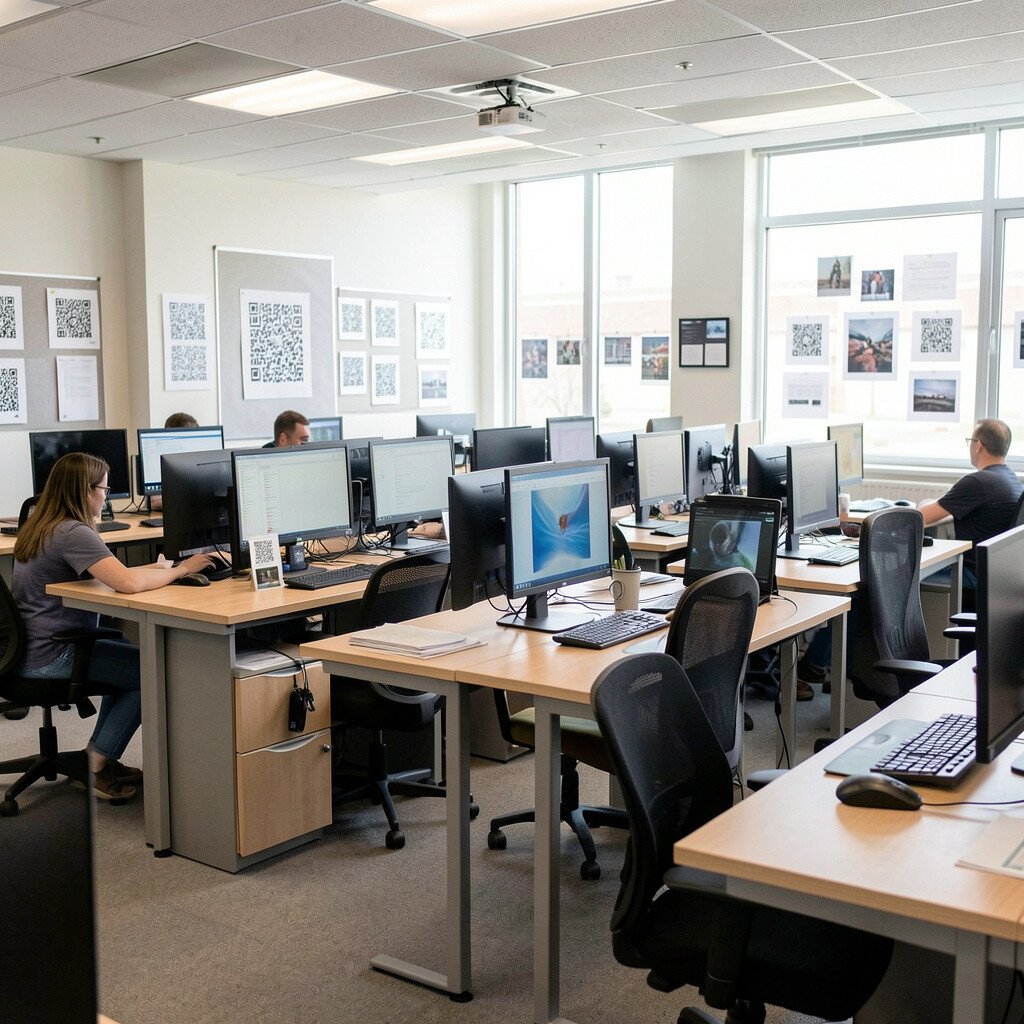
Display student work on screens and create QR codes that open explanations on the device. Students walk around, scan, and leave positive feedback comments.
This teaches digital communication and careful feedback without turning criticism into drama. The visual gallery layout makes the lab feel like a real museum.
Cost considerations are friendly here since QR codes can be generated for free. For personalization, encourage students to include one image, one fun fact, and one question for the viewer.
Current trends highlight show-and-tell learning, and this format supports it naturally.
20. Build A Weather Dashboard From Real Data
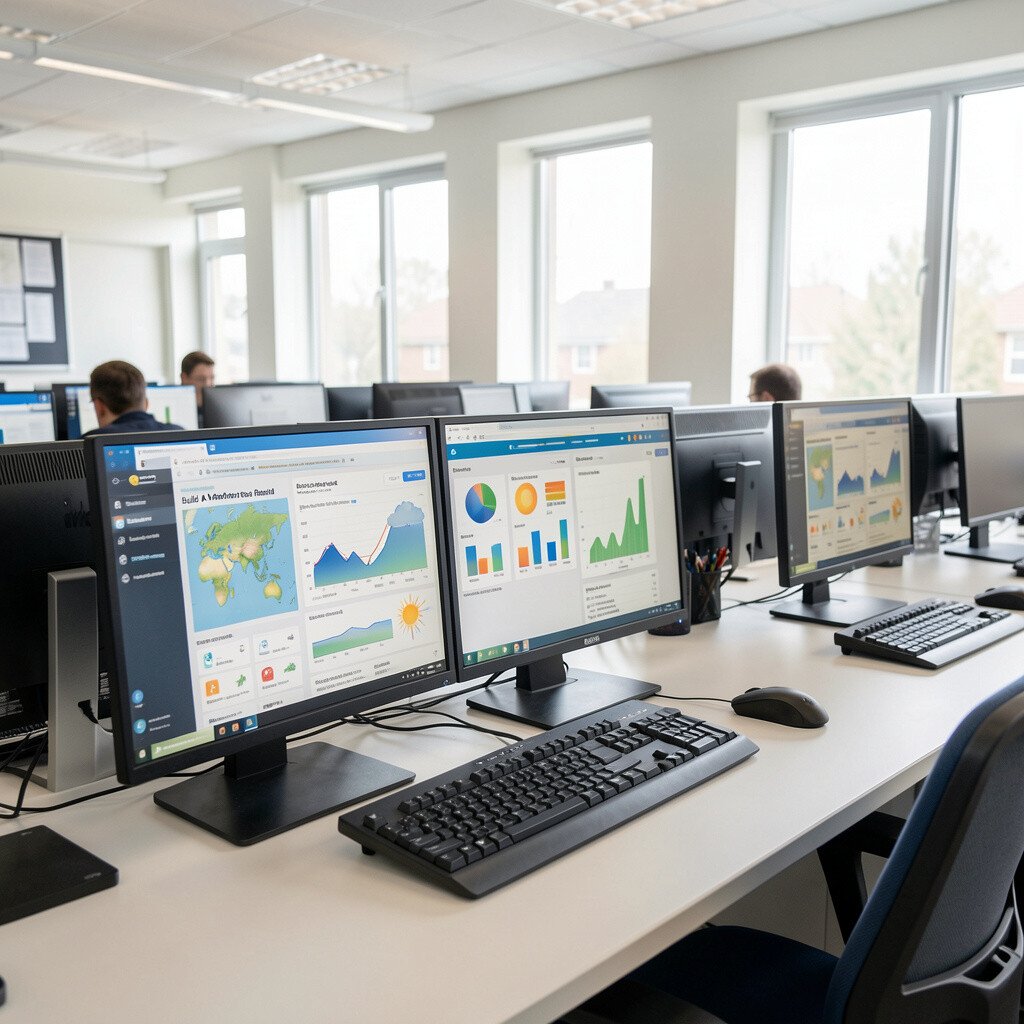
Students gather simple weather data through a free source and build a dashboard with charts. They can highlight temperature trends, describe patterns, and make a small forecast for class discussion.
Using real data supports math skills, science habits, and the ability to explain evidence. The visuals of changing charts make students want to return to the project each day.
21. Practice Digital Citizenship With Role-Play Scenarios
Show realistic scenarios about online behavior and let students choose responses on the computer. After they pick an action, they must explain why it is respectful, safe, and appropriate.
Role-play builds social understanding while teaching practical safety rules. It also helps students learn how to ask for help when something feels wrong.
To keep it engaging, use colorful scenario cards and allow students to submit answers with short audio or text. Personalization comes from letting students use examples from their own school life and discussing what would work best.
This idea fits modern classrooms where students need clear guidance for online tools and communication.
22. Design A Class Wiki Page For Quick Help
Students create a shared wiki or help page that explains lab routines, common problems, and how to submit assignments. Each section can include screenshots and short steps in simple language.
Over time, the wiki becomes a living resource that supports independence. It also gives students ownership, because they feel responsible for making the lab run smoothly.
For practical tips, limit each page to a few steps and require at least one visual. Students can personalize by adding friendly examples, like “click here” arrows and class-friendly phrases.
To manage cost, use free wiki or website tools that work on school accounts and allow easy editing.