A monitor can be more than a screen. It can set the mood for your whole day.
With a few smart changes, you can make your workspace feel calmer, brighter, and more like you.
1. Floating Shelf Setup With Cable Clarity
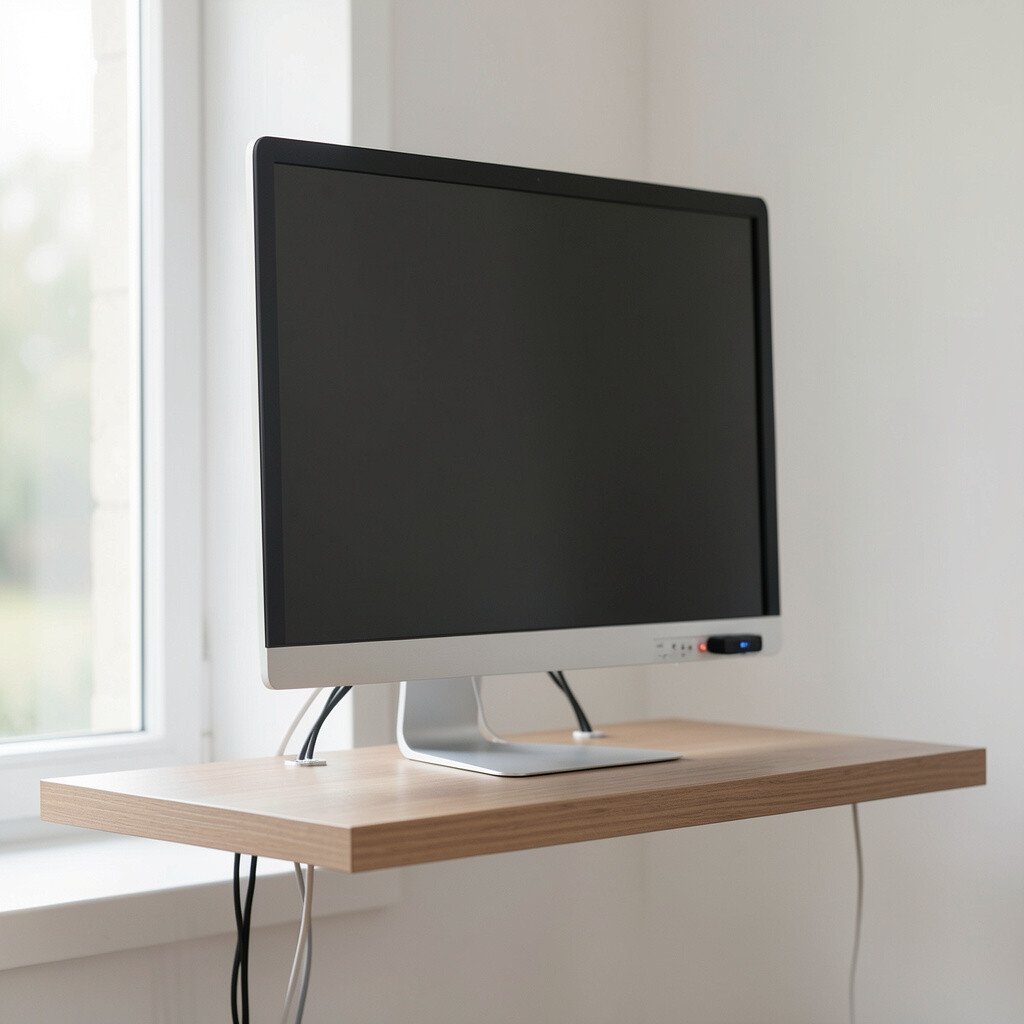
A floating shelf turns your monitor into the center of the room without taking up desk space. When you add a neat cable route, everything looks calmer and easier to use.
Choose a shelf depth that leaves room for airflow behind the monitor. Use a simple under-shelf cable channel so power and video cords run in a straight line. Keep a small tool kit nearby for quick adjustments, like a microfiber cloth and a twist tie.
2. Warm Light Behind the Screen for Cozy Evenings
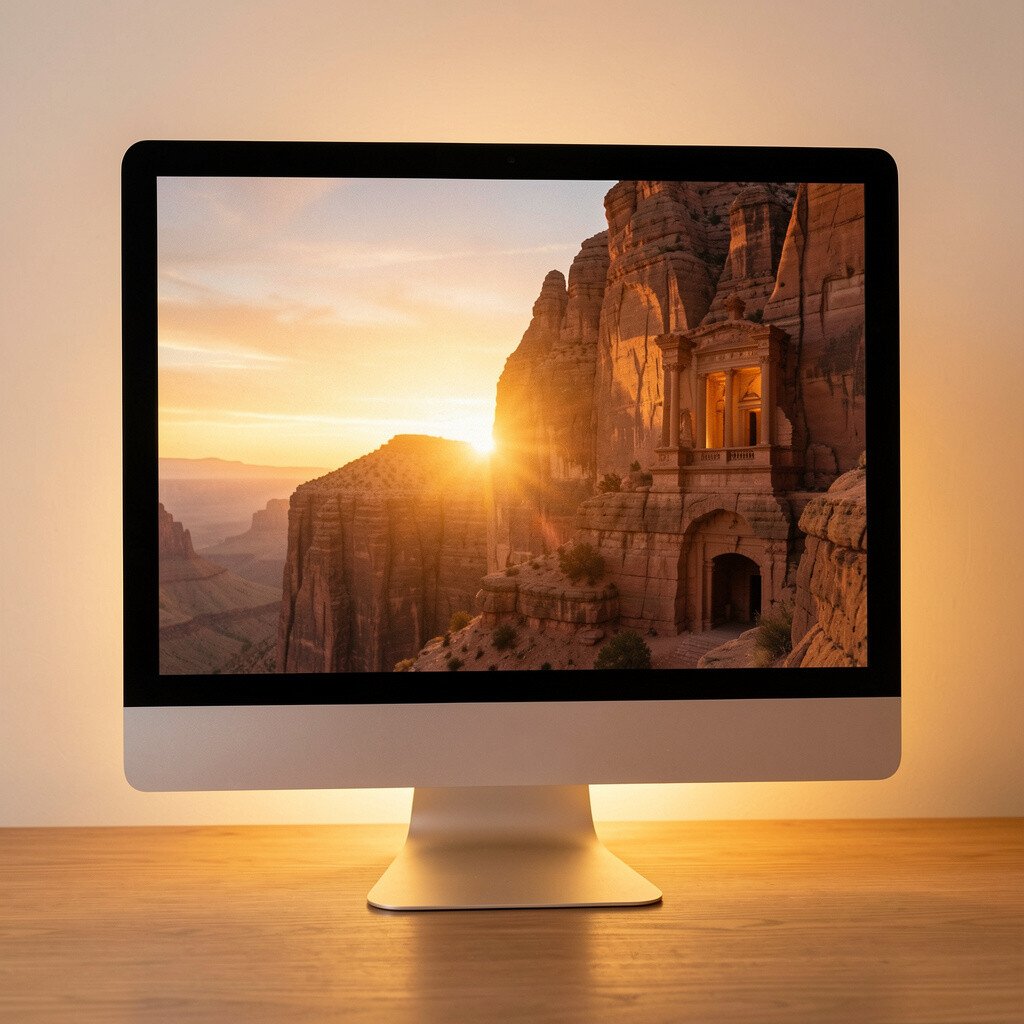
Backlighting makes your monitor feel like it belongs in your space, not just on your desk. A soft glow behind the display can also reduce glare during night sessions.
Try an LED strip with adjustable brightness and a color wheel that matches your room. Place it so the light spreads gently around the monitor edges. Use a warm white mode for reading tasks and a cooler tone when you want extra focus.
For cost control, start with a basic strip and upgrade later if you want smarter controls. Keep the brightness lower than you think you need so it supports your eyes instead of distracting you.
3. Adjustable Monitor Stand for Desk-Level Confidence
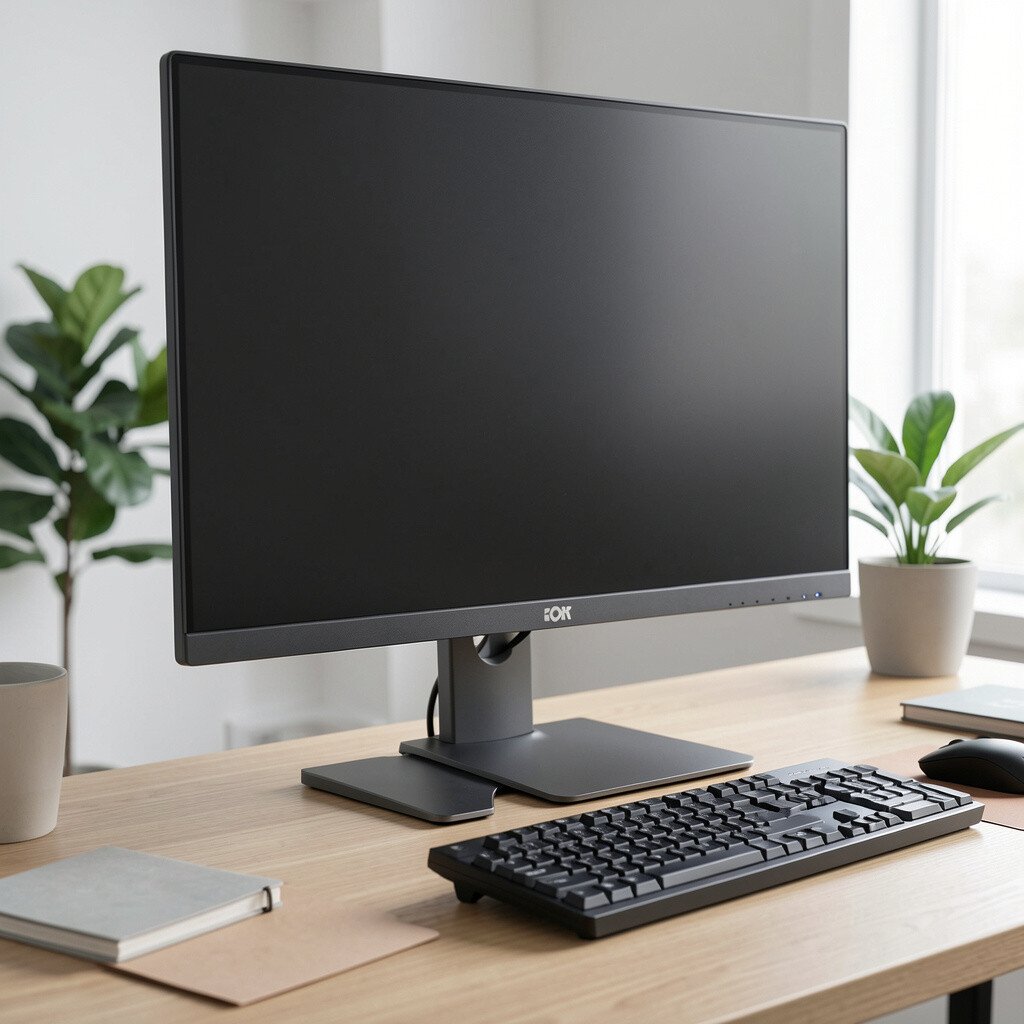
A good stand changes how your screen sits, and that changes how you feel while working. When the top of the display is at a comfortable height, your posture usually follows.
Look for stands that let you tilt, raise, or even switch to a different setup. Many people like a stand with a built-in shelf for keyboard storage or a small notebook.
You can also personalize the stand with a skin decal or a simple felt mat underneath to reduce desk vibration. If you share your desk, a stand that folds or slides makes cleanups faster.
Start with your most common task, like writing or video calls, then tune the angle for that routine.
4. Vertical Monitor Light Bar for Clean Focus
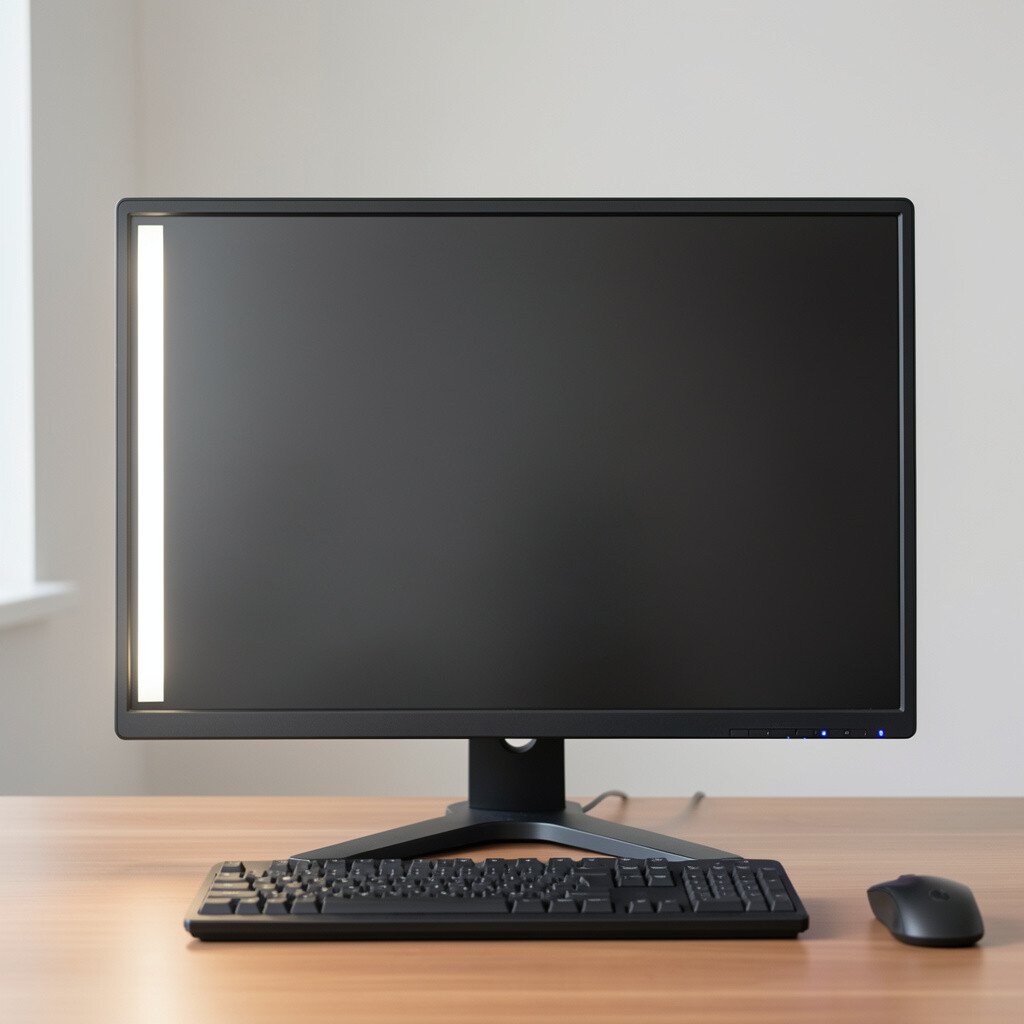
A slim light bar placed beside the monitor can brighten your workspace without lighting up the whole room. It creates a gentle “frame” effect around your screen.
Choose a bar with multiple color temperatures and a glare-friendly diffuser. Position it so the light lands on your desk area, not straight into your eyes. This is especially helpful for late-night gaming, drawing, or editing.
5. Gallery-Style Wall Behind the Monitor
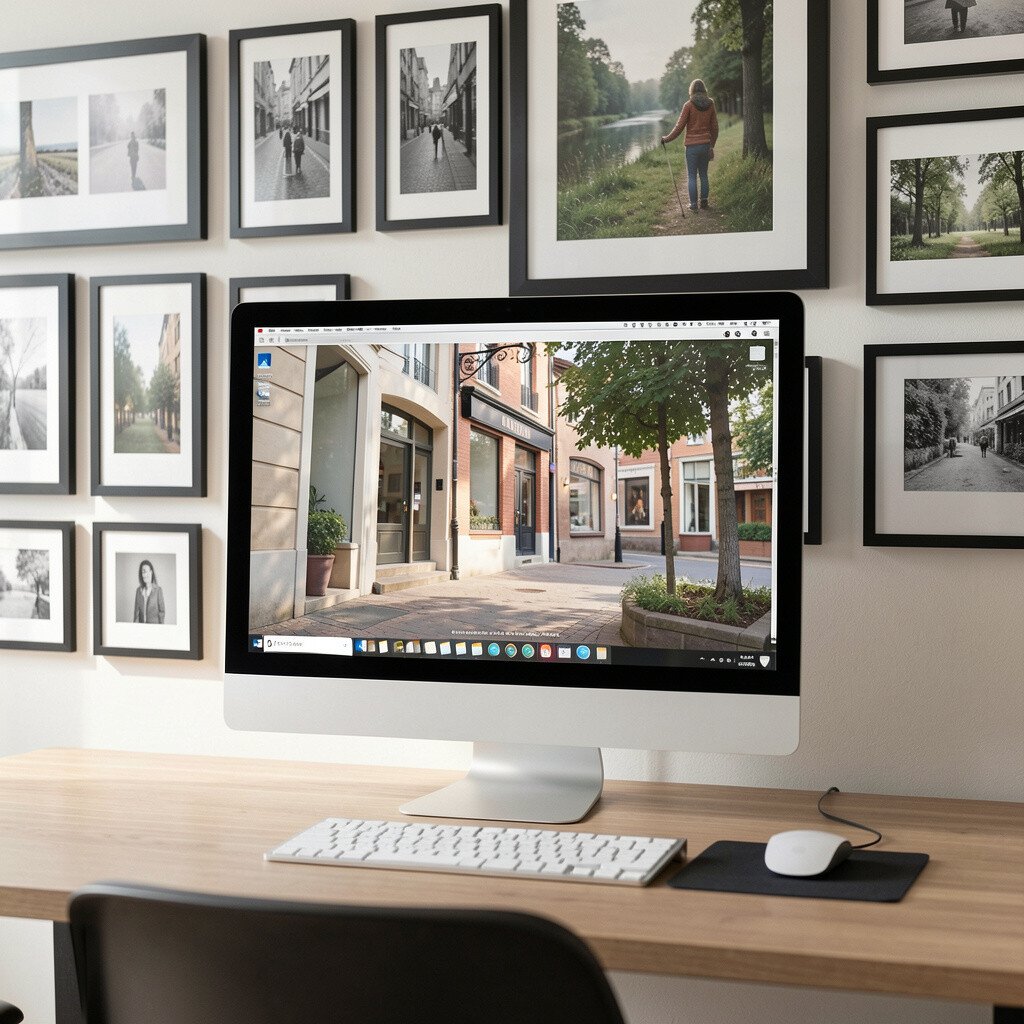
A wall behind your monitor can become a calm backdrop instead of blank noise. When you add a small gallery cluster, your eyes feel anchored between tasks.
Pick prints that support your workflow, like soft landscapes, simple abstract shapes, or photos with meaningful memories. Keep the palette near your room colors so everything feels intentional.
If you want it flexible, use frames that are easy to swap seasonally. For a practical touch, mount a cork board on the side for quick notes that never clutter your desk.
6. Desk Mat That Matches Your Screen Theme
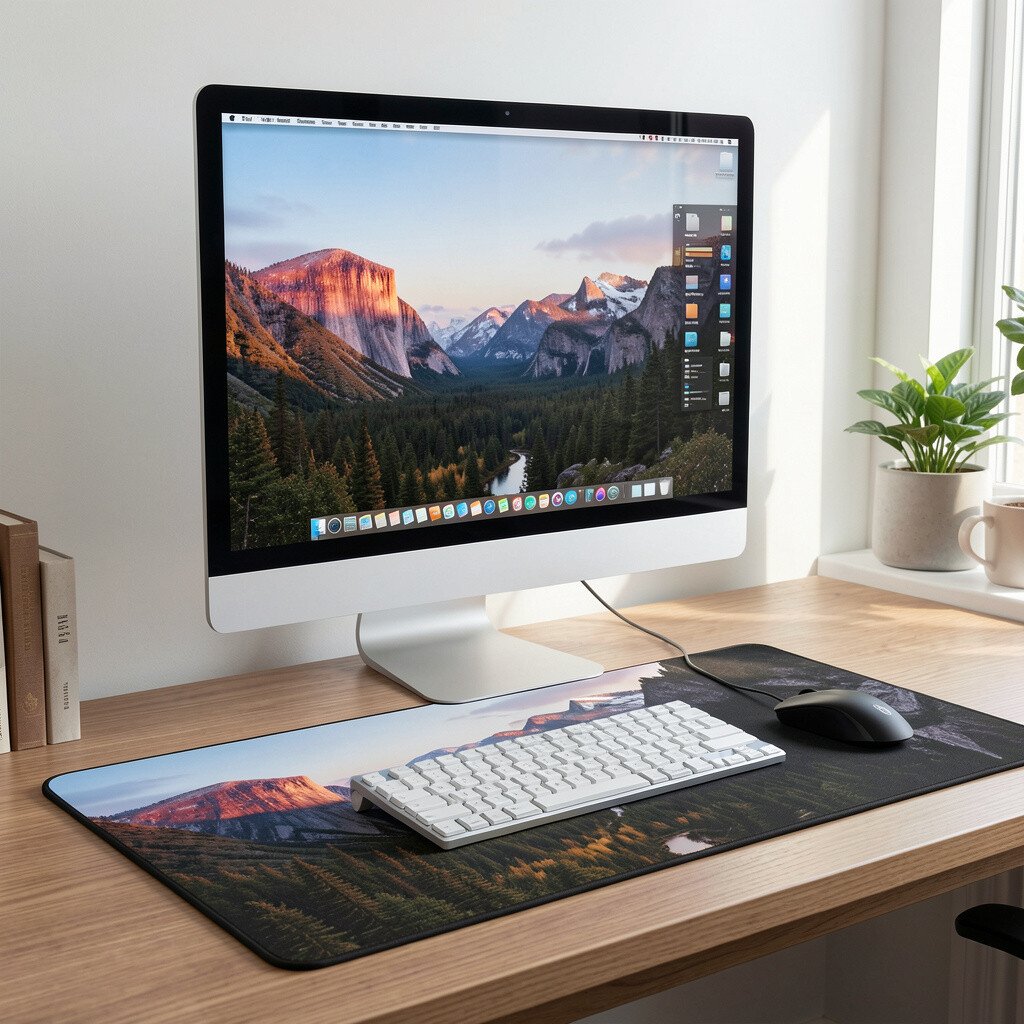
Your desk mat is the foundation of the whole setup. A well-chosen mat can make the monitor, keyboard, and mouse feel like one design.
Go for a texture you like to touch, such as smooth faux leather or a cozy fabric weave. If your monitor has a dark bezel, a mat with warm tones can add balance and comfort.
Try matching the mat pattern to your lighting, like subtle stripes for a modern vibe or solid colors for a clean look. To stay budget-friendly, measure your desk first and buy the largest size that fits so there are no awkward gaps.
7. Color-Matched Monitor Backdrop Using Removable Vinyl
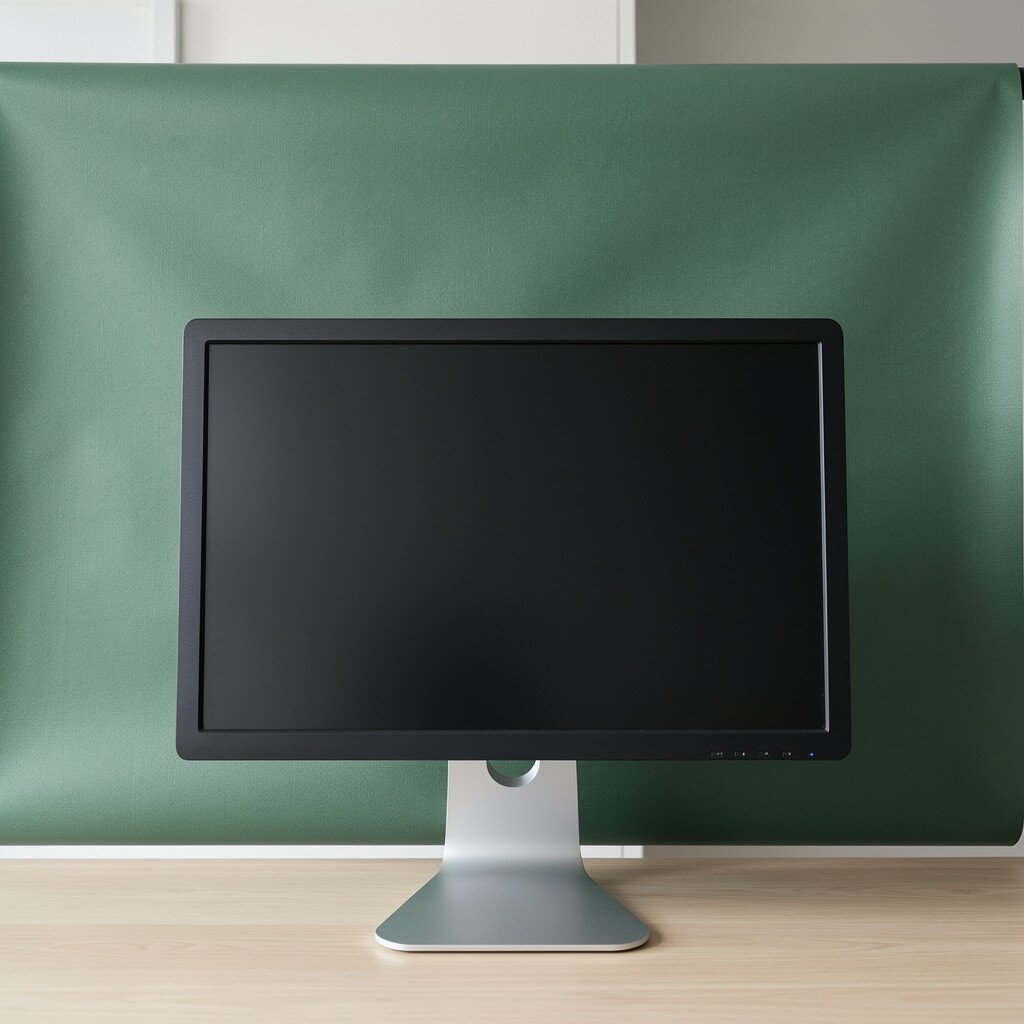
Removable vinyl is a fun way to add personality without making permanent changes. You can create a clean backdrop behind the monitor that matches your style.
Pick a simple design, like a gradient, a thin geometric pattern, or a solid color block that frames the screen. Apply it carefully around the area where your monitor sits so it looks centered from your usual viewing angle.
If you want extra depth, choose matte vinyl that reduces reflections. This idea stays flexible, so when you get tired of one look, you can peel it off and try another.
Keep the surface dust-free before applying so the vinyl sticks smoothly and stays crisp.
8. Dual-Monitor Accent Plant Shelf
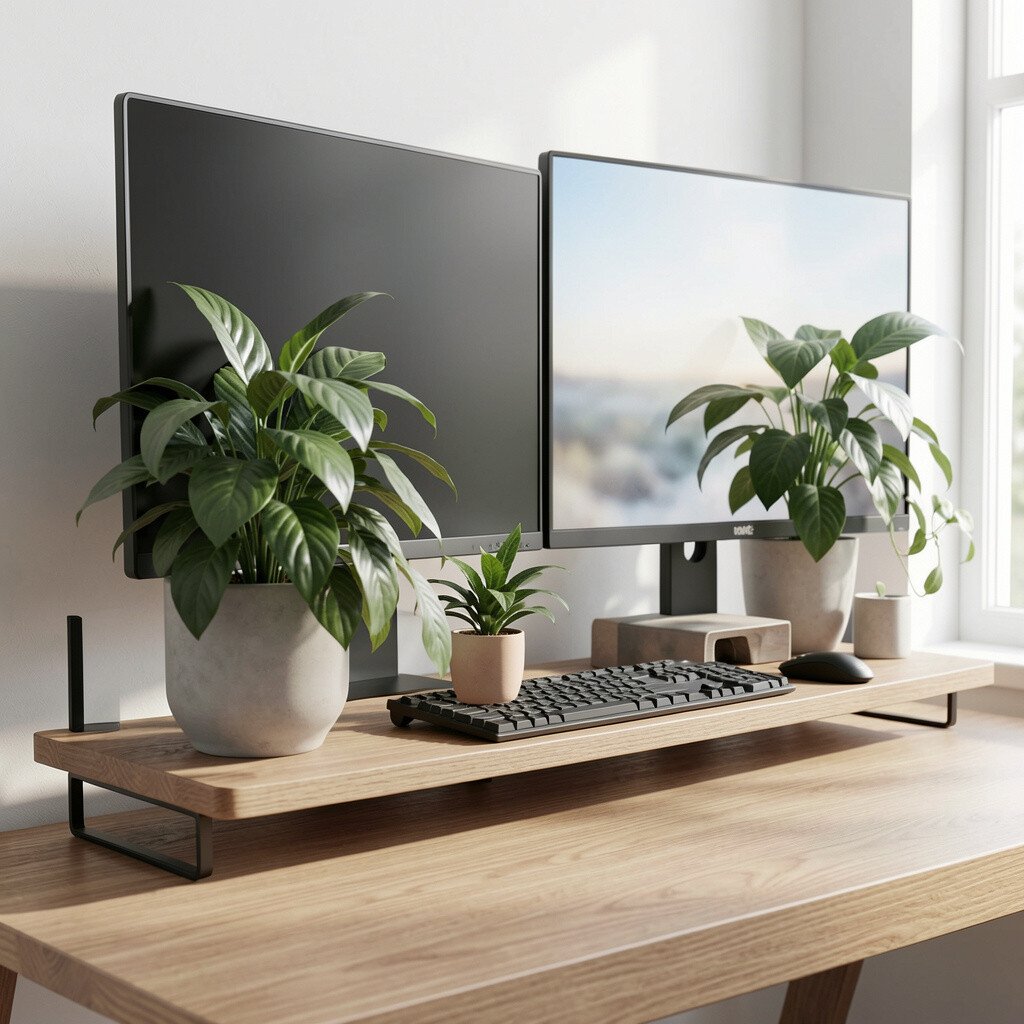
A small plant near your monitor adds life and soft color to a tech-heavy space. Even one plant can make your setup feel more welcoming and less “cold.”
Use a shelf that keeps the plant at a safe distance from the screen and cables. Succulents work well for low-maintenance care, while a small fern can look lush if you keep up with watering.
Choose planters that match your color scheme, like terracotta for warmth or dark ceramic for a modern look. This also helps with focus because green tones are calming for many people.
9. Monitor Side Speaker Stands for a Clean Audio Corner
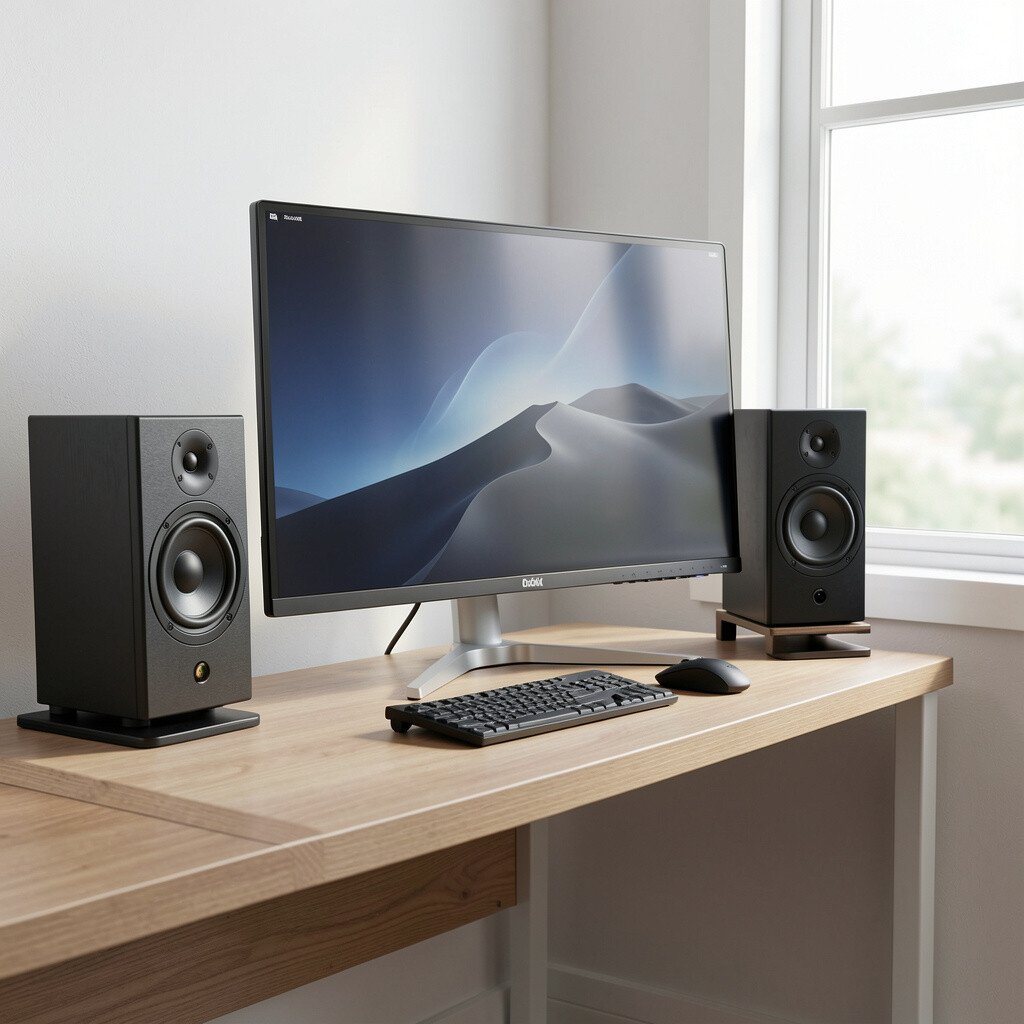
Great audio matters, and it can look better too. When your speakers sit nicely beside the monitor, the whole area feels more complete.
Use small stands or risers to raise speakers so sound travels more naturally. Keep cables tucked into the same route as your monitor cords for a tidy look.
If you game or edit often, this setup can improve your day-to-day comfort. It’s also a smart way to keep desk space open for your keyboard and mouse movements.
For cost thinking, consider buying one solid stand first, then upgrading speakers later when you know what you truly want.
10. Cable-Side Monitor Dock With Hidden Power
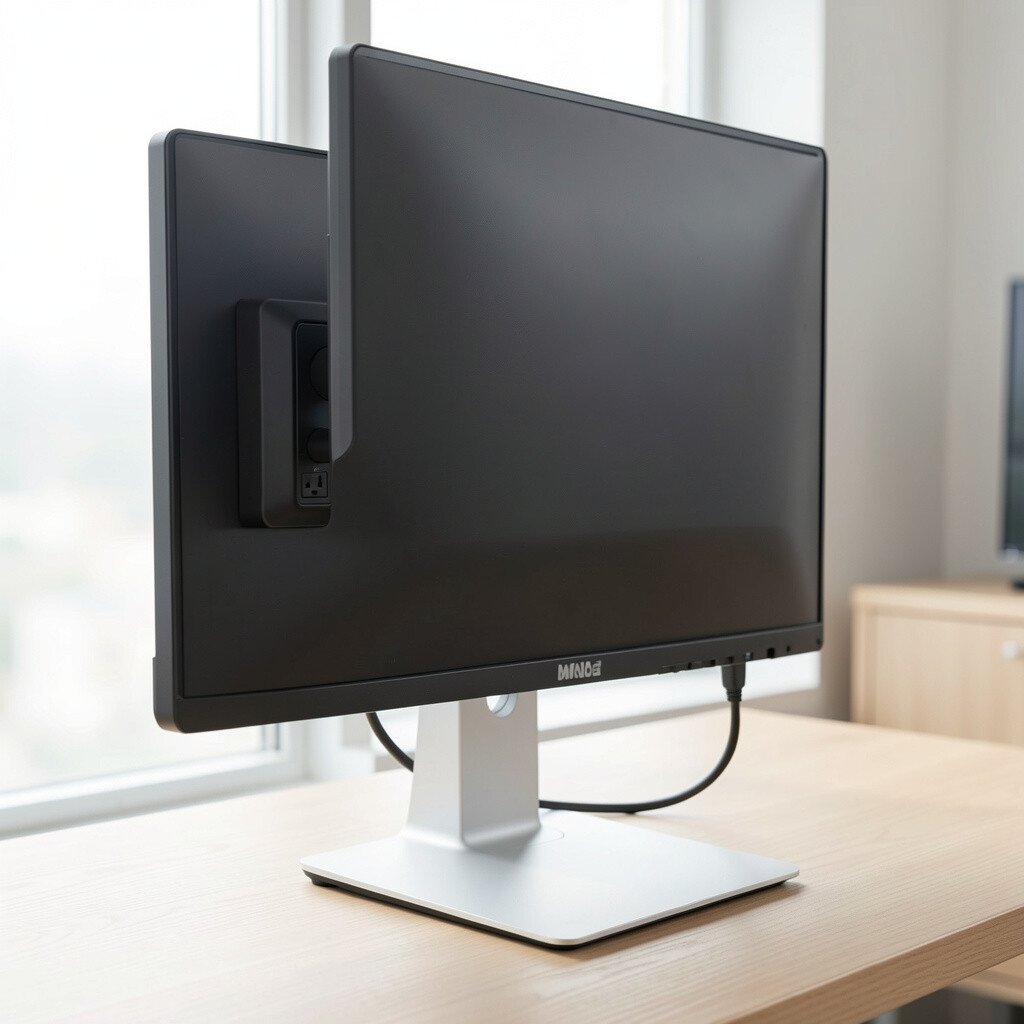
A monitor dock makes it easier to plug in devices without turning your desk into a cable mess. When power, USB, and video connections are all in one spot, your workspace feels instantly smoother.
Look for a dock that sits behind the monitor area or under the shelf. Route cables through it so they don’t dangle across your desk.
This is a practical win for anyone who frequently switches between a laptop and desktop. Keep a short braided cable in your setup so you can dock fast and stay organized.
11. Soft Desk Light With a Paper Shade Look
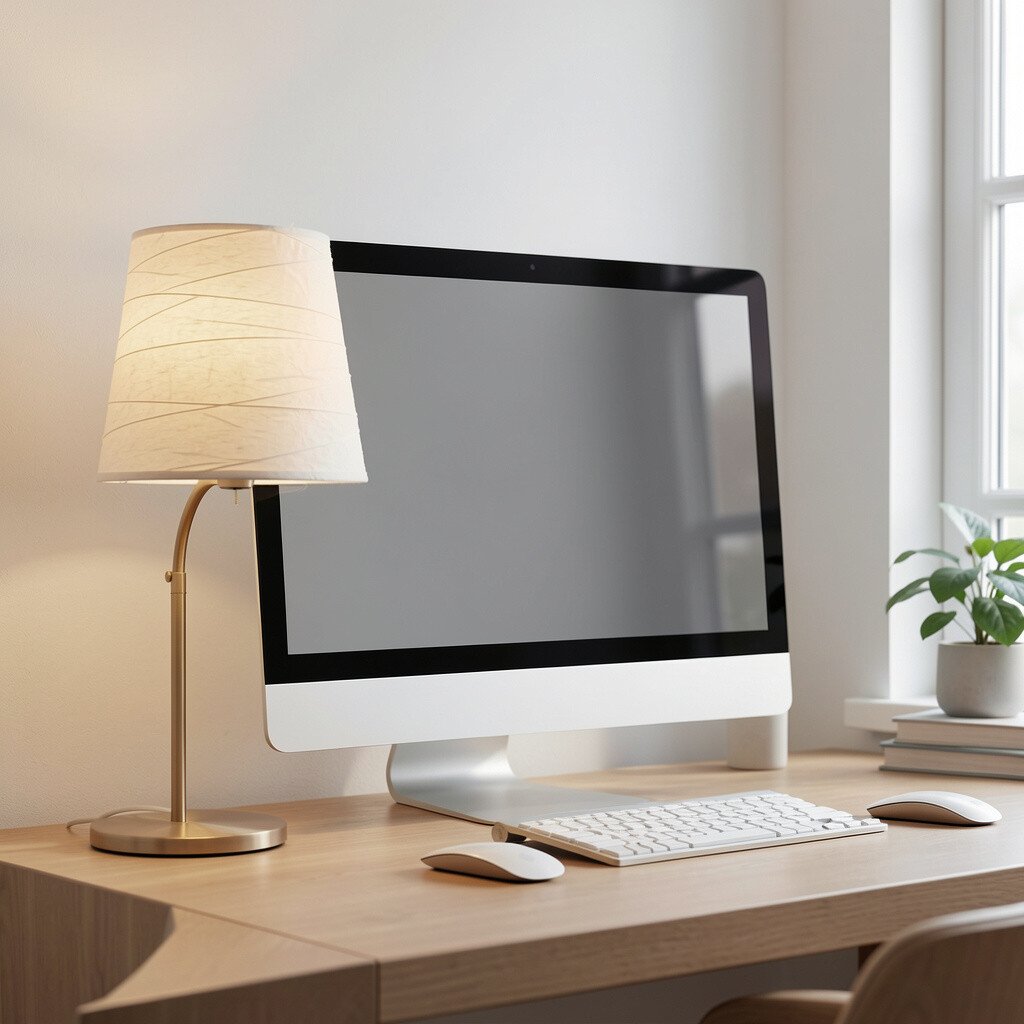
Lighting changes mood, and a paper shade style can make tech feel gentle. Instead of harsh overhead light, it creates a calm glow around your working area.
Place the lamp so the light reaches your desk and hands, not directly into the screen. A warm tint helps many people feel relaxed during long sessions.
If you want a modern style, try a slim lamp with a rounded diffuser. For budget options, search for adjustable lamps that use an energy-saving bulb so you keep costs low over time.
Test the lighting for glare by turning on the lamp at night and checking reflections on the screen.
12. Oversized Mouse Pad That Frames the Setup
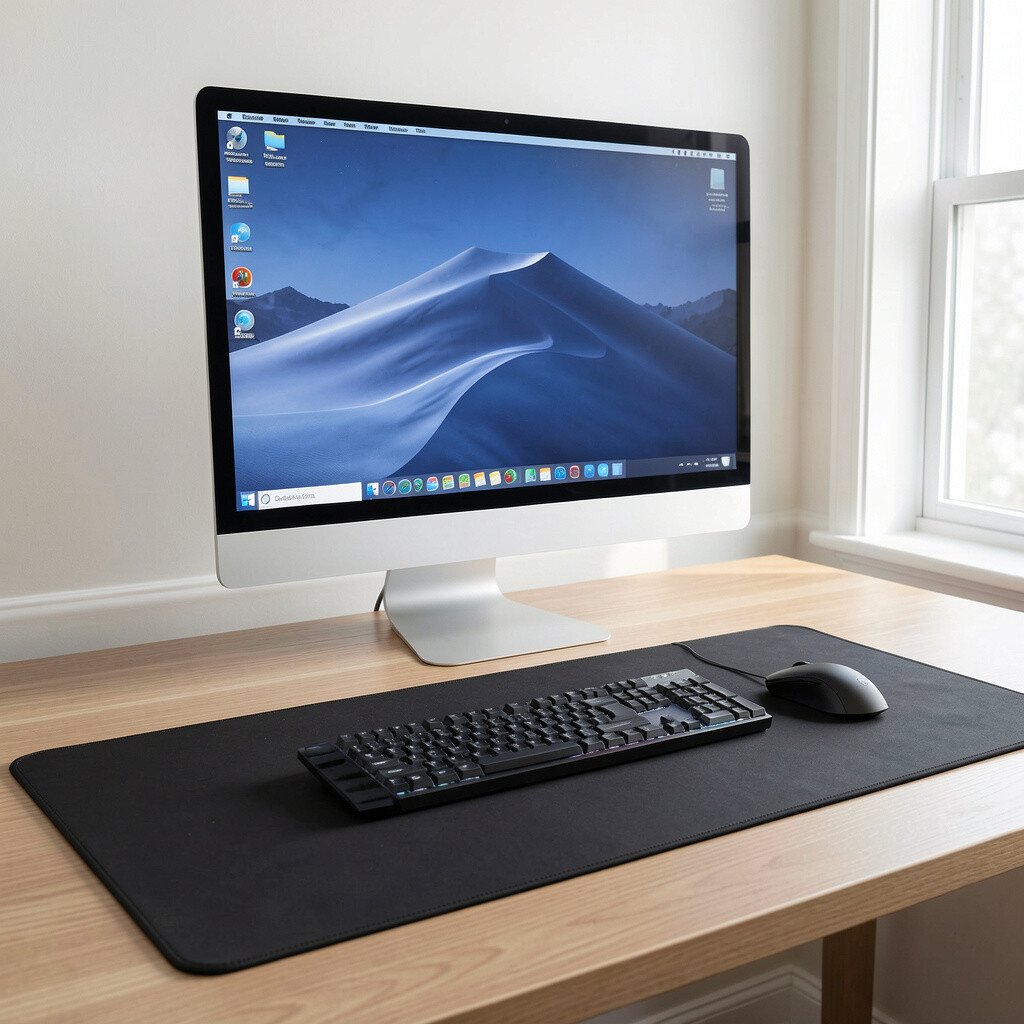
An oversized mouse pad can make your monitor setup feel styled instead of random. When the edges line up with the keyboard and monitor base, everything looks intentional.
Choose a pad that matches your monitor vibe, like dark minimal for a sleek look or a bright pattern for creative spaces. Some pads have stitched edges that feel good and last longer.
To make it feel even more personal, add a small desk accessory on the pad, like a coaster-style stand for your phone. This helps you keep small items close without stuffing your desk.
13. Personalized Monitor Bezel Decal for a Unique Border
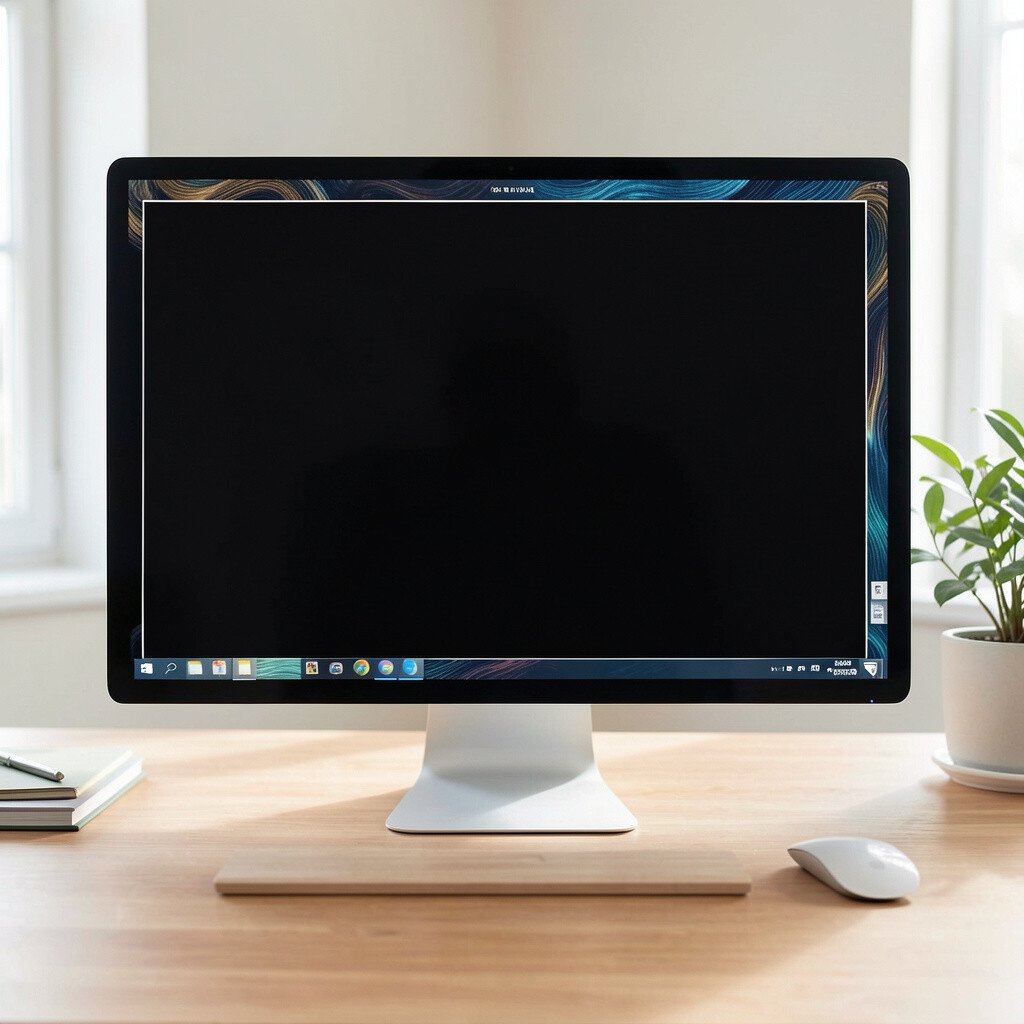
Sometimes the simplest change makes the biggest difference. A custom decal on the monitor bezel can turn a plain frame into a signature look.
Use vinyl skins or thin decorative strips that won’t block ventilation or buttons. Pick colors that match your room, like deep blue, muted green, or warm beige.
For a modern aesthetic, align the decal corners carefully so the border looks symmetrical. If you prefer to switch styles, choose a removable option that won’t leave sticky residue.
This idea feels creative but still practical, because it keeps your screen area looking tidy and finished.
14. Monitor Background With a Framed Texture Panel
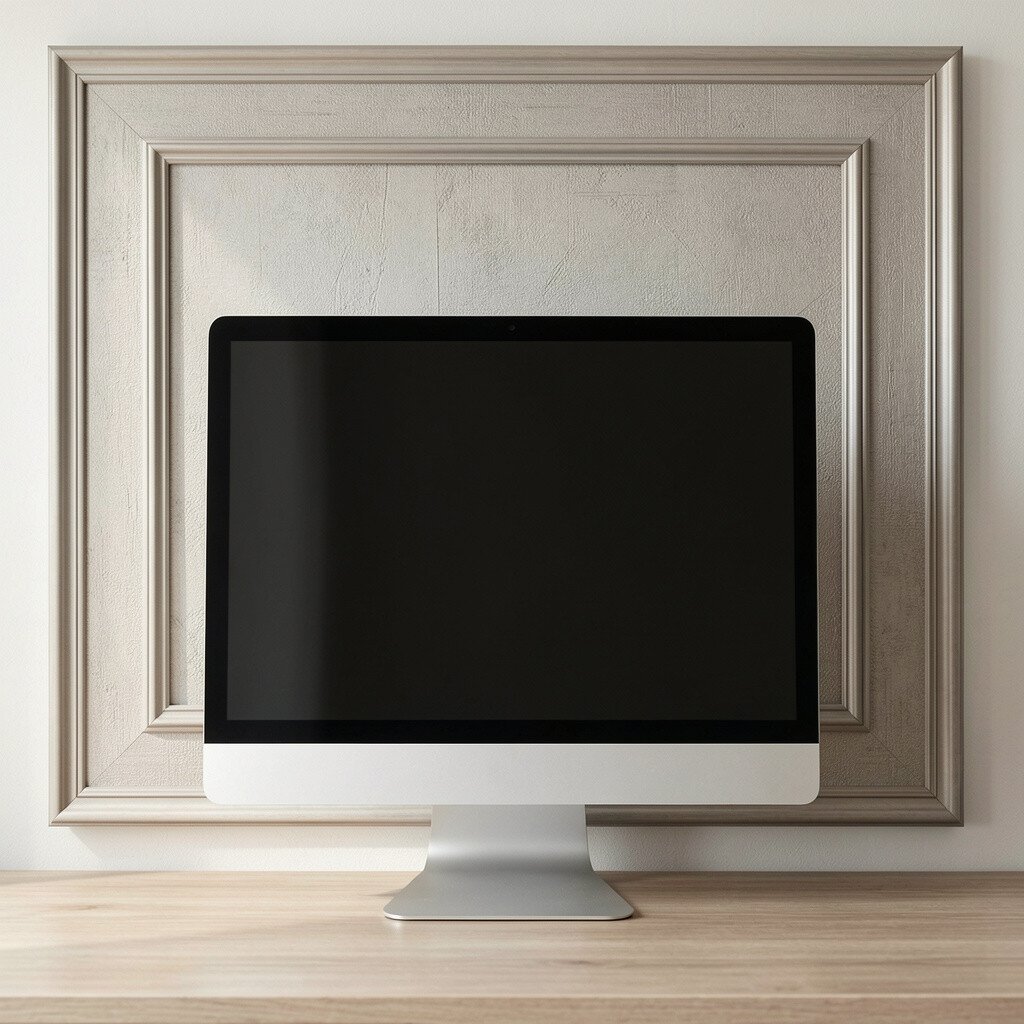
A framed texture panel behind the monitor can add depth without distracting from the screen. Think wood slats, fabric canvas, or a simple cork board style.
Keep the texture subtle so it doesn’t compete with what you’re viewing. If you like DIY, you can mount a thin panel using simple brackets for easy changes.
Texture also helps hide small wall imperfections, which is a real-life benefit. For cost savings, look for ready-made panels from home stores and repaint or stain them to match your colors.
15. Desk Thermometer and Time Widget Near the Monitor
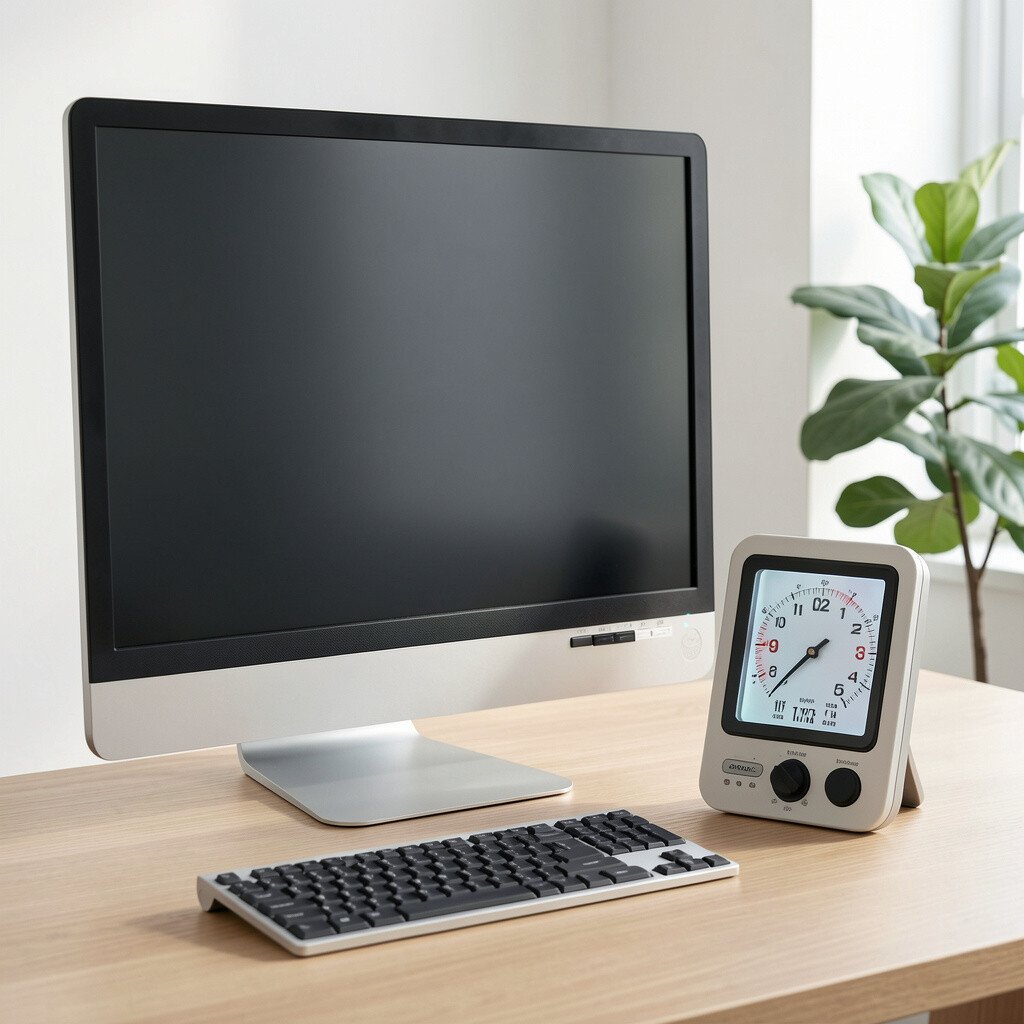
A small desk widget brings a sense of awareness to your workspace. When you glance at temperature or time, it gently supports routines you already care about.
Place it near the monitor corner where your eyes naturally pass during breaks. Choose a display with a readable screen and a color scheme that fits your setup.
Some widgets also track humidity, which can help if you notice dry eyes or static when seasons change. For personalization, pick one with a style that matches your lighting and case color.
This adds charm while keeping the desk functional for everyday work habits.
16. Screen-Safe Viewing Shelf for Notes and Reference
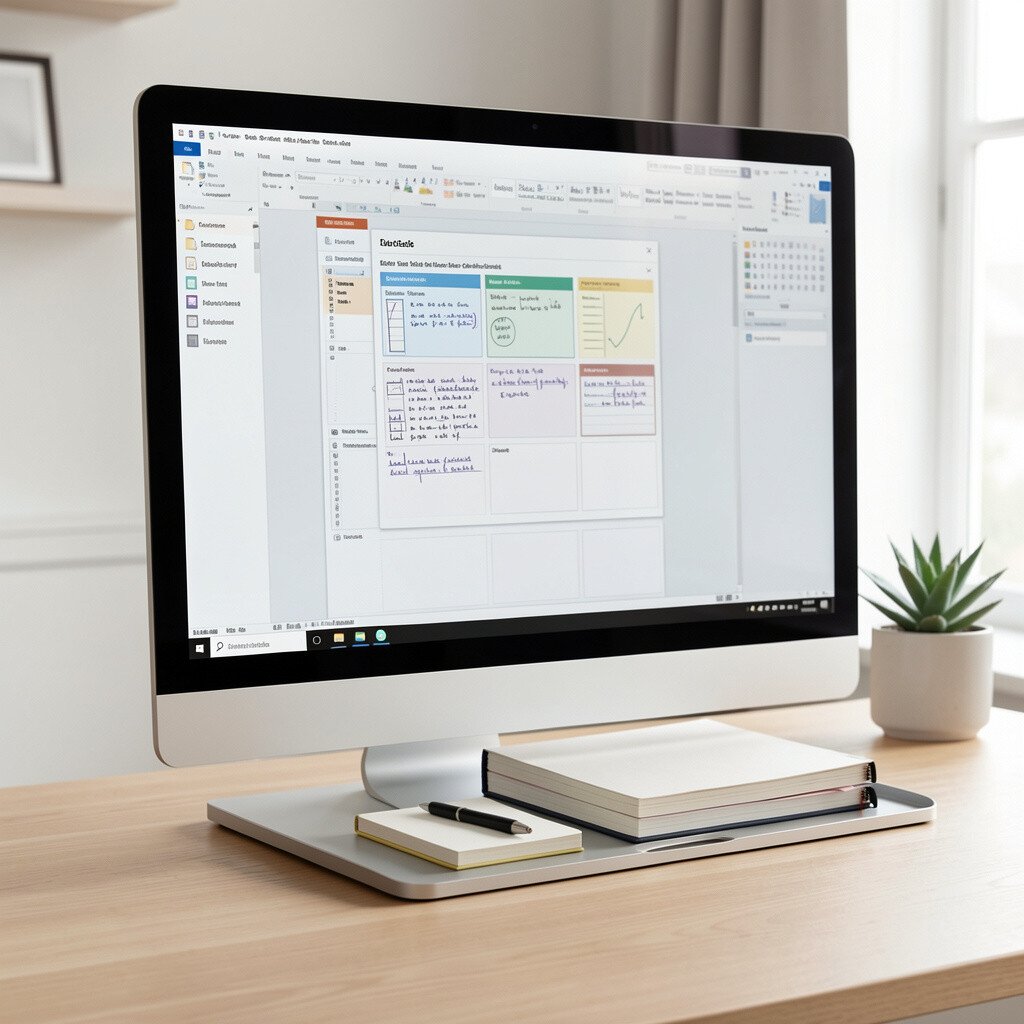
A note shelf or small reference rail can make your workflow smoother. Instead of stacking papers around the keyboard, you keep them at eye level.
Position the shelf so it sits beside the monitor, not in front of it where it could block the view. Use it for printed recipes, study sheets, or product specs during projects.
If you work with diagrams, a clip rail can hold thin pages without curling. Choose materials that match your setup, like wood for warmth or acrylic for a sleek look.
17. Monitor-Height Projector-Style Art Using Light Projection
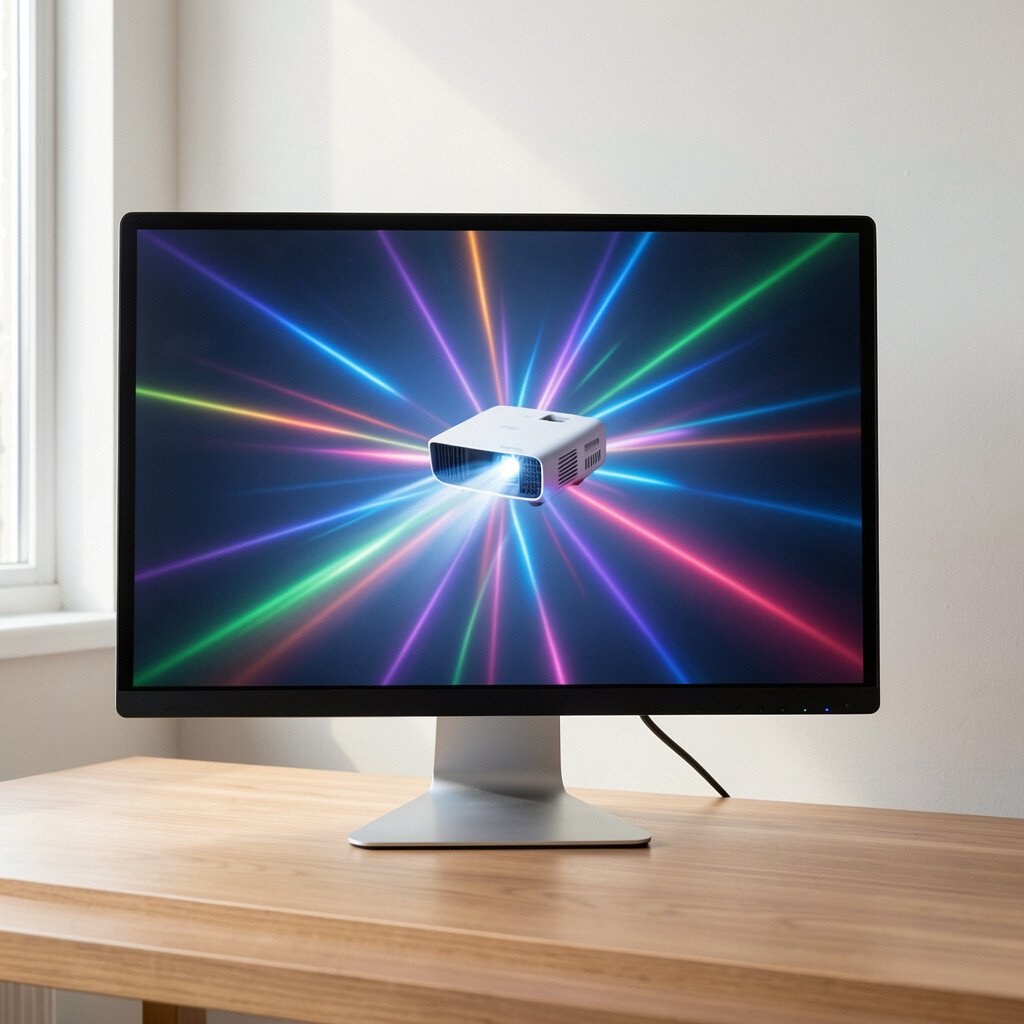
Light projection can turn the wall into a changing art space. When used in a gentle way, it adds motion behind your monitor without clutter.
Pick a projector with adjustable intensity and simple patterns. Place it far enough away so the light spreads softly rather than creating harsh hotspots.
This is great for creative work, because it can make brainstorming feel more playful. For cost considerations, start with a small basic projector and adjust settings until you find a comfortable brightness.
Always test your view for glare, especially during bright scenes on the screen.
18. Gaming-Ready Monitor Corner With Decorative Side Lighting
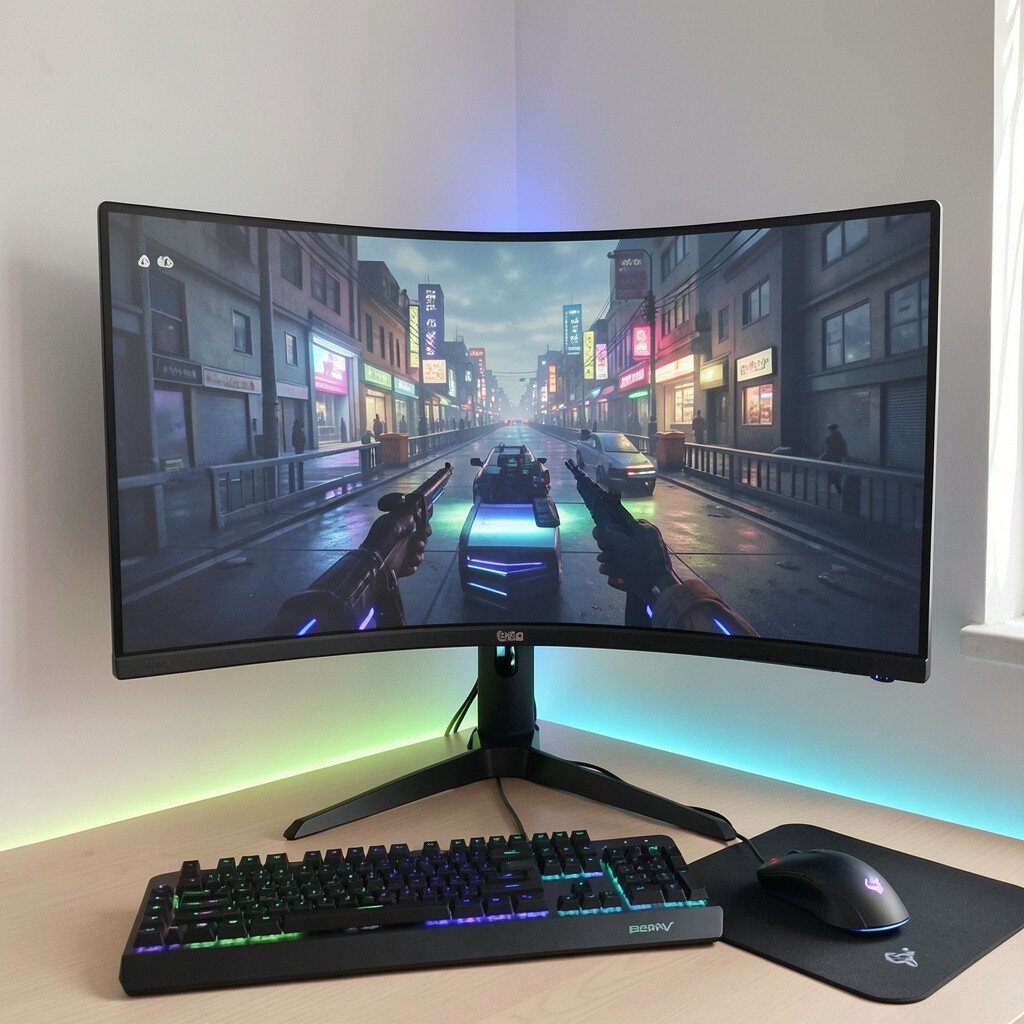
A dedicated gaming corner feels even better when it looks as good as it plays. Decorative side lighting adds depth and makes the monitor feel like the heart of the setup.
Use accent lights behind your desk or along the wall edge so the room glows without blasting your eyes. Many current trends focus on RGB lighting, but you can keep it tasteful with one or two steady colors.
Syncing lights with music or games can be fun, yet a manual mode is more relaxing for studying. If you’re on a tighter budget, choose lights that can run on a basic remote instead of complex controllers.
19. Vertical Cable Rack for a Sleek Backside Look
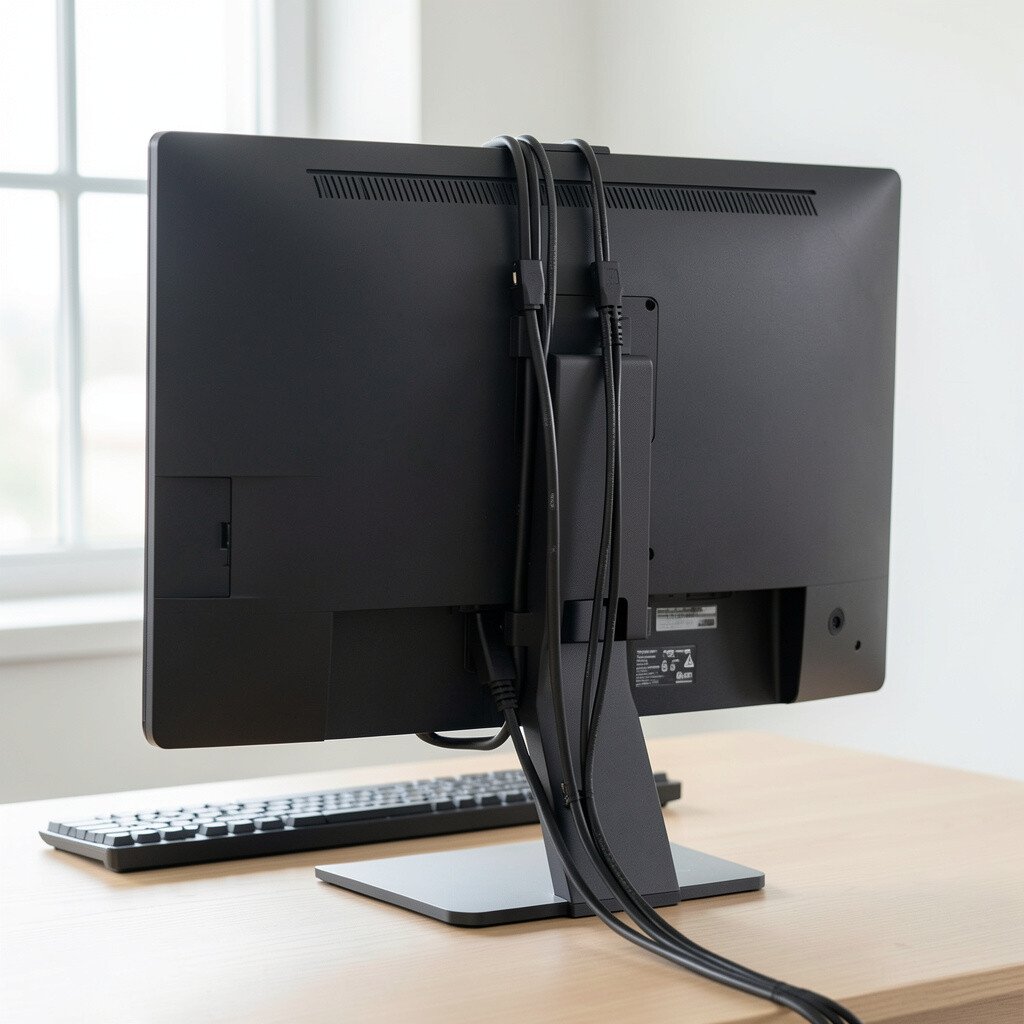
A cable rack helps you control the mess that usually hides behind your desk. When the cords stand neatly and move less, your setup looks instantly more polished.
Mount the rack under the desk edge or along a side wall so cables travel upward in a clean line. Use small Velcro straps to group cords by purpose, like charging, video, and accessories.
This also makes troubleshooting easier, since you can trace a cable without moving everything around. For personalization, match the rack color to your desk hardware so the hidden area still feels designed.
20. Minimalist Floating Desk Upgrade With Strong Monitor Placement
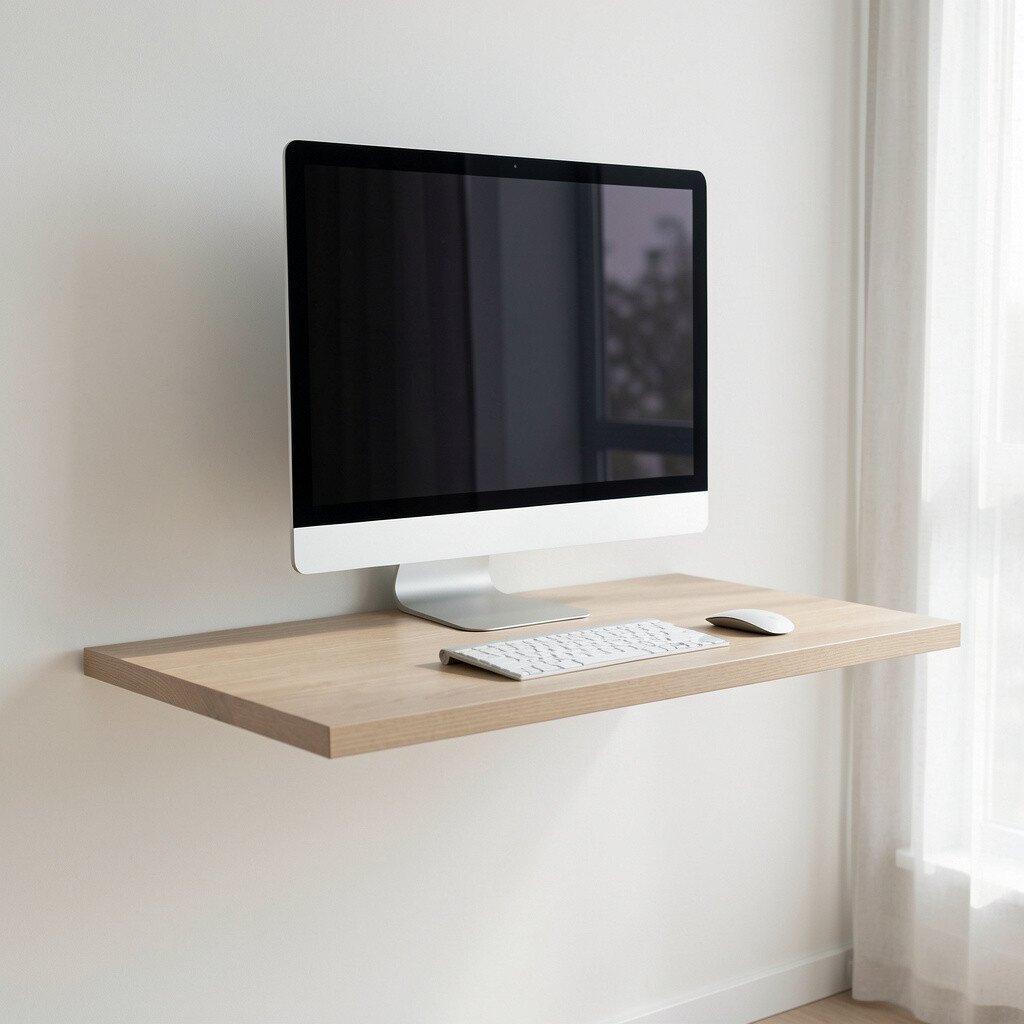
A minimalist desk approach can make your monitor look sharper and your space feel calmer. When the desk surface is clear, your eyes rest more easily before each task.
Choose a floating or slim-profile desk and position your monitor so it sits directly centered to your usual chair position. A keyboard tray or a tidy mat can keep everything in a neat zone.
This setup benefits productivity because it reduces distractions and makes you reach for tools less often. If you want to stay within budget, focus spending on the monitor placement and cable management first, then add decor slowly.
Even one clean accessory, like a pen cup with a lid, can keep the desk looking intentional.
21. Personalized Wallpaper and Icon Layout for Daily Motivation
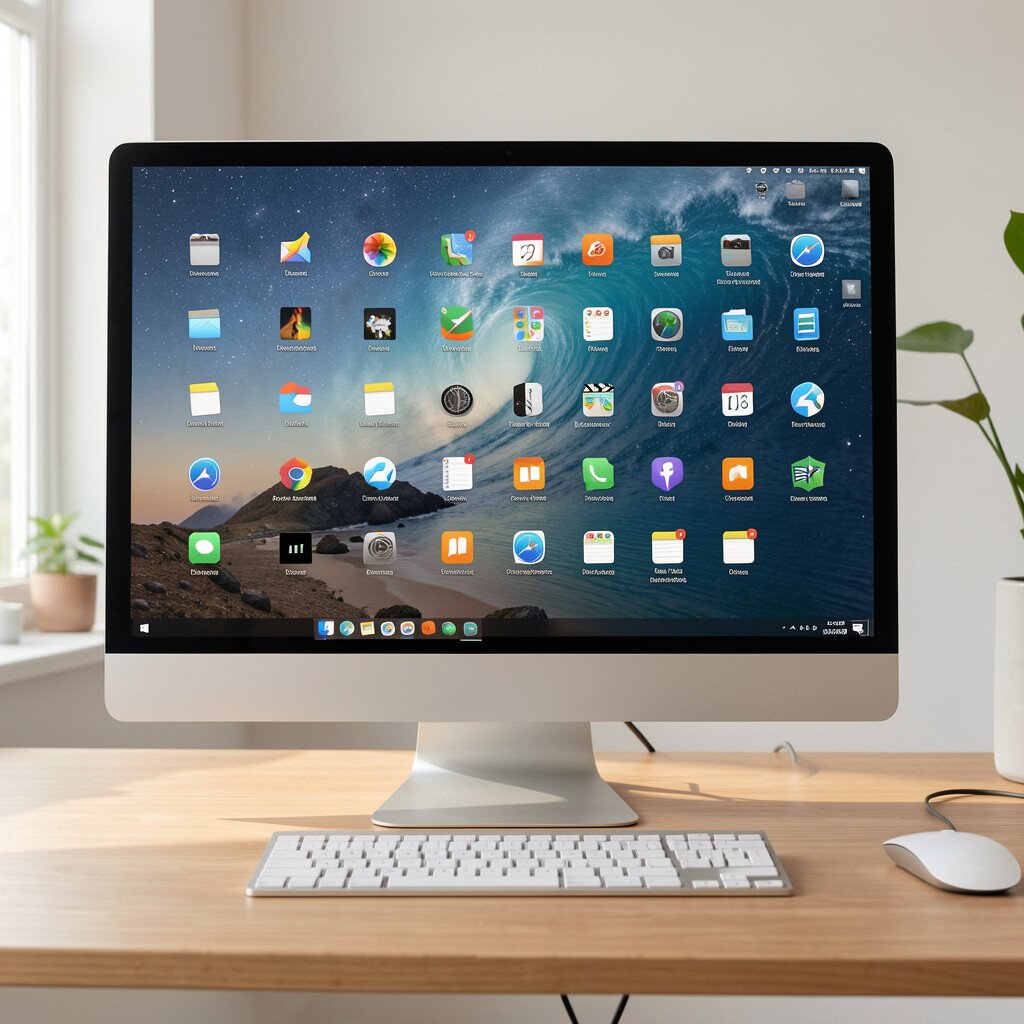
Your monitor isn’t only hardware, it’s also the daily visual you face. A tailored wallpaper and tidy icon layout can create a motivating, comforting background.
Pick a background that matches your mood, such as soft gradients, nature photos, or simple abstract art. Then set a clean home layout so you can find files quickly without stress.
Current trends often mix minimal folders with themed desktop icons, which keeps things neat while still feeling personal. For practical personalization, create one folder for each type of work and keep shortcuts for your most-used apps.
When your desktop looks good, it’s easier to start tasks, and that small boost matters more than you might expect.