Your home office can feel like a brand-new place every day. Small changes can make your work feel lighter, clearer, and more fun.
When you build routines that fit your life, you stop fighting your schedule and start using it.
1. Morning Light Sprint Routine
Open the blinds and spend ten minutes in natural light before you start deep work. You will notice your mood and focus settle faster when your body wakes up on time.
Set a simple goal like planning the first task while you sip your drink. Try pairing the routine with a quick stretch or a short walk to the window. Personalize it by choosing a playlist that matches your energy level each morning.
2. Theme Days for Different Tasks
Pick a theme for each day, like writing day, meeting day, or tidy-the-house day. Your brain loves a clear pattern, so you spend less time deciding what to do.
Decorate your work space slightly to match the theme, such as using a specific color sticky note or desk tray. Use practical tips by batching similar tasks together, which helps you keep momentum.
Cost is usually low because theme ideas use things you already own. This trend is popular right now because people want routines that feel creative, not rigid.
3. Noise-Color Coding With Headphones
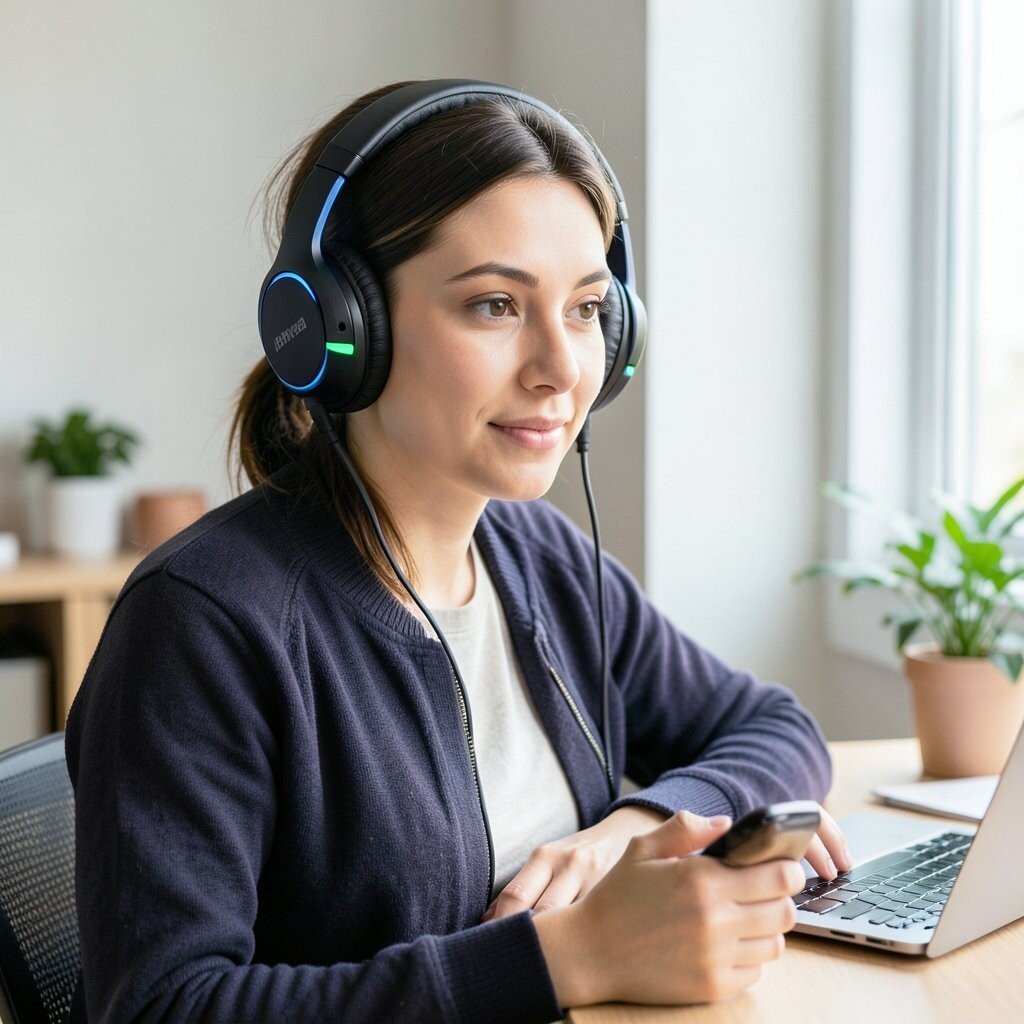
Instead of relying on one sound setting, use different audio moods for different tasks. Picture a calm rain sound for research, and a crisp instrumental track for writing.
For meetings, switch to a neutral background so your voice stays clear. If you do calls often, keep a small mic setup nearby so you do not scramble mid-conversation. Personalize the mix by testing audio at different volumes during low-stress moments.
Most people can keep costs down with basic headphones and free playlists. This approach also fits a current trend toward focus design, where sound becomes part of your workflow.
Over time, your brain starts to associate each audio style with a specific job, which makes starting easier.
4. Phone Booth Focus Corner
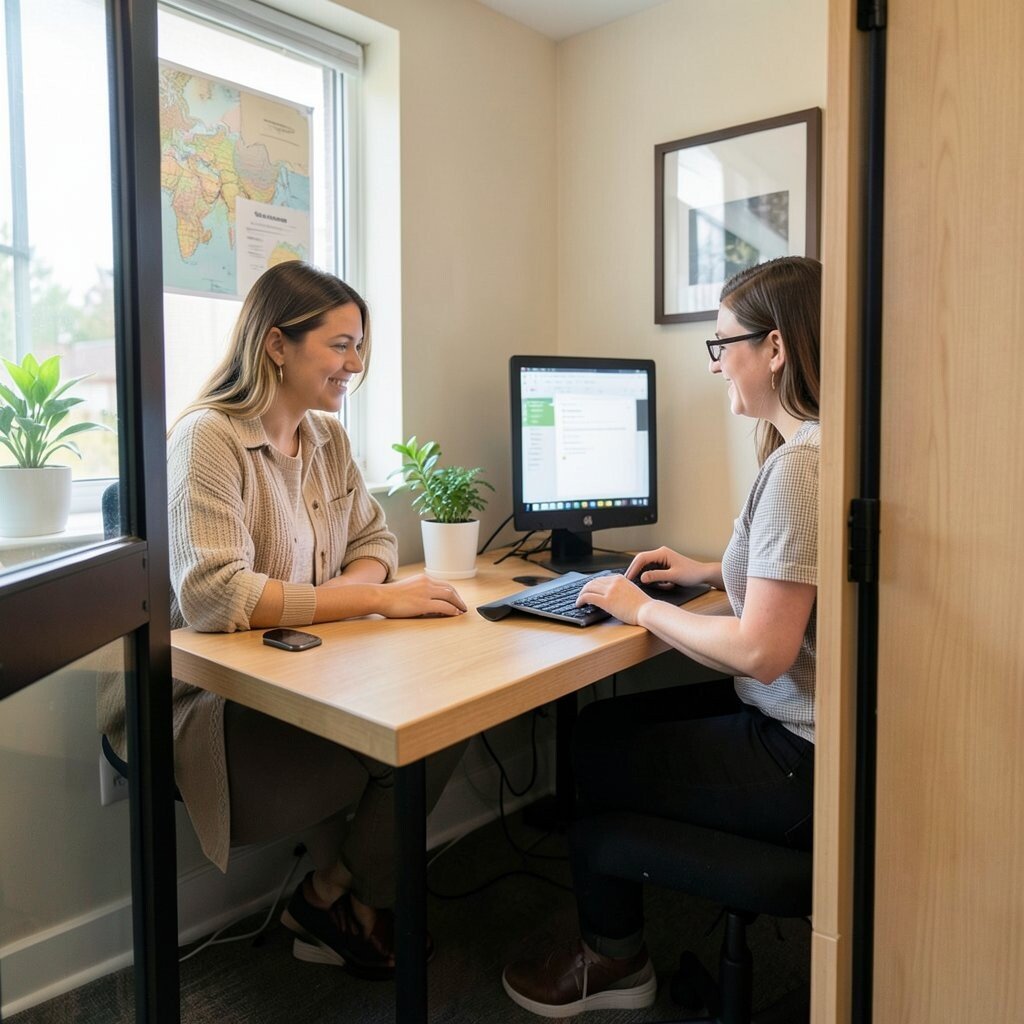
Create a “focus corner” that feels separate from the rest of your home. Even a chair near a bookshelf can work if you add a lamp and a small barrier like a plant or screen.
Use visual cues, like a small sign on your desk card, to remind you you are in work mode. Benefits show up quickly because your environment supports concentration when you need it most.
5. The Two-List Daily Map
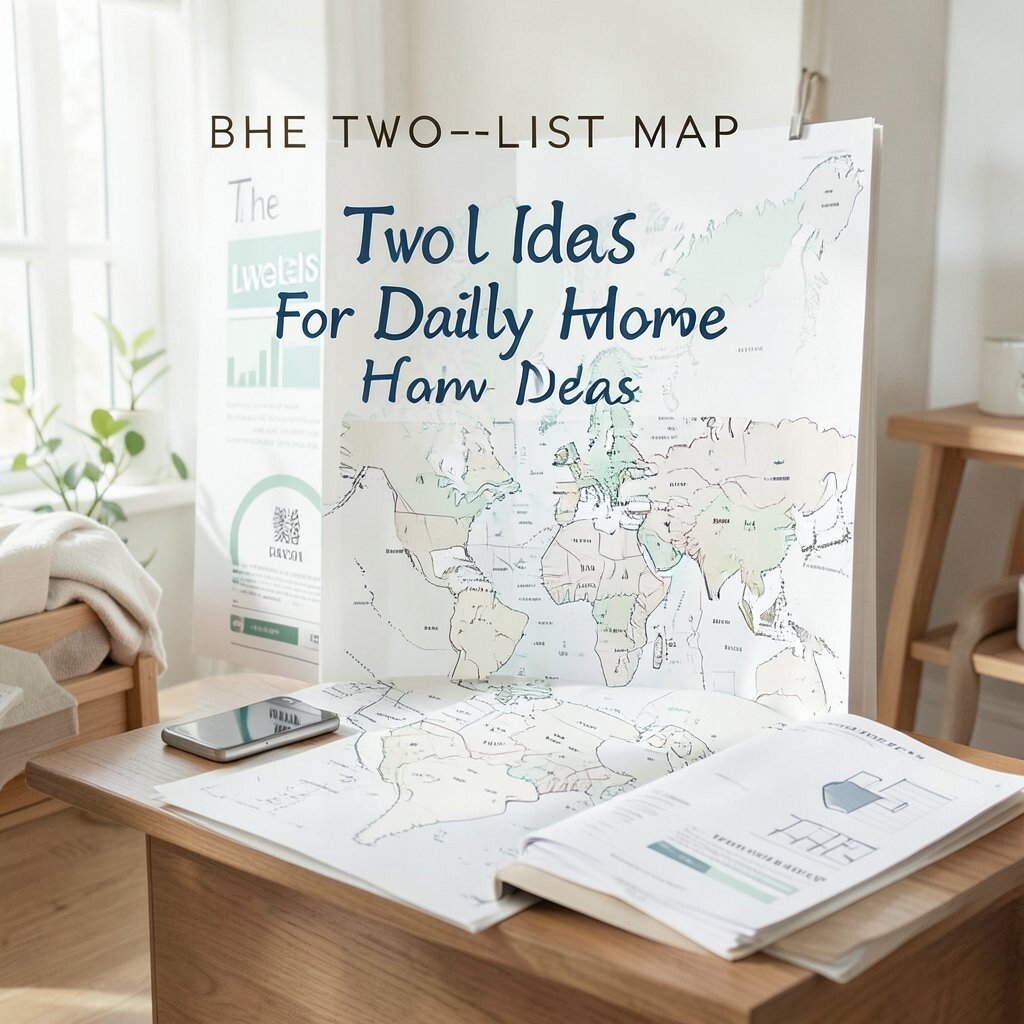
Write one short list for must-do tasks and one list for “nice to do” tasks. Seeing both lists helps you feel in control, even on busy days.
Keep the must-do items small enough to complete, and use the nice-to-do list for overflow. Try personalization by naming tasks in your own style, like “reply sprint” or “design reset,” so you enjoy the way your day reads.
Cost considerations stay minimal since you only need paper or a notes app. This kind of planning matches the current trend of simple systems that reduce decision fatigue.
6. Webcam Angle and Lighting Upgrade
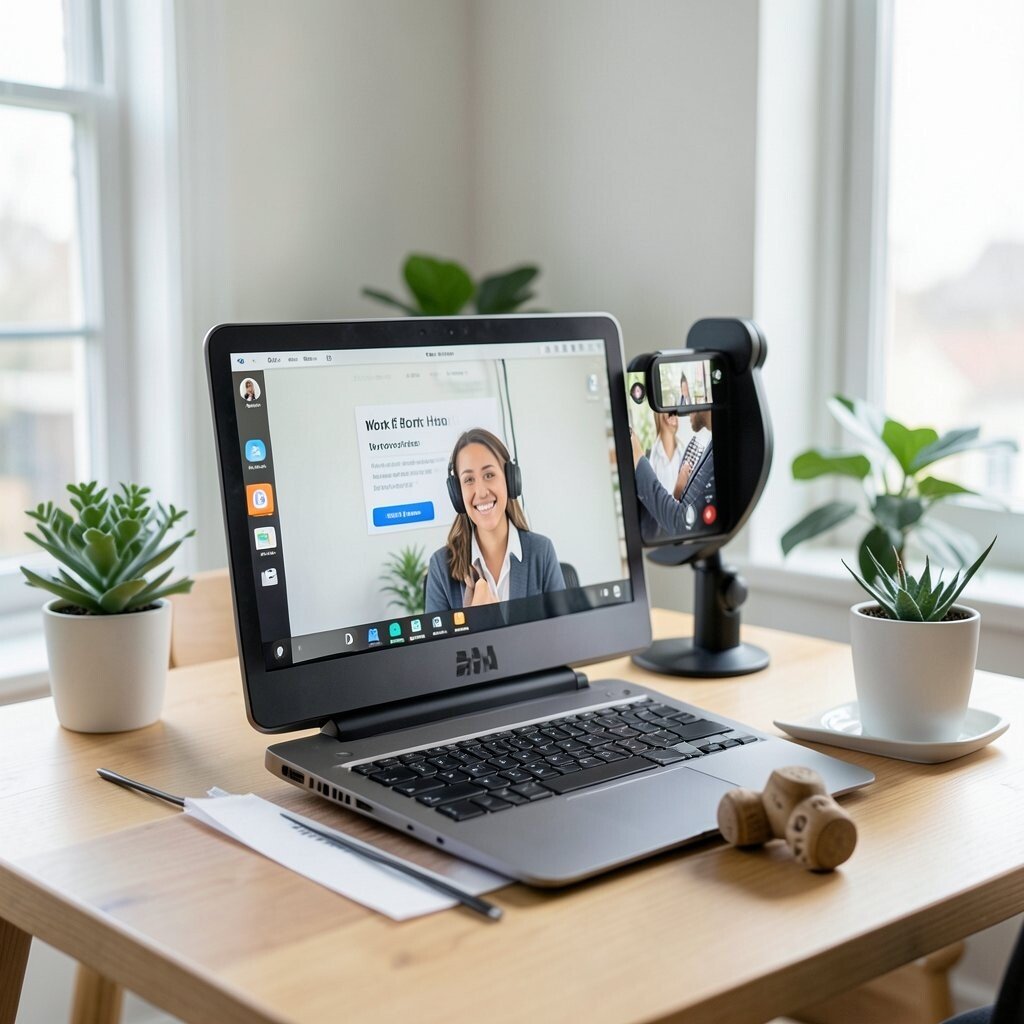
A better webcam setup can instantly improve how you show up in meetings. Position the camera slightly above eye level and face a window or lamp for softer light.
Use practical tips by cleaning your background, adding one neat prop, and using a simple backdrop color. This small visual change boosts confidence because you look more awake and clear.
7. Desk-Wipe Micro Reset Ritual
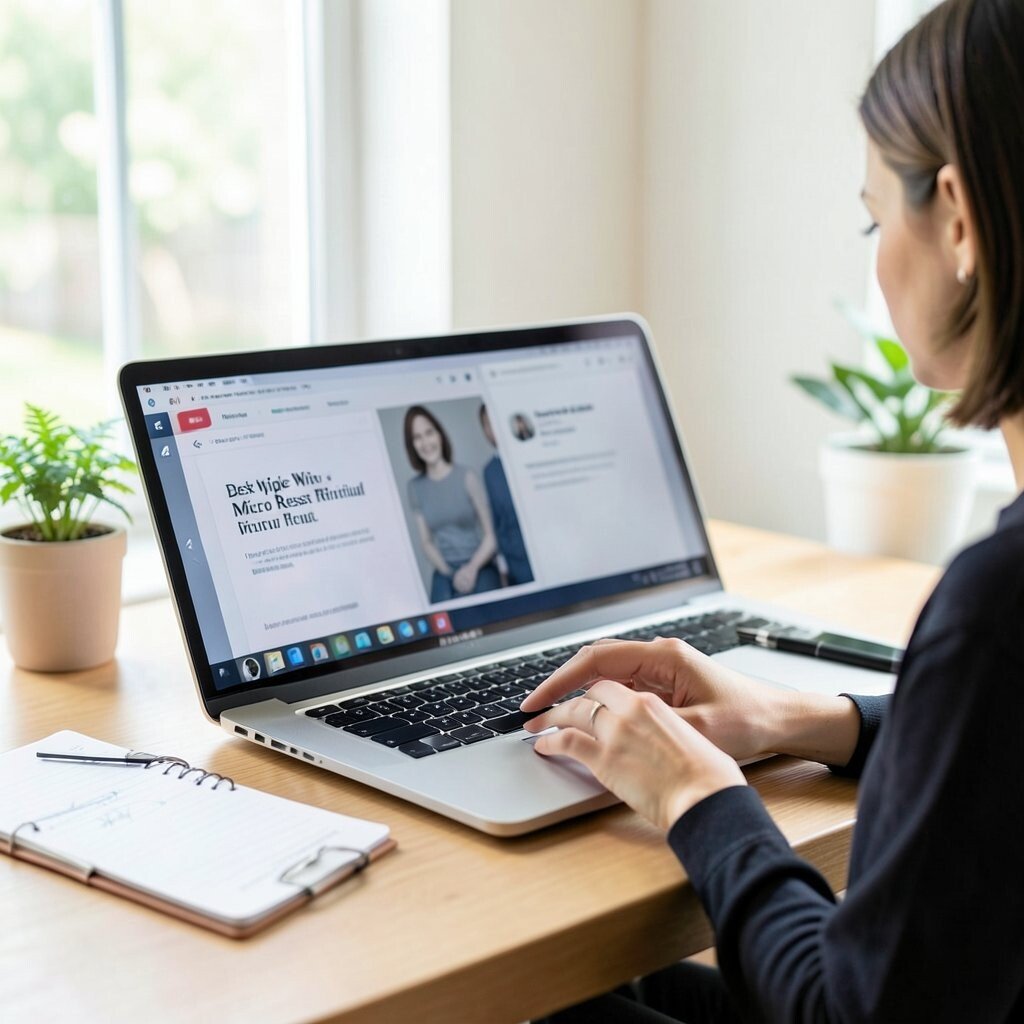
Every time you finish a task, do a tiny reset with a desk wipe or microfiber cloth. It feels like closing a chapter and starting the next one with a fresh surface.
You can also refill water, straighten your cables, and place your pen in the same spot. The uniqueness of this idea is that it turns housekeeping into a mindful moment, not a chore.
Cost is low because cloth and cleaner are affordable, and you likely already have them. It pairs well with current trends that focus on short rituals for productivity and calm.
8. Subscription-Free Skill Swaps With Friends

Invite a friend or coworker to exchange helpful skills during a quick online session. One person might teach a worksheet method, and the other might share a shortcut for video editing.
Visualize a simple shared document and a clear agenda so the time stays productive. This is unique because you learn with real people instead of watching alone.
9. Micro-Café Meetings at Home
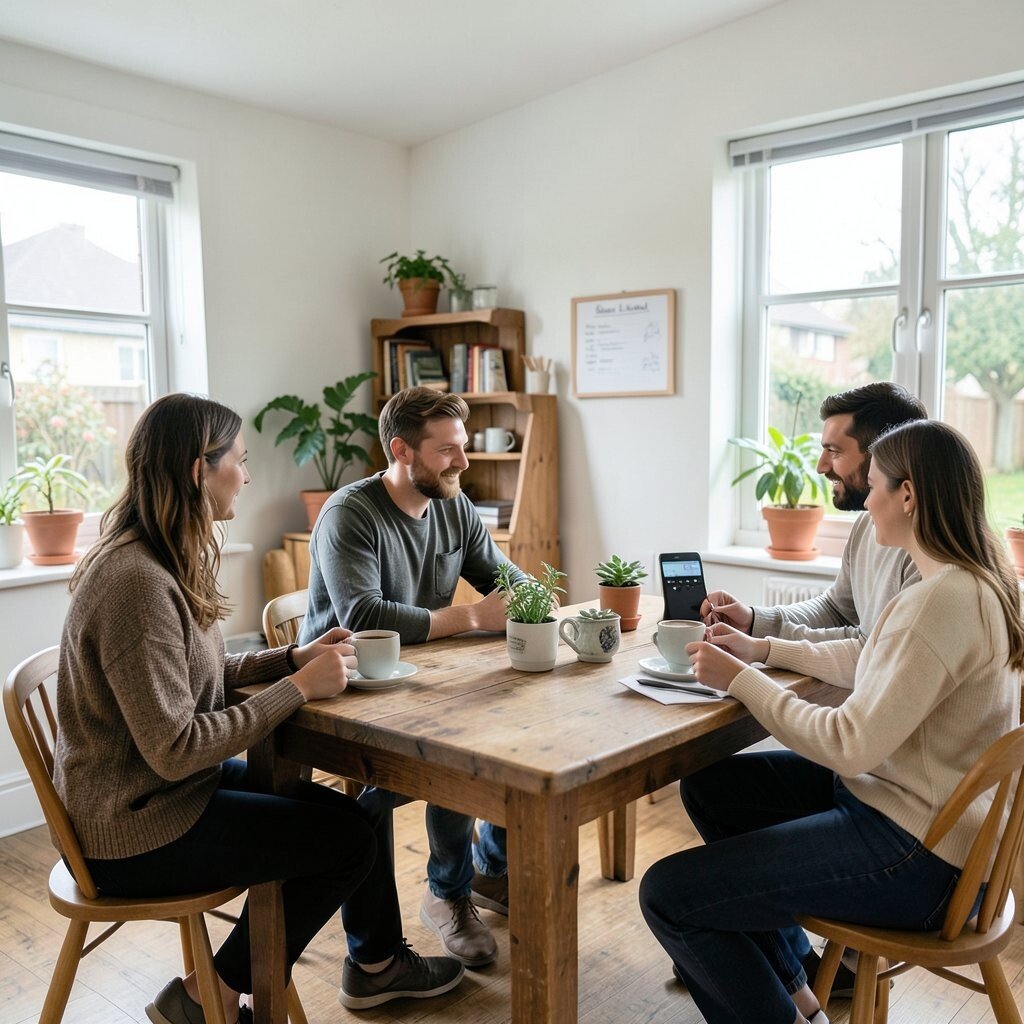
Turn casual check-ins into mini “café” moments by changing your space and serving something small. Make tea in a mug you like, open a window, and sit in a different spot for the call.
Practical tips help here, like choosing a calm background and keeping a notepad next to your device. Your team interaction feels warmer, which often improves collaboration and morale.
Cost considerations are friendly since you can use what you already drink at home. This idea fits a current shift toward human connection in remote work.
10. Virtual Whiteboard for Real-Time Work
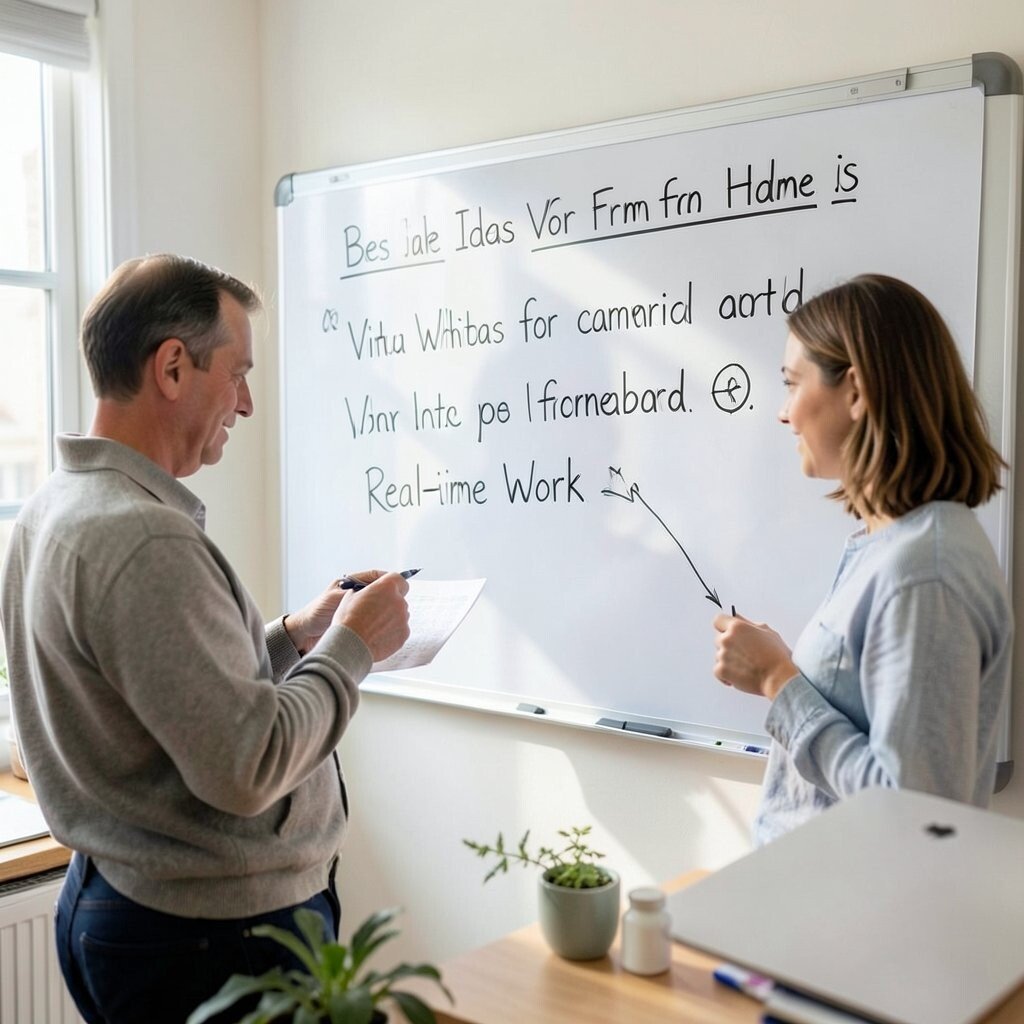
Use a shared whiteboard so your thoughts show up instantly during planning. A visible layout helps you keep track, especially when several people contribute ideas.
Try personalization by using simple shapes and color-coded areas that match your project stages. The benefit is clarity, because everyone can see progress without long message threads.
Many tools have free tiers, so cost can stay low. The trend of visual collaboration has grown because remote work needs fast feedback loops.
11. Personal Soundtrack Playlist for Focus Blocks
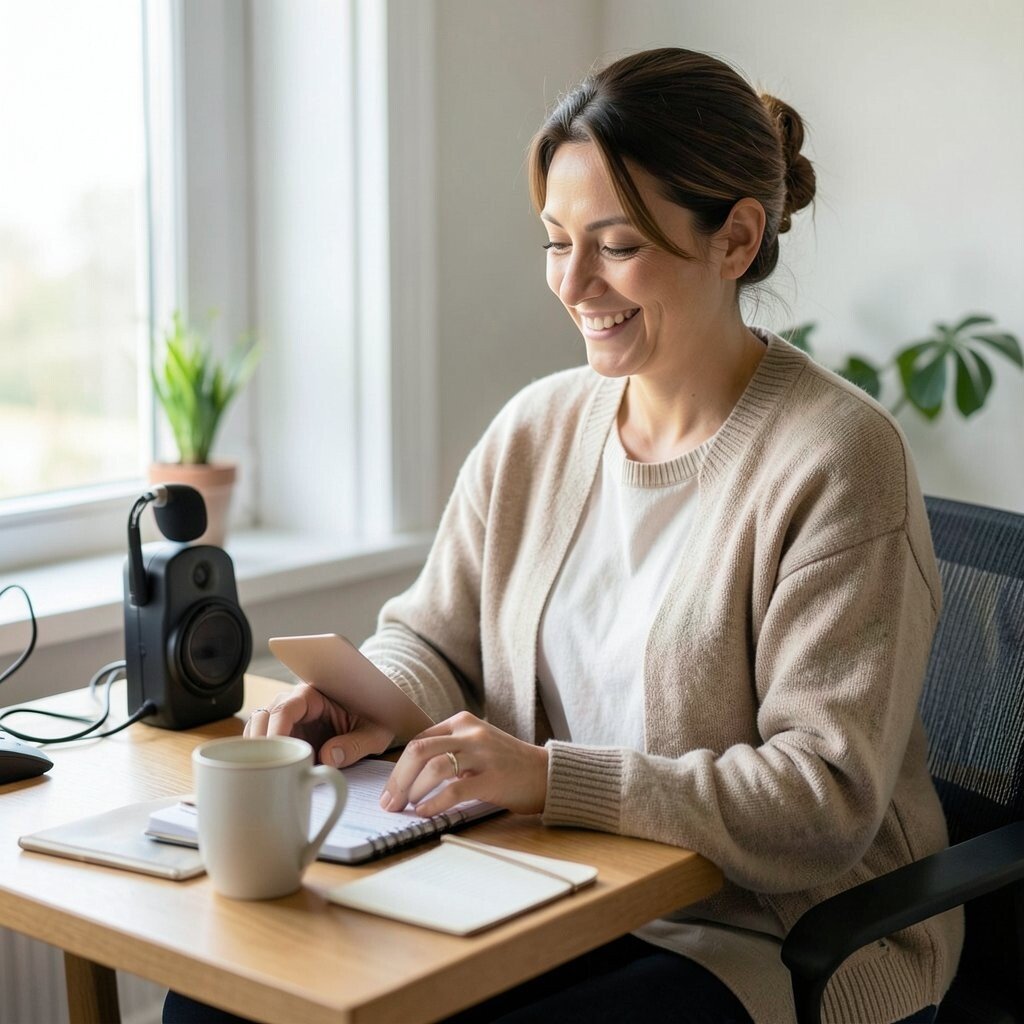
Create a playlist where each track length matches your work rhythm. When the playlist changes, you naturally switch tasks without forcing willpower.
Use practical tips by testing what helps you most, like low beats for editing and gentle ambient sounds for reading. Personalize it by mixing genres you actually enjoy, so the soundtrack feels like yours.
12. Plant-Forward Desk Styling
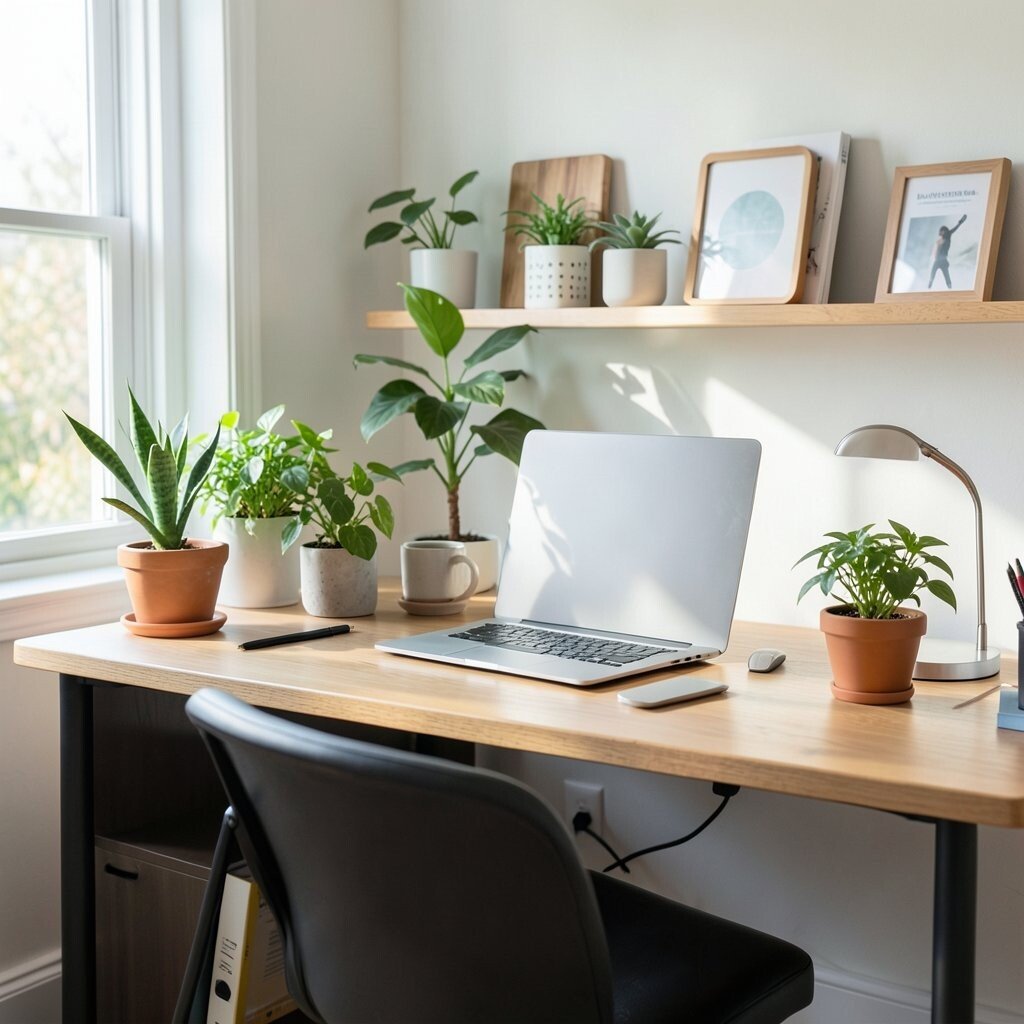
Add a small plant or even a fresh bouquet near your workspace for a bright visual boost. Green tones can make the area feel alive, which helps your attention stay engaged.
Keep it practical by choosing easy-care plants if you are busy, like a hardy succulent. Benefits show up as less stress and a more pleasant work mood.
Cost considerations can range, but you can start with a small cutting, a seedling, or a low-cost artificial plant. This styling trend is popular because people want homes that look and feel welcoming.
13. Interactive Packing-List for Your Workday Gear
Build a “pack list” for your day so you know exactly what you need before you start. Think of it like laying out a tiny kit with your laptop charger, notebook, pens, and headphones.
Visualize your workspace as ready-to-go, like a backpack you open each morning. That makes it easier to move between tasks without missing something important.
Personalize it based on your job, such as adding a scan app for documents or a reference binder for studying. Cost stays reasonable because most items are everyday essentials.
14. Screenshot Gallery of Wins
Save screenshots and notes of completed projects, positive feedback, or solved problems. Your “wins gallery” becomes a visual reminder that your work matters.
Use practical tips by storing files in one folder and naming them with dates. This helps you look back quickly when confidence dips.
Benefits include better motivation and calmer end-of-day feelings. It is also unique because it turns progress into something you can actually see, which supports the current trend of self-recognition in remote life.
15. Movement-Based Task Switching
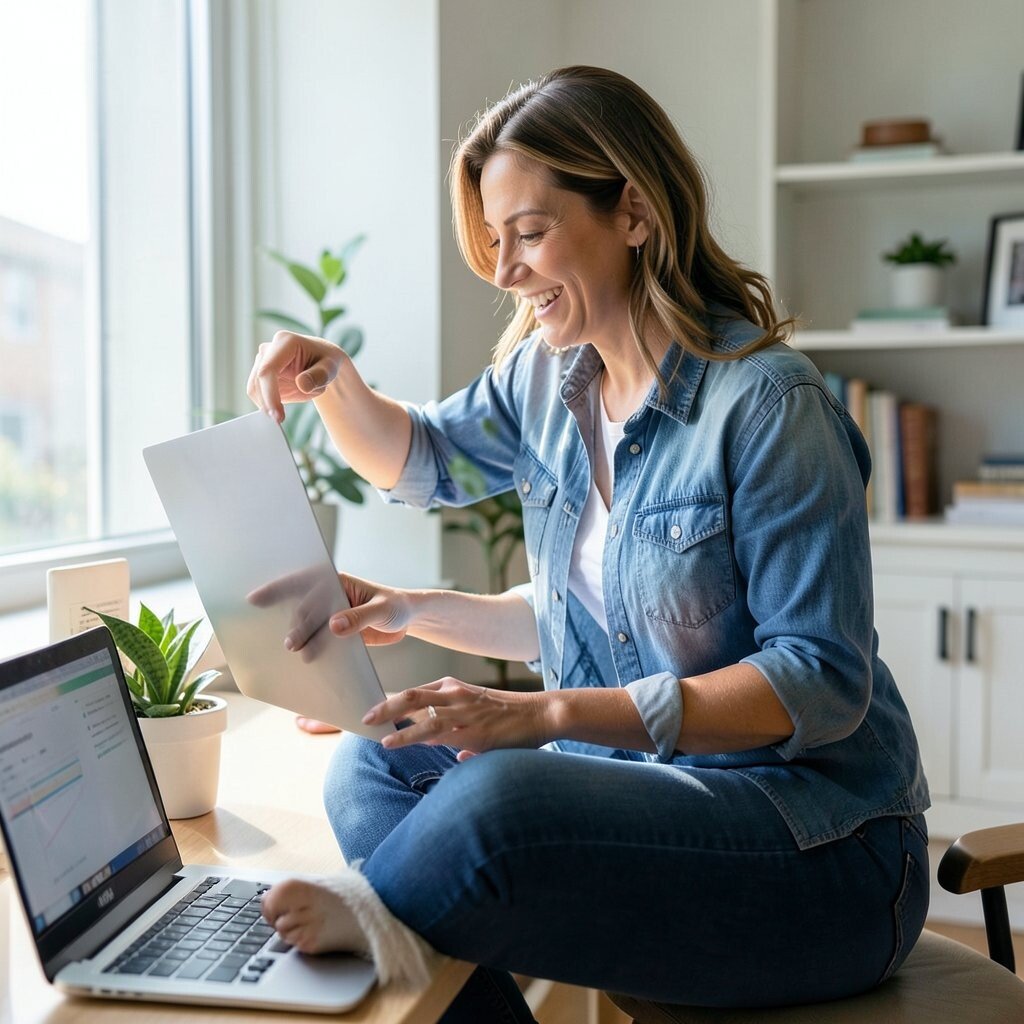
When you feel stuck, switch tasks using a movement cue like standing up, refilling water, or walking to a different room. Your body helps your mind reboot, which is faster than trying harder.
Practical tips include setting a simple rule like “move after each small milestone.” Personalize it by choosing movements that fit your space, such as stretching near your desk or taking a short hallway lap.
16. Curtain-Off Meeting Mode
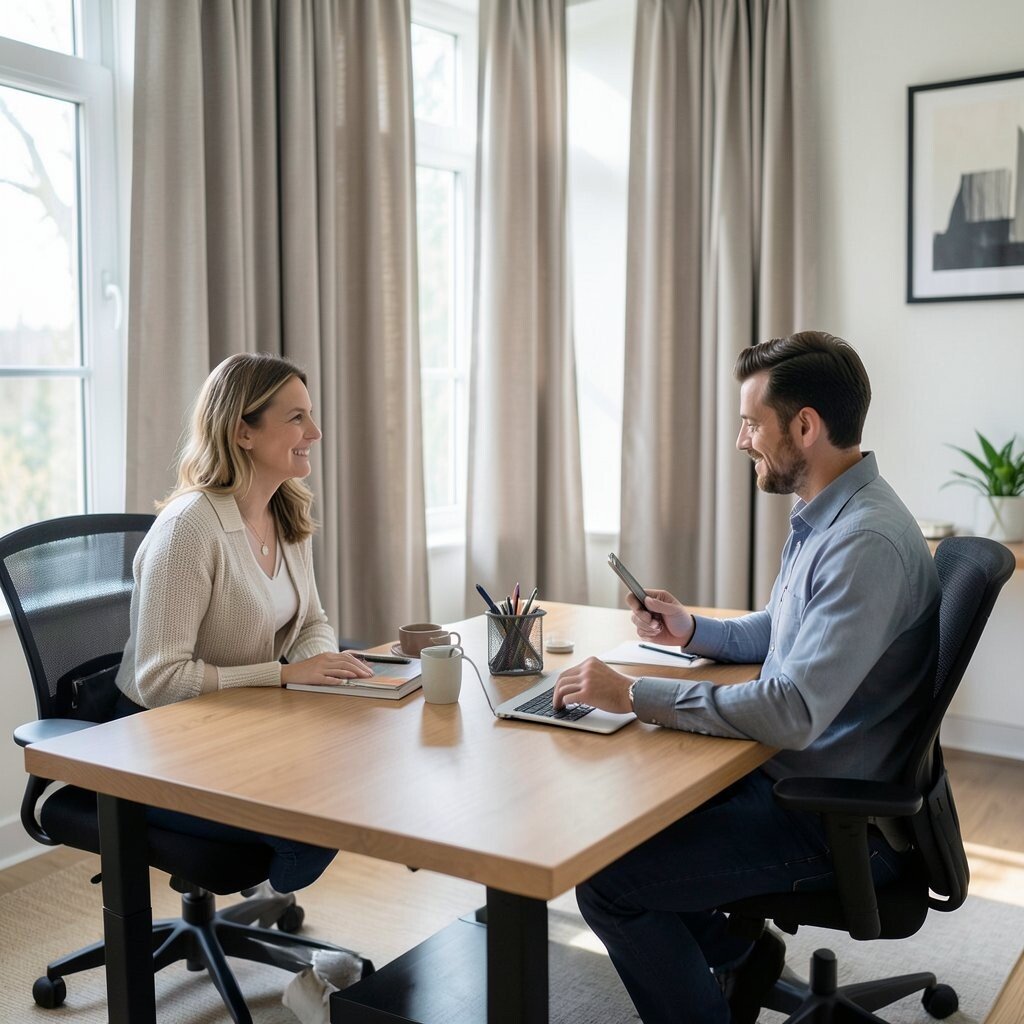
Use a visual boundary to signal meeting mode, like drawing curtains or closing a door partway. Your brain treats the change like a switch, which helps you switch from home tasks to professional talk.
For practical tips, keep a “meeting station” ready with a charged device, notes, and a glass of water. Benefits show up as better presence and fewer awkward moments searching for things.
This idea is unique because it treats your environment as a cue, not just a background. Cost considerations are mostly about using what you already have.
17. Desk-to-Home-Chore Rotation
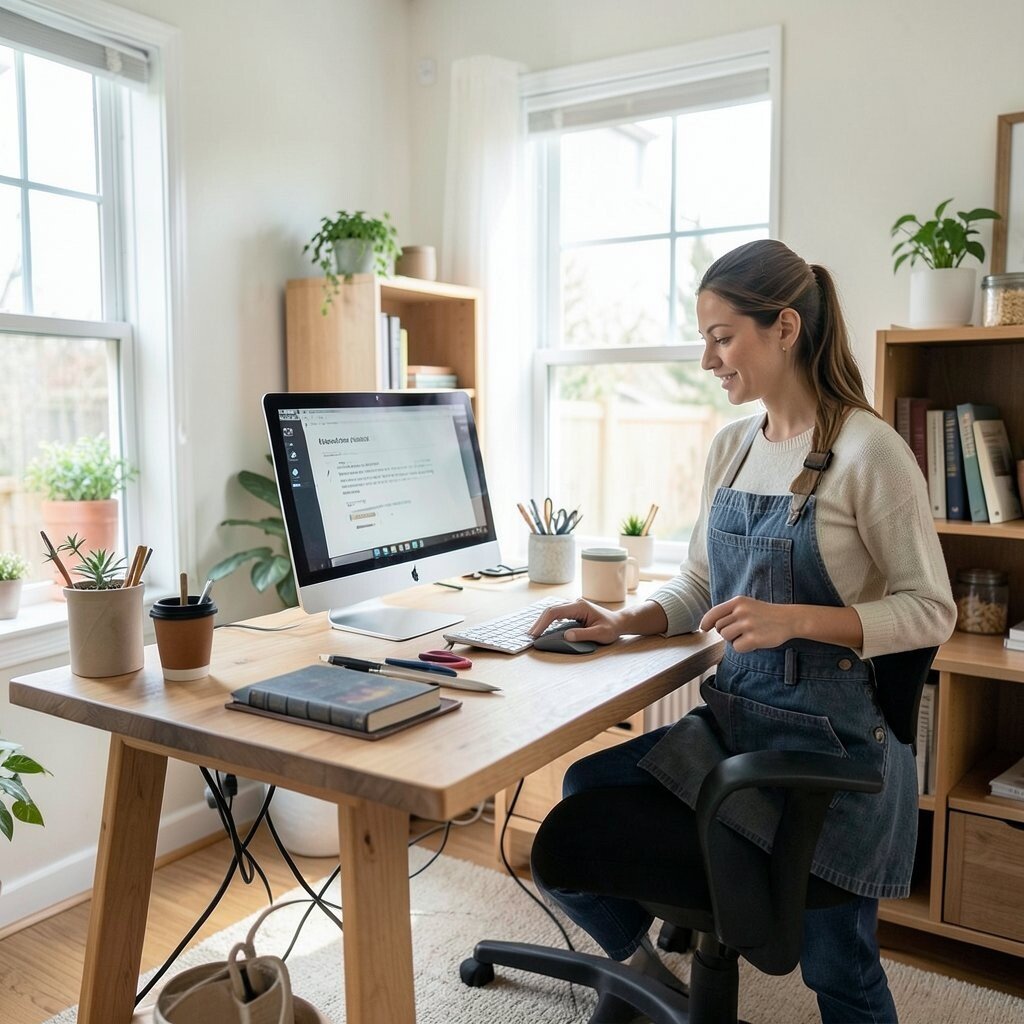
Combine work breaks with one small home chore, like wiping the counter or sorting one drawer. You get the satisfaction of progress on both sides of life.
Try it in a rhythm where you work for a focused block, then do a quick chore before you return. Benefits include reduced clutter and a workday that feels balanced rather than endless.
Personalize the chore list to fit your household, such as pet care checks or laundry folding. Cost is near zero because the only requirement is a willingness to keep it light.
18. Storytelling Client Update Drafts
Write progress updates like short stories instead of long status paragraphs. You might start with what happened, then what you learned, then what you plan next.
Visualize it as a timeline in your own words, so updates feel clear and friendly. Practical tips include keeping sentences simple and adding one specific result each time.
This approach is unique because it makes your work voice warmer, which helps clients feel cared for. It also matches a current trend toward concise, human communication in remote roles.
19. Home Library Micro-Lounge
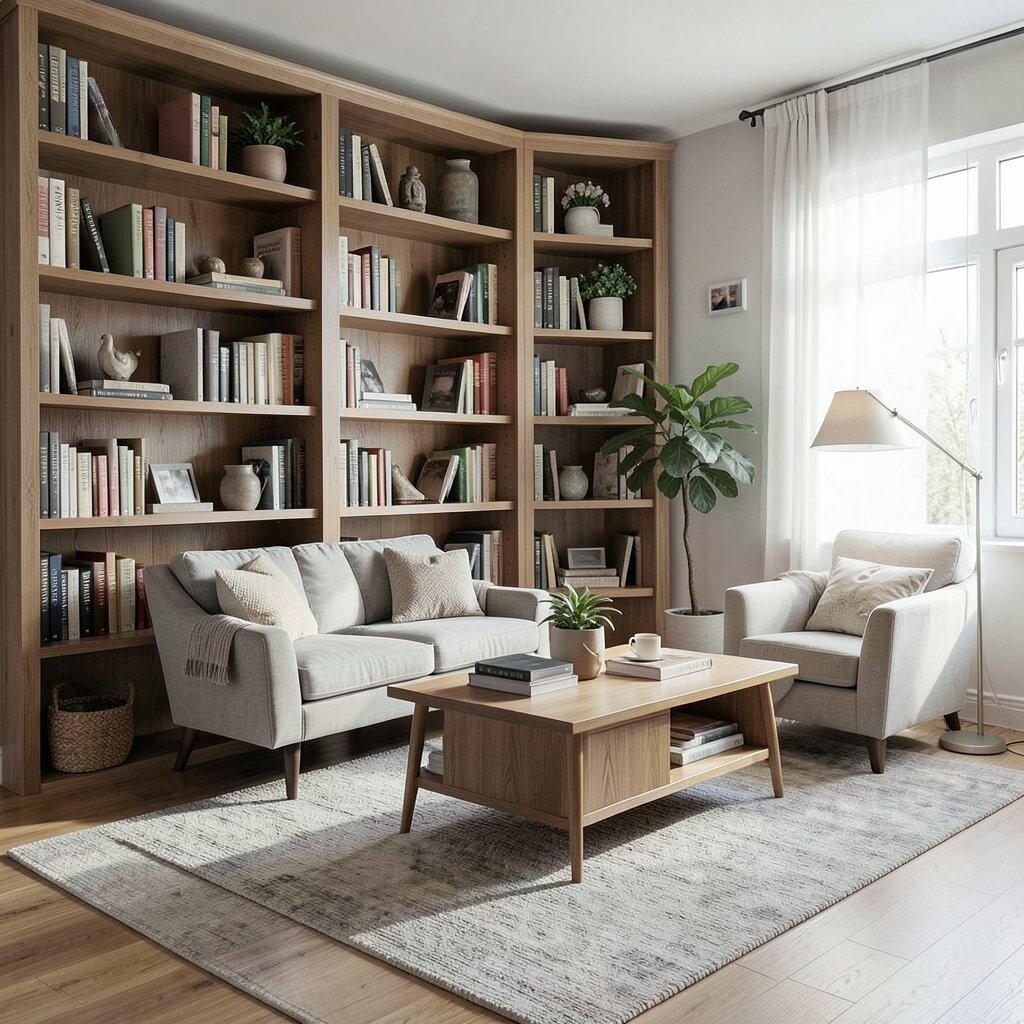
Set aside a small spot where you keep reference books, print notes, or inspiration cards. Even a corner shelf can become your visual calm area between intense tasks.
Use practical tips by keeping items you need within arm’s reach so you do not waste time. The benefit is that you can switch modes quickly, returning to work with less mental noise.
Personalize it with things that reflect your style, like a favorite journal or a frame with a meaningful quote. Cost considerations can stay low because a few prints or a cheap shelf unit go a long way.
20. Timeboxed “Yes, No, Maybe” Inbox
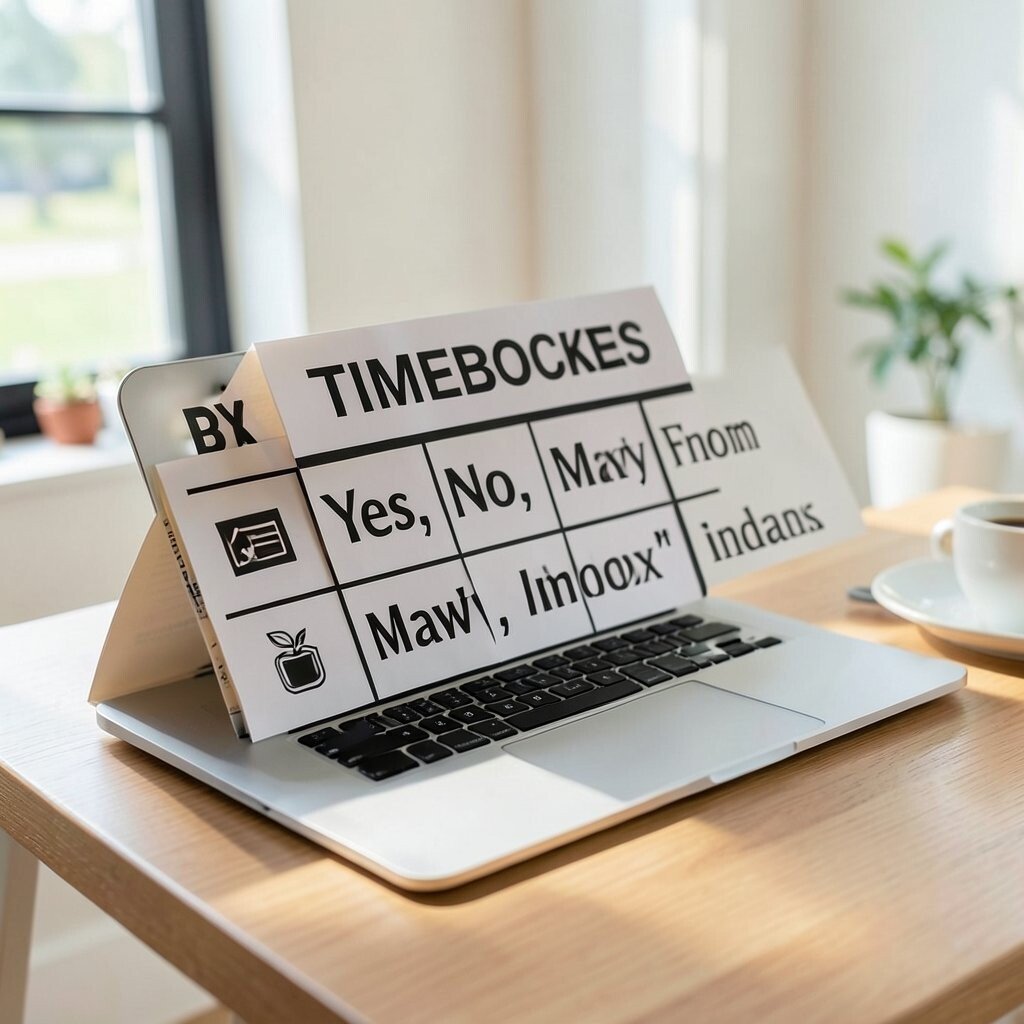
Sort messages into yes, no, and maybe categories to reduce your mental load. When you know what needs attention right away, the inbox stops feeling like a threat.
Use practical tips by answering quick items immediately and scheduling longer replies for a specific time. Personalize the system by naming your maybe list based on your pace, like “review later” or “draft tomorrow.”
Benefits include less stress and a calmer work rhythm. This method fits a current trend toward prioritization systems that help remote workers manage interruptions.
21. Custom Lighting Scenes for Every Task
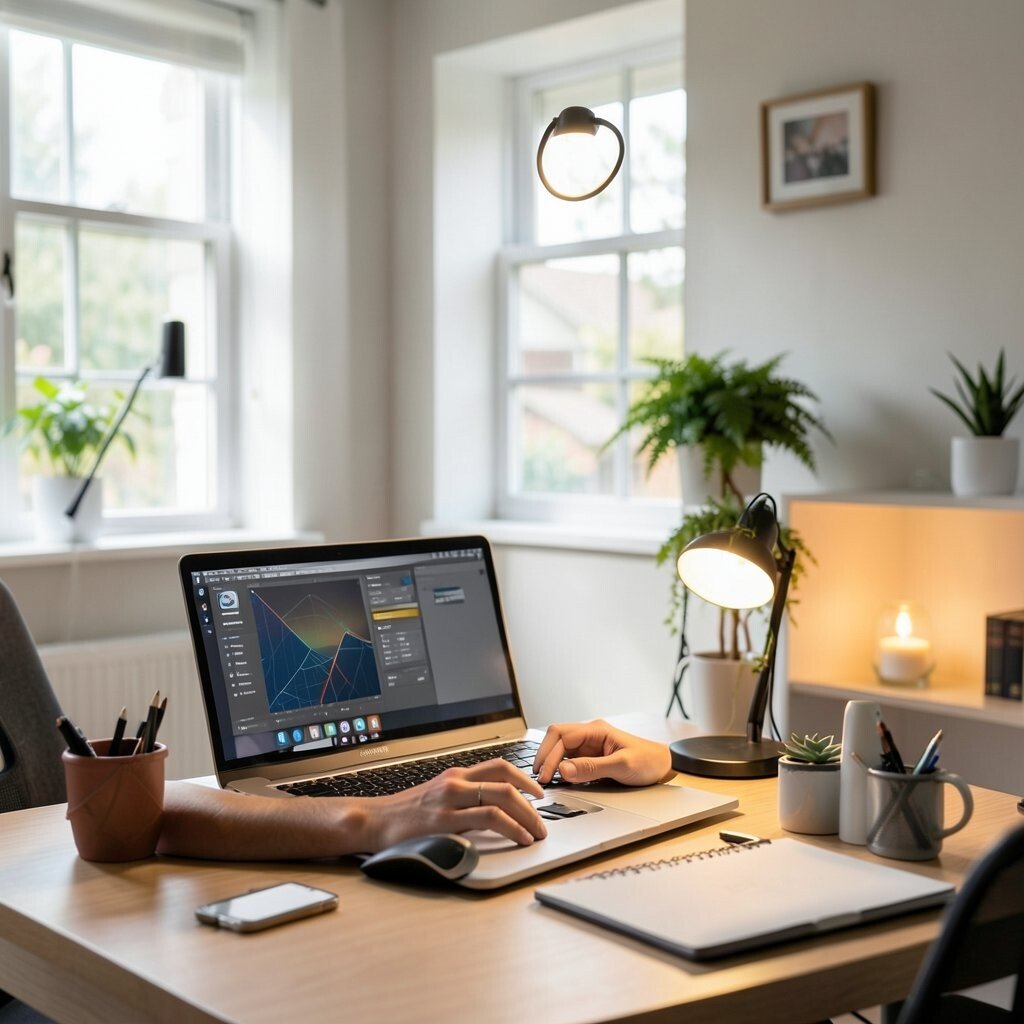
Set up lighting that matches your tasks, like bright light for editing and softer light for writing drafts. Use a lamp with a dimmer switch or smart bulbs if you already own them.
Visual description makes a difference here, because you want your eyes to feel comfortable while your mind works. Practical tips include testing scenes at different times of day so the room stays consistent.
Cost considerations depend on your setup, but you can start with a simple lamp and colored bulbs. This idea feels unique because it treats lighting like a tool, and the current trend toward smart home comfort supports the same mindset.
When your workspace “changes” with your tasks, starting feels smoother and distractions feel quieter.