
The next gadgets might make your classroom feel brighter. Each idea below is built for real teaching moments.
You can start small, keep costs sensible, and still get big energy from every activity.
1. Rainbow Schedule with Color Cues
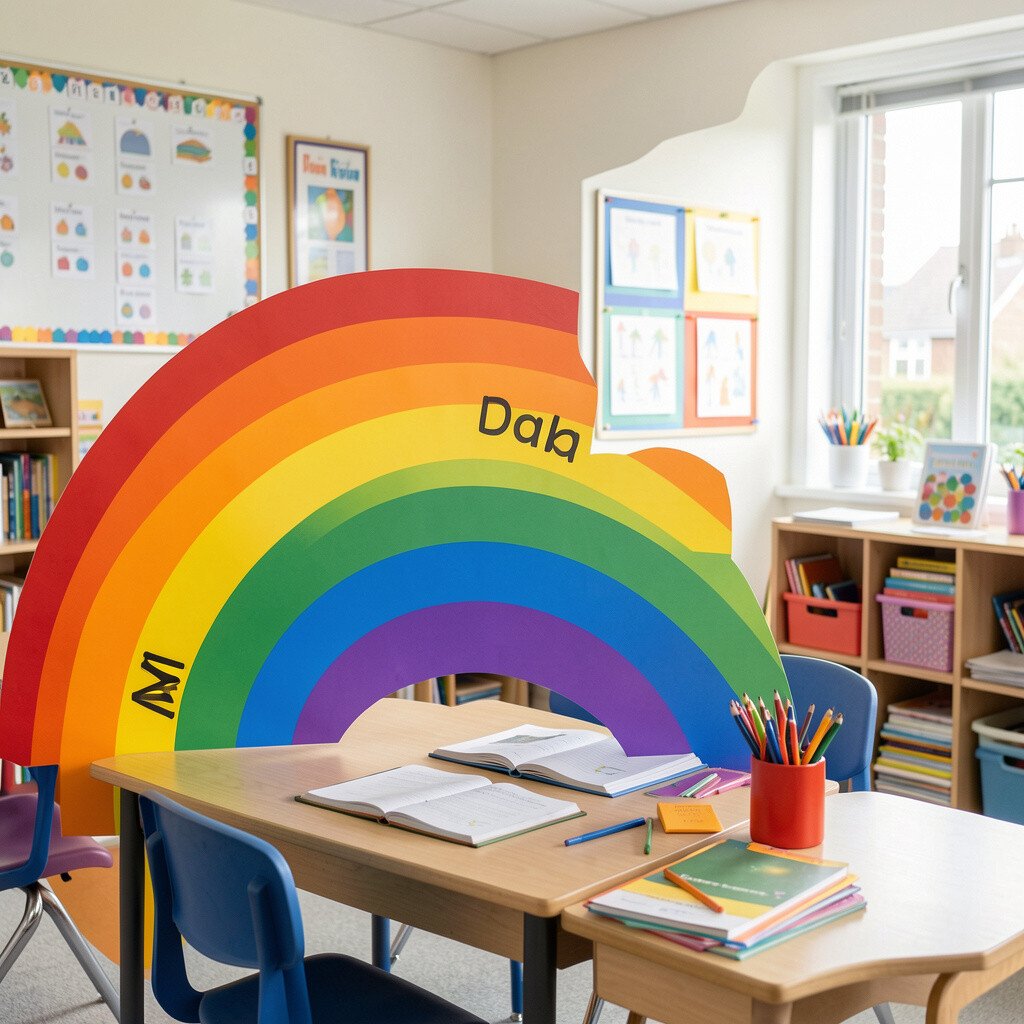
Picture a daily schedule where each subject has its own vivid color block. Students instantly notice what comes next when the lighting or digital display shifts.
Use a simple slideshow, a tablet app, or a projector screen to show the schedule in rainbow bands. Keep transitions smooth by matching colors to routines students already know. Try adding a quick icon or symbol beside each color so learners can read faster without extra stress.
2. Storytelling with Choice Boards on Tablets
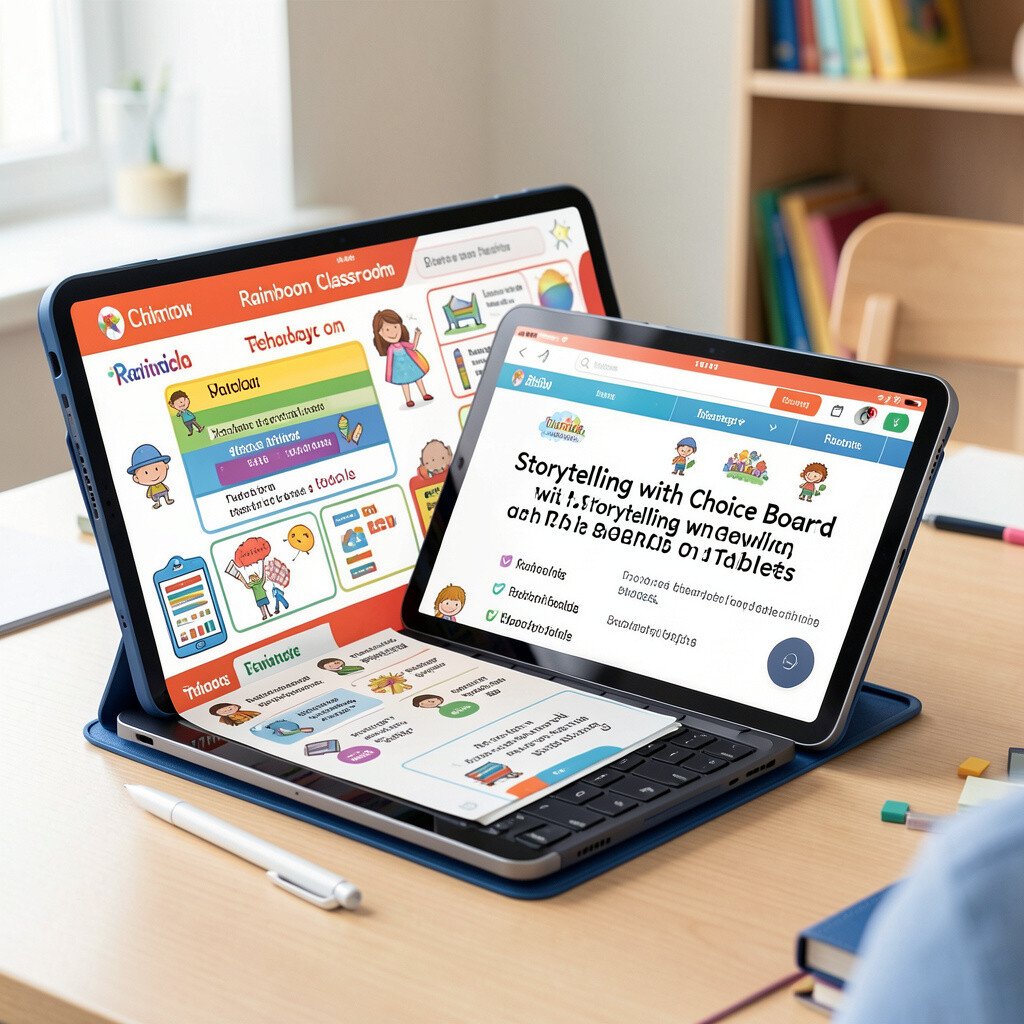
Imagine students hovering their finger over colorful tiles that steer the story. They pick what a character does next and the screen responds right away.
Create a digital choice board with a few tiles for each lesson step. Keep each selection short and tied to a learning goal. For personalization, let groups choose different difficulty levels by swapping tile sets.
For cost, you can use free presentation tools and a classroom tablet you already have. Use teacher-made images from your own lessons to keep the visuals authentic and engaging. When you want variety, rotate tiles weekly so students feel the story has room for them.
3. Chromatic Math Stations with QR Scans
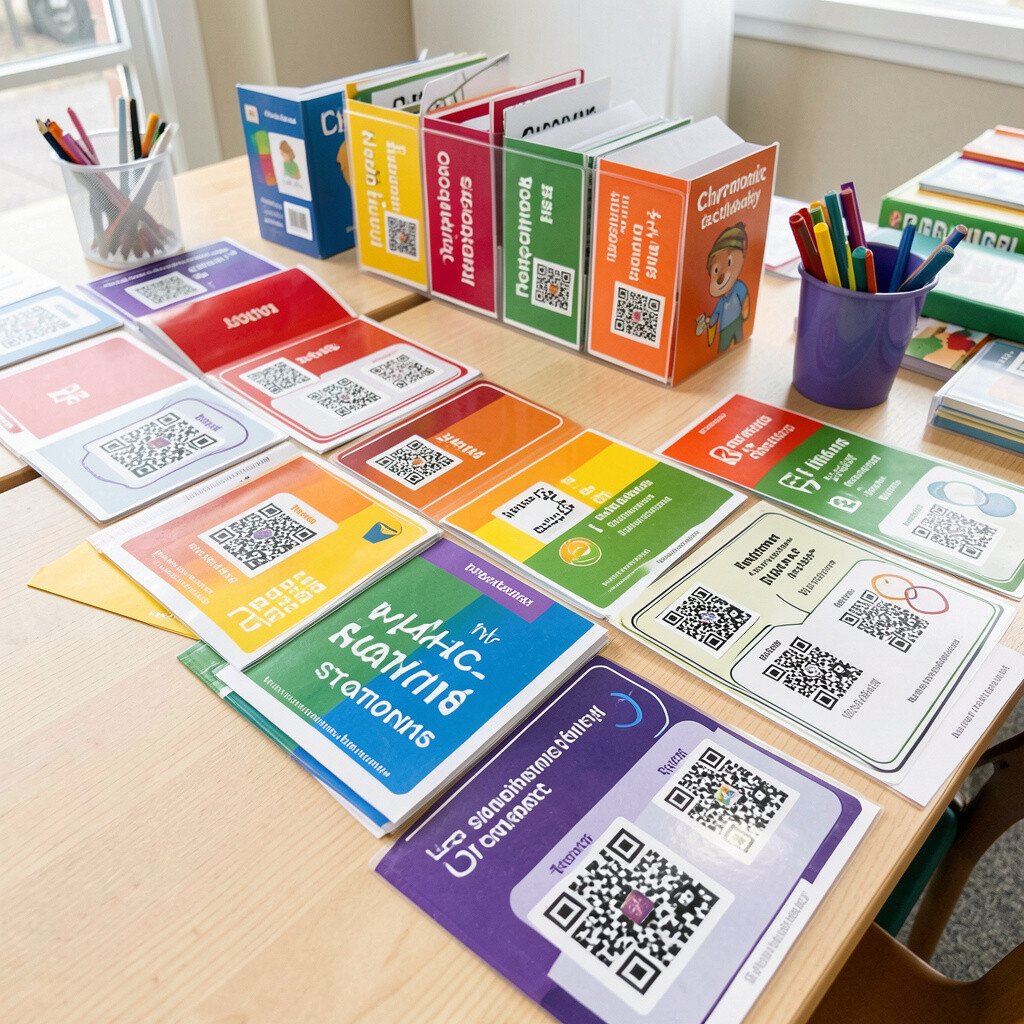
Walk into a station layout where every corner has a different color sign. Students scan a QR code to open the right practice set on a device.
Set up short activities for each skill, like fraction matching, number lines, or word-problem sorters. Add visual hints in the activity so learners can self-correct. Students love moving because the color-coded signs make it clear where to go.
To personalize, include one QR code for a basic path and another for a more challenging path. You can build most activities with free quiz builders or slide templates. Keep costs low by printing code cards and reusing them each month with updated answer keys.
For current trends, many classrooms now use quick, screen-based practice that gives instant feedback. If your devices are limited, rotate stations so every student still gets meaningful screen time.
4. Video Micro-Lessons with Rainbow Chapters
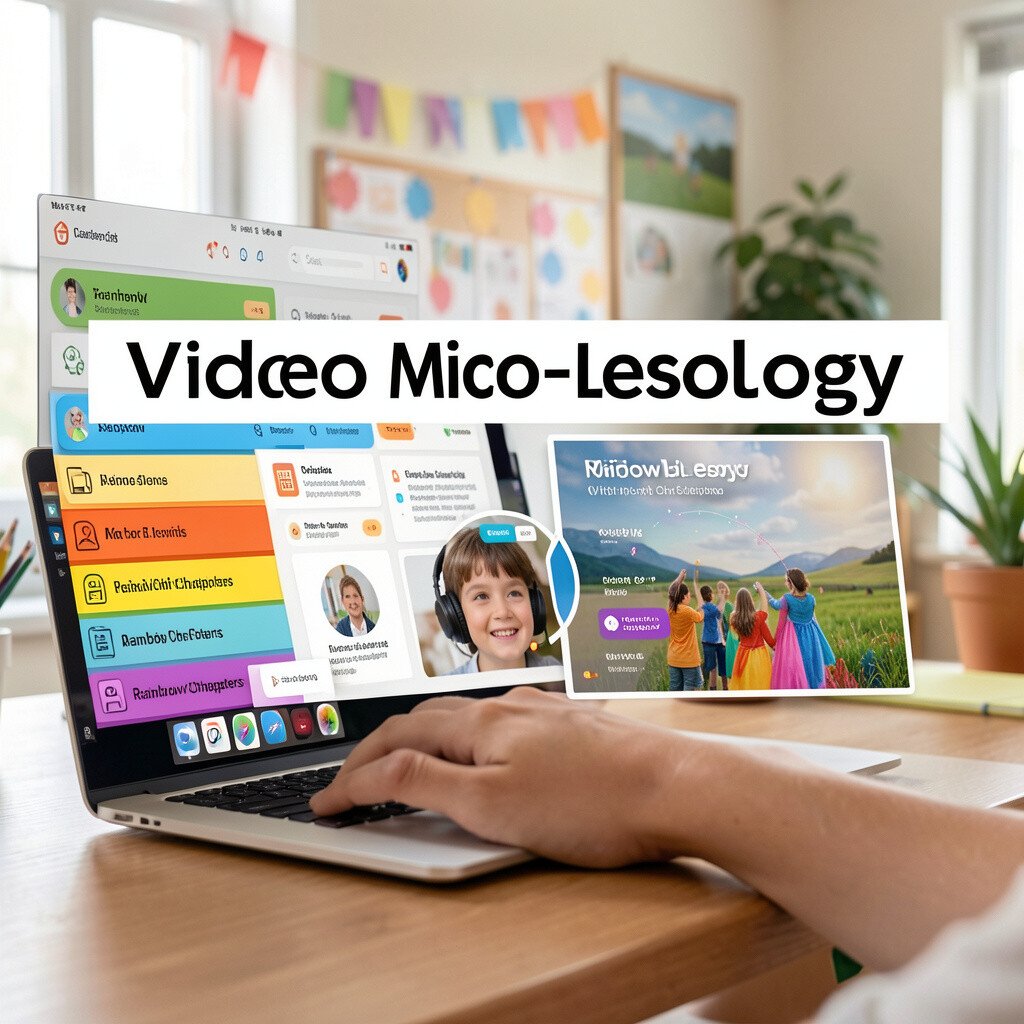
Think of a short teaching video that opens with a rainbow timeline bar. Learners can jump to exactly the part they need.
Record yourself explaining one concept for a few minutes, then split it into chapters with clear color labels. Students who miss a step can replay just that segment without rewatching everything. Use captions so language learners and struggling readers can follow along.
5. Augmented Reality Color Walk for Vocabulary
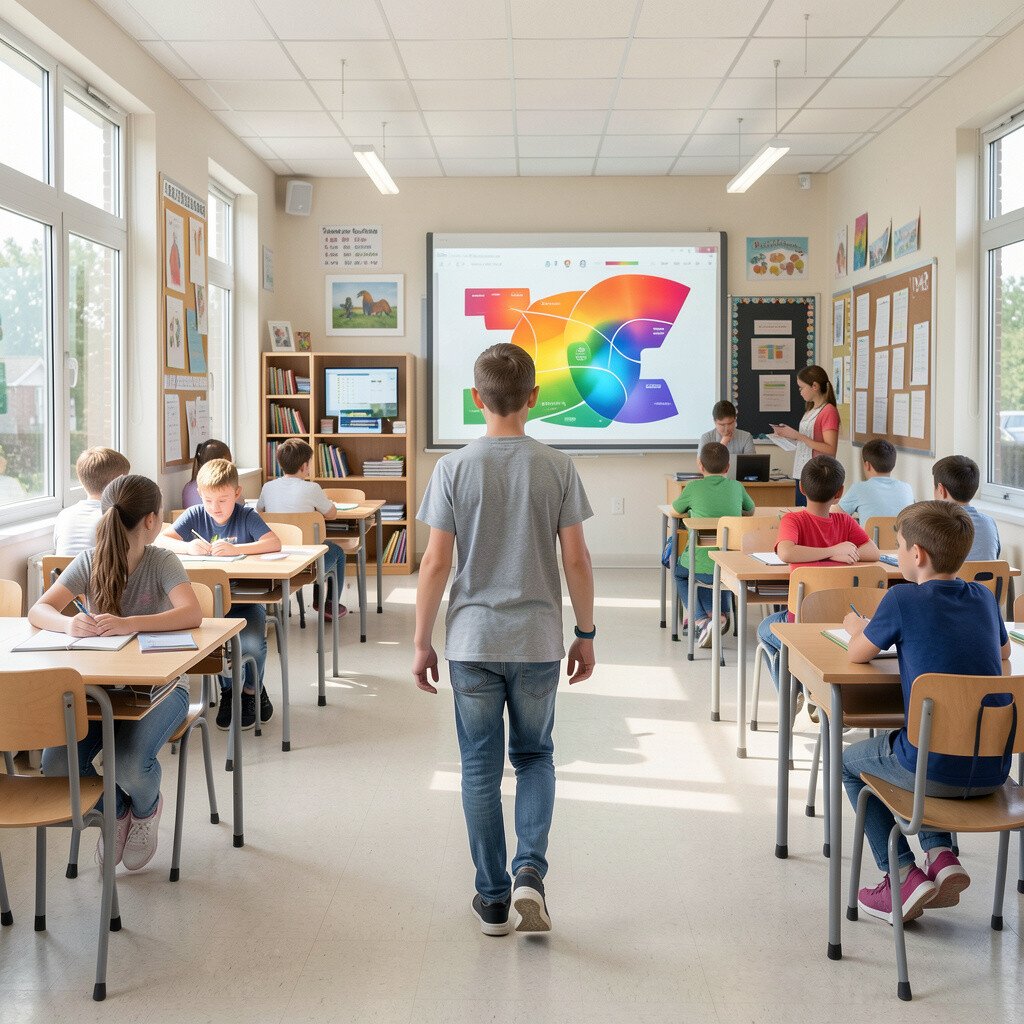
Imagine students walking around the room and seeing color tags pop up in the air. When they point, the device shows a word meaning or a simple example.
Use an AR app that supports markers or image overlays so students can collect vocabulary cards tied to classroom items. Place triggers near science posters, book shelves, or classroom plants. Students feel the learning is playful because they are moving and pointing, not only reading.
Keep it practical by starting with a small set of words and a handful of triggers. Personalize by letting different groups focus on different word lists. Most AR tools have free tiers, and you can reuse your labels each term with new vocabulary.
6. Interactive Whiteboard Lessons with Color Layers
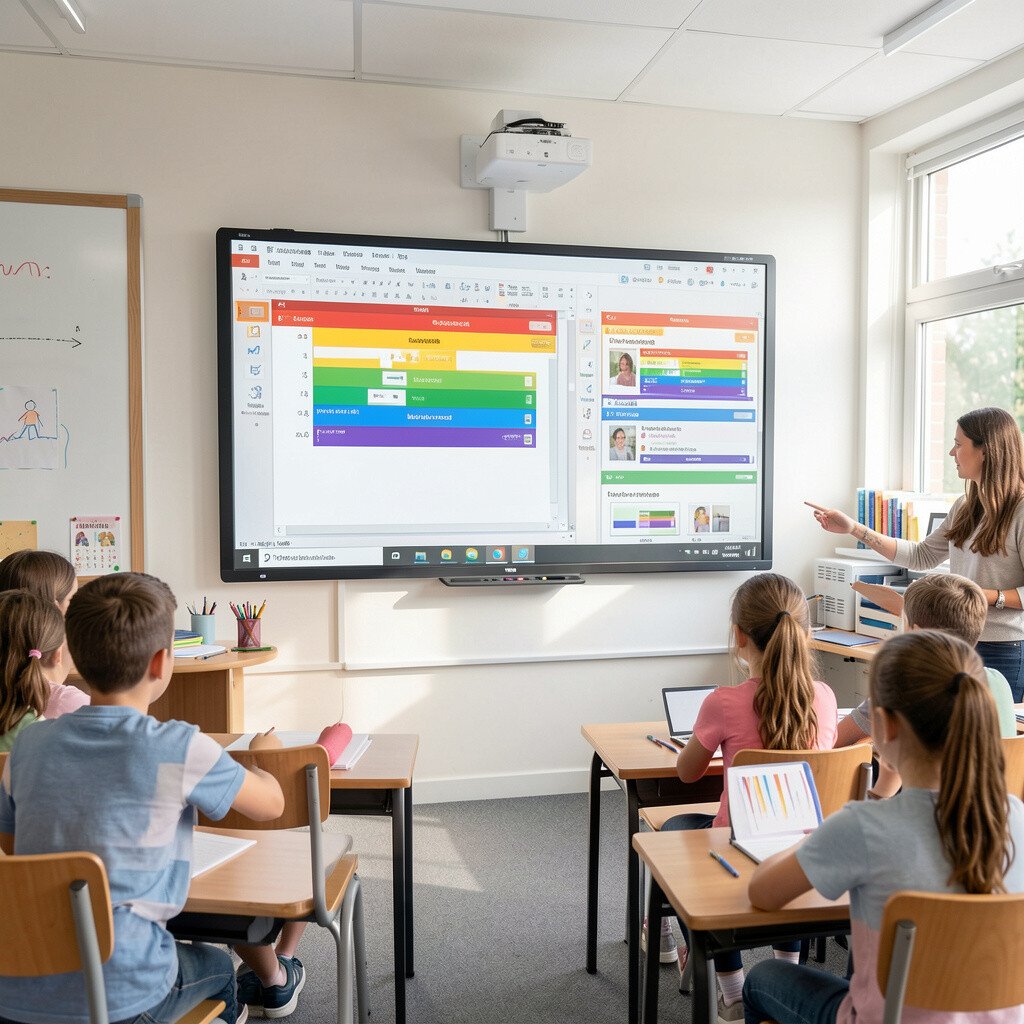
Picture your interactive board showing a problem covered by colored “layers.” Students pull back a layer to reveal hints one at a time.
Design lessons where the first reveal shows the goal, the second reveals a model, and the third gives the full answer. This keeps support visible without giving everything away at once. To personalize, let students drag layers on their own device or in pairs so they choose how much help they need.
For cost, you can use built-in whiteboard features or free interactive slide tools. Use bright, consistent colors so the class builds strong mental links between color and support level. A trend you’ll see often is scaffolding through interactive steps rather than long teacher talk.
7. Podcast Practice with Rainbow Roles
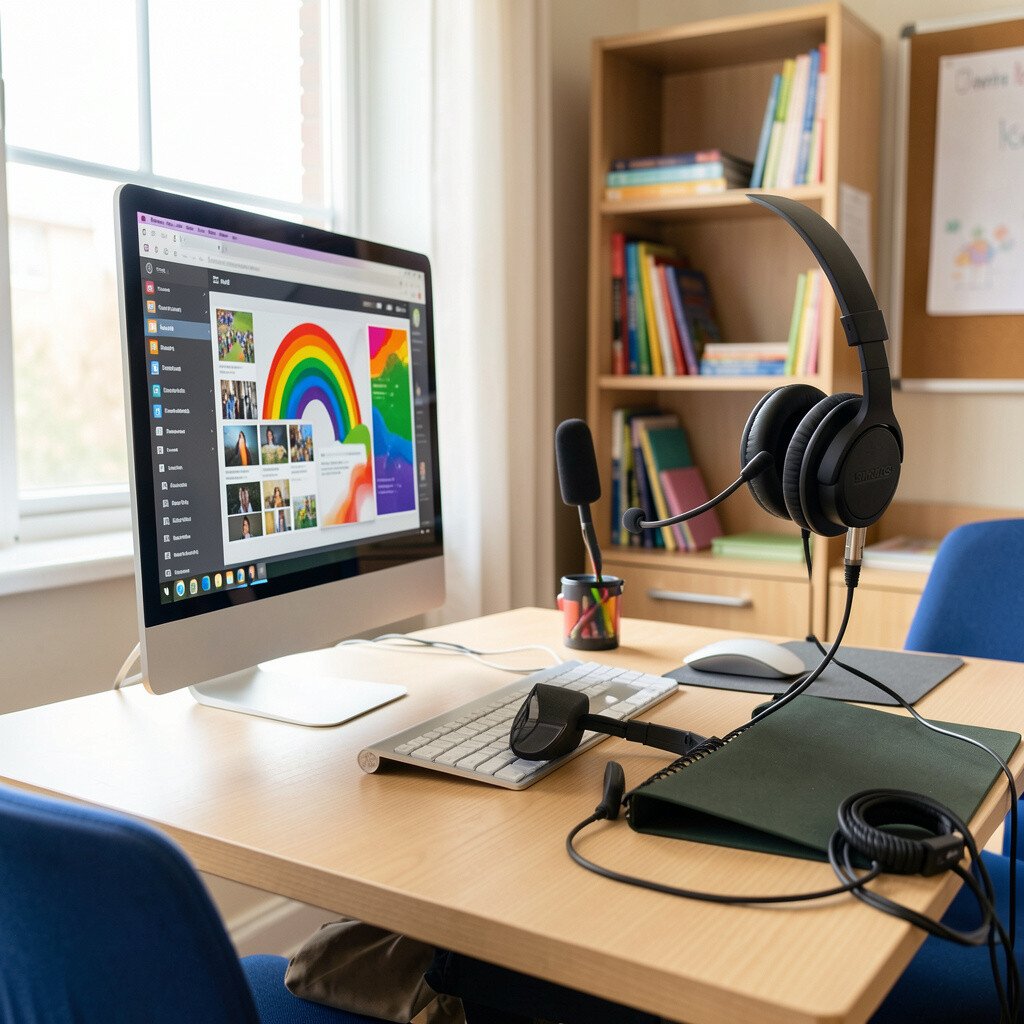
Imagine students recording a short audio show where each role has its own color. A host, reporter, and fact-checker might appear on screen with rainbow name tags.
Have groups plan a topic, then use a simple recording app to capture their voices. You can assign roles based on strengths, like writing, speaking, or organizing. Personalize by letting students choose whether they record once, record in chunks, or add sound effects.
Keep the workload manageable by providing a ready script template and time limits. Most devices today have microphones built in, so costs stay low. Students often gain confidence because they can replay and adjust their delivery until it sounds right.
As a practical setup, collect recordings into one shared folder and schedule a “listen day” where classmates leave kind feedback based on a rubric you keep short.
8. Color-Tagged Writing Feedback with Screenshots
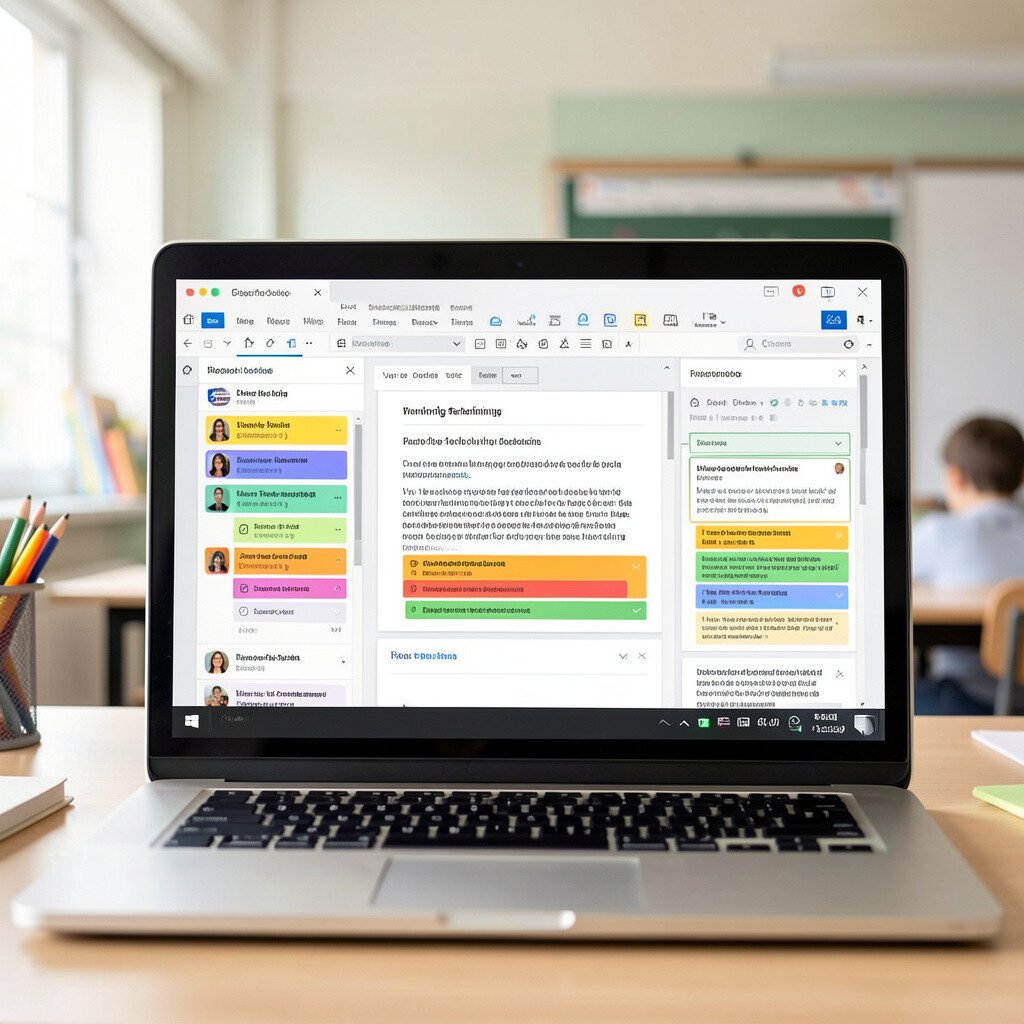
Think of feedback that appears right on the student’s work, highlighted in bright colors. Instead of only red ink, comments pop up with clear examples.
Use a document tool that supports comment bubbles and highlight choices. When students revise, they can see which sentence needs focus and which parts already shine. For personalization, allow students to pick their revision focus, like vocabulary upgrades or stronger endings.
To keep costs sensible, rely on free web tools or existing classroom accounts. Use consistent color meaning so students learn the pattern quickly. Current practice often favors short, targeted feedback loops rather than long written notes.
9. Digital Science Notebooks with Rainbow Diagrams
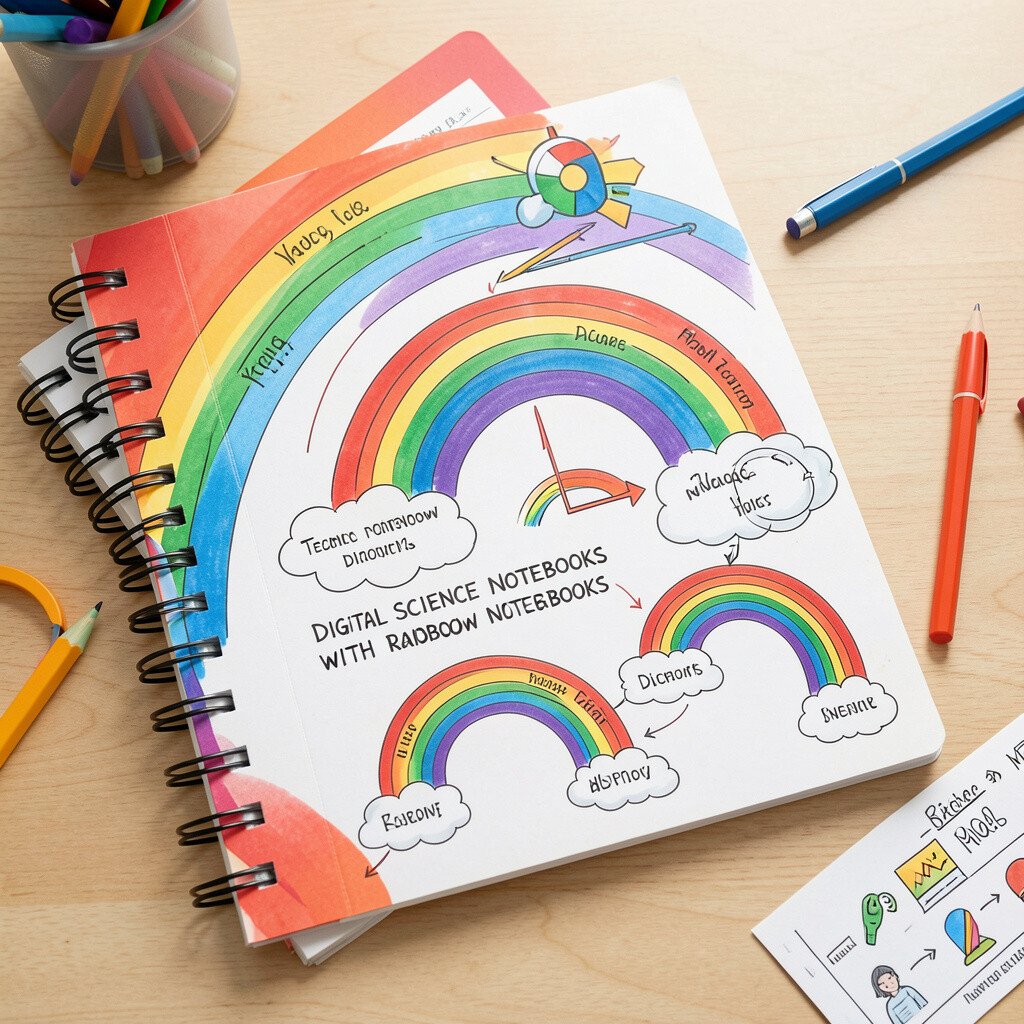
Imagine a science notebook page where each diagram line has a distinct color. Students can switch between pictures, labels, and data in one neat file.
Have students create a digital notebook using a template with color-coded sections for questions, observations, and evidence. When they add photos or short notes, they can keep the look organized and easy to read. Personalization comes from allowing each student to choose which tool to use, like drawing, typing, or audio notes.
Keep it practical by limiting each entry to a few minutes and a clear goal. Use free templates and reuse the same structure all year so students don’t spend time learning a new format. For cost, one shared device set can cover the whole class with rotating turns.
Trends in science teaching now lean toward evidence-based reasoning, and digital notes help students store their observations where they can revisit them later.
10. Rainbow Listening Centers with Text-to-Speech
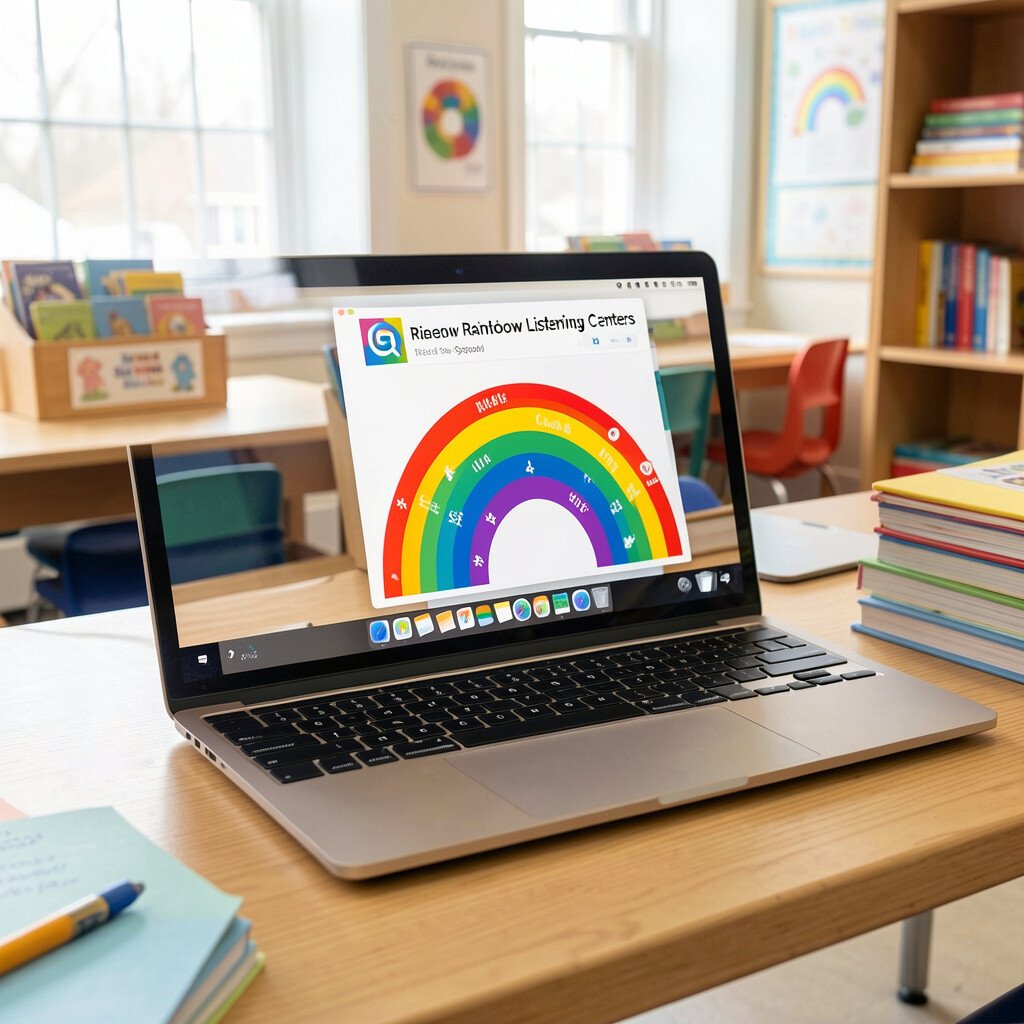
Picture a listening station with a rainbow headset sign and simple controls. Students tap play and hear the text read aloud clearly.
Use text-to-speech tools to support fluency and comprehension, especially for readers who need extra help. Keep materials aligned with the lesson so the listening supports the day’s goal. Personalize by offering multiple reading levels or different audio lengths.
For cost considerations, many devices offer built-in text-to-speech, so you may not need extra software. Try using headphones in short bursts and pair listening with a quick follow-up question. A current trend is using audio scaffolds alongside reading rather than replacing reading fully.
11. Interactive Timelines with Color-Coded Events
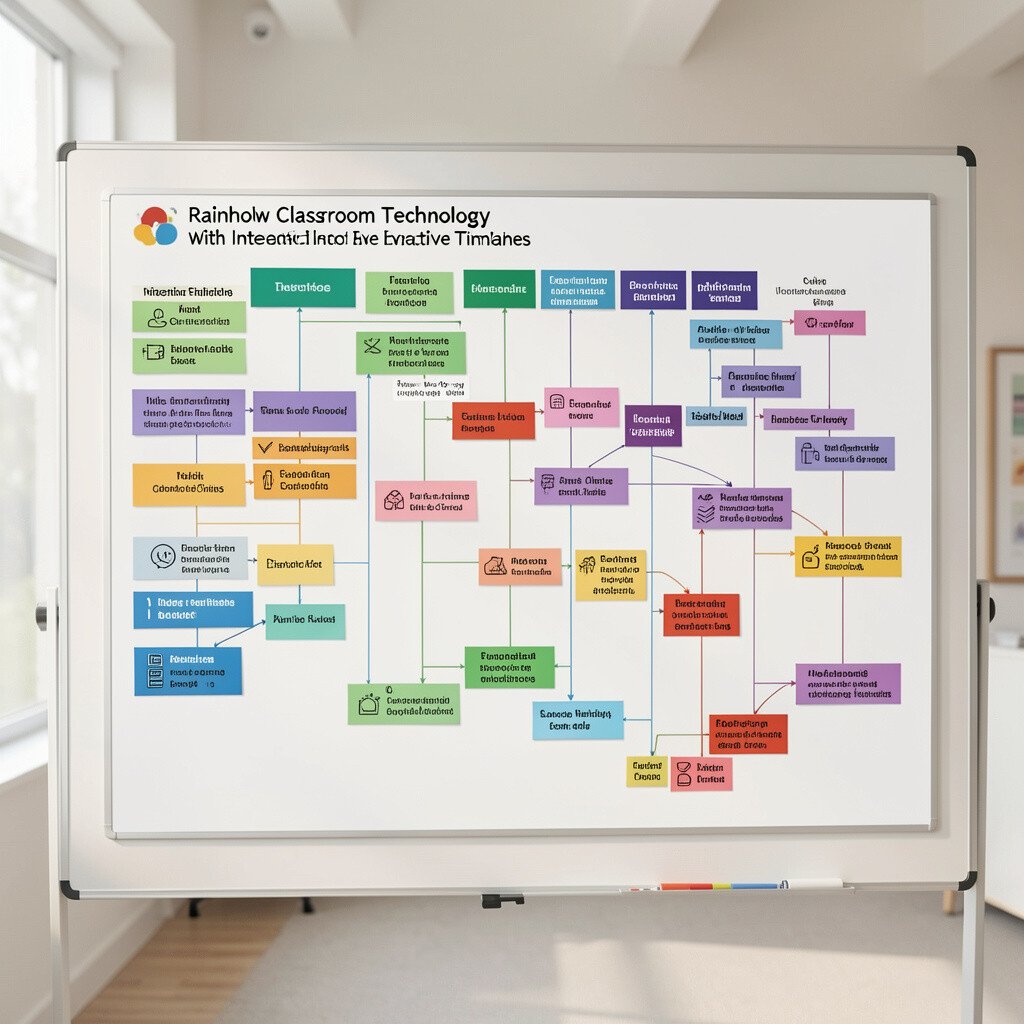
Imagine a timeline on the screen where each historical event has its own color dot. Students drag the dots into the right order and see instant feedback.
Create timeline activities that match your unit, like biographies, ancient civilizations, or local history. Encourage students to add short evidence notes for each event so they can justify placement. For personalization, allow choice in how they represent an event, like a short text card or a small image.
Keep costs low by using free timeline tools or even slide-based timelines you can edit later. Make the visuals consistent by using one set of colors for the same century or theme. Students stay engaged because the task looks like a puzzle, not a worksheet.
If devices are limited, use a shared screen while students vote on placements using color cards or printed dot stickers.
12. QR Treasure Hunts for Skill Review
Picture a hallway or classroom floor dotted with colored QR codes like tiny treasure markers. Students work together to find the right next clue.
Write short questions for each code and design the answers so they lead to the next location. This builds review in a way that feels like movement and teamwork. Personalization can happen by setting different difficulty routes, such as an easier clue list for one group and a more challenging clue list for another.
For practical setup, print the QR cards and attach them with tape that peels off easily. Most QR tools are free and answers can be stored in a simple form. Costs stay low, and the activity feels fresh because the map can change each week.
13. Gamified Vocabulary with Rainbow “Level” Badges
Imagine students earning colorful badges on a screen as they meet vocabulary goals. Each badge feels like a win you can see.
Use a simple quiz or flashcard app to track progress and award badges by color. Keep rules friendly and clear, and let students earn badges through practice, not perfection. For personalization, allow students to choose which words to master first or set goals that match their reading level.
Consider cost by using free badge systems in existing apps or using your own badge images in a shared slide deck. To keep it balanced, mix game time with real writing so students apply words in sentences. A current trend is short, spaced practice that helps words stick across weeks.
When you design badges, use meaningful colors tied to themes students enjoy, like nature for science words or sunset for emotion words.
14. Color-Coded Lab Safety with Interactive Slides
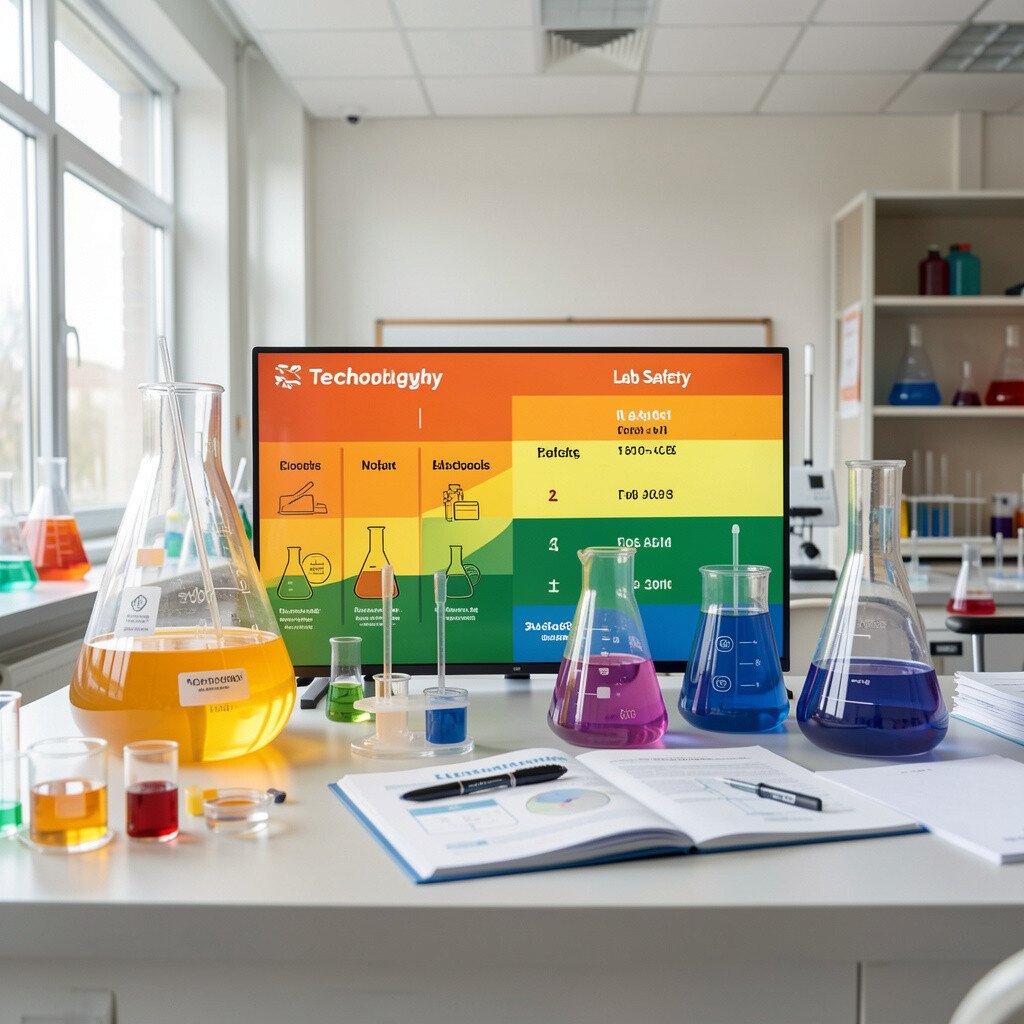
Picture safety rules shown on a projector with bright colors and quick scenarios. Students match each scenario with the right safety response.
Create interactive slides where each colored section links to a short example, like what to do when a spill happens or how to handle equipment. Students then choose answers and see supportive feedback right away. Personalization works when students can replay the part they missed and practice safe steps at their pace.
Keep practical time by using scenarios from your exact classroom materials. If you need cost control, build slides with free design templates and images you already have. This style of safety training also supports current trends that favor scenario-based learning over memorizing rules alone.
15. Personalized Reading Paths with Rainbow Book Tags
Imagine bookshelves labeled by rainbow tags that match reading goals and interests. Students pick a path that feels made for them.
Create digital or physical tags that include a short reason to read, like “great for mysteries” or “helps with nonfiction structure.” Then connect those tags to online reading logs or simple comprehension checks. For personalization, offer multiple formats, such as audio options, graphic versions, or guided reading questions.
To keep costs low, start with books you already have and add tags using colored paper or printed labels. When you add devices, use digital logs that let students reflect in short sentences or voice notes. Students feel ownership because the selection process is visible and easy to choose.
16. Classroom Polling with Instant Color Charts
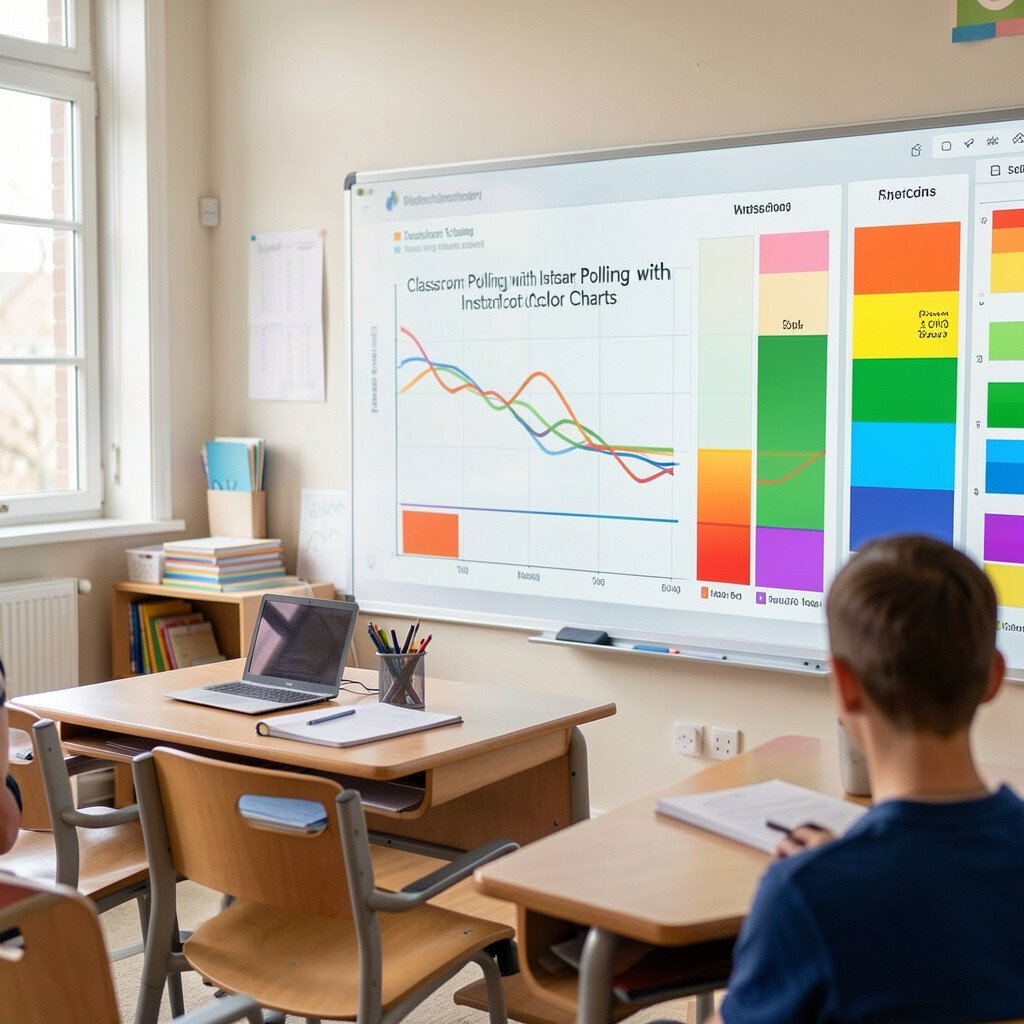
Picture a quick poll where students tap answers and a color chart appears immediately. You can see the class thinking at a glance.
Use polling tools to check understanding before instruction and again after practice. Color charts make results easy to interpret, especially for younger students. Personalize learning by grouping students based on their responses and giving each group a targeted next step.
For cost considerations, many schools already have access to polling features through common classroom apps. Keep sessions short so you can return to learning quickly. A current trend is using these quick checks to guide instruction in real time, not just to grade after the fact.
17. Visual Timers and Countdown Stories in Rainbow Colors
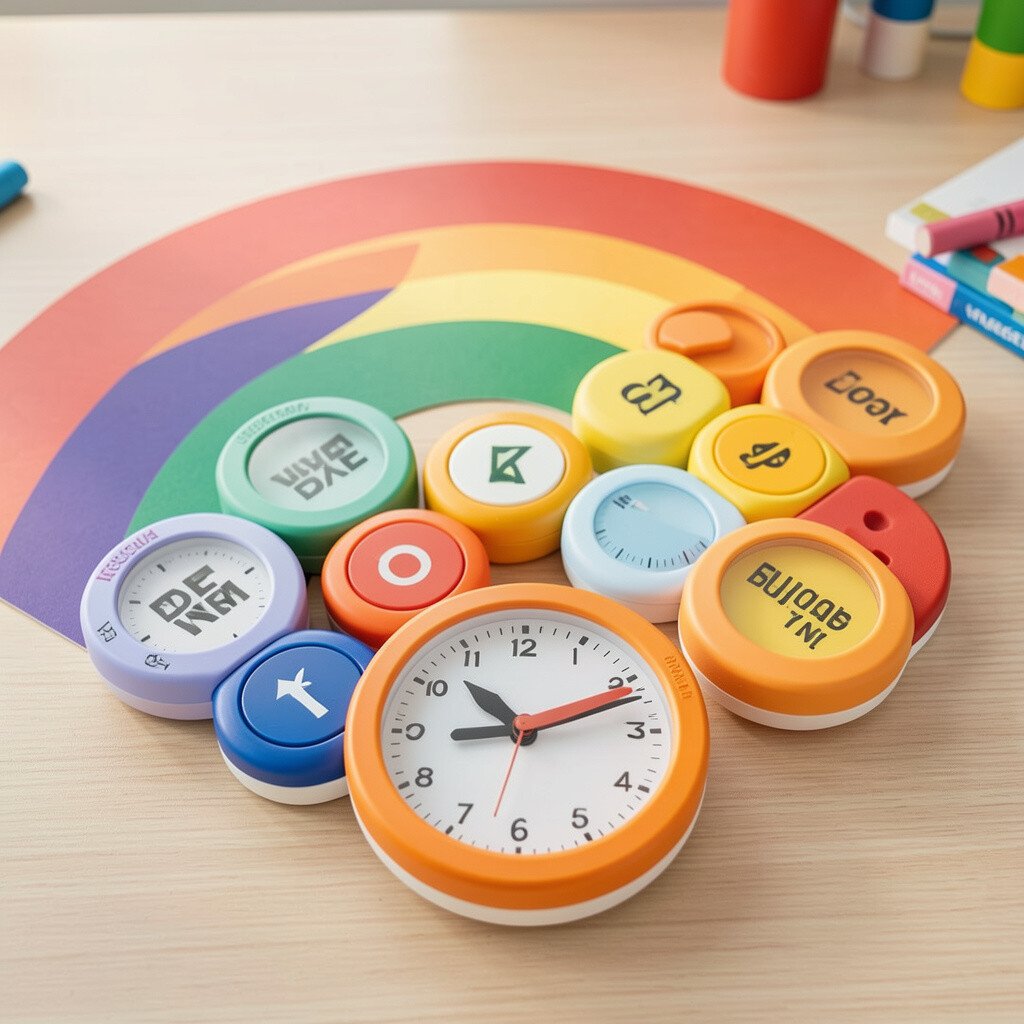
Imagine a countdown timer that turns from one color to the next as time passes. The classroom feels calm because everyone sees the same shared clock.
Use visual timers on a screen or projector so students know when transitions end. Add a “countdown story” where each color matches a step, like gather supplies, read quietly, or begin writing. Personalization can happen when you give different pacing options for students who need extra time.
Keep costs near zero by using built-in timer apps or free web timers. Make it practical by choosing one consistent color sequence and using it daily so students trust the pattern. This aligns with current best practices for supporting self-regulation through clear visual cues.
18. Student-Created Digital Posters with Theme Color Options
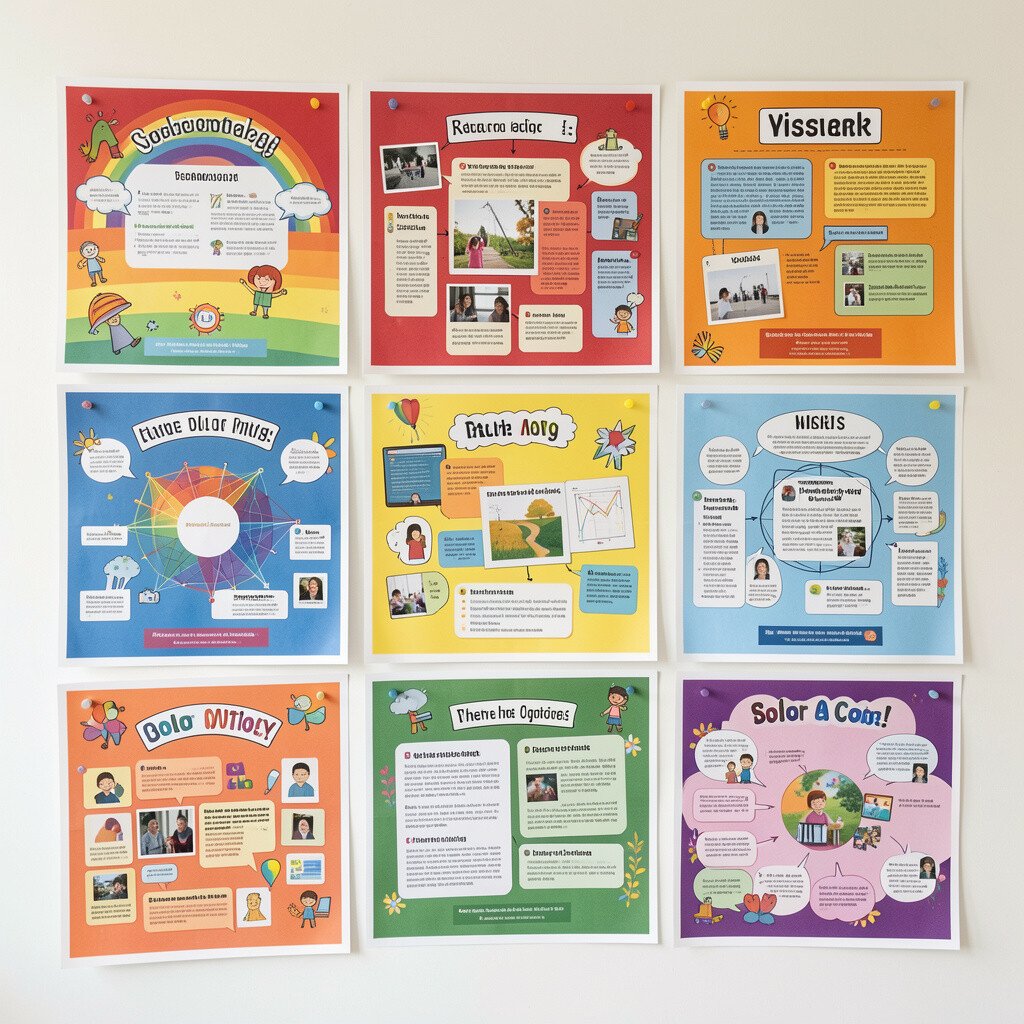
Picture students designing posters where headings glow in rainbow colors and images fit their topic perfectly. Their work looks like real media, not a simple assignment.
Use a slide or poster tool to let students create informational pages, book trailers, or persuasive flyers. Give clear success criteria and let students choose color themes that match their message. For personalization, offer templates in multiple styles so students can pick what feels comfortable.
For cost considerations, many tools are free in browser form and work on basic devices. Use student-created photos from the classroom, like experiments or library corners, to keep things authentic. A trend in classrooms is using student media to build ownership and strengthen communication skills.
When you present posters, schedule short gallery walks so students can give feedback using gentle prompts you keep consistent.
19. Music and Rhythm Practice with Color-Mapped Beats
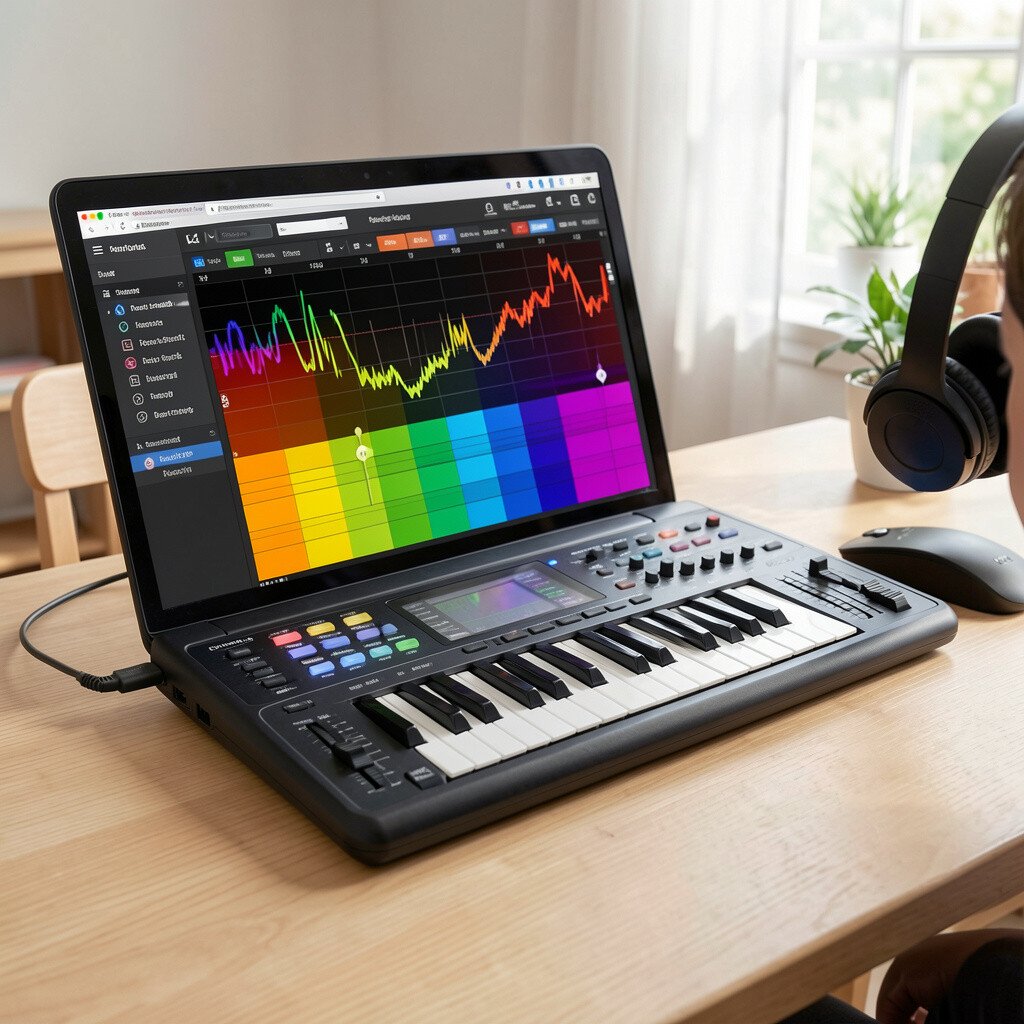
Imagine a music app where each beat glows in a different color and students tap along. The learning feels like rhythm games built for school.
Use color-mapped beat activities to teach patterns, counting, and pacing in subjects like math and language. Students can practice syllables or steps in a process by matching movements to the beat. Personalize by letting students choose tempo levels and by offering visual support for those who need slower pacing.
Cost can be managed by using free music apps or built-in educational rhythm activities. Keep it practical by pairing music tasks with a simple reflection, like “What pattern did you notice?” or “How did the tempo change?” This supports current trends toward multi-sensory learning that helps students stay engaged.
Start with short sessions so you maintain classroom energy and keep attention focused on the learning goal.
20. Cloud-Based Assignment Folders with Rainbow Naming
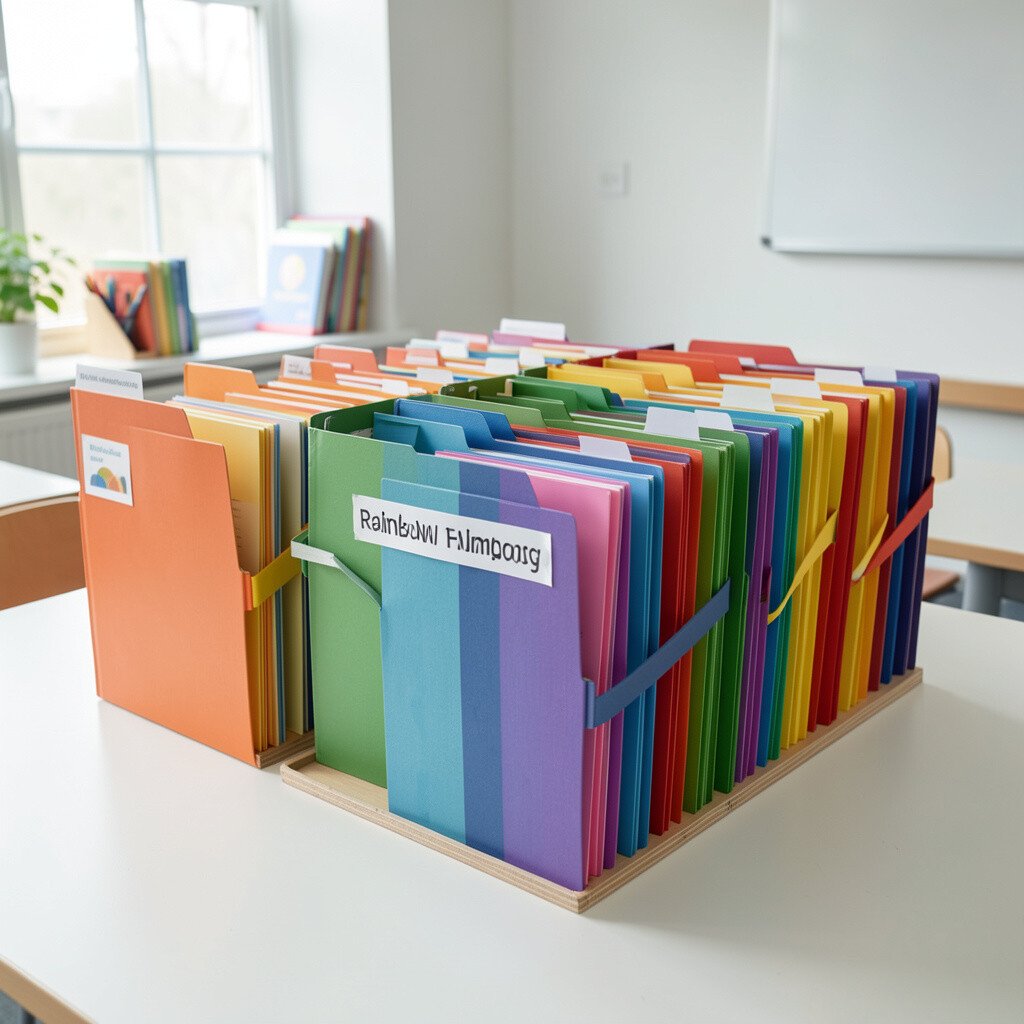
Picture every student’s work stored in a cloud folder with color-coded names. It becomes easier to find drafts, feedback, and final copies.
Set up a simple file system where students upload work to a shared structure. Use rainbow naming conventions for each class theme, like science blue folders or writing green folders, so organization stays visible. Personalization comes from letting students add their own subfolders for projects, revisions, or audio notes.
For cost, cloud tools are often free for basic storage and may already exist through your school accounts. Keep practical by teaching one routine for uploading and another for receiving feedback. This approach supports a current trend toward paperless learning while still making it easier to track student growth.
21. Virtual Class Meets with Rainbow Team Breakouts
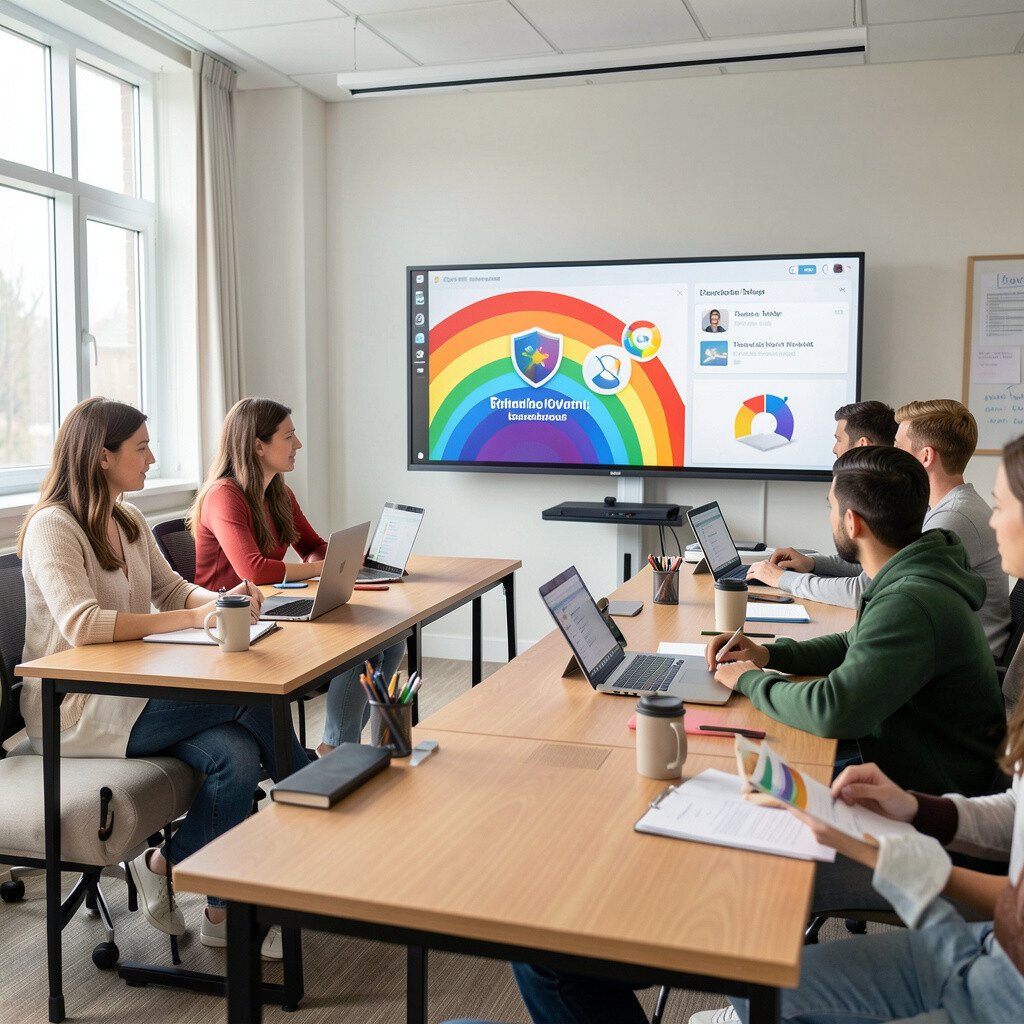
Imagine a virtual classroom session where students join small breakout groups labeled in bright colors. Each group has a clear role and a short task.
Use video meeting breakout spaces for reading circles, peer feedback, or quick project check-ins. Color labels help students remember which group they belong to and reduce confusion. Personalization can happen by choosing breakout tasks that match readiness, like rephrasing a paragraph for one group and expanding an argument for another.
Keep costs low by using tools you already have access to. Use practical routines like a timer, a shared chat for questions, and a quick exit ticket. A trend in many classrooms is using remote-friendly collaboration even when learning is mostly in-person to build flexibility.
For smoother sessions, provide a small set of starter prompts so students know what to do as soon as they join.
22. Rainbow Reflection Journals with Voice Notes and Stickers
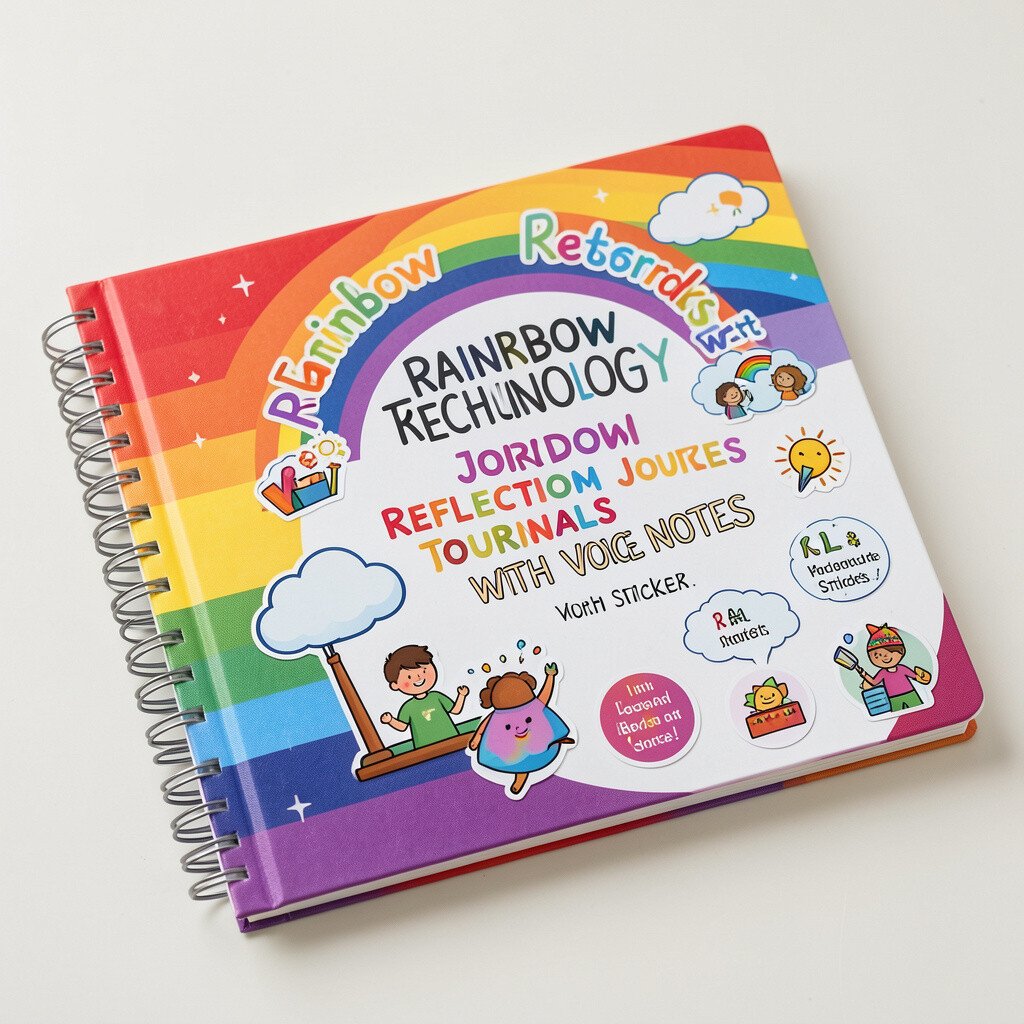
Imagine reflection pages where students add colorful stickers and record short voice notes. The screen shows their words like a tiny celebration.
Use a journal template that includes guided prompts for what students learned, what they tried, and what they want to practice next. Let students choose to type or record voice notes, which supports different learning needs. Personalization is powerful here because each student can express understanding in their own way, and you can keep the prompts the same while the responses vary.
For cost considerations, you can use free forms and voice recording features on many devices. Make it practical by keeping entries short and consistent, like a quick reflection after each lesson or week. This fits current trends that emphasize student voice and formative reflection instead of only end-of-unit grading.
When you review journals, look for patterns in student questions and use them to plan the next set of mini-lessons.