The right portfolio can feel like a friendly introduction to your future self. It should show what you made, how you think, and what you can do next.
When your work is shown clearly, people notice your strengths faster and with more trust. Let your pages feel personal, practical, and a little bit fun.
1. Build a “Before and After” Gallery
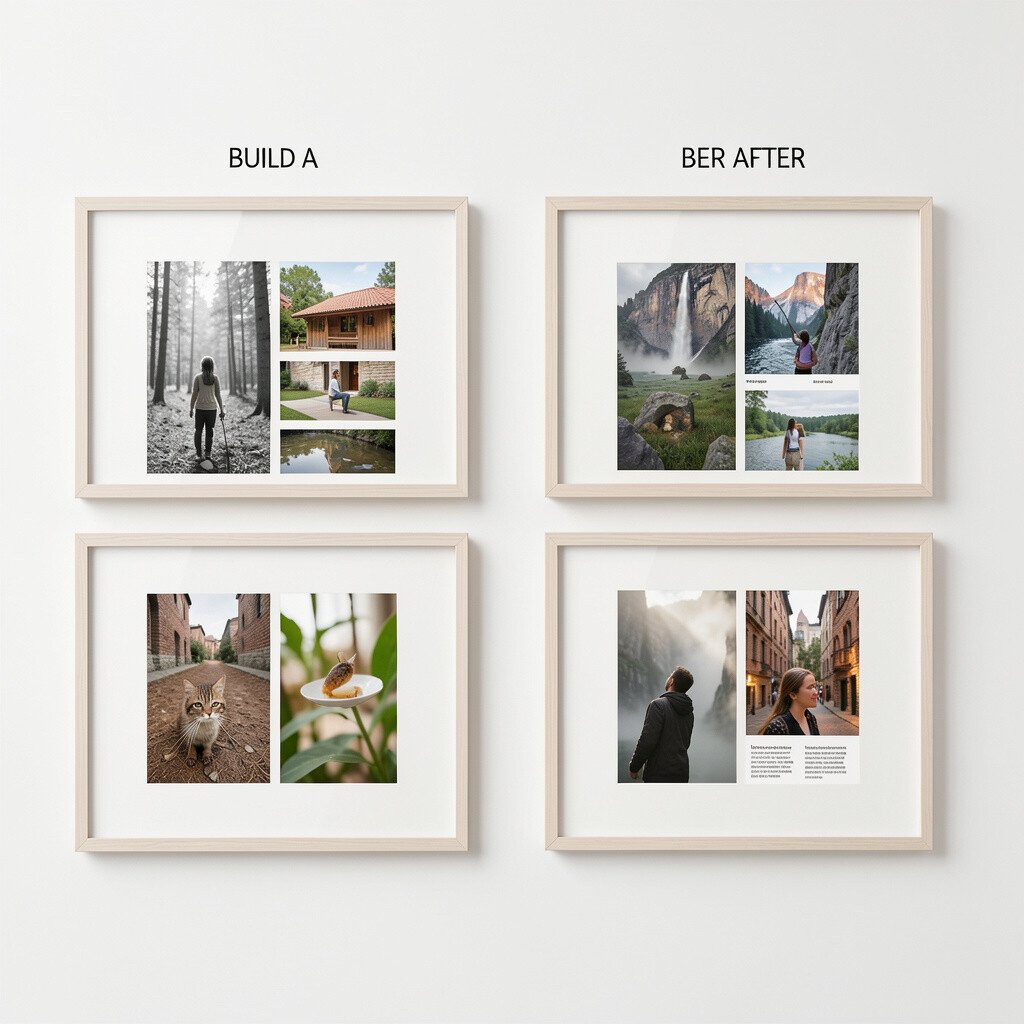
Show two versions of the same project so the viewer can see your progress. A side-by-side set of sketches, edits, or revisions can make your growth feel real.
Pair each change with a short story about what you learned and what you improved. Use clear visuals like layered screenshots, photographed drafts, or labeled file names to keep it easy to follow. This approach works well for art, design, writing, and even coding because the change reveals your thinking.
2. Create a Case Study for a Single Project

Pick one project and tell the full journey from the first prompt to the final outcome. Include a clean timeline of images, screenshots, and short notes that show what you tried at each step.
Use your visuals to explain your decisions, like color choices, layout changes, or testing results. People like case studies because they can see how you solve problems, not just what you end with.
For a practical setup, organize your pages in the same order each time and keep your writing short and clear. If you are on a budget, use free tools for screenshots and simple formatting, then export everything into a single portfolio page.
3. Turn Your Sketchbook into a Visual Journal
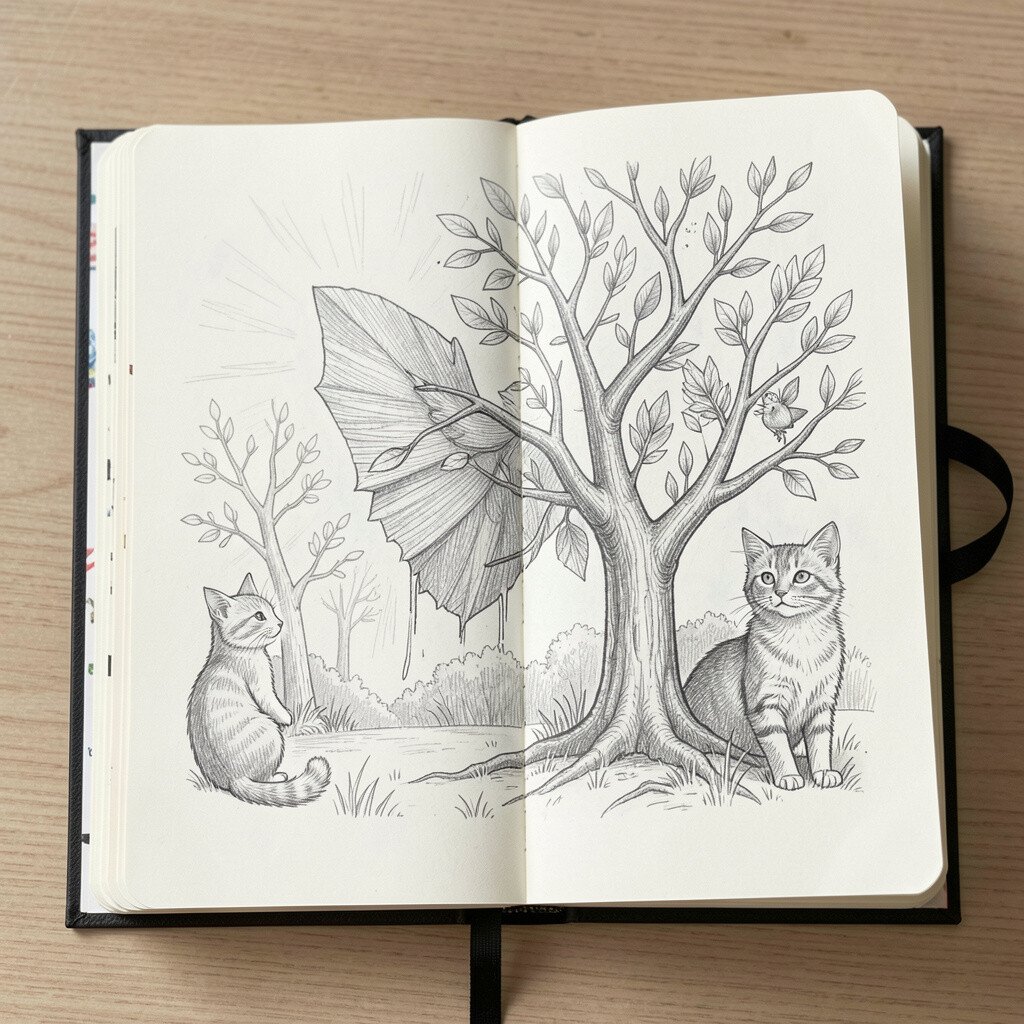
Photograph your sketchbook pages and arrange them by theme, such as characters, textures, or layout studies. The viewer gets a warm sense of your daily practice and your curiosity.
Let the images show the messy bits too, because rough attempts prove you keep going. Add small captions about what you were aiming for, like experimenting with shapes or practicing perspective.
To personalize it, scan or photograph your best pages and include one page that shows your favorite tools. Keep costs low by using your phone camera and free editing apps to crop and brighten your photos.
4. Showcase Timed Studies and Practice Sets
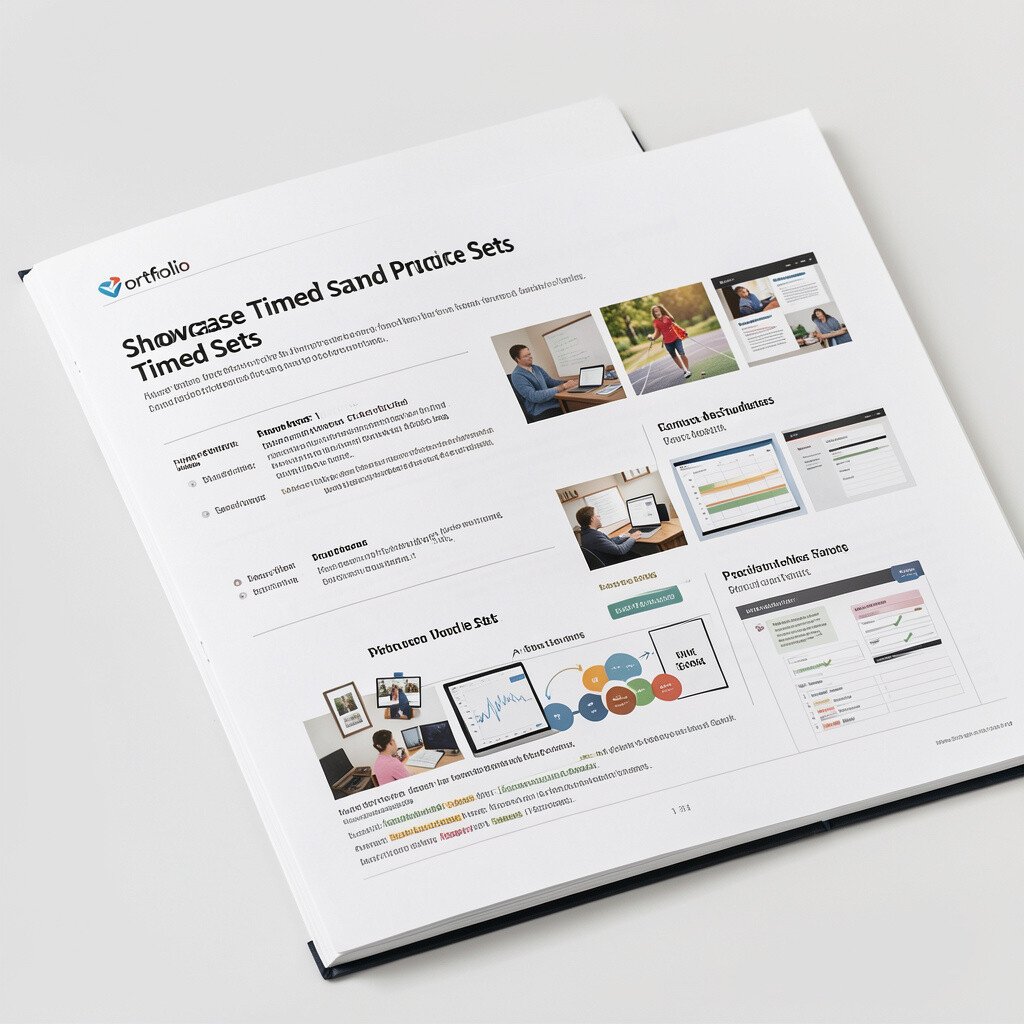
Include work you made under a short time limit so the viewer can see your speed and focus. Think quick portraits, fast logo drafts, short writing prompts, or short code challenges.
Show the results as a sequence so people notice patterns in your style and decision-making. This also gives your portfolio a “live training” vibe that feels current and serious.
5. Make a Mini Brand Kit from Your Best Work
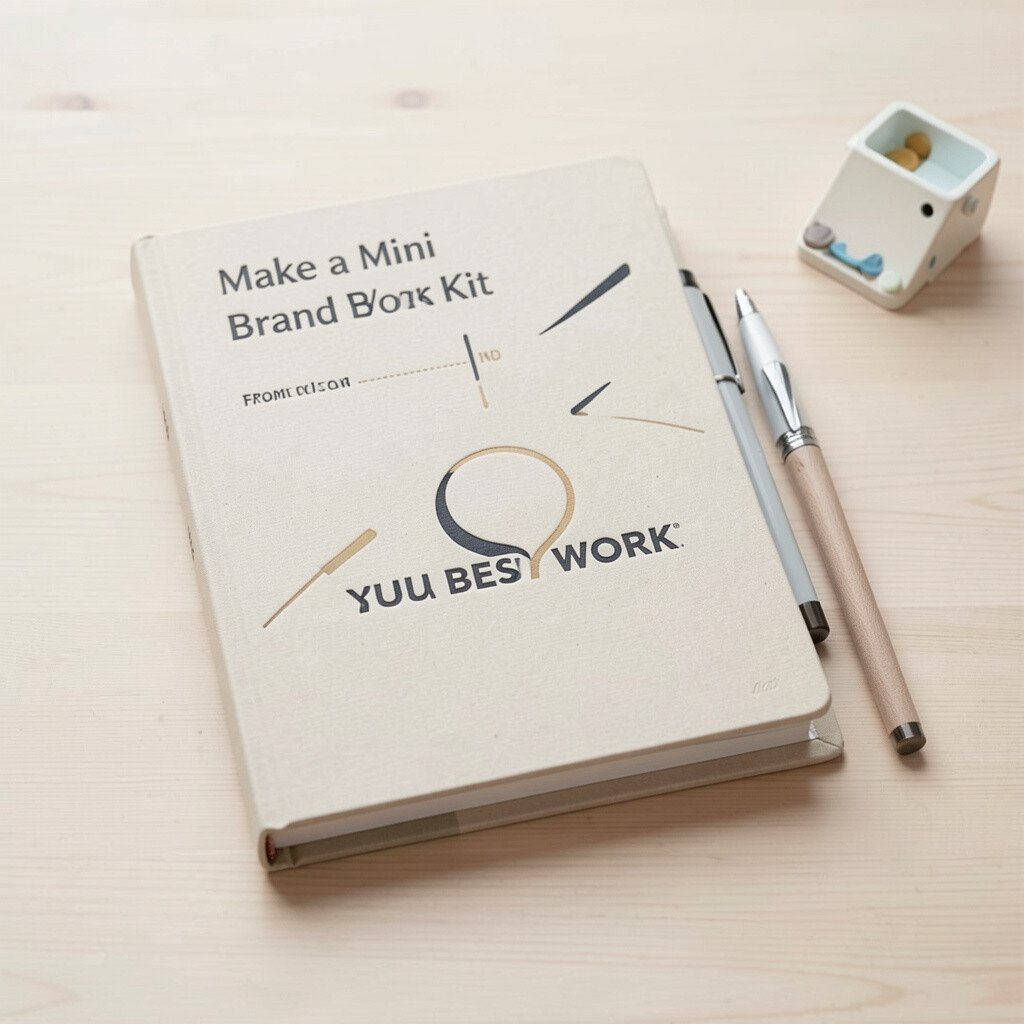
Choose a style you already use and build a small brand kit around it. You can include a color palette, type pairing, logo variations, and sample social posts based on your artwork.
This works because it turns your pieces into a coherent system instead of random uploads. Keep it unique by using colors or shapes pulled from your own life, like a place you love or a hobby you practice.
To stay practical, include mockups that you can create quickly, like posters in a simple frame, phone screens, or a social banner. Many tools have free tiers, and you can export high-resolution images without paying.
6. Create an Interactive Webpage Prototype
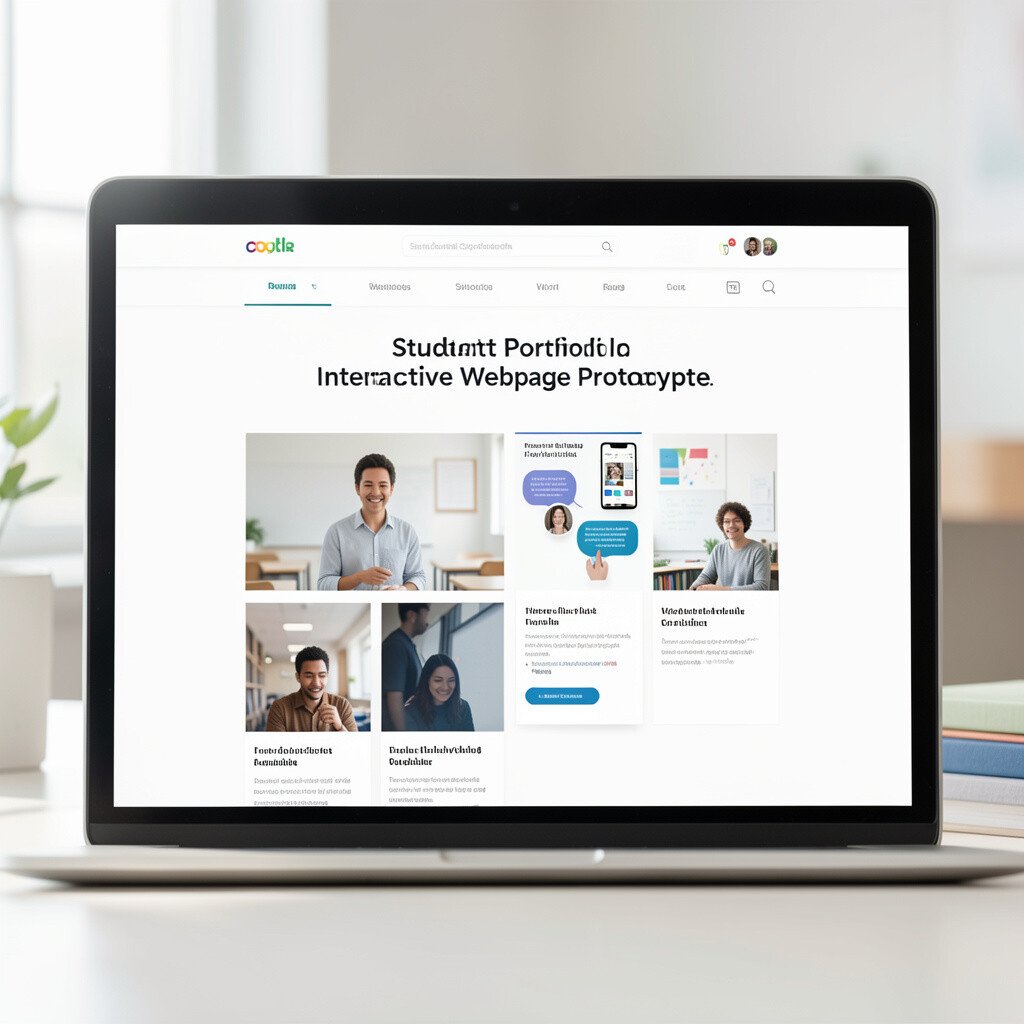
If you code or design layouts, build a small interactive prototype that shows how things work. A simple button menu, a scrolling gallery, or a responsive page can look impressive while staying manageable.
Use visuals like animations, hover effects, and clear navigation to guide the viewer through your thinking. Interactive work feels modern, and current employers often like seeing how you handle real user actions.
7. Curate a “Skills in Action” Screenshot Wall
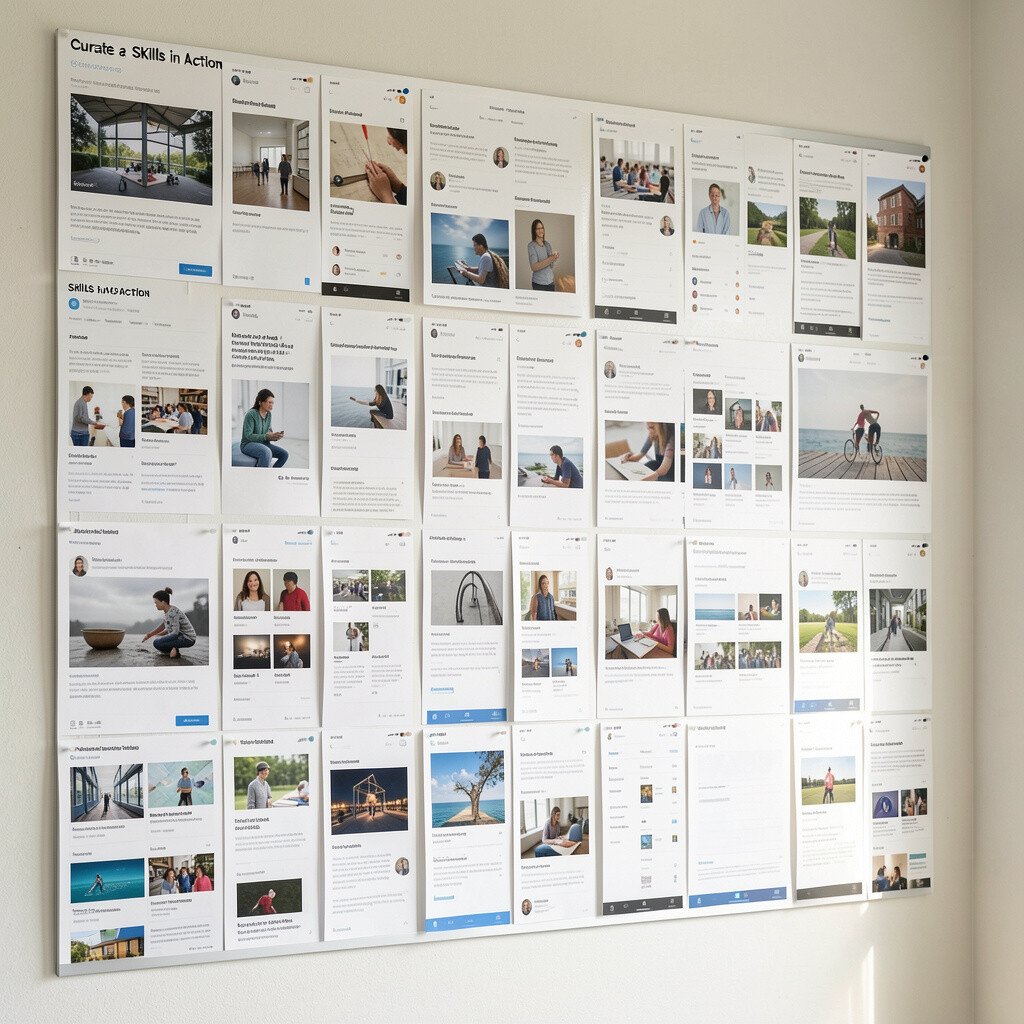
Collect screenshots that show you doing different tasks with the same project. For example, show your brush settings, timeline edits, layers, version history, or test runs.
This is a smart way to show benefits without long explanations because the viewer sees evidence fast. It also highlights your uniqueness by showing how you work, not just what you made.
To keep it organized, group screenshots by skill like layout, color, motion, or problem-solving, and add one sentence under each group. Use free file naming and a consistent image size so your page looks clean even if you are using limited tools.
8. Present Your Writing with a Voice Portfolio
Choose several writing pieces that share a voice, like a short story, a review, a set of poems, and a polished essay. Show how your tone stays consistent even when the topic changes.
Include a visible revision process, such as a before draft and an edited draft, so the reader sees your improvement. Writing portfolios stand out when they feel personal and when you show your craft in action.
9. Build a Moodboard That Explains Your Choices
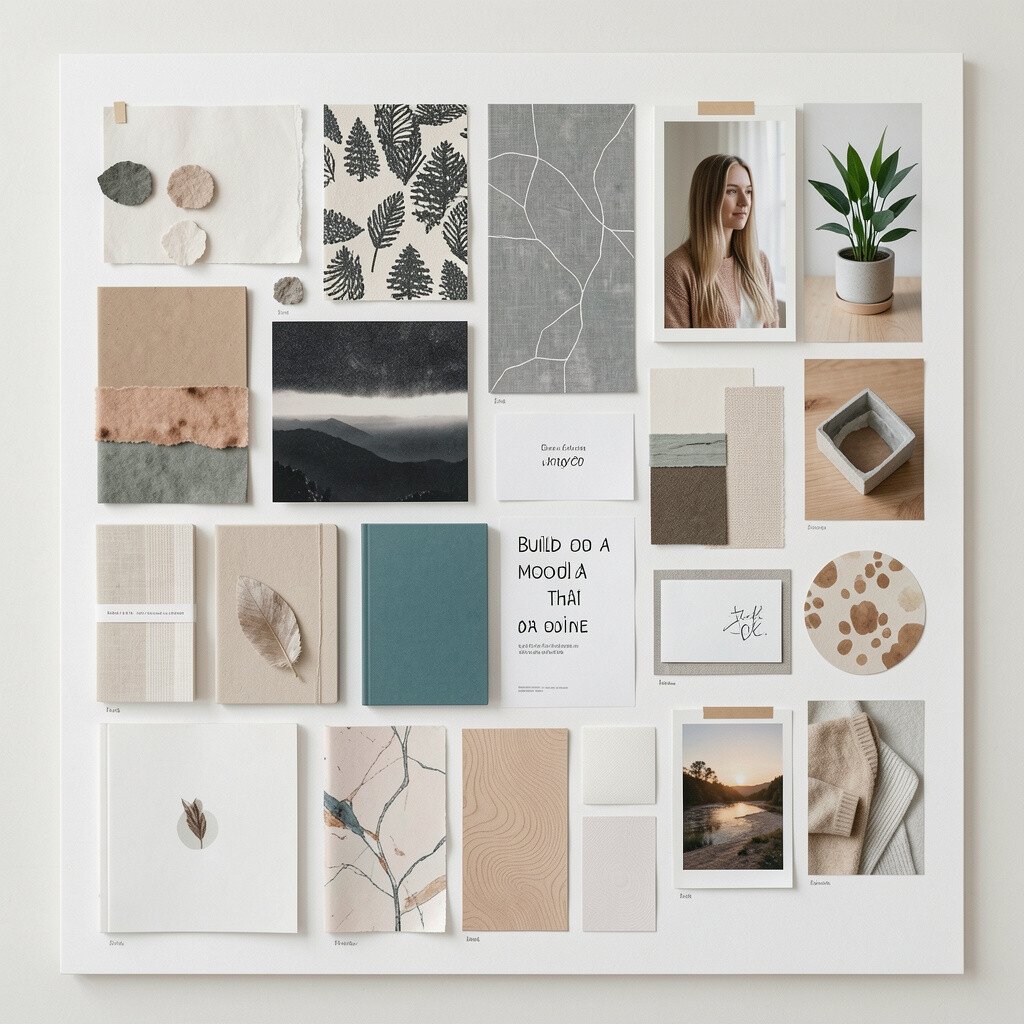
Make a moodboard for one project using photos, textures, fonts, and color swatches that match your final work. Even without fancy software, a clear moodboard can help people understand your taste.
Link the moodboard to practical results by showing how those references led to specific decisions in your designs. This makes your uniqueness easier to recognize because your sources reflect your interests.
For personalization, include a few items you gathered yourself, like ticket stubs, fabric, or a screenshot from a music video. If you want to keep costs low, use printed cutouts or free collage apps, then export the final image in a neat size.
10. Showcase a Photo Series with a Clear Theme
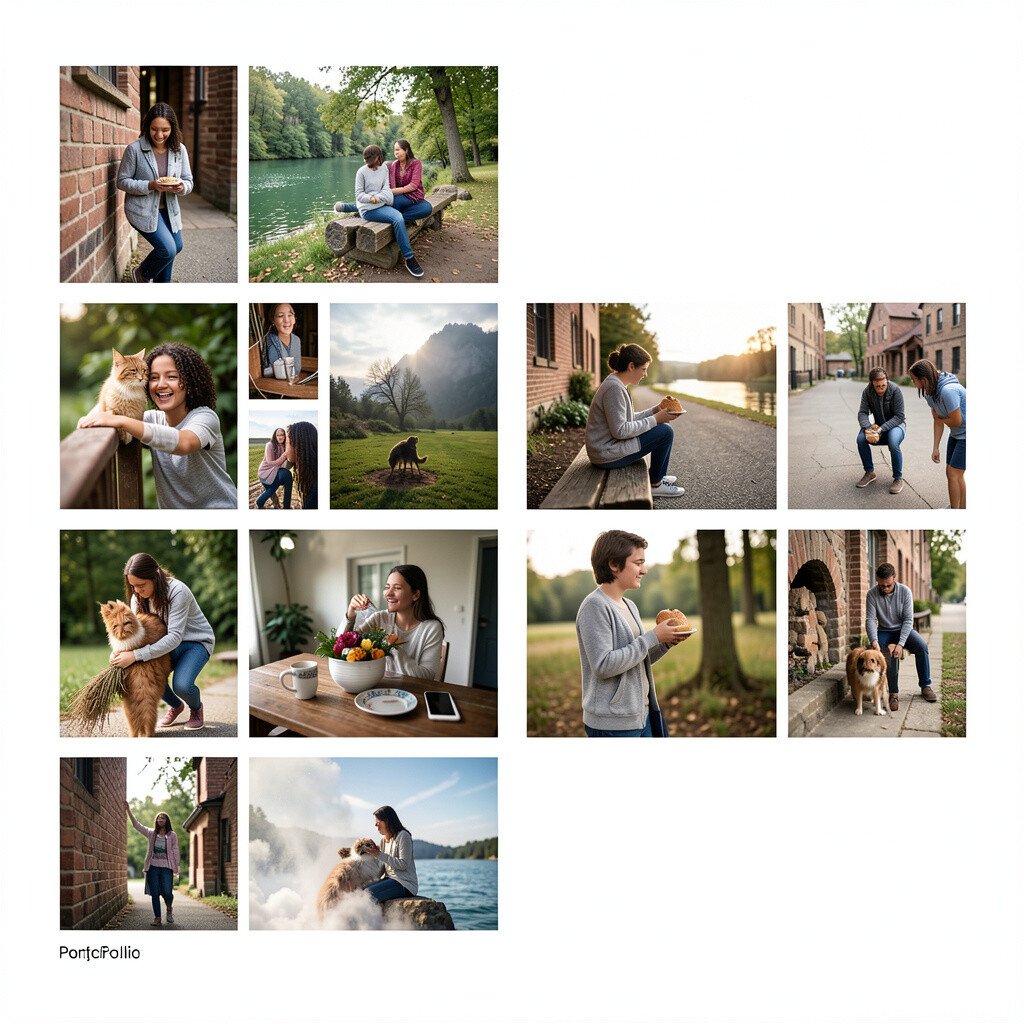
Build a photo portfolio around one theme, like “everyday light,” “city shadows,” or “quiet moments.” A themed set helps viewers connect emotionally, not just visually.
Show variety by including portraits, landscapes, and detail shots, then arrange them like a story. This gives benefits by proving you can control composition and also keep your ideas consistent.
11. Create a “Three Solutions” Problem-Solving Page

When you face a design or creative challenge, produce three different solutions and show the differences. For instance, make three logo drafts, three layout versions, or three story endings.
Explain in a simple way why you picked the winner and what you kept from the others. This shows practical thinking and makes your uniqueness obvious because different options reveal your range.
To keep it doable, limit each solution to a small set of assets so you can finish on time. Use free templates and quick mockups so you spend more time improving ideas than fixing files.
12. Add a Reflection Page with Your Learning Moments
Write short reflections about what you learned from your favorite projects, including one challenge you faced. Keep the tone honest and simple, and show what you would do differently next time.
Reflections help people understand your mindset, which is often as important as the final piece. They also make your portfolio feel like a real conversation instead of a gallery of finished work.
Personalize this page by connecting lessons to your goals, like improving your process, practicing composition, or learning new tools. If you want to keep it low cost, write in plain text and pair your reflection with one image from each project.
13. Build a Client-Style Mock Portfolio Document
Format your work like a client presentation with a tidy cover, section pages, and clean captions. Even if you never worked for a client yet, the structure makes you feel ready.
Include mock deliverables like poster previews, packaging concepts, or website screenshots in a consistent style. People respond well to this because it looks organized, professional, and easy to share.
14. Publish a “Process Archive” Folder of Versions
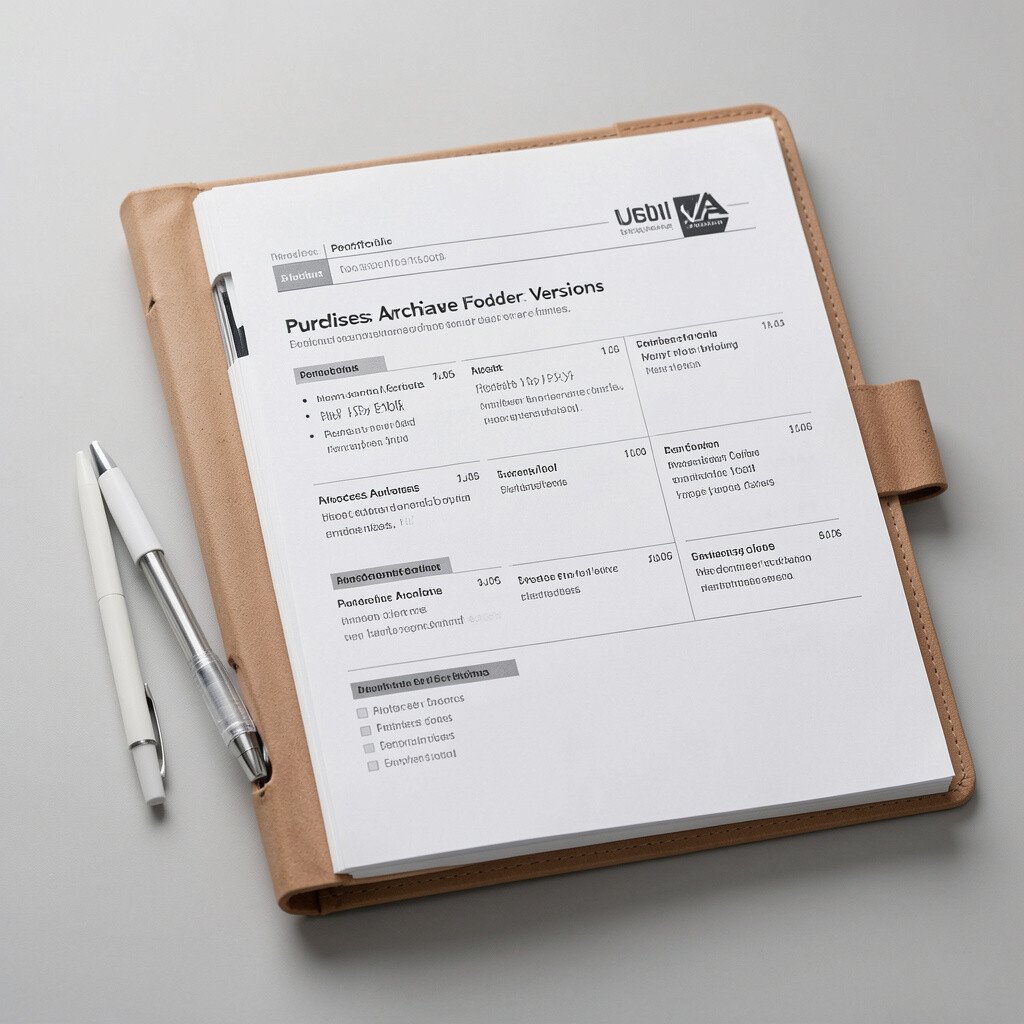
Create an archive that holds versions of your files, like early drafts, iteration screenshots, and final exports. Add a simple timeline image or a short list of what changed across time.
This is helpful because it proves you can refine work and learn from feedback. It also supports current trends like showing process openly, which many creators and students now do to build trust.
To personalize it, choose one project and highlight the version you are proudest of and why. For cost considerations, store everything in a cloud folder and link it from your portfolio so you do not need expensive hosting.