
Your page grows faster when people feel taken care of. The right support posts make customers trust you before they ever buy.
When you match your tone to real life, your content starts doing the job of a helpful friend. Below are practical ideas you can use again and again, with room to make each one feel like you.
1. Share a “Start Here” Support Path for New Followers

Imagine a visitor landing on your page and feeling instantly calm. You can guide them with a simple route that shows what to do next and where to go.
Write posts that walk through the first steps like a friendly checklist in paragraph form, not a confusing maze. Include visual cues such as a screenshot collage of your most helpful pages, plus short notes on what each part is for. Personalize it by using your own words and adding a line about how you handled your first week as a beginner.
2. Post a Customer Story About a Problem You Helped Solve

People love hearing that someone else faced the same snag and made it through. A good support story feels real, like a conversation happening in public.
Use a clear before-and-after picture or a simple photo of the final result to make the change visible. Mention the exact moment the customer got stuck, then explain the small support step that helped them move forward. Keep it current by tying the story to what you see customers struggling with this month.
For personalization, use your brand voice and include a quote in plain language that matches your community. If you’re worried about cost, you can create visuals with basic editing tools and use screenshots instead of expensive graphics.
3. Build a One-Page FAQ Post With Everyday Questions
Think about what people ask you in messages and comments. Those same questions make great support posts that answer faster than a chat reply.
Pick a theme, then write short paragraphs that address each question in a kind, human way. Add a simple image that shows the most common topics, like a tidy header graphic or a blurred collage of your content categories. You can keep it unique by using your own phrasing rather than copying generic answers.
To make it actionable, include a mini step people can try right away after reading. Keep the tone light, and remind them that it’s okay to ask again if something still feels confusing.
When you plan your next post, pull one new question from your inbox so the series keeps feeling fresh without much extra work.
4. Create a “Common Mistakes” Post With Fixes
Most people don’t want to feel blamed, they want to know what to avoid. A mistakes post works best when you frame it as learning, not criticism.
Describe the mistake in plain words, then show a clearer alternative like you’re coaching a friend. Use a visual such as a simple carousel with a “what to do instead” screenshot for each point. Add personalization by using examples from your own early days, even if you changed your approach later.
5. Write a Shipping, Timing, or Delivery Support Update
When timing worries someone, they need calm details more than hype. A support update can reduce stress and also set better expectations.
Use a friendly tone and share what customers can expect, including typical processing time ranges and what to do if a package seems late. Add visual support with a small graphic that explains tracking steps, like how to find the tracking number and where to click. Make it unique by adding real-life context, such as what happens when weather or holidays affect orders.
Keep cost low by reusing your existing email templates and turning them into simple social posts. If trends are shifting, such as faster shipping options becoming common, mention what you offer now and how to choose the best option.
6. Publish a Troubleshooting Checklist for a Popular Issue
When something breaks, people want a quick path to answers. A troubleshooting checklist makes your page feel like a helpful toolkit.
Pick one popular issue and write steps in easy order, using short paragraphs that stay friendly. Include a visual like a flow-style graphic made from a single image background and readable icons. Personalize it by adding one line about what worked for you when you first ran into the same issue.
To keep it actionable, end each step with a small outcome, like “you should see X” or “try again after Y.” For cost considerations, you can create the visual in a free design app and keep it consistent with your brand colors.
7. Host a Comment-to-Content Support Thread

Your comment section can become the best idea generator you have. When you respond with care, people notice and they stick around.
Write a post that asks a simple question, then commit to answering in depth under the post. Capture the best answers and turn them into future posts so your support keeps flowing. Use visuals like screenshots of questions you receive, with names removed for privacy if needed.
Make it unique by showing the behind-the-scenes of how you decide what to answer first, such as what trends in questions or common confusion. This helps you ride current trends without guessing, because your audience tells you what they need.
8. Share a “How to Use This” Post for a Single Product or Feature

Even great products can feel confusing at first. A use-focused post helps people get results sooner and feel confident.
Choose one feature and explain how to use it in a calm, step-by-step story. Add a visual that shows the exact item in action, like a photo of the setup or a screen recording of the workflow. Personalize it by describing the moment you realized the feature was truly helpful and how it fits into daily life.
For practical tips, include what to avoid, what to watch for, and what “success” looks like. Keep cost low by using natural lighting and basic editing instead of expensive production.
9. Post a Template People Can Copy for Their Next Message

Sometimes support isn’t about giving answers, it’s about helping people ask better questions. A copy-ready template makes your page feel supportive and efficient.
Write a short paragraph guide that helps readers fill in the blanks with their situation, goals, and what they already tried. Pair it with a clean visual that looks like a card, with simple icons representing each part. Personalize it by using your usual tone and adding a line that tells people it’s okay to be honest about their level.
To keep it actionable, suggest how to send the message, such as attaching a screenshot or including a time window. Consider cost by using a simple graphic and keeping the template reusable across multiple topics.
10. Create a “Myth vs Reality” Support Post

Confusing beliefs can stop people from trying something new. Myth vs reality posts gently correct misunderstandings while keeping the vibe positive.
Use conversational paragraphs to describe the common myth, then explain what actually happens with real examples. Add a visual like two contrasting images or a simple split-screen graphic that’s easy to read. Make it unique by using myths you’ve heard directly from your audience, not recycled internet claims.
For current trends, pay attention to what’s popping up in your niche right now, like new tools, new rules, or changing customer expectations. When you address the trending confusion, your support feels timely and helpful.
Keep cost considerations in mind by creating visuals with free templates and reusing them for future myths.
11. Offer a “Before You Buy” Support Guide

People feel safer when you help them choose the right fit. A before-you-buy post reduces returns and builds trust fast.
Explain what to check, how to measure, or what questions to ask yourself before purchasing. Include visual descriptions such as a calm checklist image or a photo of the key specs on screen. Personalize it by sharing who your product is best for, using real wording from your reviews or messages.
For practical tips, mention what to do if they’re in between options, and how you recommend deciding. Keep cost low by using your existing product pages, then rewriting them in a simpler and friendlier way.
12. Share a “How We Handle Support” Behind-the-Scenes Post

When people understand how help works, they feel less nervous to reach out. Behind-the-scenes posts make your support system feel real and dependable.
Describe your process in everyday language, such as how you triage requests and what you do first when someone messages. Use a visual like a photo of your workspace or a screenshot of your support dashboard, with private data hidden. Make the uniqueness come from your actual routine and the small details you rarely mention.
For practical tips, tell readers how to get the fastest response, like including order numbers or a clear description. Cost considerations can be simple, because authentic photos taken with your phone usually look better than staged stock images.
13. Write a “Best Setup for Success” Post

Success often depends on the right starting setup, not just the final product. A success-setup post supports people at the exact moment they want to get things right.
Describe the setup in vivid detail, like lighting, tools, or a calm workflow that makes the task easier. Add a visual that shows the setup from above or a neat before-and-after scene. Personalize it by sharing the first setup you used and how you improved it after learning what customers struggled with.
To keep it actionable, include one or two quick steps that readers can do immediately. For current trends, mention what people are using today in your niche, such as popular settings, new standards, or common workflow habits.
Keep cost low by using what you already have and focusing on clarity rather than fancy gear.
14. Create a “Support Calendar” Post for Seasonal Needs
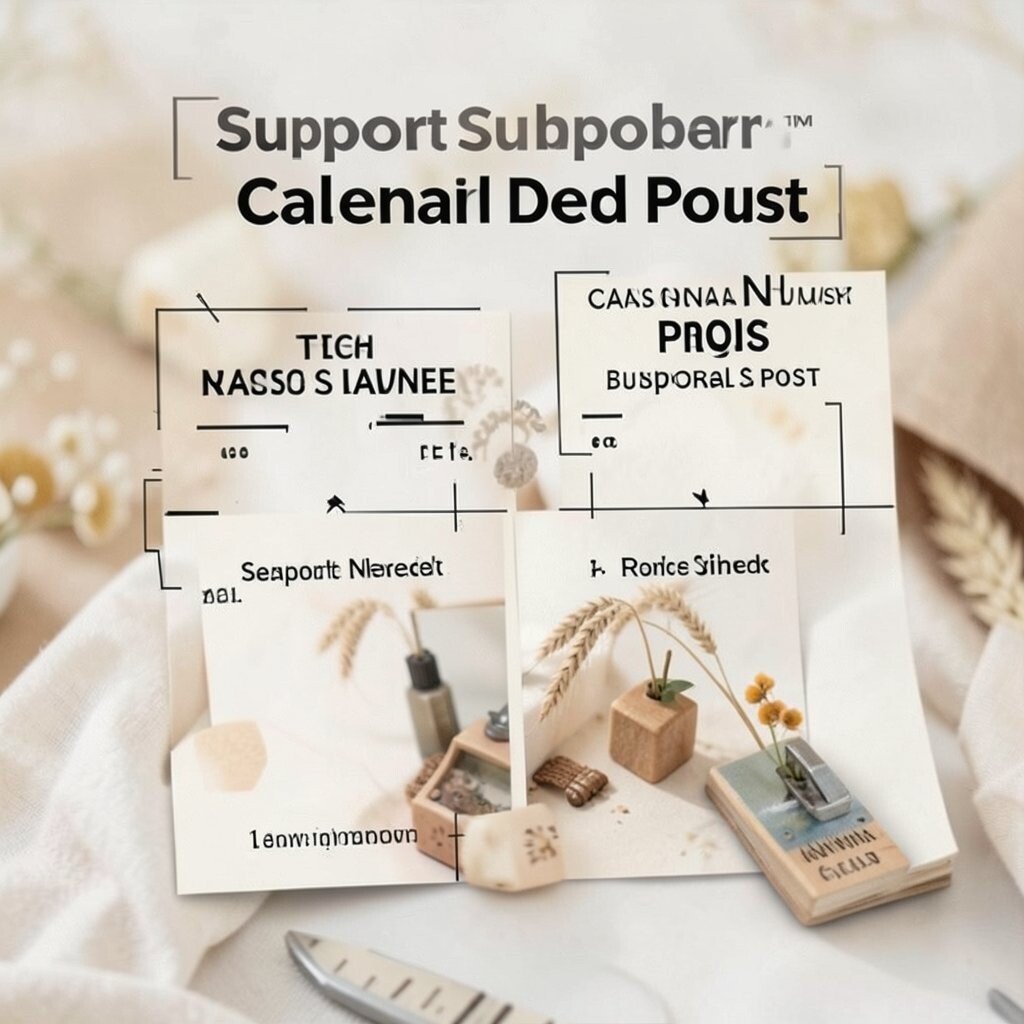
Seasonal changes create predictable stress, and your audience will appreciate your timing. A support calendar post helps people plan instead of panic.
Write about the seasonal questions you expect, like holiday ordering, back-to-school usage, or winter weather impacts. Add visual descriptions such as a simple month grid graphic with key themes highlighted. Make it unique by using your actual business rhythm and pointing out what readers should do earlier this year.
For practical tips, include a short list of actions people can take now, such as updating shipping addresses or preparing for high-volume days. Cost considerations stay friendly because you can build the graphic in a free tool and reuse your brand fonts.
15. Share an “Ask Us Anything” Support Sprint With Ground Rules
People want a safe place to ask questions, especially when they’re unsure. An Ask Us Anything sprint turns your page into an active support hub.
Set the tone by writing clear, kind ground rules in paragraph form so everyone knows what to expect. Include a visual that shows the time window with simple icons and a friendly background image. Personalize it by mentioning the topics you’re most excited to help with and what you’ll do when questions repeat.
For practical tips, remind readers to be specific, like describing what they tried and what happened next. Cost considerations are low because the main effort is your responses, and you can schedule reminders using built-in tools.
Stay current by checking what questions are trending in your niche and encouraging people to bring those questions into the sprint.
16. Publish a Weekly “Wins and Fixes” Post

Support feels strongest when it includes progress. A weekly wins and fixes post shows people what success looks like and what still needs help.
Write about a few real wins you saw, plus a few common fixes you offered during the week. Use visual description such as collages of customer photos, screenshots of progress, or a simple highlight strip of what improved. Make it unique by naming the change in everyday language, like “people found the right setting” or “shipping felt smoother.”
For personalization, tailor the wins to different customer types, such as beginners and experienced users. Add practical tips by including one fix that readers can try immediately next time, and mention any cost-related considerations like how to choose the most budget-friendly option.
To match current trends, note what’s shifting in your niche, such as new customer expectations or popular tools people mention in messages.
Keep your writing warm and steady, so each week feels like a continuation of care rather than a one-time announcement.