Smart tech can make a rental feel like yours without big renovations. These gadgets fit common lease rules and everyday routines.
From quick setup tools to energy-smart upgrades, you can upgrade comfort and security fast.
1. Smart Plug That Turns Routines Into Warm Habits
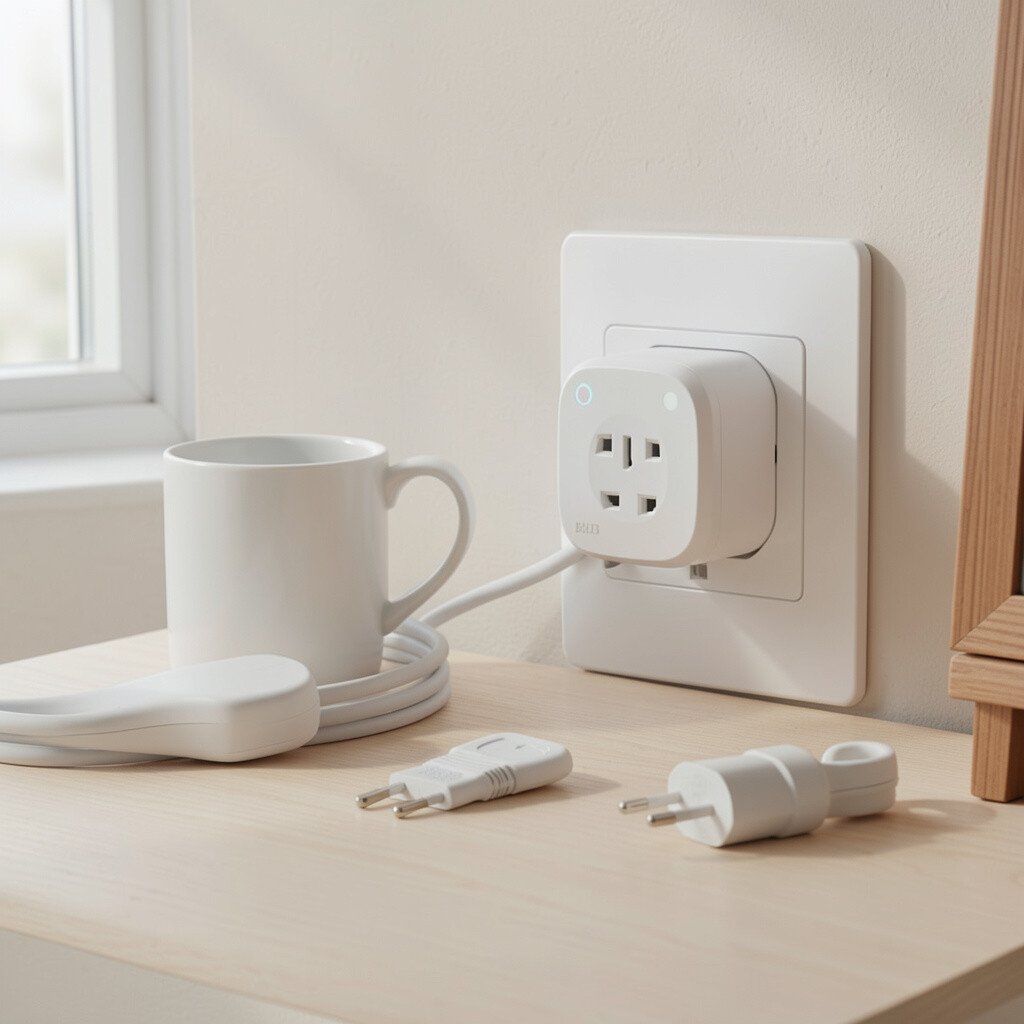
Picture a small cube sitting neatly near a lamp or a coffee maker. When you tap your phone, the light clicks on as if someone is already awake. The visual is simple, but the effect feels personal and cozy. It also makes mornings easier when you are juggling keys, bags, and schedules.
Smart plugs are great for rentals because many are plug-and-play and leave almost no trace. You can create daily schedules for fans, night lights, or a desk lamp to make the place feel lived in. Many models include energy tracking, so you can see which devices quietly use more power than you expect. A practical move is to group plugs by room, like one for living room comfort and another for bedroom wind-down. For personalization, set different scenes for weekday work time and weekend slow mornings.
2. Magnetic Door Sensor For Instant Peace of Mind
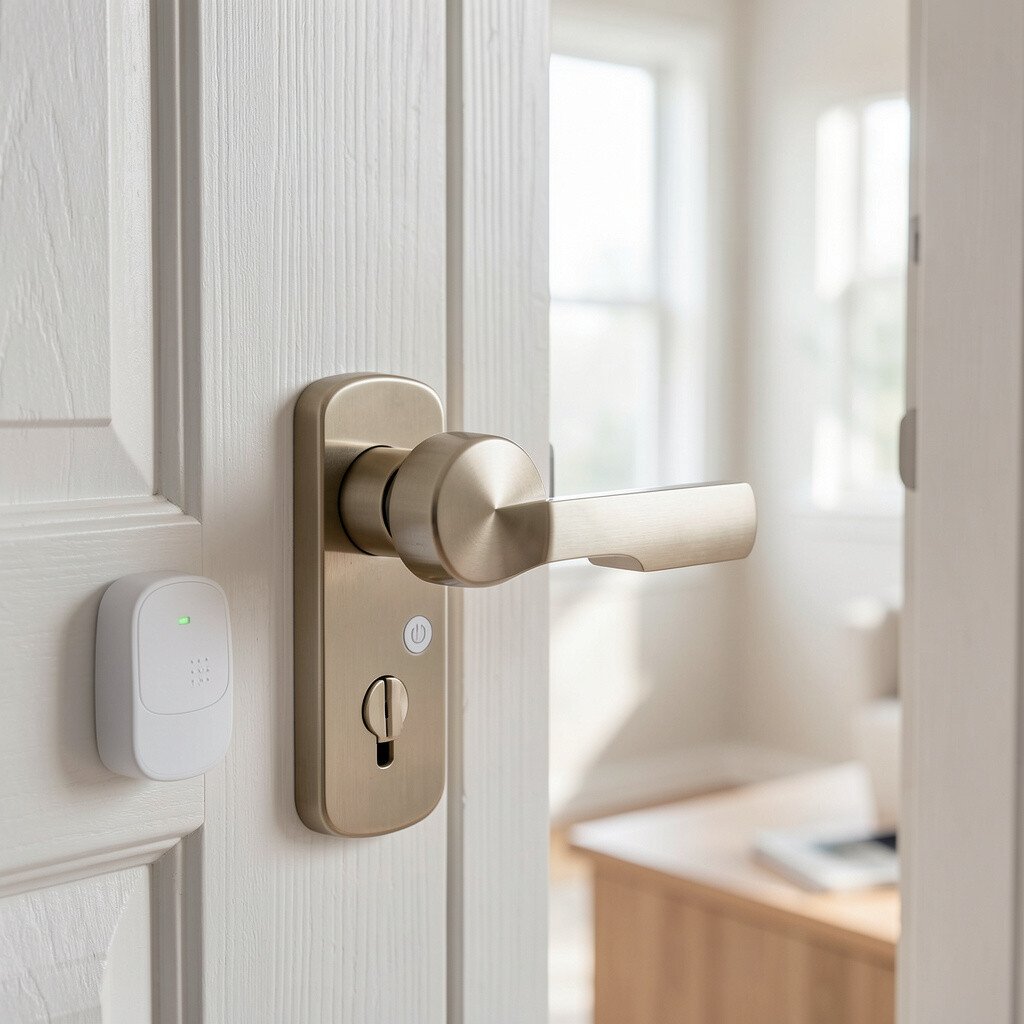
Imagine a tiny sensor that blends into the door frame, almost like a neat sticker. The moment the door opens, your phone gets a real-time alert. It is a calm kind of tech, because you do not have to guess what happened while you were out. Even better, it is easy to remove if you move.
Door sensors help you keep an eye on entry points without installing anything permanent. They are especially useful for deliveries, kids, roommates, or anyone who travels for work. If you like routines, you can set rules so specific doors trigger notifications only during certain hours. A practical tip is to test placement on the first day, because alignment affects how reliable the alerts feel. For cost thinking, start with one sensor for the most used door and expand only if it truly helps your life.
People are also pairing these sensors with smart door locks and home alarms for a full rental-friendly setup. Look for models that support local alerts when internet is slow. Many renters like the option to control access from an app without buying extra hardware right away. That flexibility is a big reason these sensors keep showing up in current home security trends.
3. Smart Thermostat That Learns Your Comfort Without Big Changes
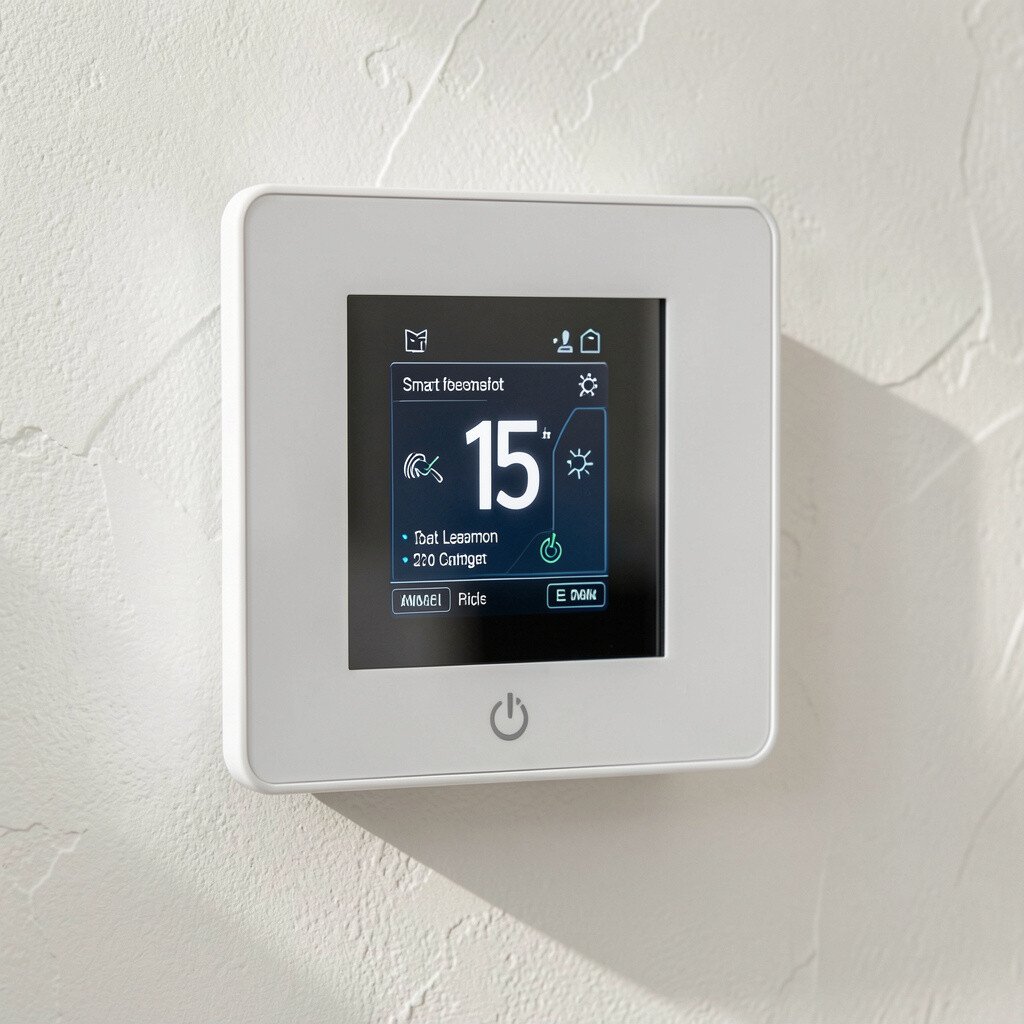
Think about walking into a room that is already the right temperature. A smart thermostat can show a clear screen, with icons for heating, cooling, and fan modes. It feels modern and tidy, like your comfort system has a plan. You can reduce waste while keeping the space pleasant during sleep and work hours.
These thermostats can be rental-friendly, especially when you choose models that work with existing wiring or use compatible adapters. Many allow you to create schedules so the heat or AC runs only when you need it. You can personalize by setting comfort levels for mornings, evenings, and weekends. A practical approach is to check compatibility with your current system before buying, because not every rental HVAC setup is the same. For cost considerations, consider whether you will benefit from energy savings enough to offset the upfront price.
Current trends focus on energy efficiency and simple automation, and smart thermostats match that perfectly. Some models include monthly usage summaries that make it easier to adjust habits. Others support sensors that help rooms stay balanced. If your rental has hot and cold spots, you may like experimenting with fan schedules or temperature limits first.
4. Smart Smoke And Carbon Monoxide Alarms That Pair Cleanly With Apps
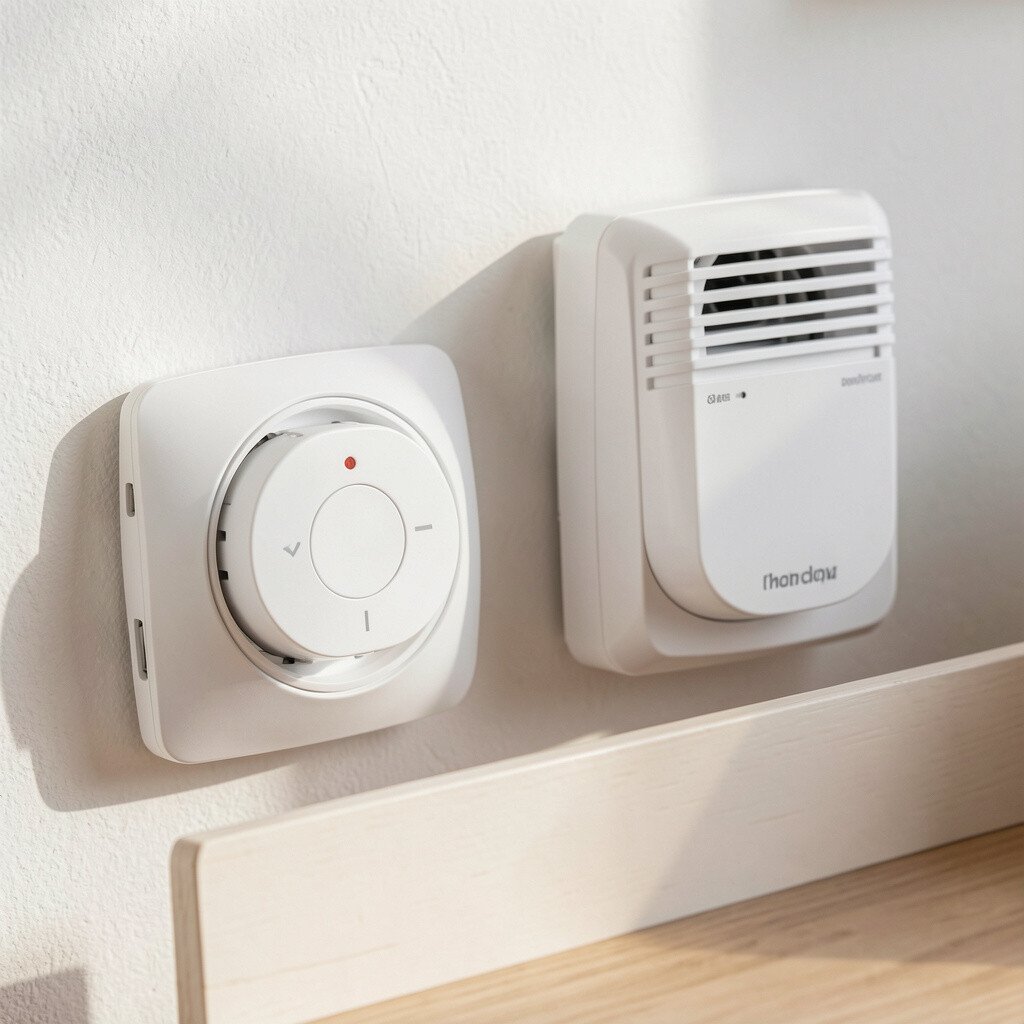
Picture small, rounded alarms on the ceiling, with a neat digital style and a reassuring light. Some models can speak with a gentle voice while still feeling subtle in a room. When an alarm triggers, your phone can also alert you. That visual and notification combo makes safety feel more immediate and less stressful.
Smart alarms are a strong rental choice because they typically mount like standard units and are designed for quick installs. You can coordinate multiple alarms in different rooms so the whole home stays covered. Many include real-time battery status, which helps you avoid that annoying low-battery chirp. A practical tip is to take photos of wiring and placement before you uninstall anything, just in case you need to revert later. For budget planning, price ranges vary, but you can start with at least one key area and expand based on your lease layout.
5. Indoor Smart Camera With Local Storage Options
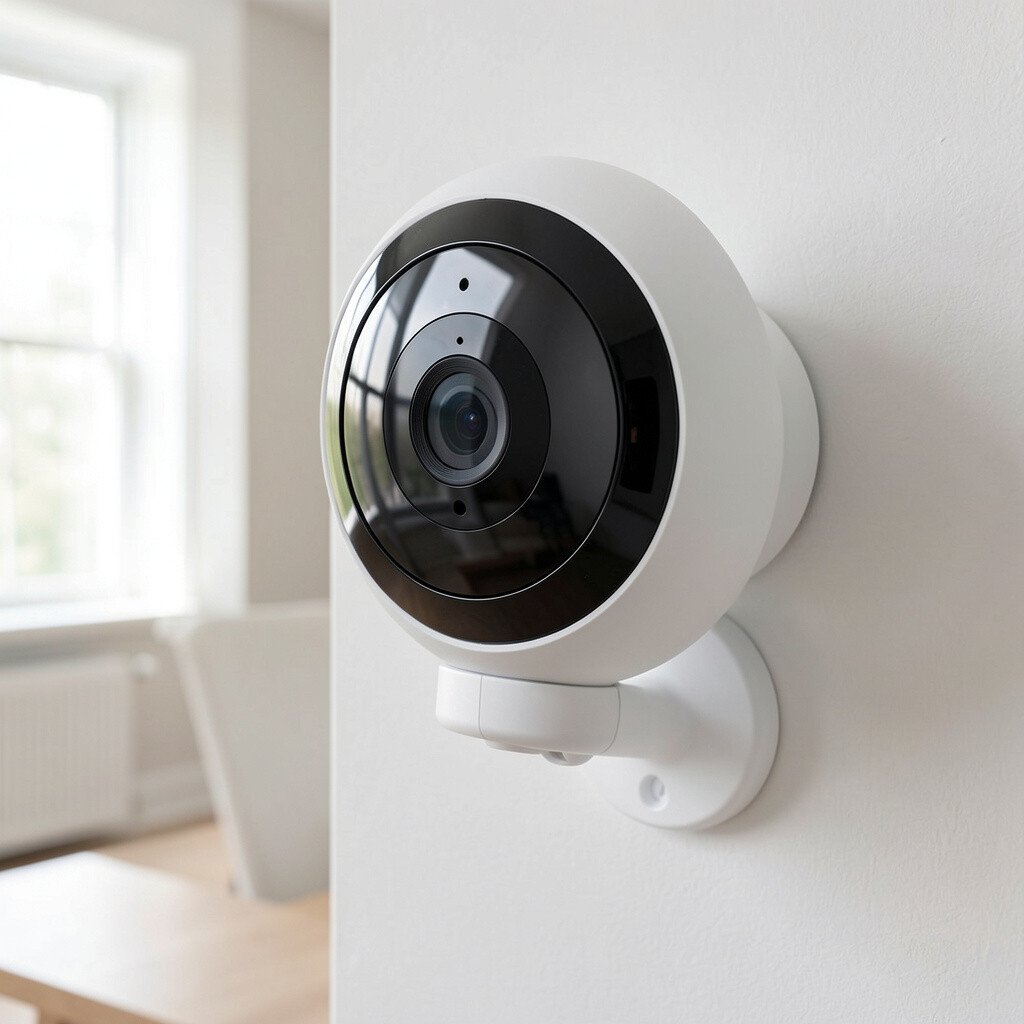
Imagine a sleek camera on a shelf or mounted corner, with a small lens that looks like part of the decor. Many models have a clean white or dark finish, so they do not scream “gadget” in the room. You can view live footage on your phone, and some even send motion alerts. It is a simple visual way to add reassurance during travel or late-night errands.
This kind of camera helps you watch over common areas, like the hallway or living room, especially when you have roommates or frequent deliveries. Some apps let you set activity zones so you do not get spam alerts from every passing shadow. A practical personalization idea is to align the camera with the entry area and store clips for a set number of days. If cost matters, choose a plan that fits your storage needs, and consider local storage options to avoid ongoing cloud fees. Also, check lease rules and privacy guidelines, since placements around shared spaces often require care.
Current trends lean toward clearer night vision and smarter motion detection, so you can spend less time reviewing footage. Look for models that support two-way audio if you want an extra layer of interaction. Even renters who do not plan to stay long can benefit from camera alerts when packages arrive and you are not home. Choosing a solid battery life or easy charging can make the device feel effortless in daily life.
6. Smart Room Air Quality Monitor For Fresher Breath
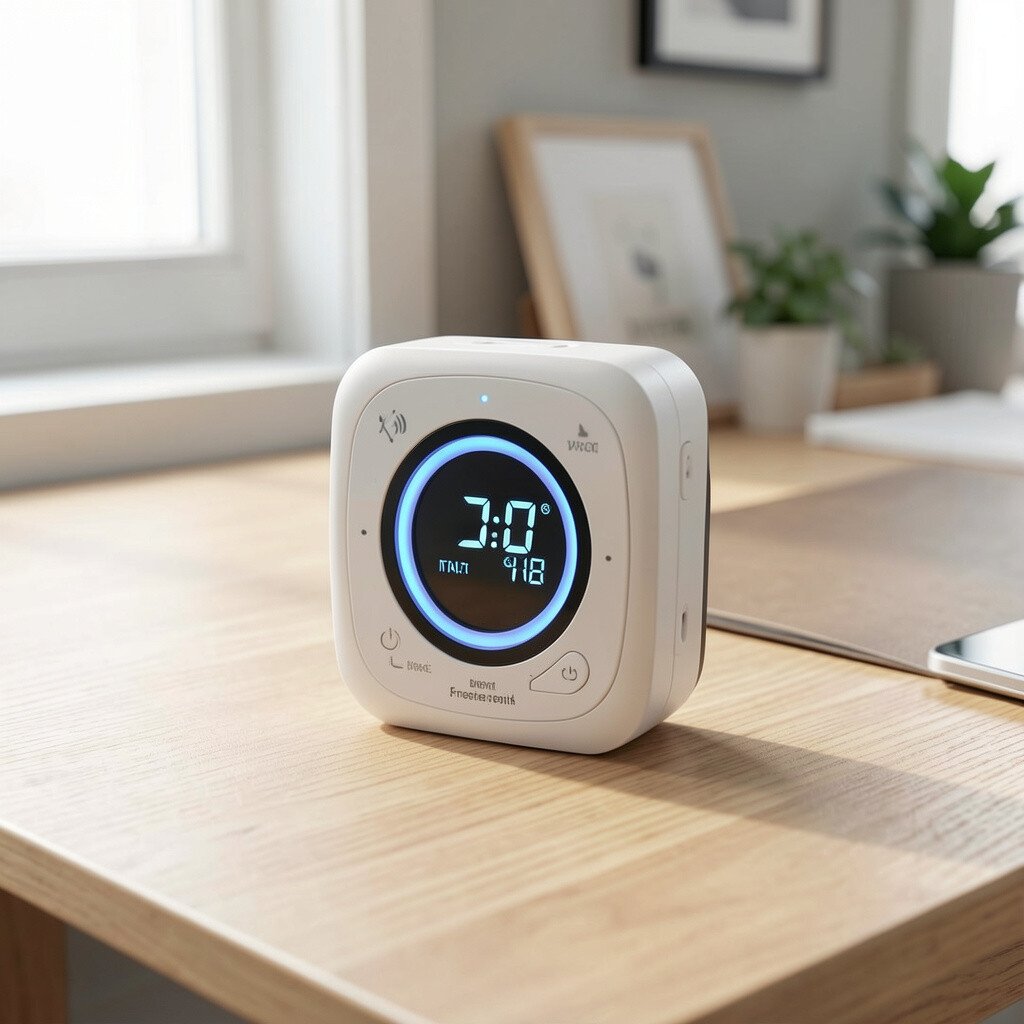
Picture a small screen showing air readings like a gentle dashboard for your home. It can light up with colors that make the air feel tangible, almost like a weather report. When you see the numbers shift, it becomes easier to connect everyday habits to comfort. You may notice the monitor reacting after cooking, cleaning, or opening windows.
Air quality monitors can be a rental win because you can place them anywhere without drilling. They help you understand humidity, particulate levels, and other factors that affect allergies and sleep. A practical tip is to place the monitor in a main living area and keep it away from direct cooking steam. Personalization can be as simple as setting reminders to ventilate before bedtime or after showering. When cost is a concern, consider starting with one monitor rather than building a full air sensor system right away.
These devices fit today’s trend toward healthier indoor living, not just temperature control. Many people also like pairing them with smart purifiers or humidifiers for automatic changes. If you are renting, the monitor itself gives value even without automation. It can guide you toward the cheapest fix, like opening a window longer or using a fan instead of buying extra chemicals.
7. Smart Lighting With Plug-In Bulbs And Scenes
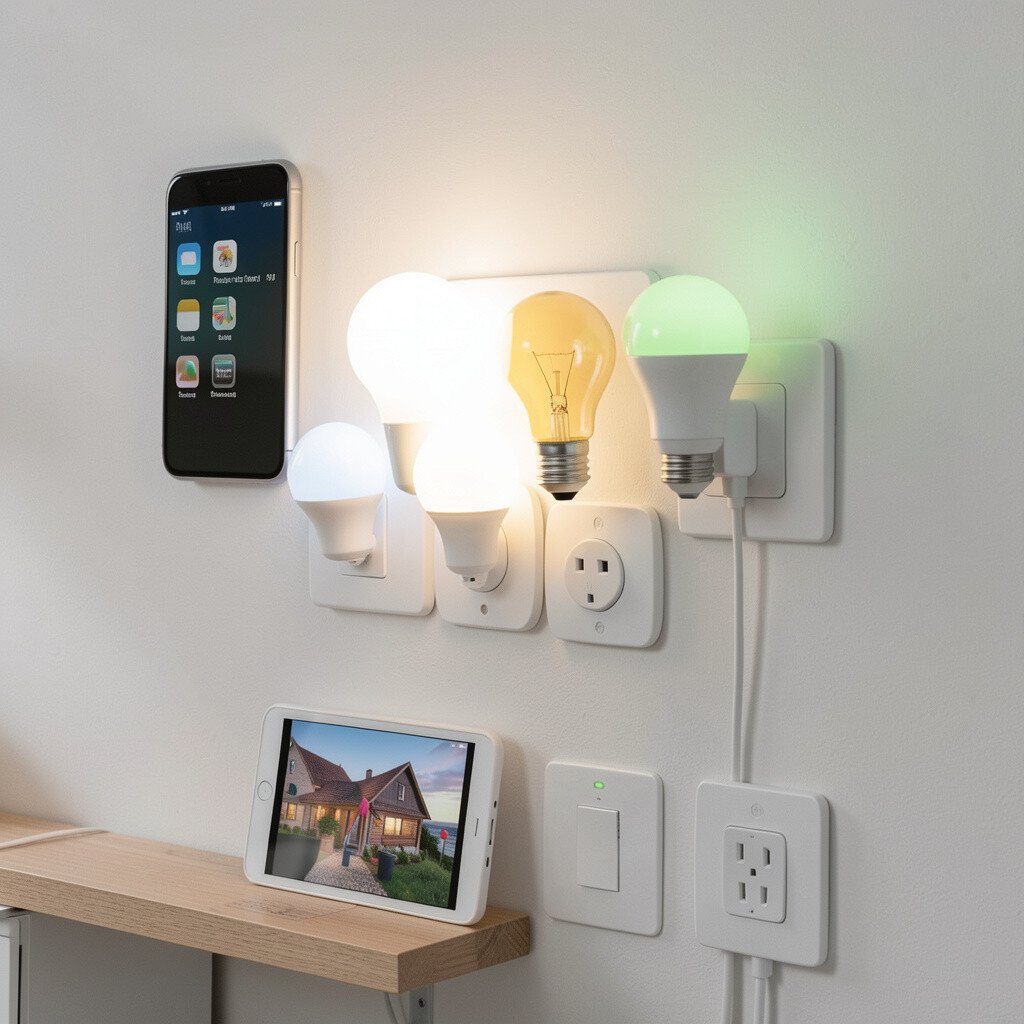
Imagine a warm glow spreading across your living room, with lights that shift from bright to calm. Smart bulbs are easy to spot because they still look like regular bulbs, just with smarter behavior. You can control them from your phone and create scenes for movie nights or focused work. The room feels more stylish without repainting or installing anything permanent.
Smart lighting is one of the easiest rental upgrades because most bulbs screw in like normal replacements. You can change brightness and color temperature, which helps the home match your mood and time of day. A practical tip is to start with a single room, then build outward after you learn what you actually use. For personalization, set “arrival mode” so entry lights turn on before you walk in. If cost is a concern, choose multipacks only for the fixtures you control daily.
Current trends focus on cozy atmospheres, and smart lighting supports that with minimal effort. Many renters love using routines so lights fade down at night to support sleep. You can also pair lighting with music or motion sensors for that “I’m home” feeling. Just remember to keep your old bulbs in a labeled box so moving out is painless.
8. Smart Water Leak Sensor To Catch Problems Early
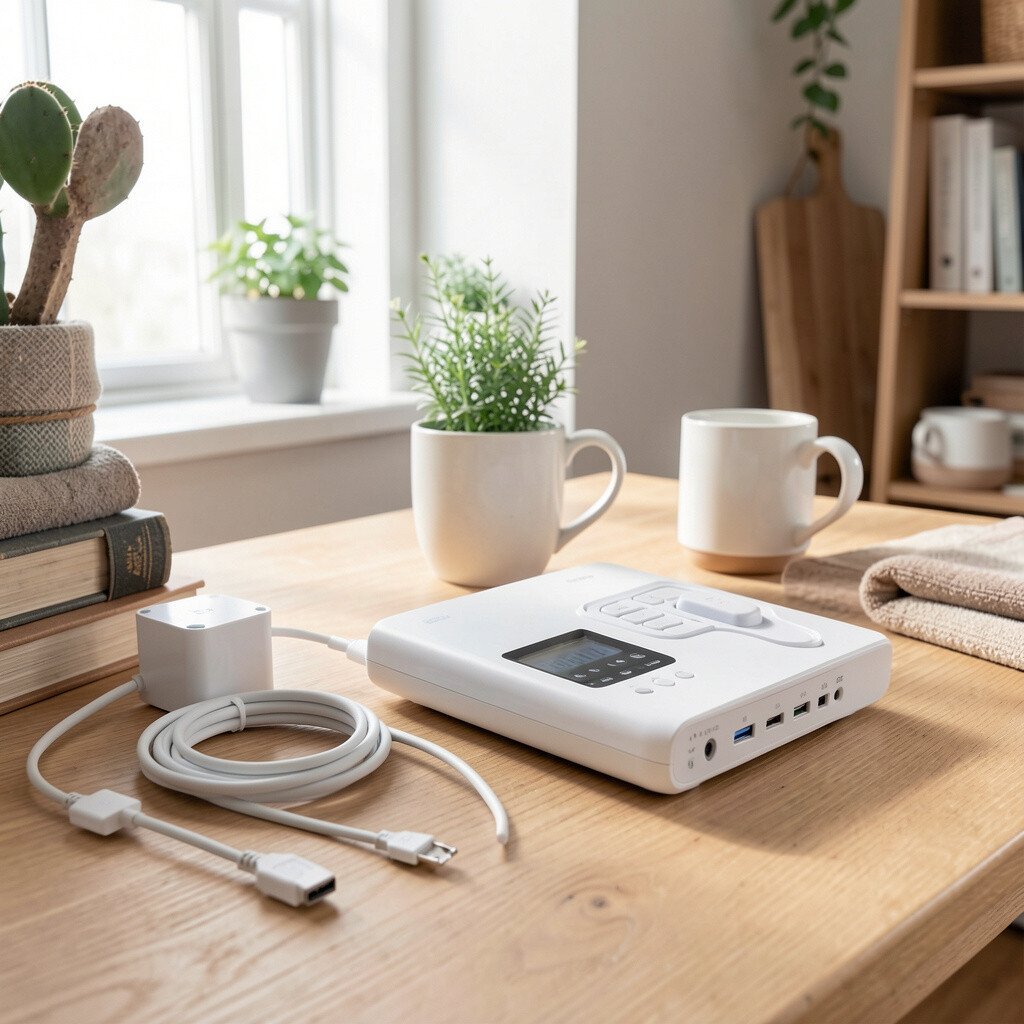
Picture a small sensor tucked under a sink or near a water heater, barely noticeable. When it detects moisture, it can alert your phone right away with a clear notification. It feels like having an extra set of cautious eyes in the places that usually get ignored. That quiet coverage can prevent tiny leaks from turning into big repair costs.
Leak sensors are especially useful in rentals because landlords and tenants both care about avoiding water damage. They can be placed in bathrooms, kitchens, behind toilets, or anywhere water lines run. A practical tip is to test the sensor placement by briefly drying the area and then using a small amount of water during setup to confirm detection. For personalization, you can name each sensor by room so alerts are easy to understand quickly. For cost considerations, start under the highest-risk spot, like the kitchen sink, then add more only if needed.
People are also leaning into “early warning” home tech, and leak sensors fit that perfectly. Many offer battery life that lasts months, which means less maintenance for you. Some integrate with smart home apps so you can receive alerts instantly even when you are away. This is one of those gadgets that may not be flashy, but it can save serious headaches.
9. Smart Window Coverings With Simple Retrofit Options
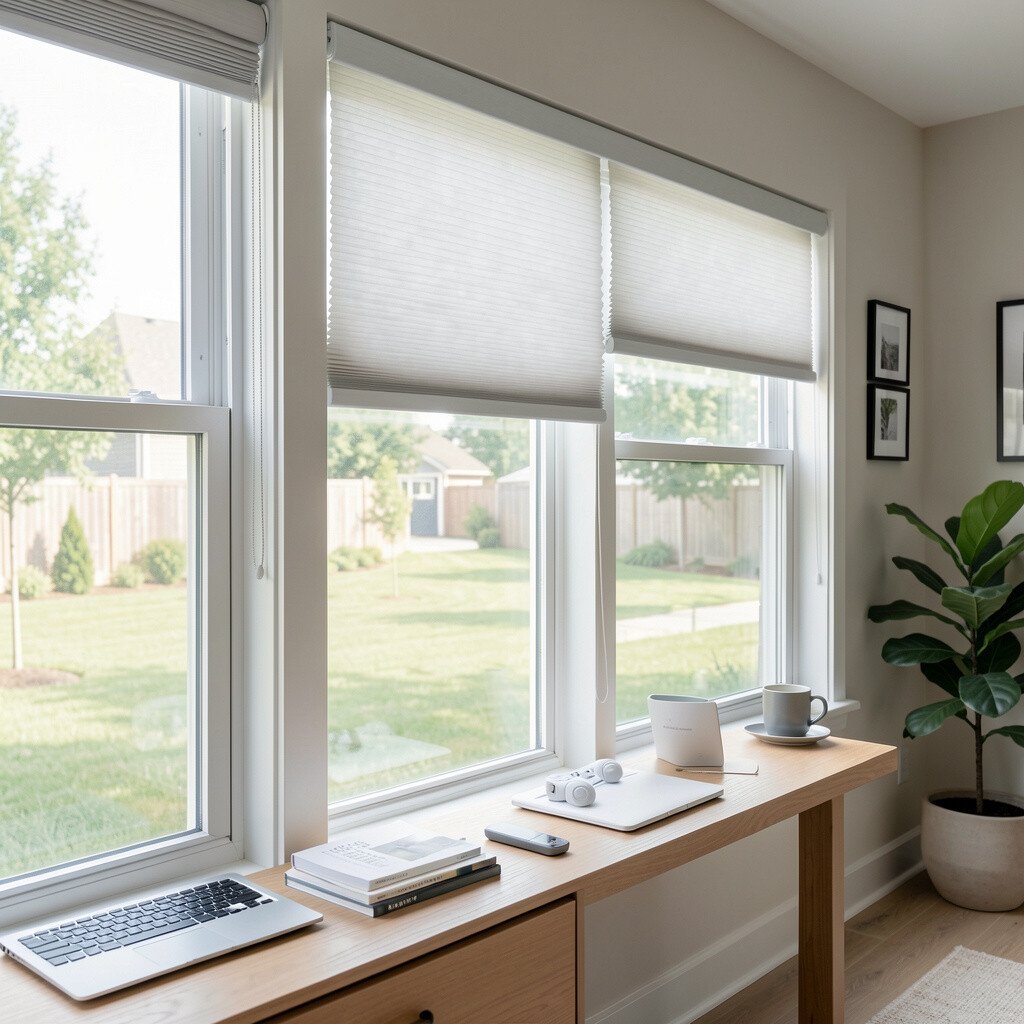
Imagine opening your blinds without wrestling with cords, using a clean remote or app. Motorized blinds often look like regular window coverings, which keeps the room’s style intact. The visual change is huge because light control becomes smooth and consistent. With schedules, you can also reduce glare and keep the place comfortable.
Smart window coverings can be a rental-friendly upgrade when you select products that clamp on or use no-drill installation. They help regulate daylight, which can improve sleep comfort and protect furniture from harsh sun. A practical tip is to measure carefully before purchasing, since window sizes and mount styles vary. Personalization is fun here, because you can set “morning light” or “movie time” scenes with one tap. For cost, start with one window that affects your daily routine most, then expand based on budget.
Current trends include privacy-focused automation, which is helpful if your rental has street-facing windows. Some motor systems also work with voice assistants for hands-free control. If you prefer minimal tech, you can use schedules without relying on extra apps. And if you move, many clamping options come off cleanly, which is a relief for renters.
10. Smart Smartlock Or Keyless Entry That Avoids Lost Keys
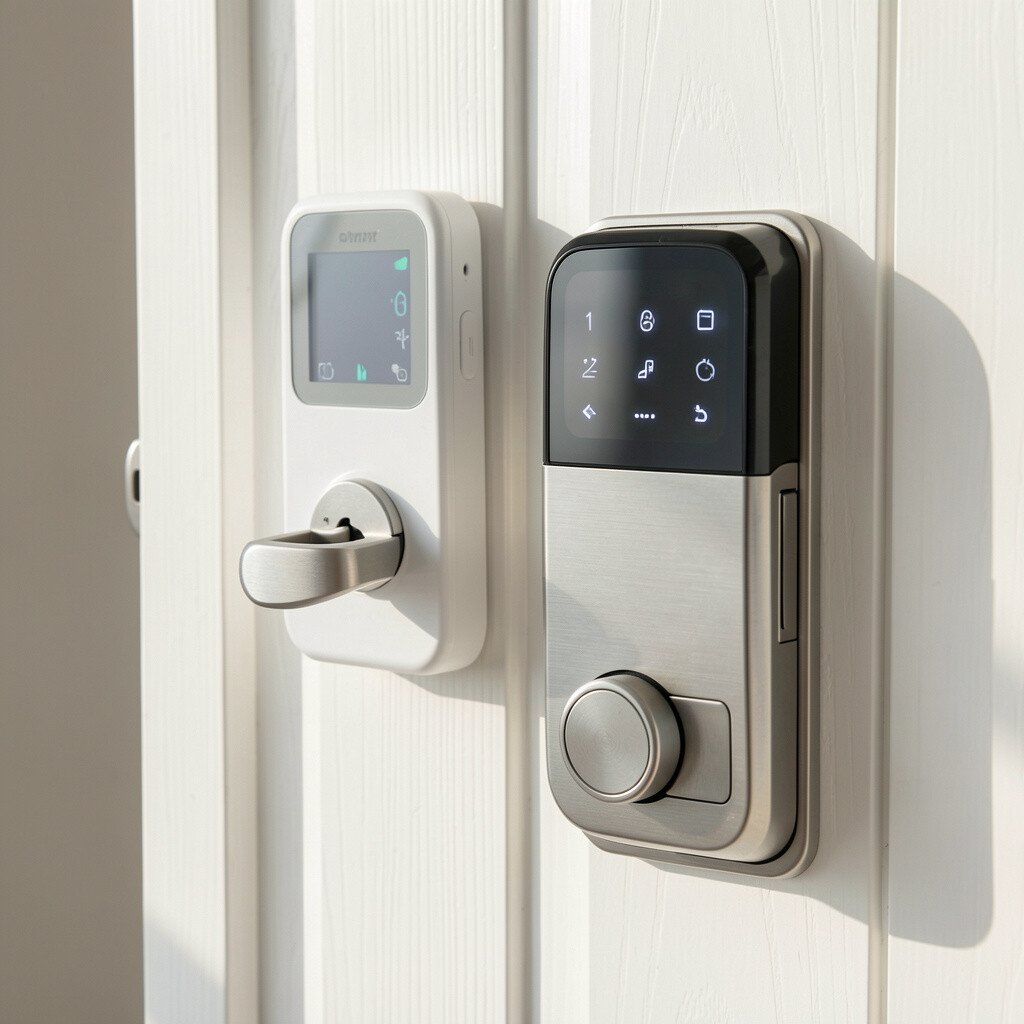
Picture arriving with no keys in your hand, only your phone or a code you already trust. Smart locks can look sleek and modern while still fitting the door hardware style. You can check who entered and when, which makes the space feel more controlled. For renters, it removes the stress of duplicates and lockouts.
Keyless entry can be a lifesaver if you share your home with roommates or help family during visits. Many rental options are designed for easy install and removal, depending on your door type. A practical tip is to confirm that the lock works with your door thickness and deadbolt setup before you buy. Personalization ideas include setting temporary codes for guests and delivery times, so you do not have to meet everyone. For cost considerations, smart locks vary a lot, so compare fees for battery changes, app access, and any required hubs.
Security trends now favor traceable access, and smart locks fit that direction well. Some models also offer auto-lock and activity logs, which can reduce uncertainty. If your lease requires permission, keep documentation of the install and removal steps. Choosing a lock with strong battery life helps avoid surprise outages.
11. Smart Massage Or Recovery Device For Post-Work Comfort
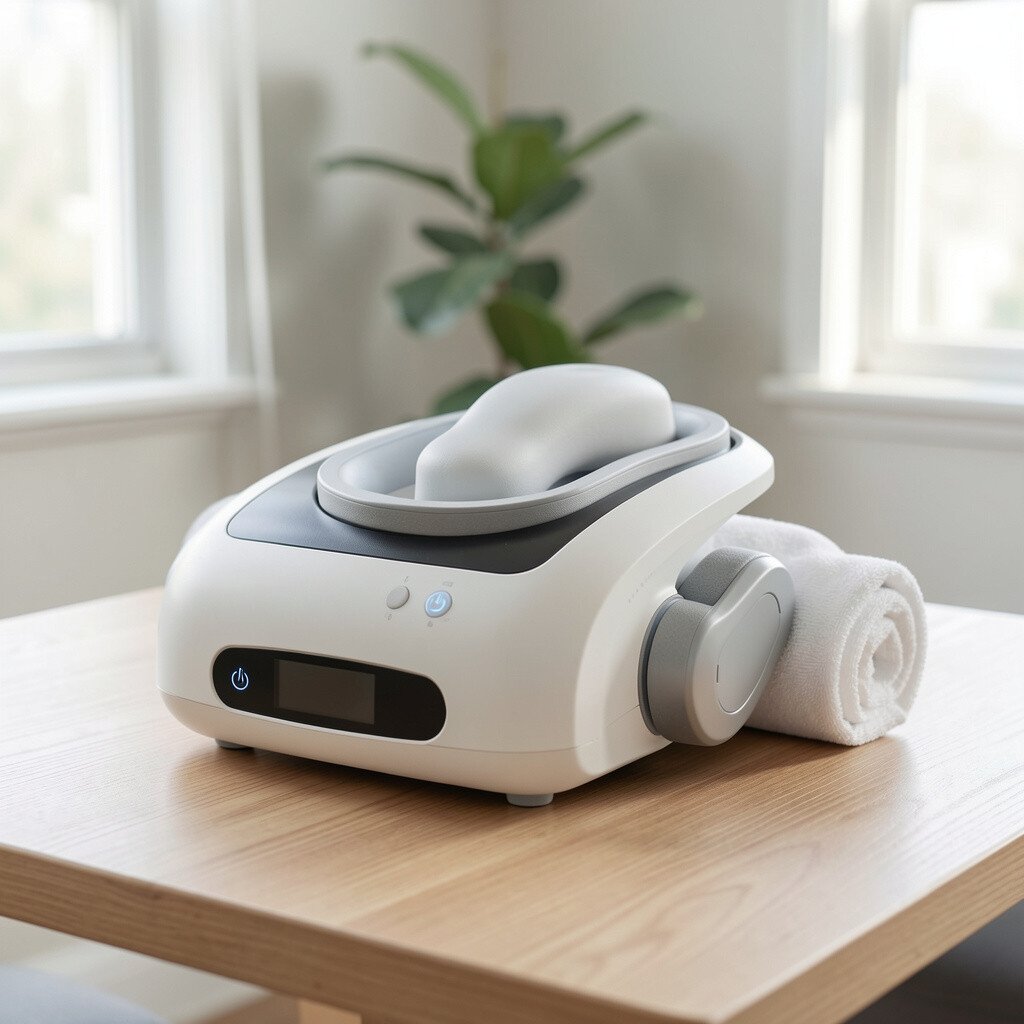
Imagine a compact device that sits neatly on a couch table, ready when you need it. Some recovery gadgets use app controls, but they still look like practical personal equipment. The benefit is in how quickly your body can feel better after a long day. It can turn ordinary evenings into a routine that supports sleep and less stiffness.
For rental homes, personal recovery tech is attractive because you can use it without changing the property. Many devices are portable, easy to store, and do not create installation hassles. A practical tip is to choose attachments that match your needs, like different levels for legs, shoulders, or back. Personalization can be as simple as setting a favorite session length and power level for your own comfort. When cost is a concern, look for a model that balances performance with battery life or charging convenience.
This gadget aligns with a growing trend toward at-home wellness and recovery. People are increasingly building small comfort routines that feel like self-care rather than a medical purchase. If you live with others, using quiet settings can keep the whole home calm. And because it is a personal item, it is easy to take with you when you move out.
12. Smart Power Strip With Outlets And USB Charging
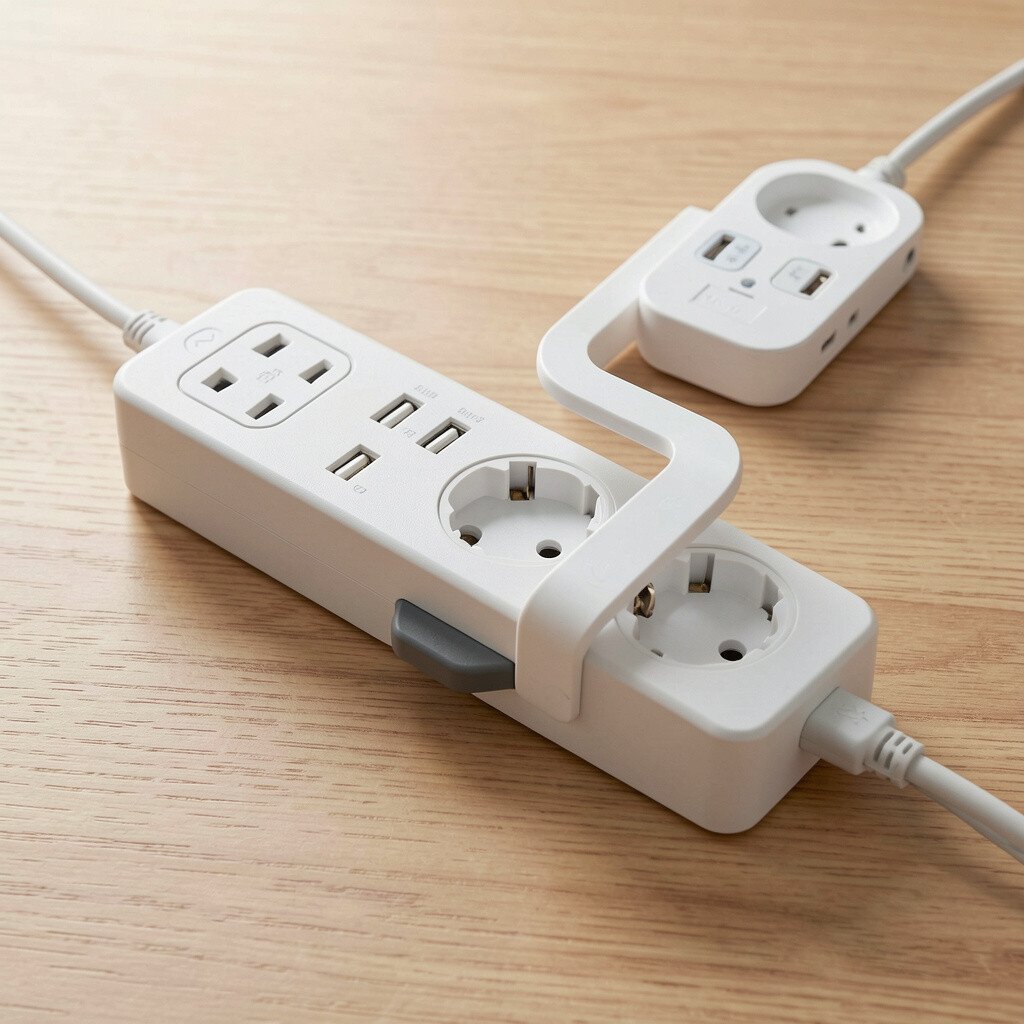
Picture a sturdy strip with clearly spaced outlets and bright indicator lights near your TV stand or desk. It looks tidy because all the bulky chargers and cables can share one spot. With smart control, you can manage devices without pulling plugs. The visual clutter drops fast, and the room feels more organized.
A smart power strip helps you reduce standby power for chargers, consoles, and small appliances that never fully “rest.” It is practical for renters because it replaces nothing permanent and can be moved with you. A useful tip is to label outlets in your mind by use, like one for entertainment and one for work gear. Personalization ideas include scheduling shutdown at night or creating “wake” power patterns for your morning routine. For cost thinking, compare models with energy monitoring, since that extra feature can guide which devices to shut off.
Current home-tech trends focus on energy savings and simplified cable management, and this gadget fits both needs. Many people also like USB charging built into the strip, which cuts down on extra wall bricks. If your rental has limited outlets, the extra spacing can help you avoid blocking one another. Just be sure it matches your power needs for high-draw items like heaters or hair tools.