Your desk can feel like a tiny command center, and it deserves a glow-up. Small changes add up fast when you pick supplies that fit your day.
Below is a practical, friendly list of items that help your workspace look better and work smarter. Mix and match what you need, and keep the rest for later.
1. Comfortable Ergonomic Chair
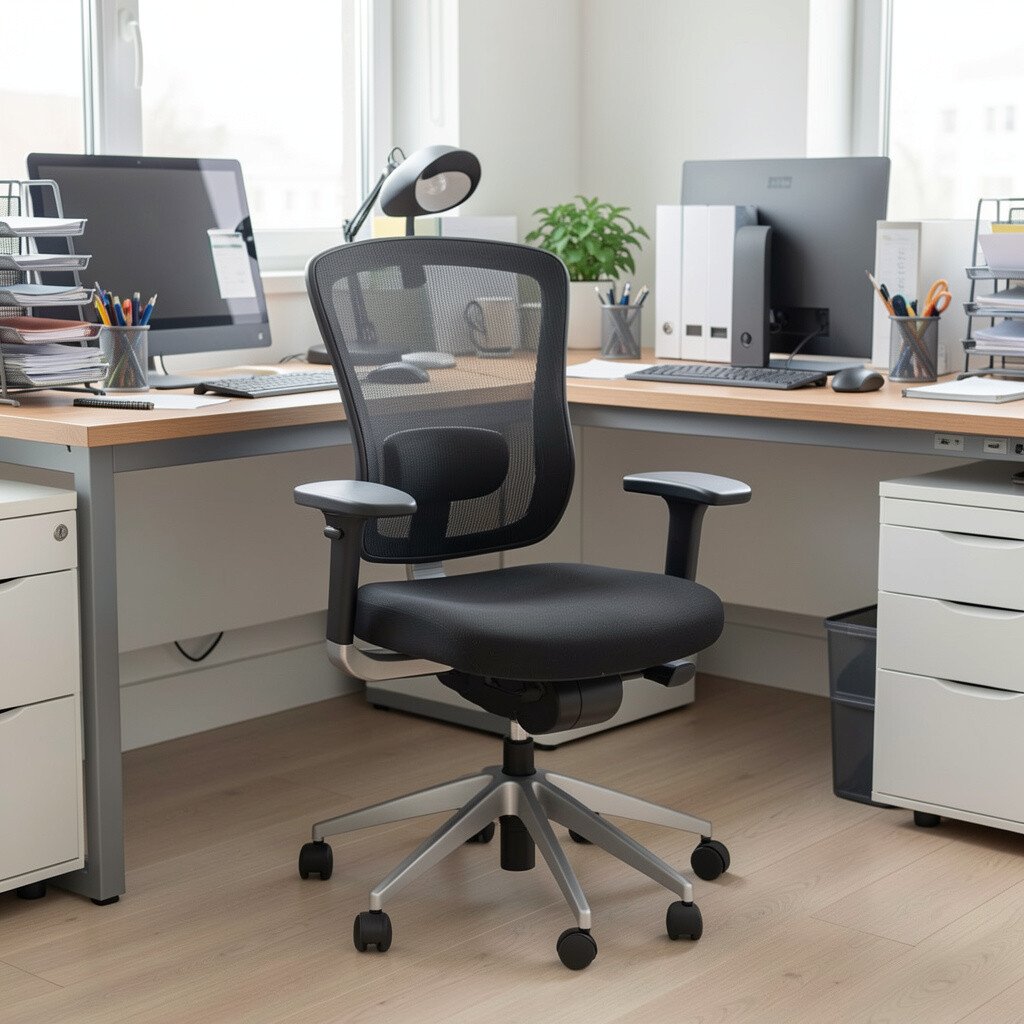
A good chair changes how you sit, not just how you feel. When your back is supported, you tend to focus longer and move less in your seat.
Look for adjustable height and arm positions so your body can match your keyboard and mouse. If you can, test it for a few minutes while sitting upright with your feet flat. Consider a cushion if you are between sizes, since that can be a more budget-friendly first step. A chair with breathable fabric also helps during long workdays, especially in warm rooms.
2. Supportive Desk Lamp With Adjustable Brightness
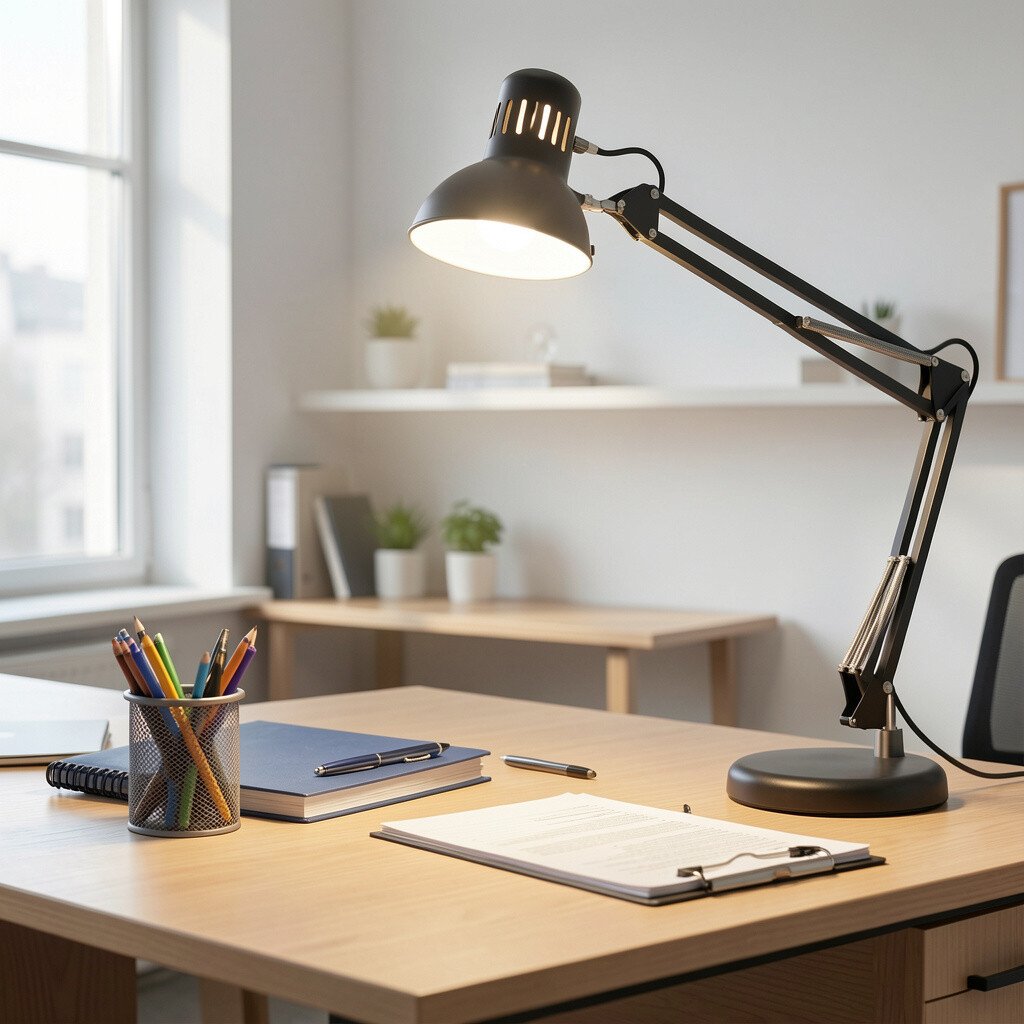
Lighting can make your workspace look calm and professional. A desk lamp with adjustable brightness helps you avoid harsh overhead glare while reading and writing.
Choose a lamp that swivels or tilts so you can aim light exactly where you need it. Warm and cool light options are popular right now, since many people like to shift tone for morning versus late afternoon tasks.
Try placing the lamp to one side rather than directly above your screen to reduce eye strain. If you work at night, a dimmer switch is a simple way to keep your eyes comfortable without turning the whole room dark.
3. Quality Desk Mat for Smooth Writing and Protection
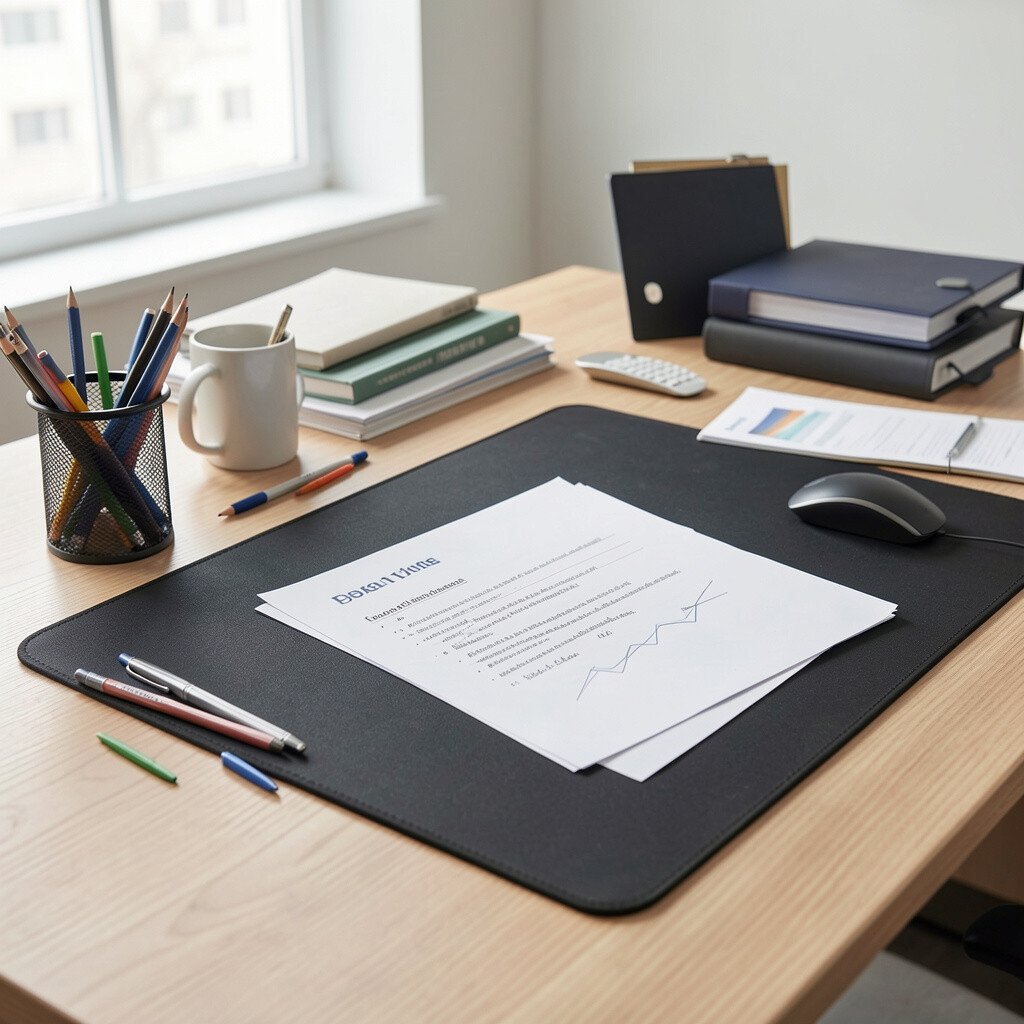
A desk mat makes your workspace feel finished. It protects your surface from scratches and gives you a steady place to write.
Choose a mat that matches your style, like minimalist fabric, faux leather, or a sleek hard surface. Many people like a slightly textured top because it helps pen movement feel smooth without slipping.
Measure your desk space before you buy, then leave room for your keyboard and mouse. If your mat is too small, it can shift and bunch up, which is exactly what you want to avoid. For personalization, pick a color that matches your journal or monitor stand so everything looks like one set.
4. Keyboard and Mouse Combo Designed for Less Strain
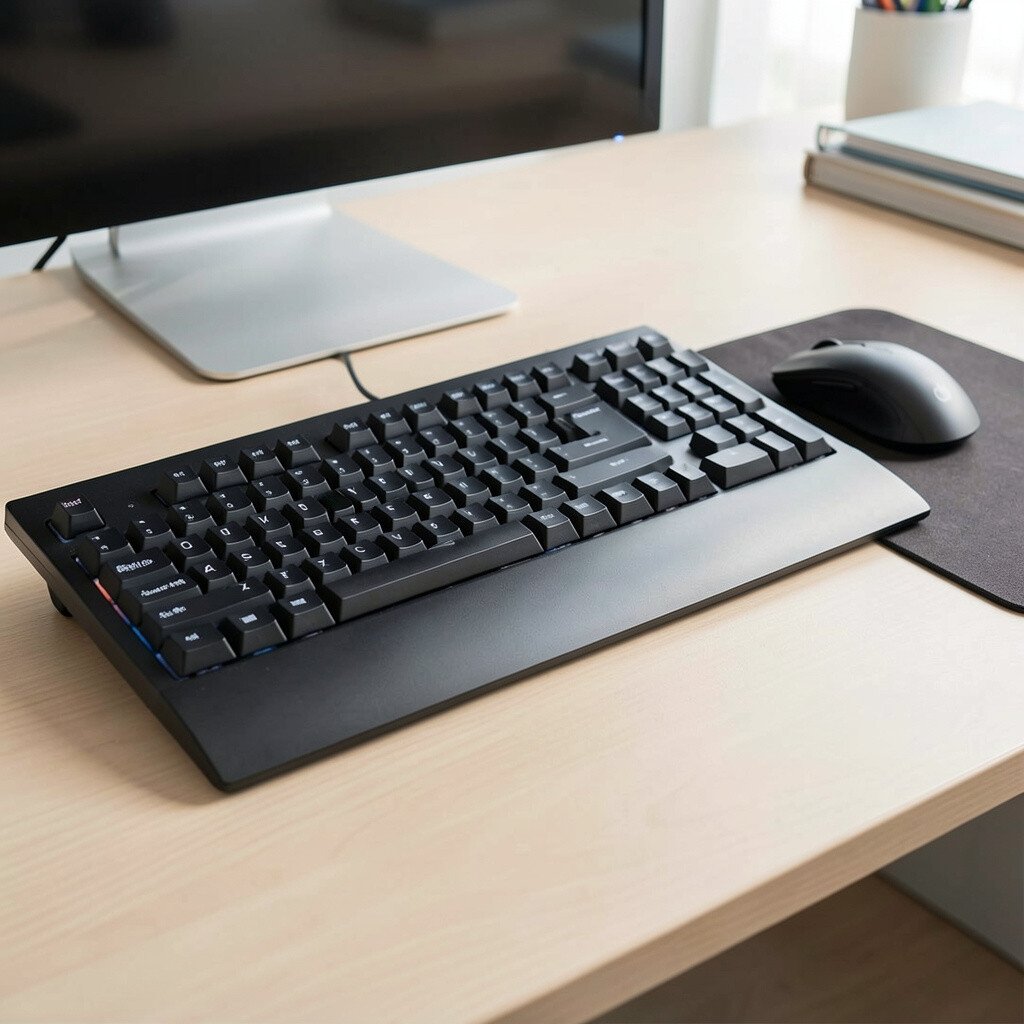
Typing should feel easy, not exhausting. A keyboard and mouse combo with comfortable spacing can reduce tension in your wrists and fingers.
Consider a keyboard with gentle key travel and a mouse that fits your hand size. If you work in bursts throughout the day, a reliable wireless connection can keep you from dealing with cables or lag. Many setups now include ergonomic profiles and soft-touch surfaces, which makes everyday tasks feel nicer.
5. Cable Management Clips and Under-Desk Channels
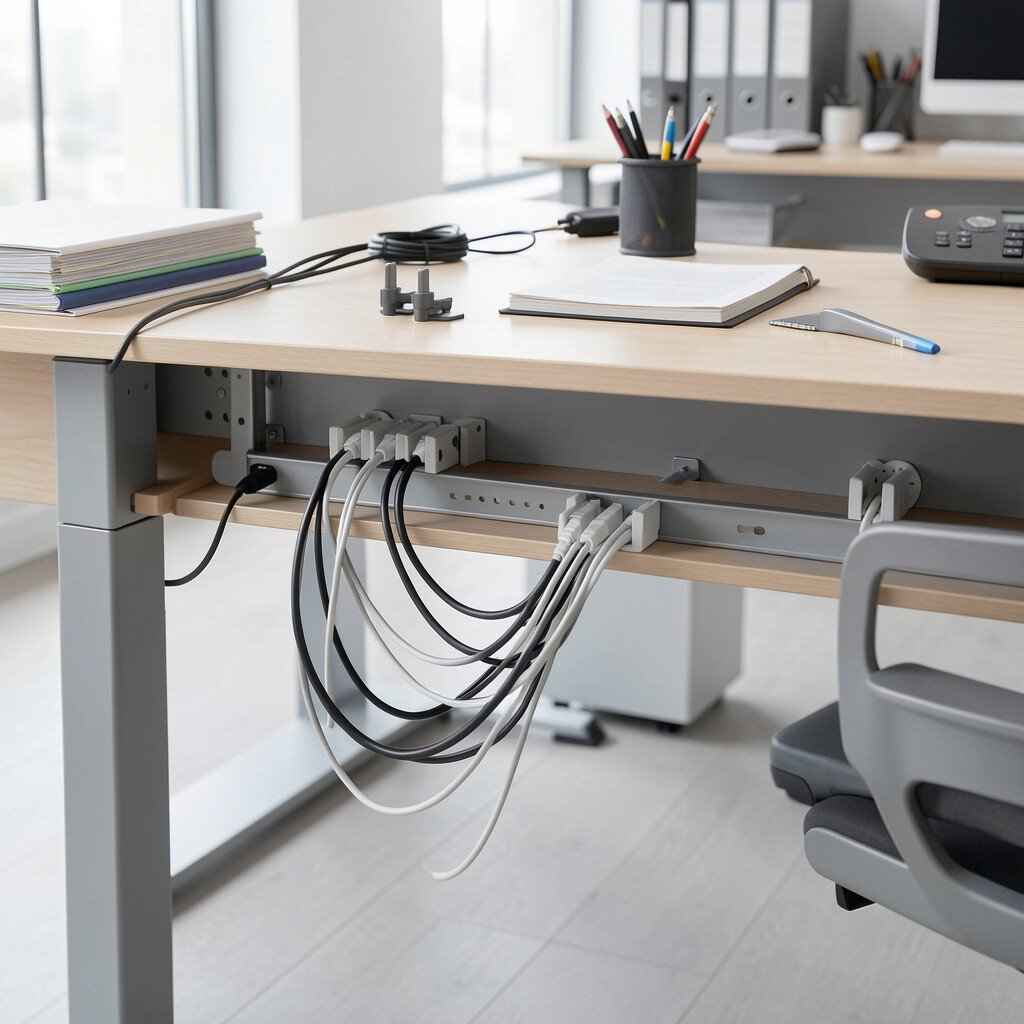
Loose cords can turn a clean desk into visual clutter. Cable clips, ties, and under-desk channels help everything stay neat and reachable.
Pick a system that matches your layout, like adhesive clips for quick placement or Velcro ties for flexible changes. When your cables are routed the same way every time, it is easier to clean the desk and spot what needs unplugging.
One small personalization move is to color-code cables, especially if you have a laptop charger and a separate monitor cable. This can save time when you switch between devices for meetings or focus sessions. If cost matters, start with clips for the most visible cords and add more later.
6. Multi-Compartment Desktop Organizer Tray
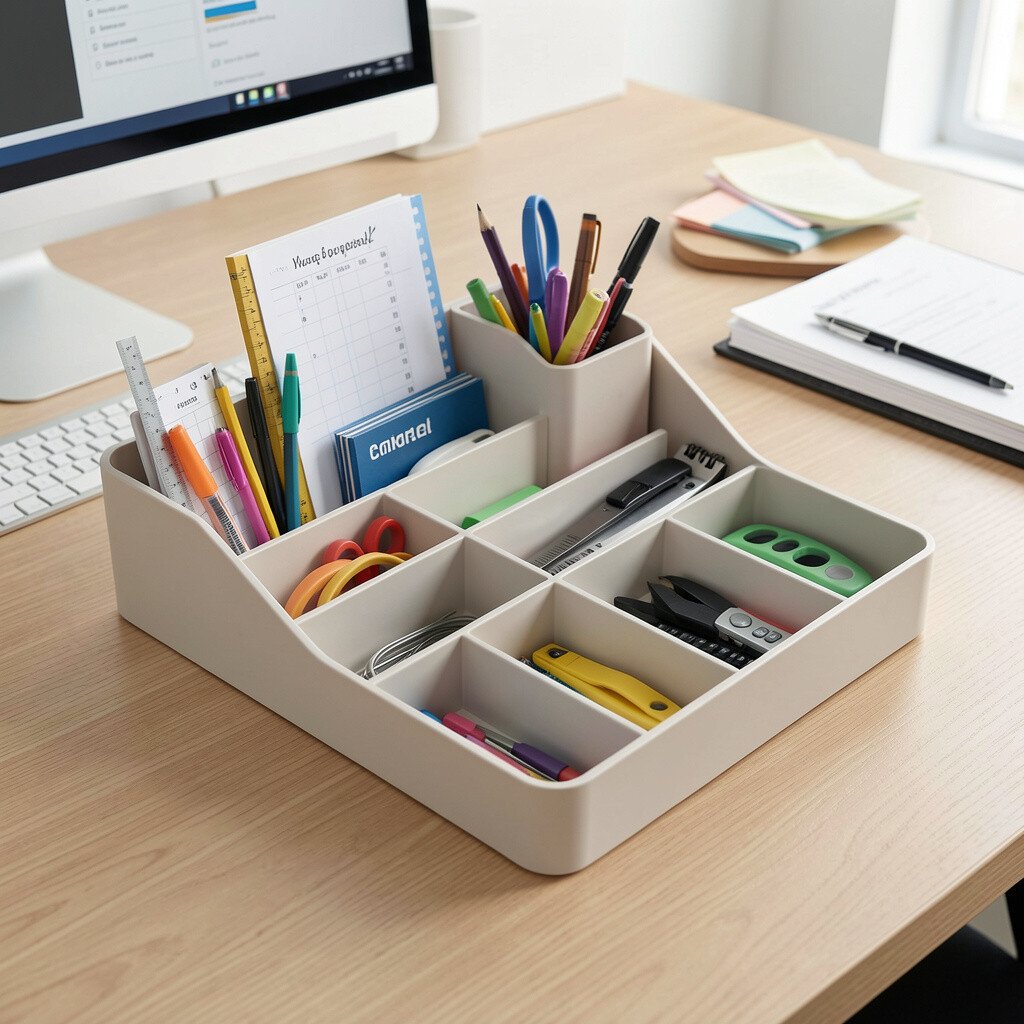
A tray keeps small items from multiplying across your desk. Pens, sticky notes, and paper clips all get a home, which makes your daily routine calmer.
Look for compartments that fit your most used tools, like a wide slot for notepads and smaller sections for odds and ends. Sliding drawers are also handy if you want to hide things from view while still keeping them close. Many people like organizers made from wood tone or clear acrylic because they blend with modern office trends.
To personalize it, match the organizer finish to your monitor stand or desk mat. If you are starting fresh, try a simple setup with a few compartments rather than cramming everything in at once.
7. Sticky Notes That Actually Stick and Feel Nice
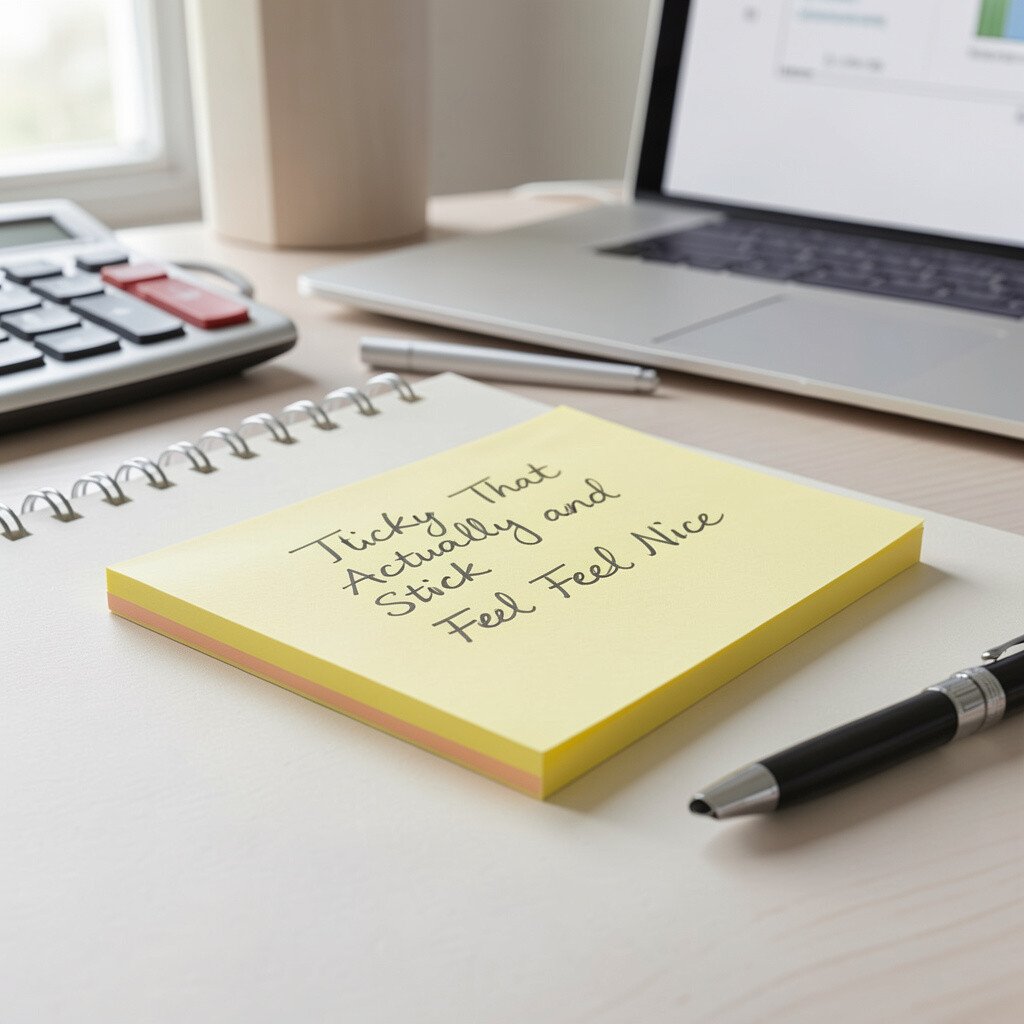
Sticky notes are small, but they can make your day feel organized. When they stick well and peel cleanly, you spend less time rewriting or fixing notes that tear.
Choose a pack with a good color range for quick scanning. Pastels feel soft and friendly, while bright notes can be great for urgent reminders.
Use a color system that fits your workflow, like one color for calls and another for project steps. Many people also like placing notes along the edge of their monitor rather than on the screen itself, which keeps visibility better. If you are cost-conscious, buy a smaller set now and upgrade once you find the shade and size you like.
8. Pen Set With Reliable Ink Flow
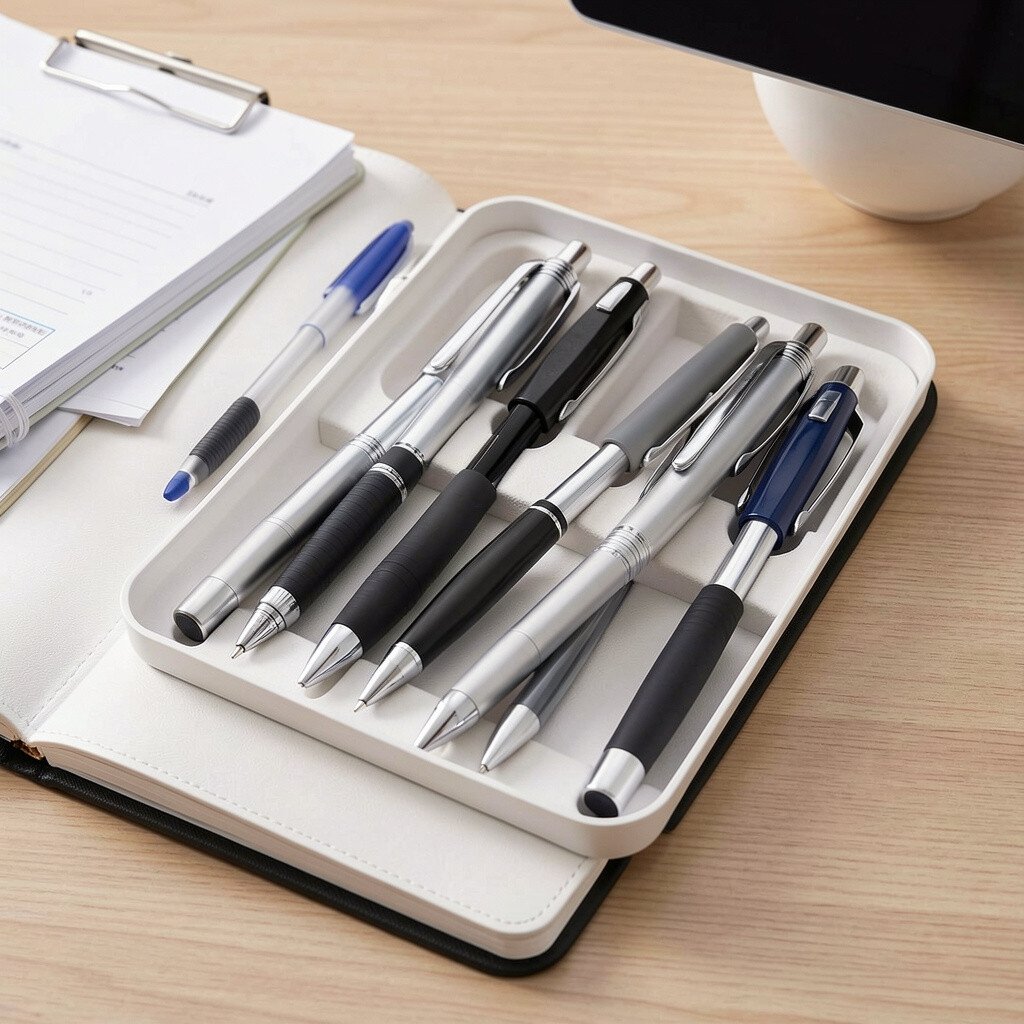
A smooth pen makes writing feel effortless. When the ink flows steadily, you spend less energy pressing down and more time thinking.
Pick pens that match your style, such as gel for smooth lines or fine liners for neat notes. Try a couple of widths so you can choose the best one for journaling, checklists, or quick sketches.
9. Notepad or Journal for Daily Planning
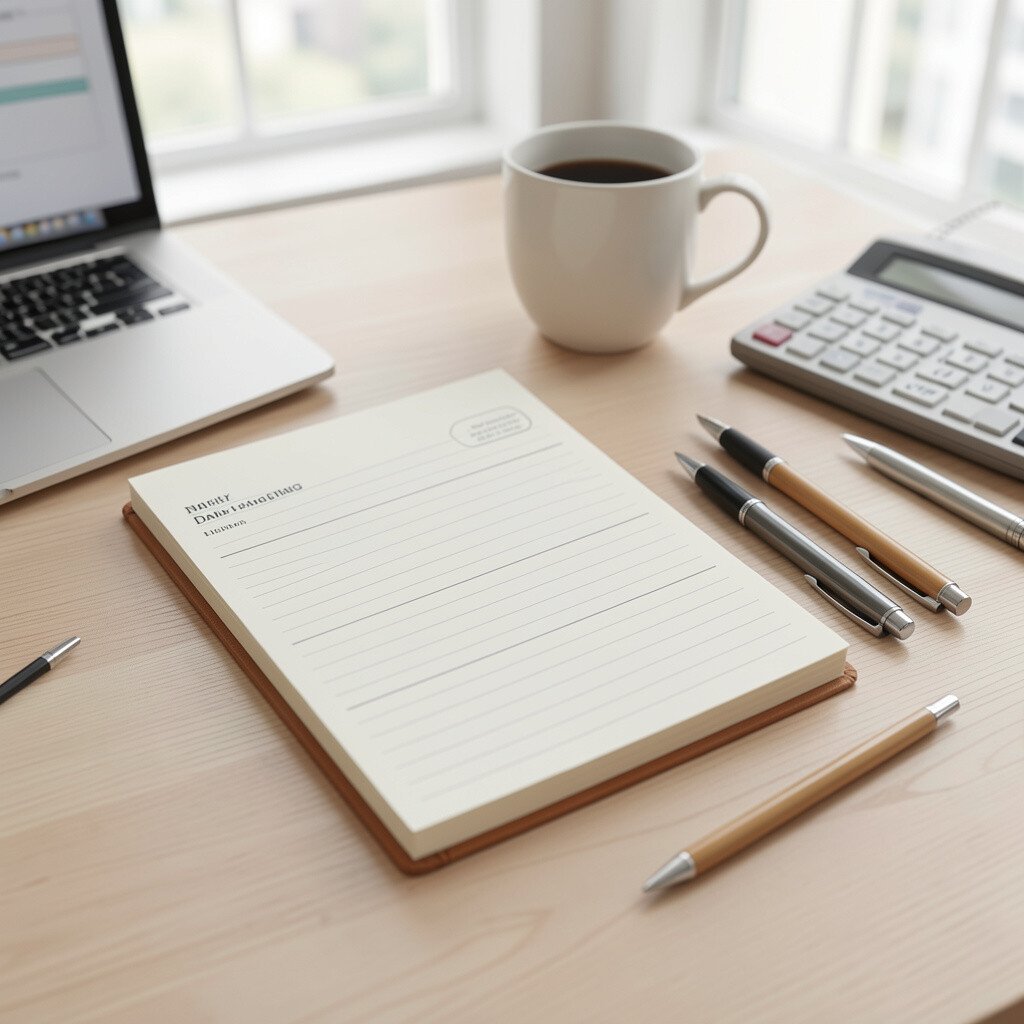
A journal gives you a place to collect thoughts that bounce around in your head. It also makes your progress feel real when you can look back.
Choose a paper texture you enjoy writing on, because it changes how your handwriting looks. Many people are leaning toward dot grid or ruled styles for flexible planning without feeling too strict.
For practical use, keep your journal beside your keyboard so it becomes part of your daily routine. You can personalize it with a simple cover color or a small bookmark ribbon. If budgets are tight, start with a single favorite style and avoid buying too many different notebooks at once.
10. Desk Calendar or Perpetual Planner
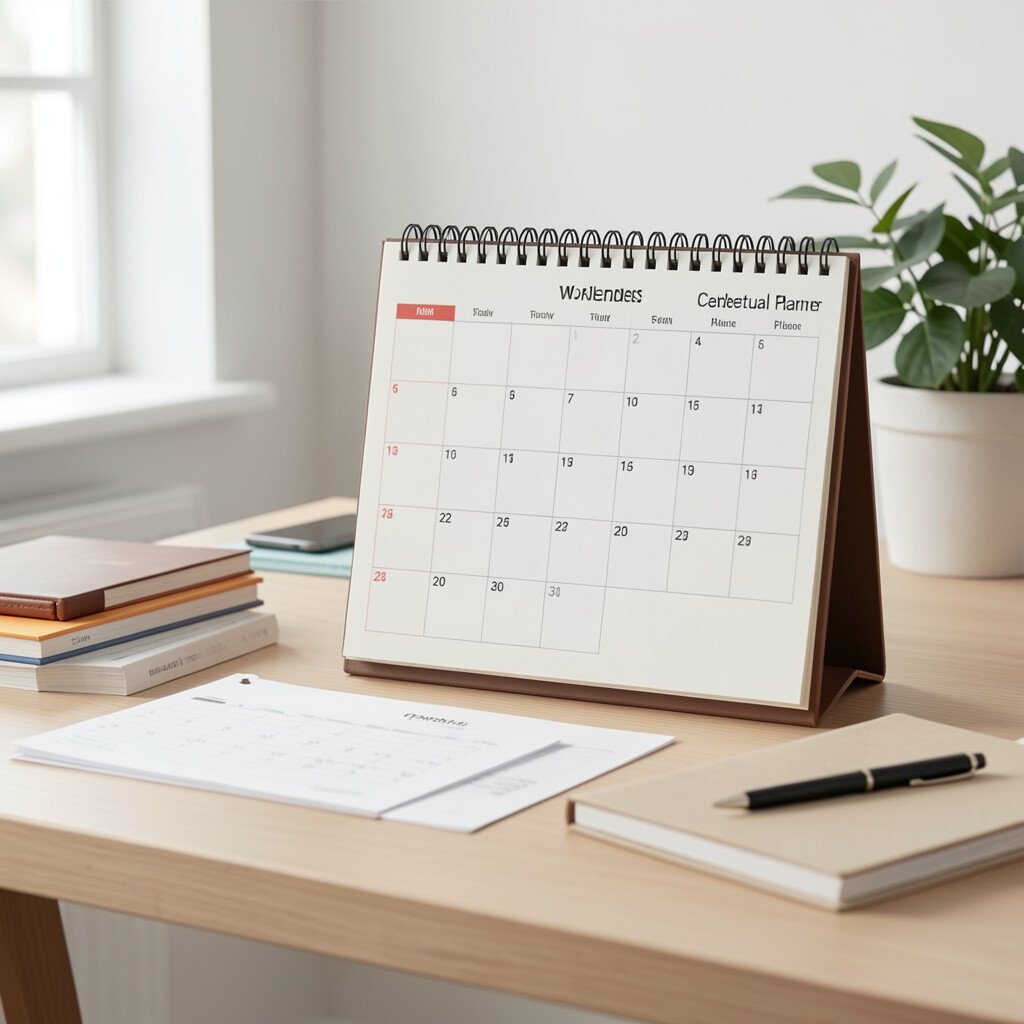
A calendar on your desk is a gentle reminder of what matters this week. Even if you use apps, seeing dates in print helps you plan with less stress.
Choose a desk calendar format that fits your pace, like monthly blocks or a perpetual layout. Perpetual planners are trendy because they reduce waste and help keep a consistent system for months or years.
Place it where your eyes naturally land when you sit down. Personalize it with a colored marker set, so quick notes look tidy and easy to read. If you prefer minimal clutter, use a smaller calendar and keep it close to your main work area.
11. Desk Clock With Clear Display
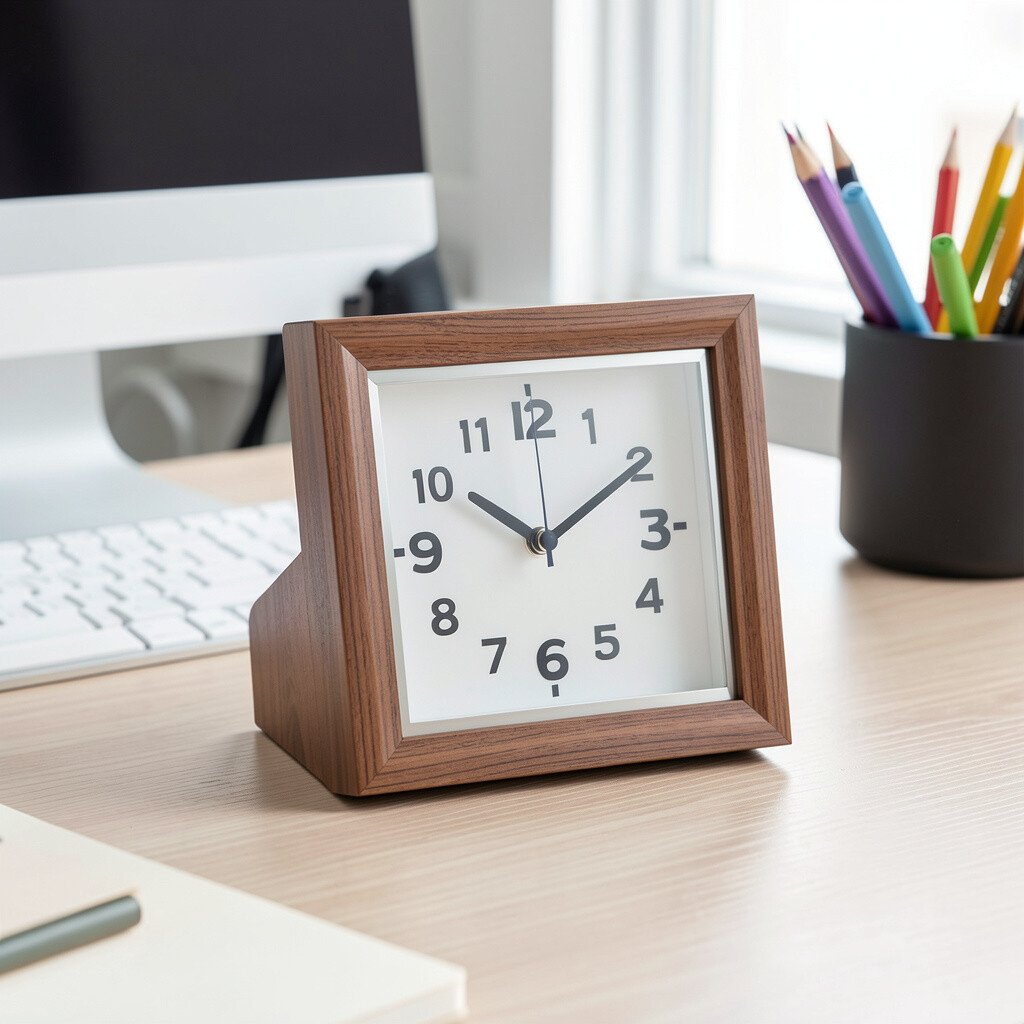
A clear clock helps you manage time without checking your phone nonstop. When you can glance quickly, you can stay in flow while working through tasks.
Look for a large display and a smooth second hand or quiet design. Many people like clocks with simple fonts because they reduce visual noise.
Try placing it slightly away from your screen so your eyes can rest between tasks. If you have frequent meetings, a clock with a built-in alarm can also help you transition on time. For cost reasons, a basic model that is easy to read can be better than a pricey gadget that you barely use.
12. Quality Scissors and Small Cutting Tool
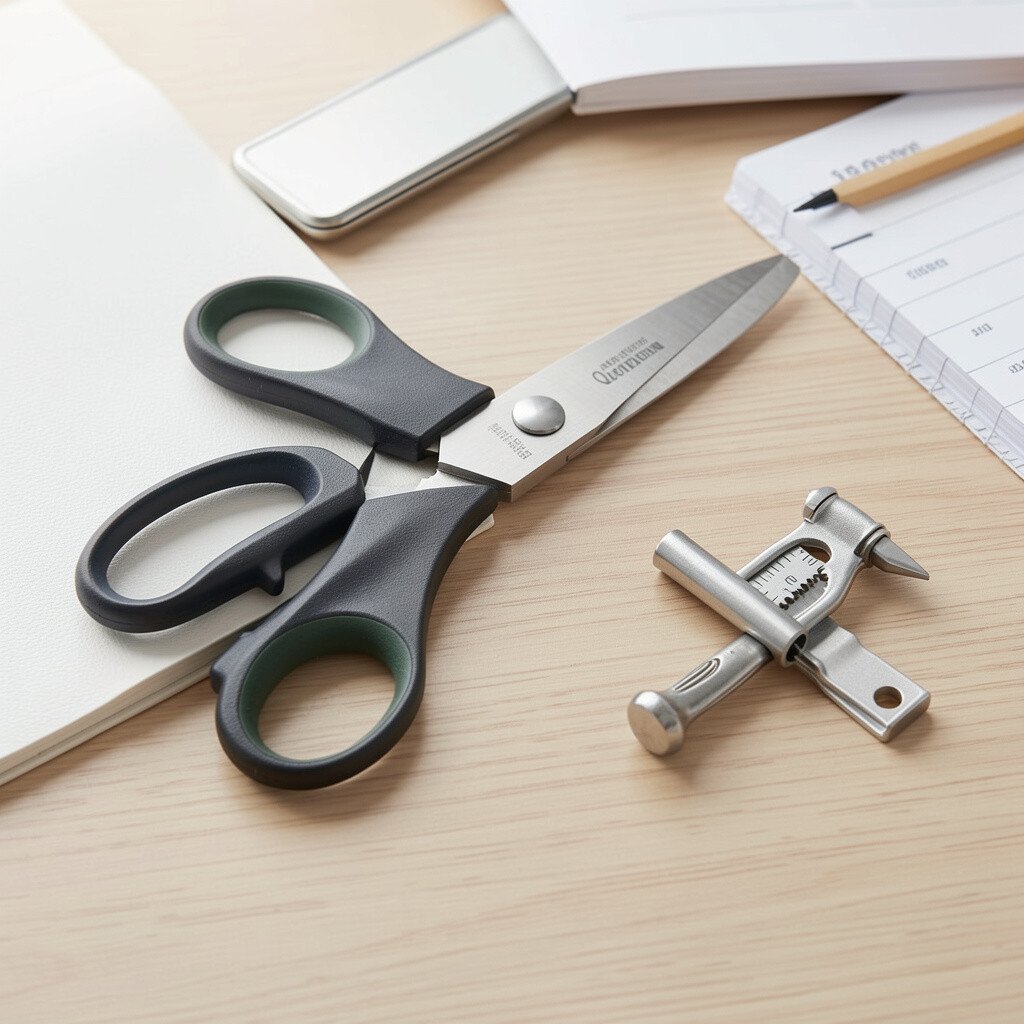
Even in a digital world, paper still shows up. Good scissors make everyday tasks like opening envelopes or cutting labels feel clean and accurate.
Choose scissors that fit your hand comfortably and feel balanced. A small cutting tool for tasks like trimming sticky note edges can also be surprisingly useful.
13. Label Maker or Simple Label Tape
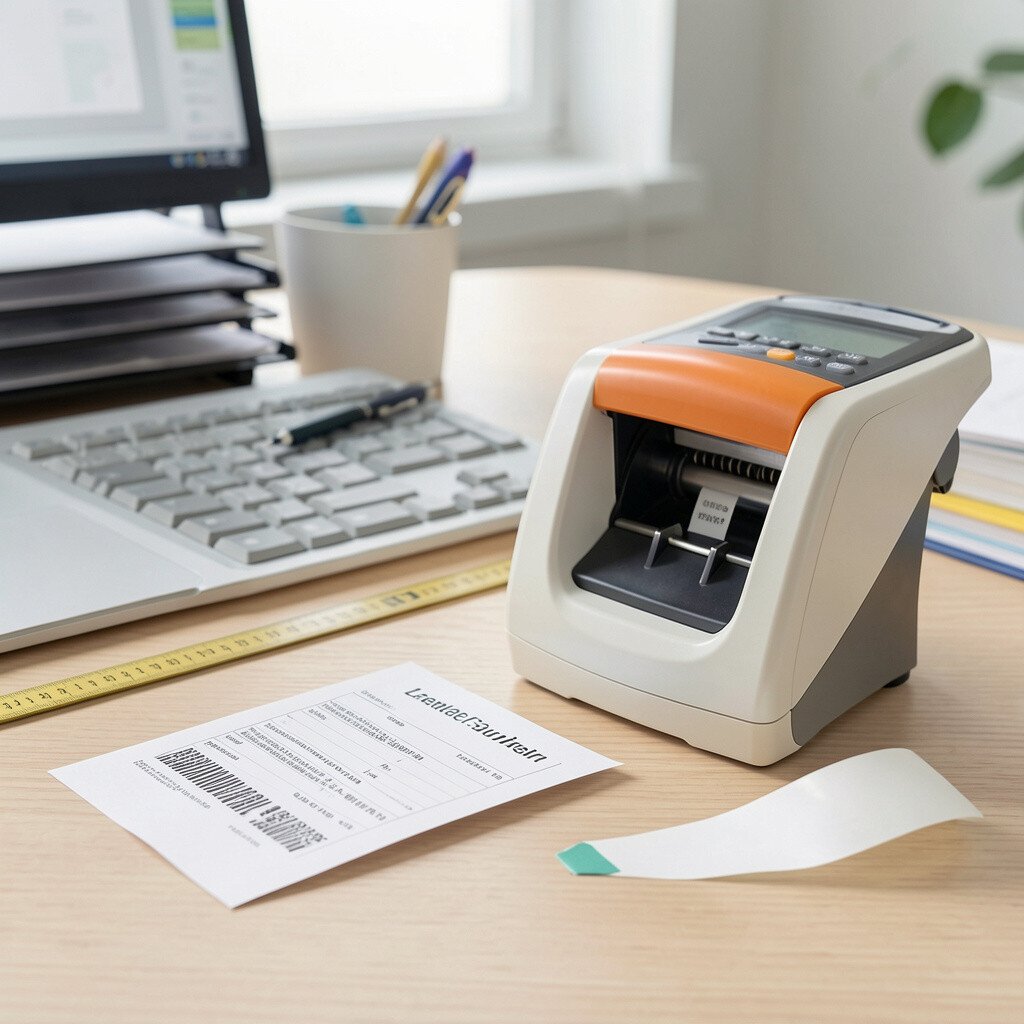
Labels help your supplies stay in the right places. When you can find things quickly, your desk feels more organized right away.
A label maker is great for long-term setups, while label tape works well for flexible changes. Many offices now favor clear, clean text with consistent font styles, since it looks tidy on drawers and bins.
Use labels for cables, storage containers, and frequently used files. Personalize it by choosing a color that matches your desk theme, like white text on black tape for a modern look. If cost matters, start with tape and a few essential labels, then move to a maker later if you keep expanding your system.
14. Printer-Friendly File Folders and Hanging Folder System
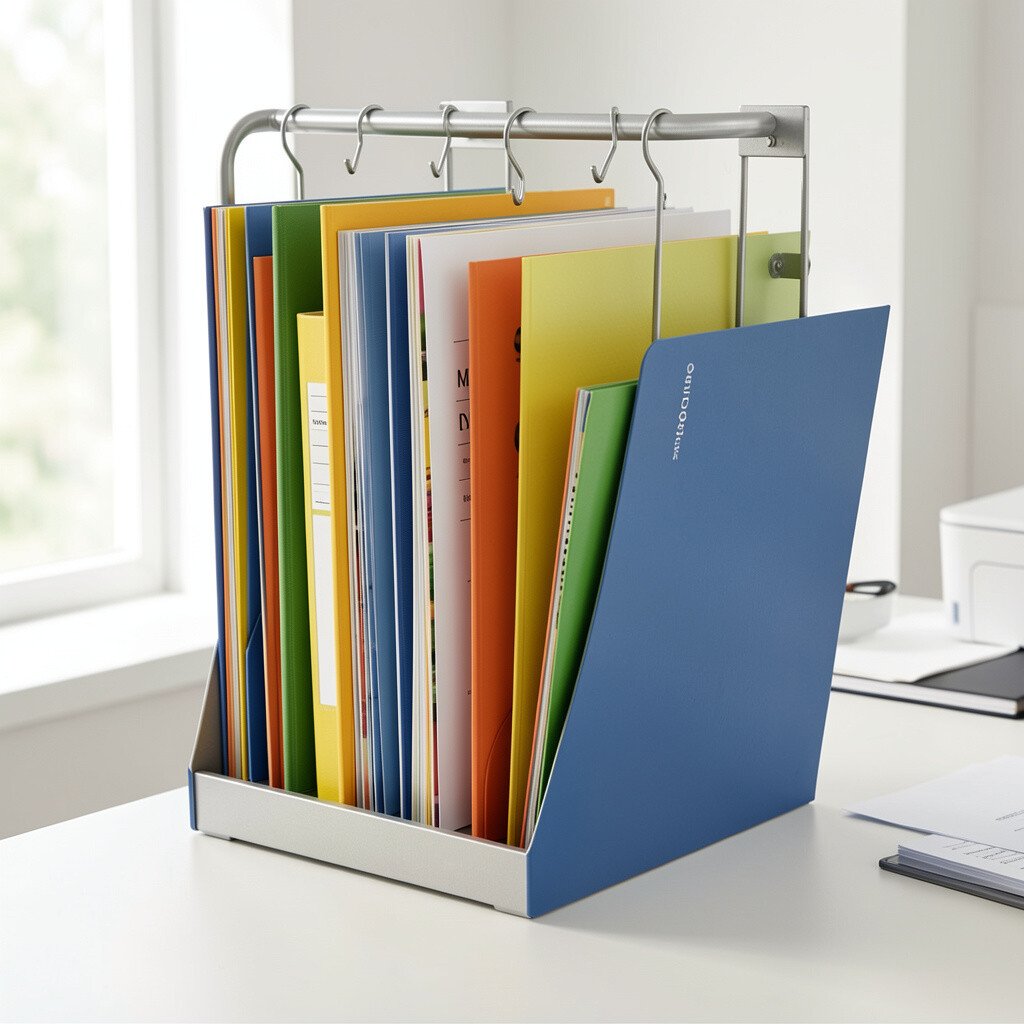
Paper needs structure too. File folders help you store documents in a way that makes sense when you need them fast.
Pick folders that match your filing habits, such as project-based categories or month-based sorting. Many people find that a simple, consistent system beats a complicated one because you will actually keep using it.
Store the most used folders within reach and put the rest slightly farther back. For personalization, choose colors that match the way you think, like blue for work projects and green for personal items. If you want to keep costs low, reuse folders you already have and upgrade only the ones that tear or do not hold up.
15. Desk Fan or Personal Cooling Device
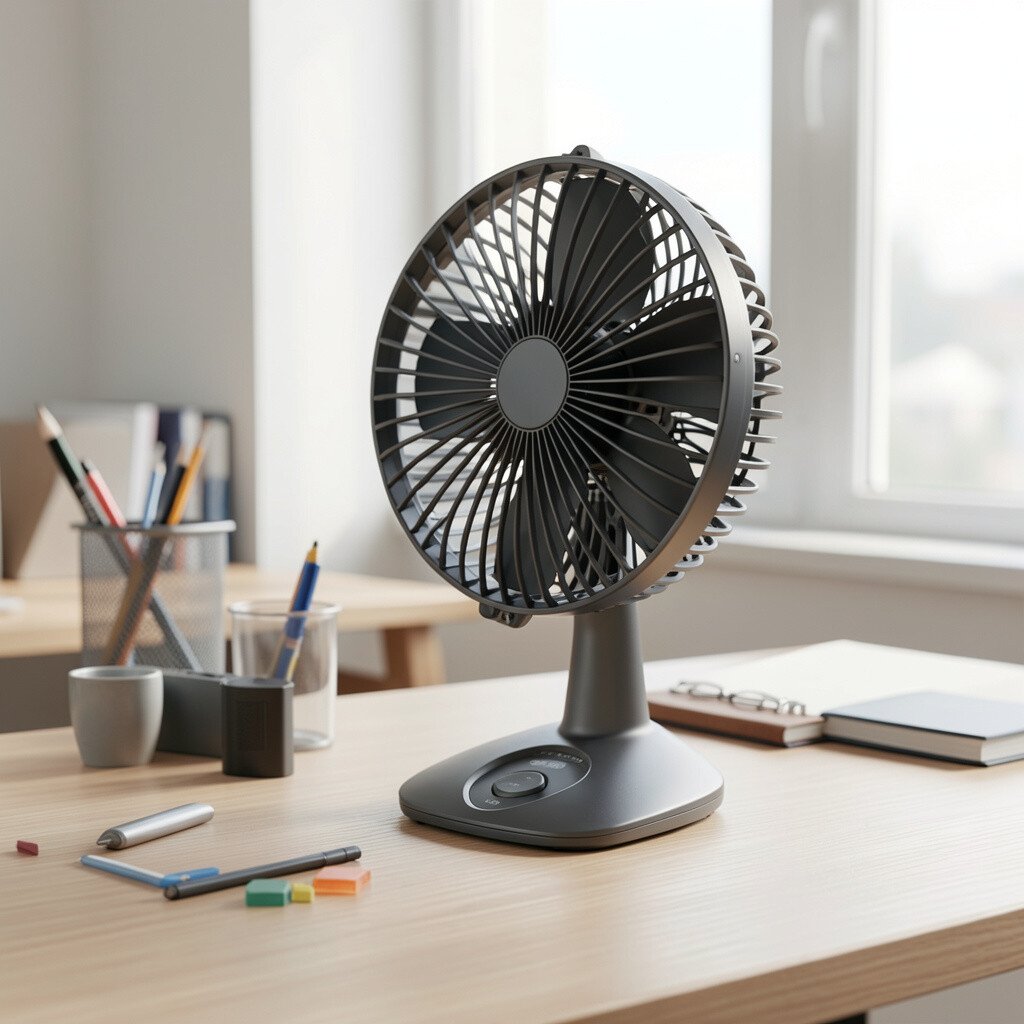
Comfort changes how long you can work without distractions. A small fan or cooling device can keep you focused when your room runs warm.
Look for a quiet option with adjustable direction so it does not blow directly in your face. Many people are using compact desk fans because they are easy to move between work and rest areas.
Try aiming airflow toward your workspace rather than at your eyes. Personalize your comfort by choosing a model that fits your desk style, like a minimal design or a color that matches your setup. This can be a budget-friendly upgrade compared to larger room changes.
16. Noise-Reducing Options Like Earplugs or Soft Headphones
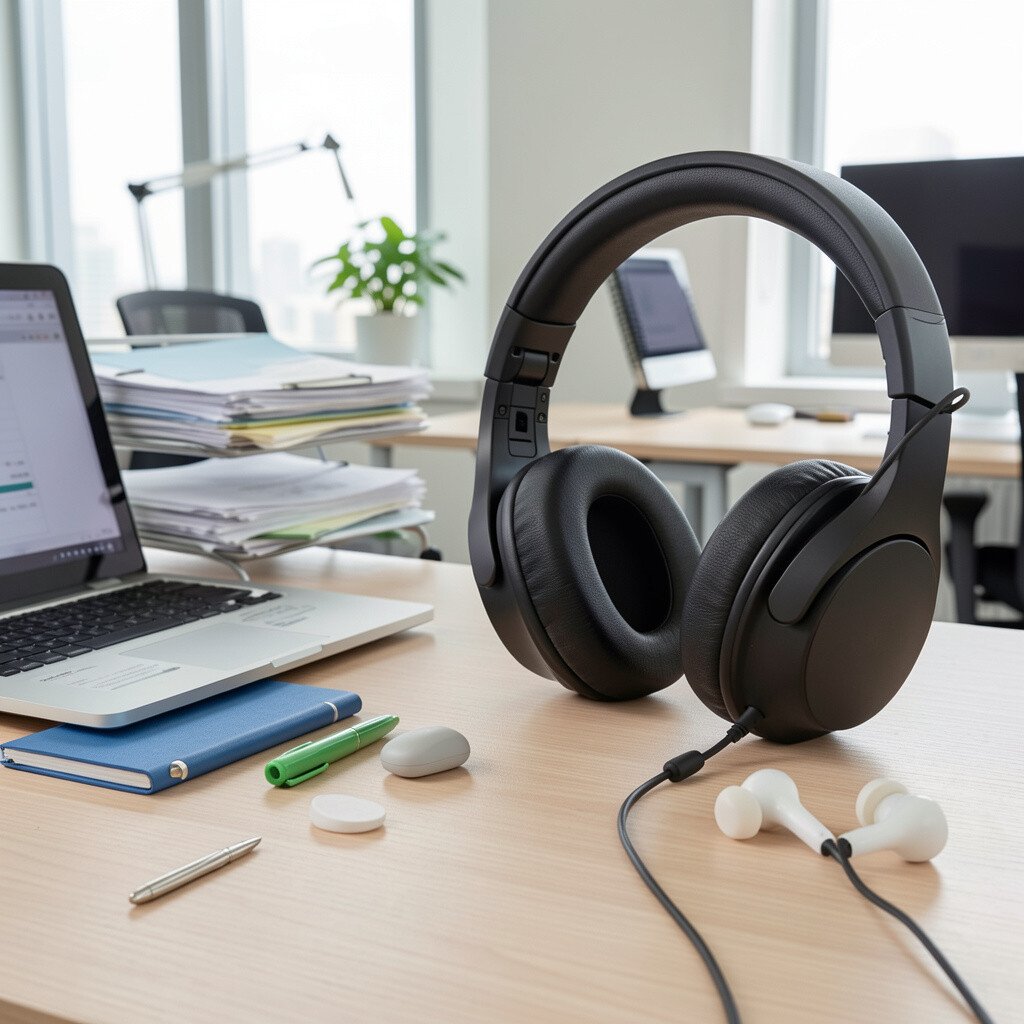
Sound can be the biggest hidden distraction. Noise-reducing options help you concentrate, especially in shared spaces or busy homes.
Soft, comfortable earbuds or over-ear headphones can make background noise feel far away. Many people are also using white noise, since it gives your brain a steady sound to latch onto during deep work.
Try using them during tasks that require focus, like writing or data work. Personalize it by choosing a sound profile you enjoy, such as gentle rain or steady airflow. If you are watching costs, start with a comfortable pair of earplugs and upgrade only if you need more.
17. Writing Tools Organizer for Pens, Markers, and Highlighters
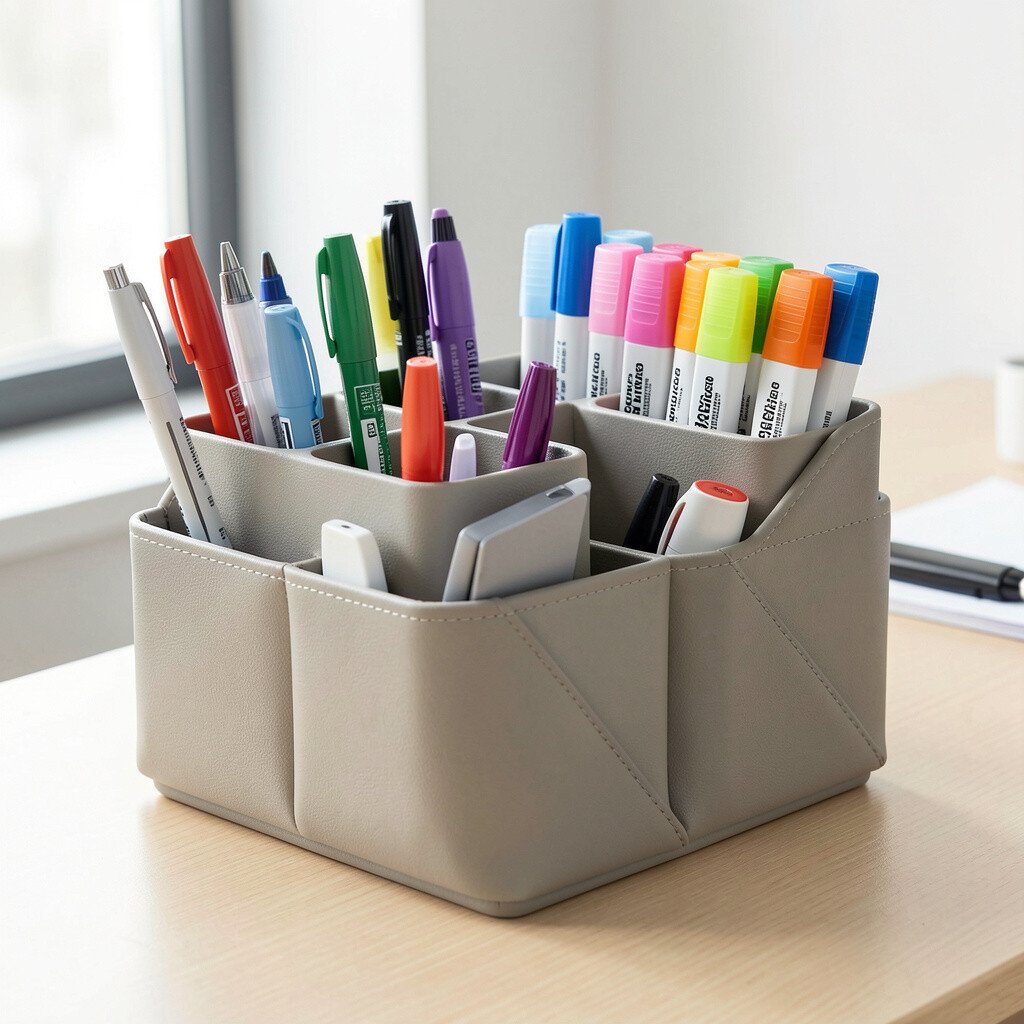
It is easier to stay consistent when your tools are easy to grab. A dedicated organizer for markers, highlighters, and everyday pens keeps your favorites ready.
Choose containers with clear labeling or simple sections so you do not mix up ink types. Many people like organizing by purpose, such as one section for planning colors and another for everyday black ink.
To personalize your system, keep a small selection of highlighters you actually use and store the rest elsewhere. This avoids the “too many choices” feeling that slows you down. Cost-wise, buying fewer, reliable pens is often better than a large set that dries out quickly.
18. Whiteboard or Magnetic Board for Visual Plans
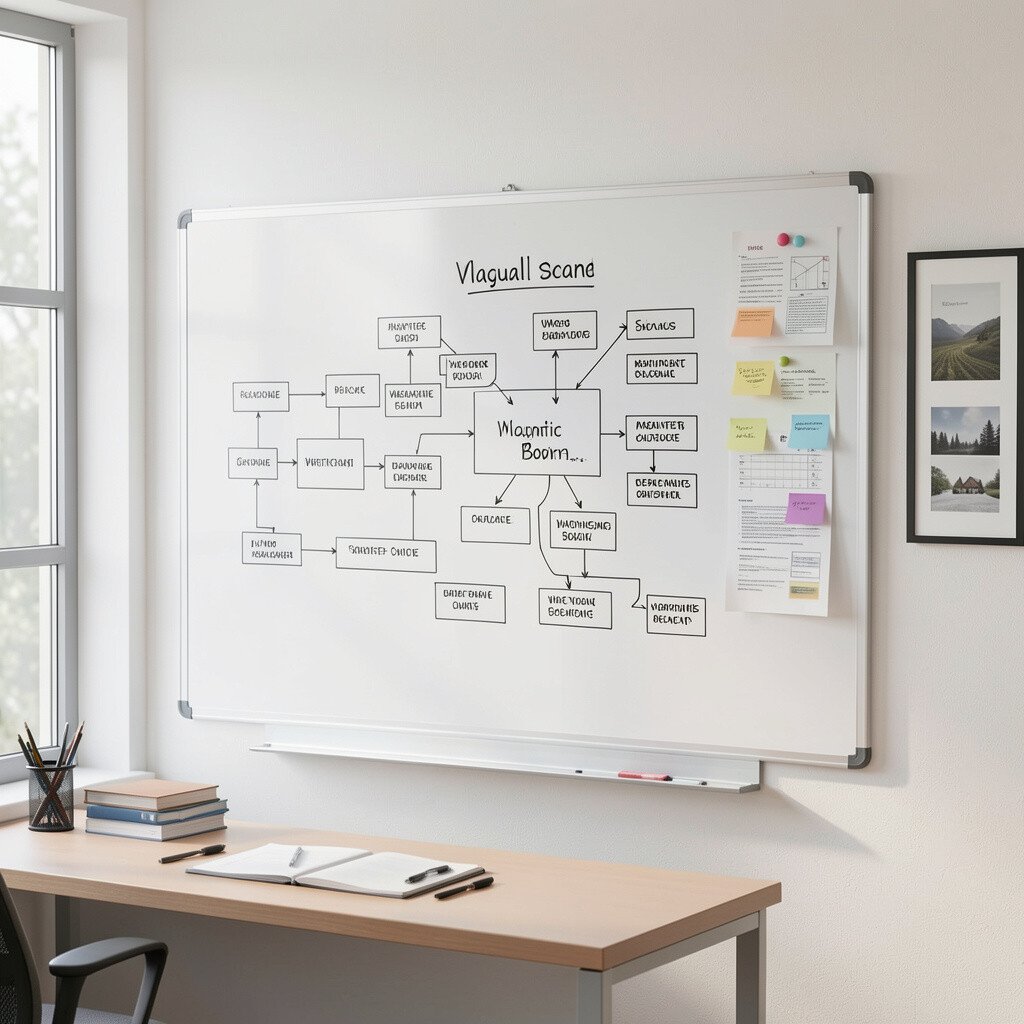
A board brings big ideas into your everyday view. When you can jot tasks or ideas in a visual space, you tend to remember them better.
Choose a board that suits your wall space, like a small tabletop magnetic board or a wall-mounted whiteboard. Minimal layouts are trending, with clean marker colors and light backgrounds that feel airy.
Use it for weekly goals, project milestones, or a simple brainstorming corner. Personalize it by keeping a color set that matches your mood, like calm blue for planning and bright yellow for reminders. If you want a cost-controlled option, start with a smaller board and expand only after you see you truly use it.
19. Smart Desk Mat for Charging and Cable Control
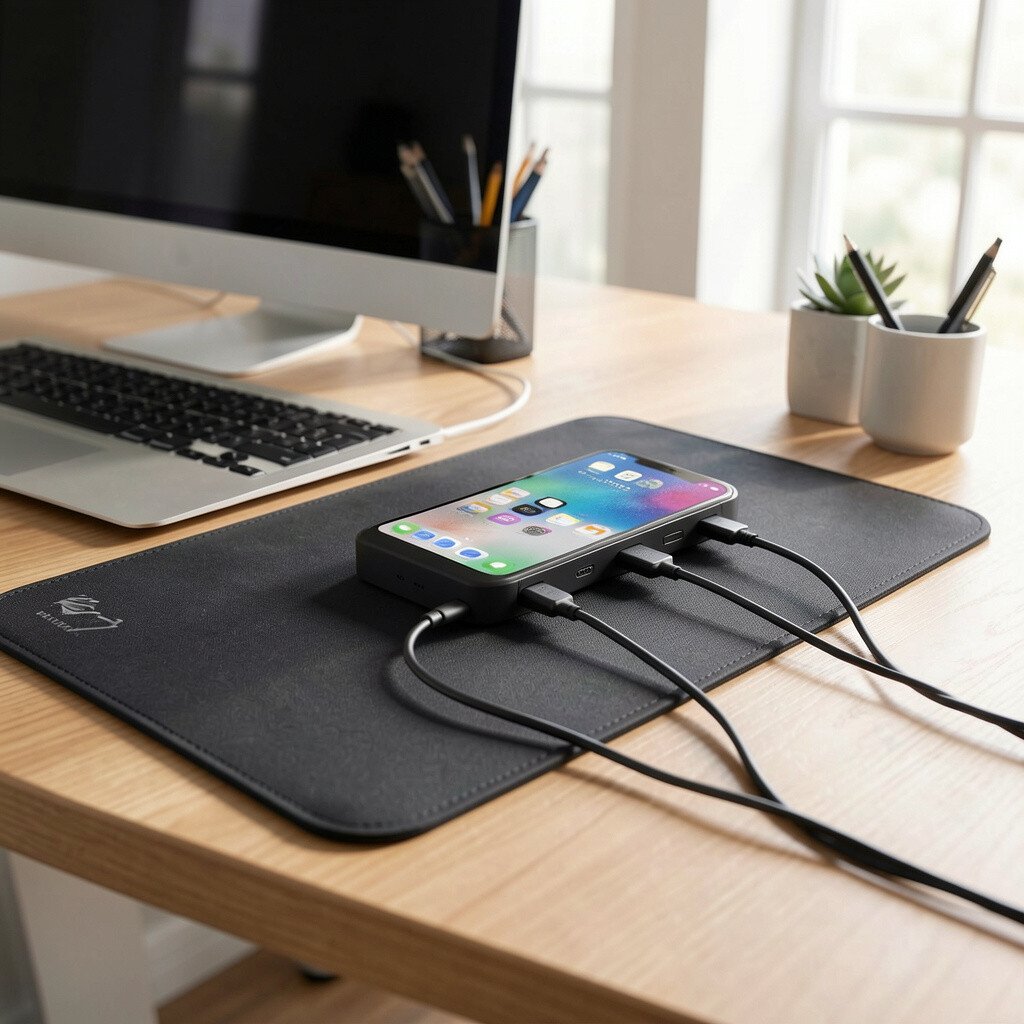
Charging on your desk can be both convenient and tidy. Some desk mats now include built-in space for charging pads, which reduces extra clutter.
Look for a mat with a stable base so your keyboard and mouse do not slide too easily. Built-in features are popular right now because many people work across laptop, phone, and earbuds during the same day.
Position charging where it will not block your writing area. Personalize it by pairing the mat style with your lamp and organizer tray for a cohesive look. For cost, compare the mat with built-in features to a simple mat plus a separate charging pad, since both can work well depending on your setup.
20. Desk-Safe Cleaning Kit for Small, Quick Refreshes
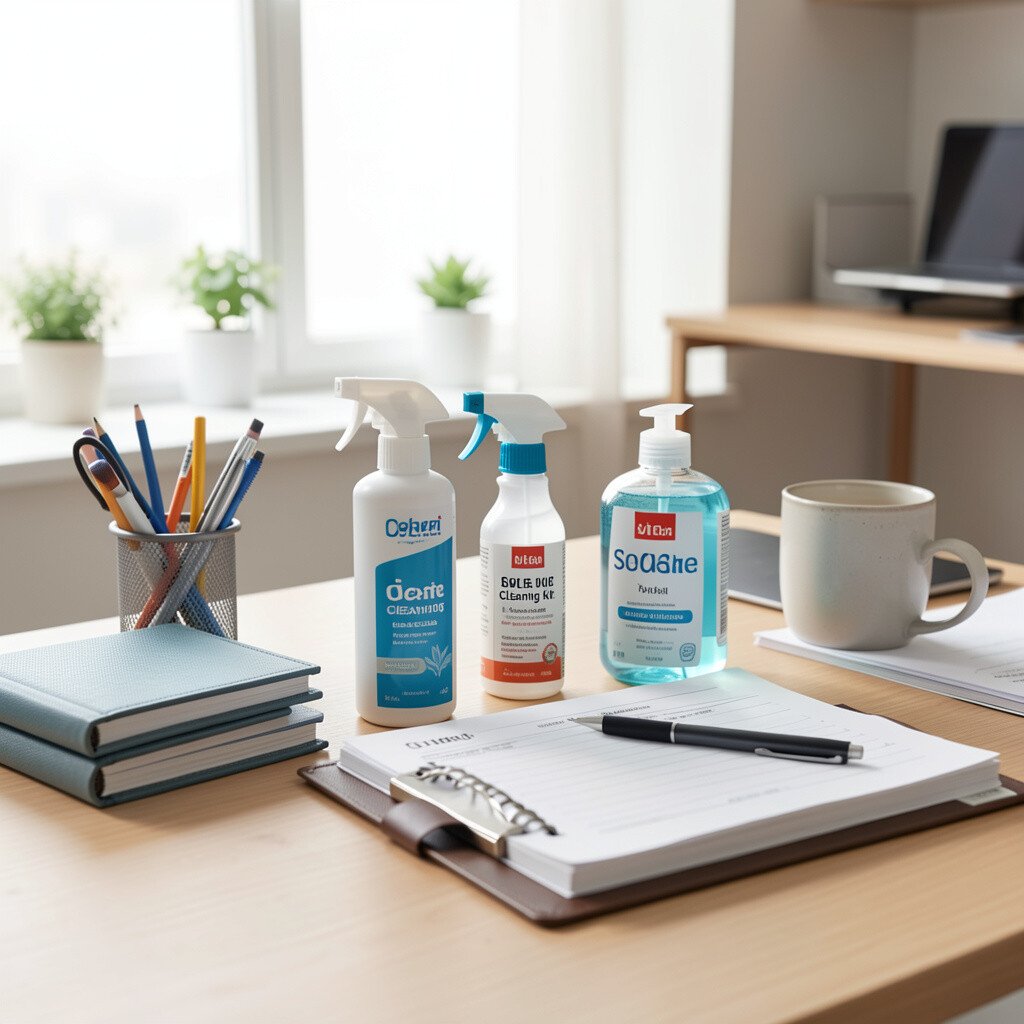
A clean desk helps your brain feel calm. When you can wipe down surfaces quickly, dust and smudges do not build up and distract you.
Choose microfiber cloths and a gentle screen-safe cleaner if you touch your monitor often. Many offices now prefer simple, plant-based or low-odor cleaning sprays, since they feel nicer in lived-in spaces.
Keep a small kit in a drawer so it is easy to grab between tasks. Personalize your cleaning routine by doing a quick wipe every few days instead of waiting for a big weekend cleanup. Cost considerations are simple here, because cloths can last a long time and you can reuse them across many refreshes.
21. Storage Bins With Lids for Visual Calm
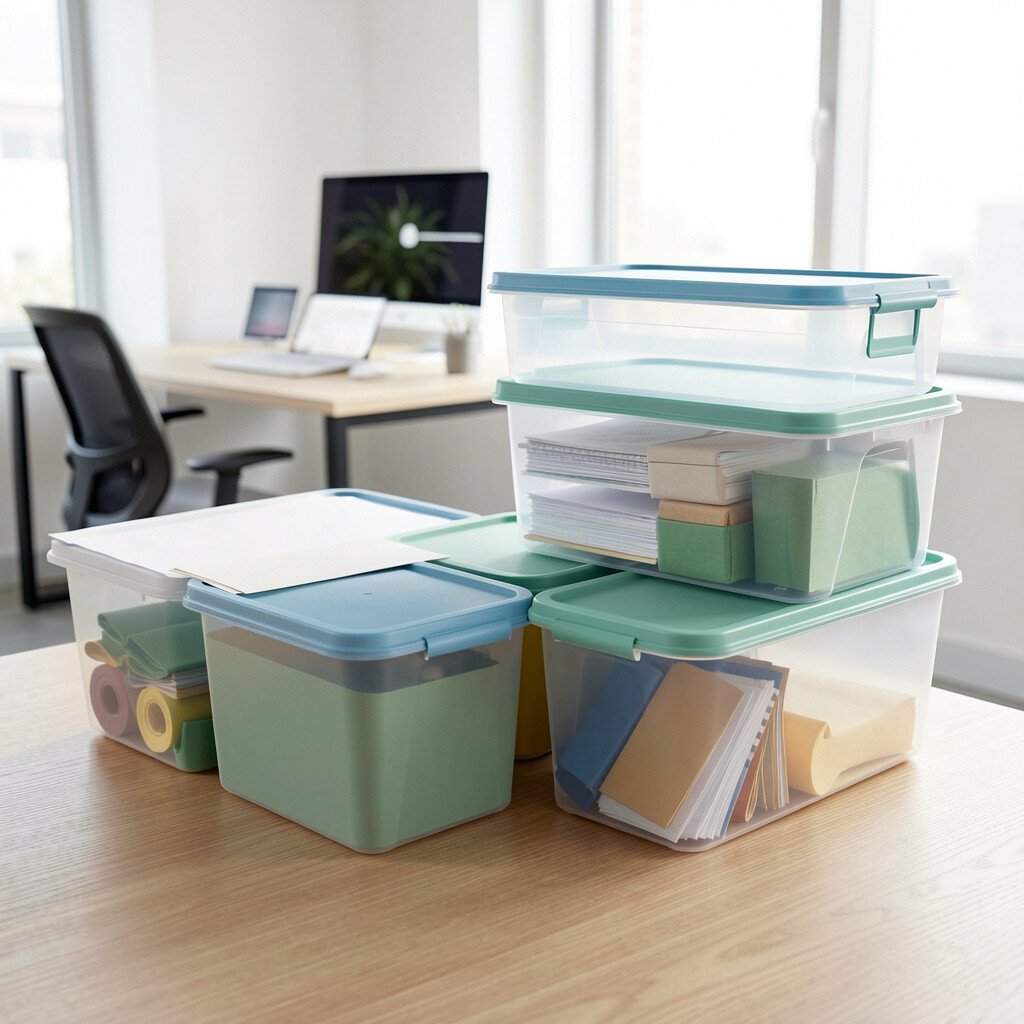
Lidded bins help you keep clutter away while still staying organized. When you store extra supplies out of sight, your desk looks more focused and less busy.
Pick bins that stack well and fit under your desk or inside a cabinet. Transparent lids are popular because you can see what is inside without opening everything.
Use bins for backup supplies like extra sticky notes, spare pens, and paper refills. Personalize your setup by choosing colors that match your room, or by keeping labels minimal for a cleaner look. If you are cost-conscious, start with one or two bins for your most used categories and grow the system slowly.
22. Wall Hooks and Vertical Storage for Extra Space
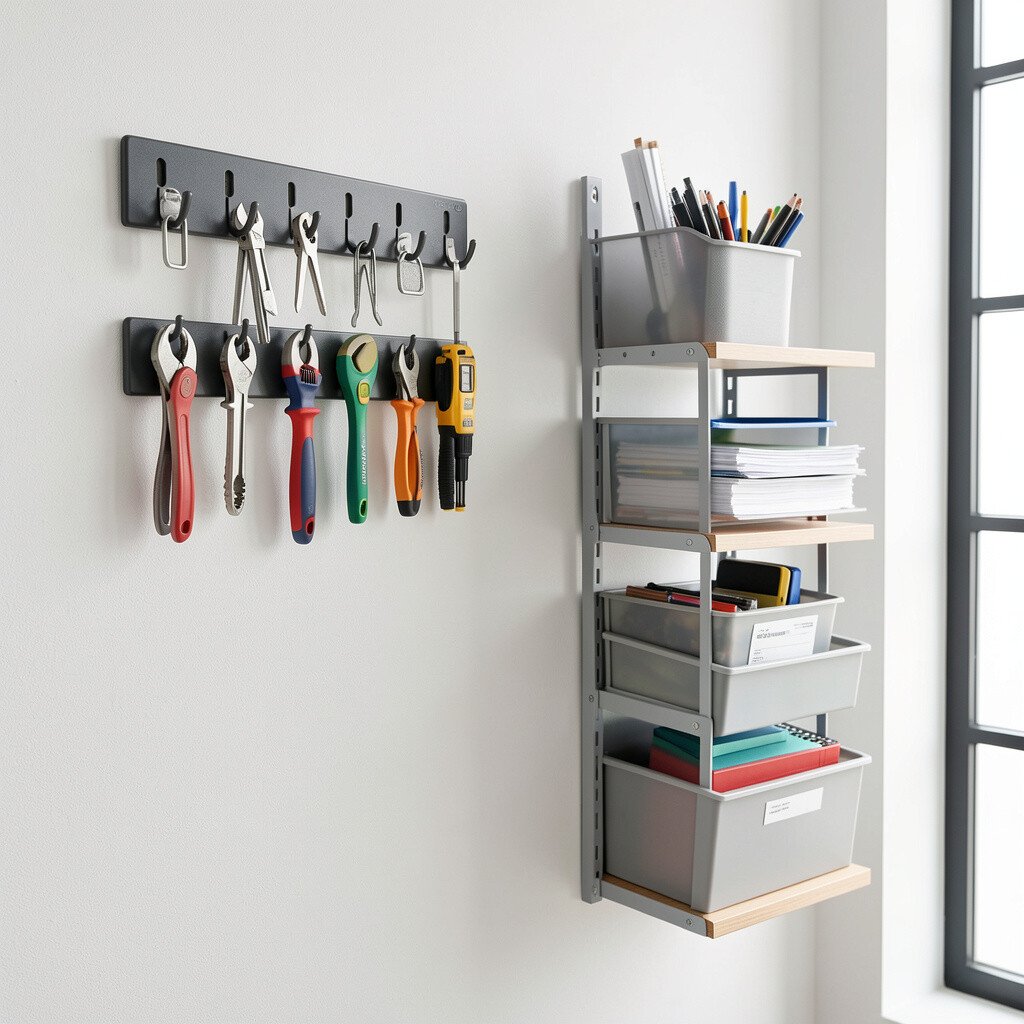
Vertical storage keeps your work surface open. Hooks can hold bags, headphones, or lightweight tools so everything stays within reach.
Choose sturdy hooks and place them where they will not interfere with your chair or movement. Many people are using vertical organization because desks are getting smaller and the need for space-saving setups is growing.
Personalize your system by hanging items by time of use, like daily tools near your seat and less frequent items farther away. For cost, wall hooks are often a low-cost upgrade that makes a big difference, especially when you pair them with a small shelf or a simple tray. If you rent, look for damage-free options or plan your placement carefully before mounting.