11+ Classroom Themes On Technology Integration For Engaging Learning
A classroom can feel like a story when tools fit the learning. Small tech choices can spark big energy in students.
When technology matches a theme, lessons look alive and students know what to do next. Below are classroom theme ideas that make tech feel natural and helpful.
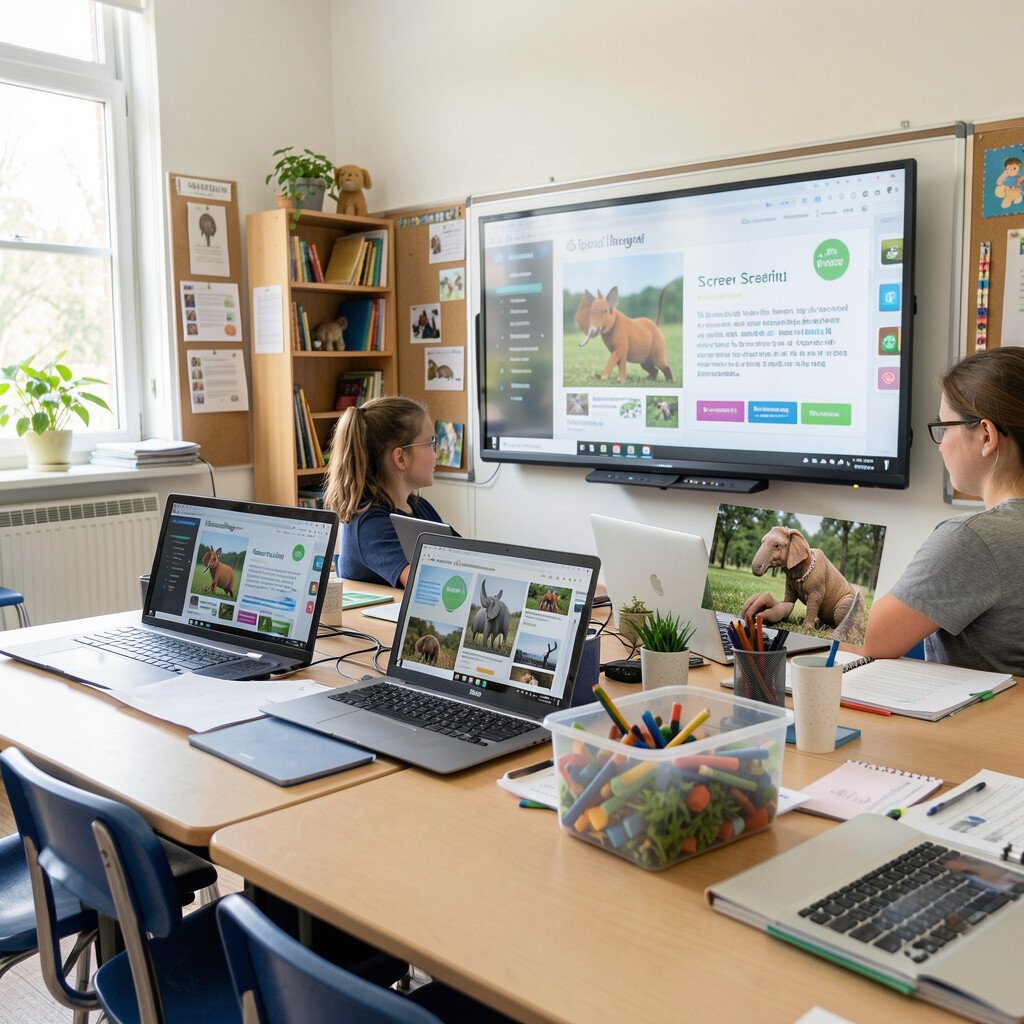
Imagine students moving like little explorers around the room, each stop showing a different screen scene. One group reads a short visual prompt, another records a voice response, and another captions a sequence of images.
Students benefit because the work feels purposeful and easy to start. Use practical timers, clear steps on the screen, and audio headsets so everyone can focus and share without chaos.
Keep the theme personal by letting students pick story settings tied to their interests, like sports, space, or pets. Low-cost options work well, since many schools already have tablets or laptops and free media tools can handle basic recording and captioning.
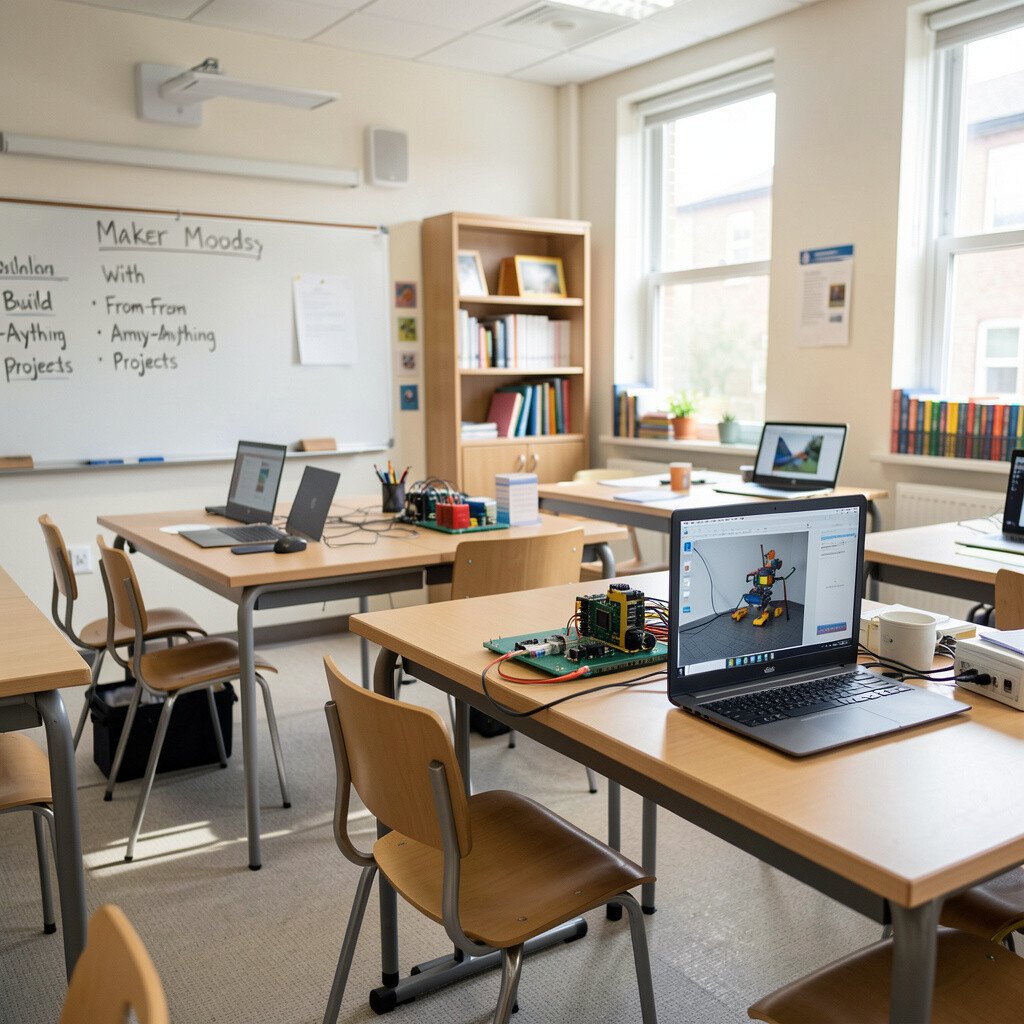
2. Maker Moods With Build-From-Anything Projects
Maker Moods With Build-From-Anything Projects
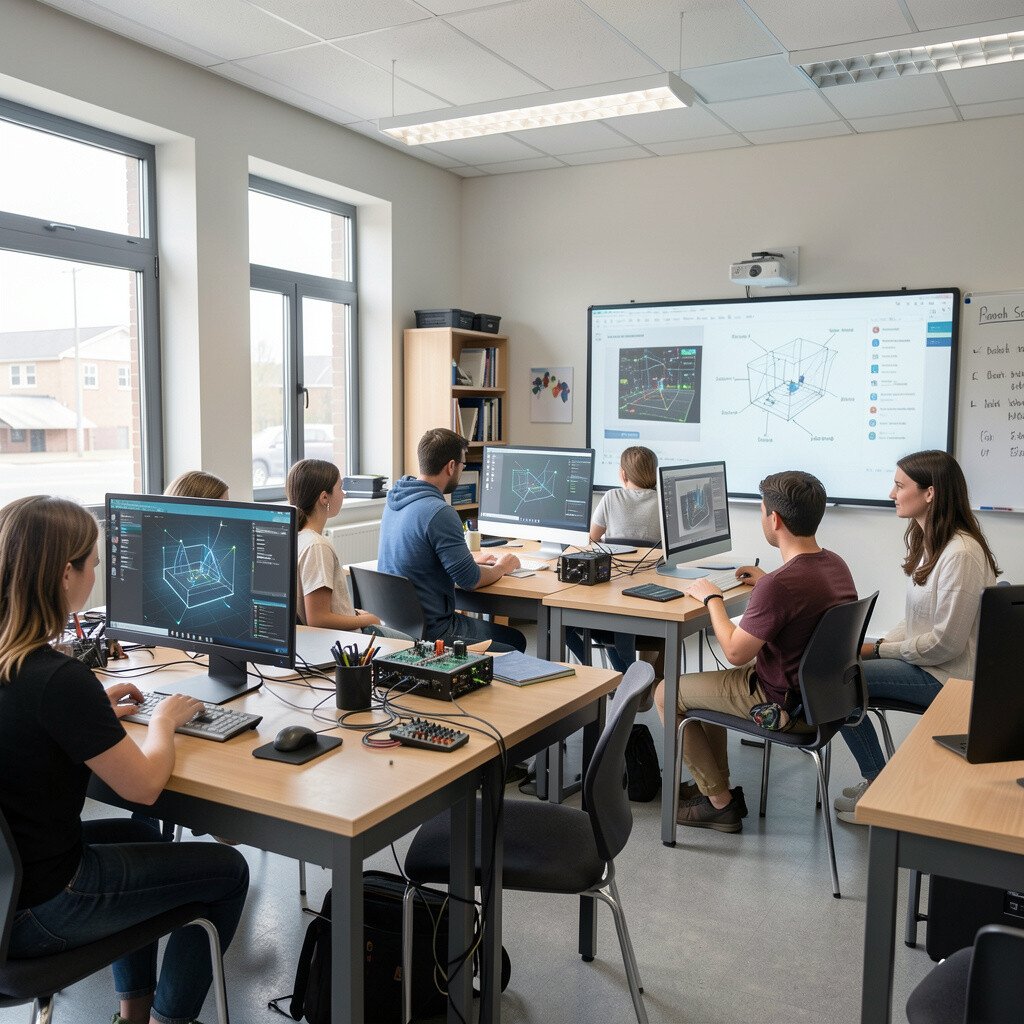
Picture a classroom where tables hold simple materials and a screen shows a design plan. Students sketch ideas, photograph prototypes, and then compare results to what they planned.
They gain confidence because the process is visible and feedback is quick. Choose practical tools like camera apps, basic design software, and shared folders so students can keep drafts and revisions in one place.
To make this theme unique, pair each build with a “design constraint” that connects to real life, such as saving energy or improving comfort. If budgets are tight, focus on phone or tablet cameras and free modeling options that run in a browser.
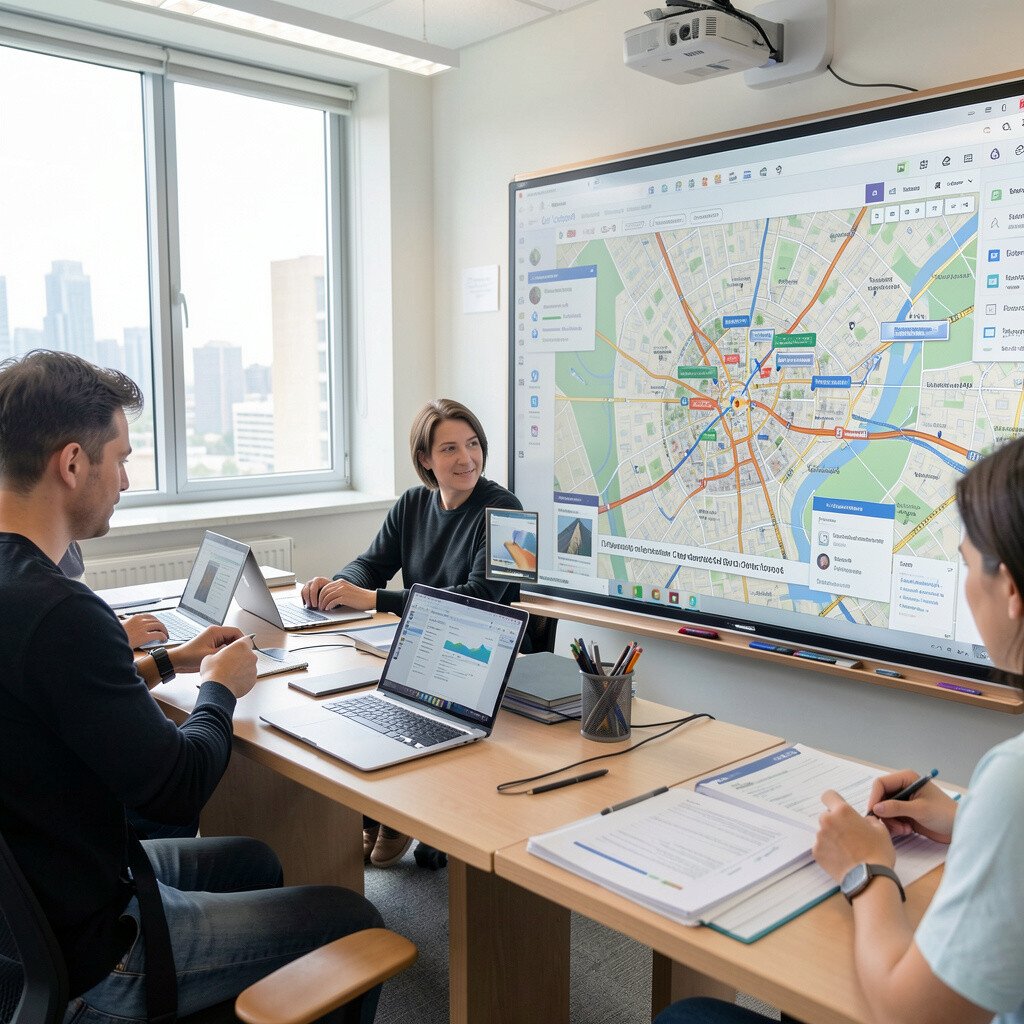
3. Collaborative City Planning On Shared Maps
Collaborative City Planning On Shared Maps
Think of your class as a planning team, standing over a glowing map that fills the entire screen. Students place landmarks, add notes, and adjust routes while discussing how ideas connect.
Visual learners love it because the layout makes thinking easy to see. Set up a shared workspace where students can collaborate in real time and use student-friendly prompts to guide what to add.
Personalization shows up when students create a neighborhood that mirrors their lives, like a “home market” or a “school street.” Keep costs manageable by using web-based mapping tools and encouraging students to use free assets for icons and labels.
Recent trends support this style too, since many classrooms now use interactive maps and discussion boards for social studies and science connections.
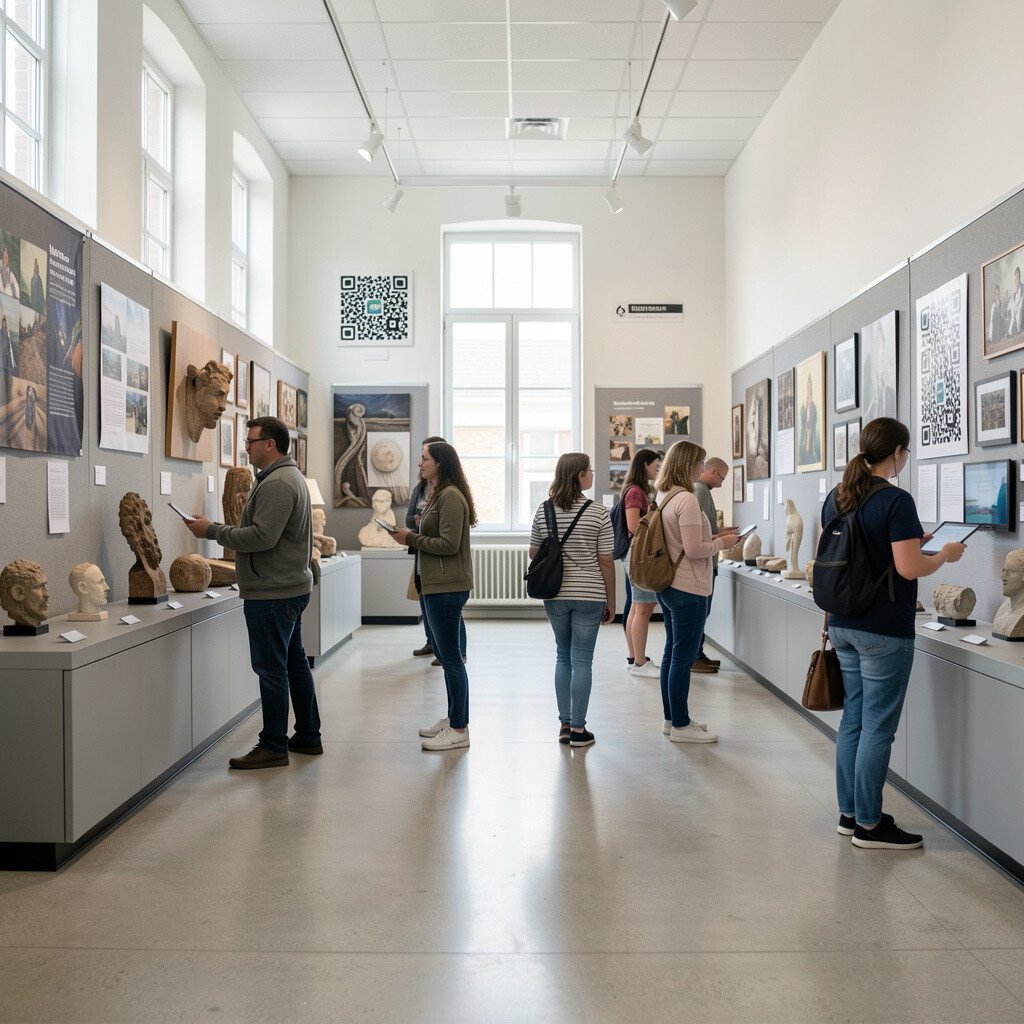
4. Interactive Museum Walk With QR Artifacts
Interactive Museum Walk With QR Artifacts
Imagine hallways that feel like a museum, with students scanning QR codes to open short lessons. Each code might show a photo, a mini video, or a quick audio story linked to a topic.
The benefit is smooth movement and focused curiosity, because students know exactly what each artifact means. Build practical routines by placing codes at eye level, using consistent labels, and testing every link before students arrive.
Make the theme unique by letting students create the artifacts themselves, turning their work into the exhibits. For cost, you can use a phone, free QR generators, and printed student signs, which keeps things affordable even in large classes.
To match current trends, consider adding student reflections through short audio or digital “passport” check-ins that track what they learned.
5. Future Chef Labs For Data-Driven Literacy
Future Chef Labs For Data-Driven Literacy
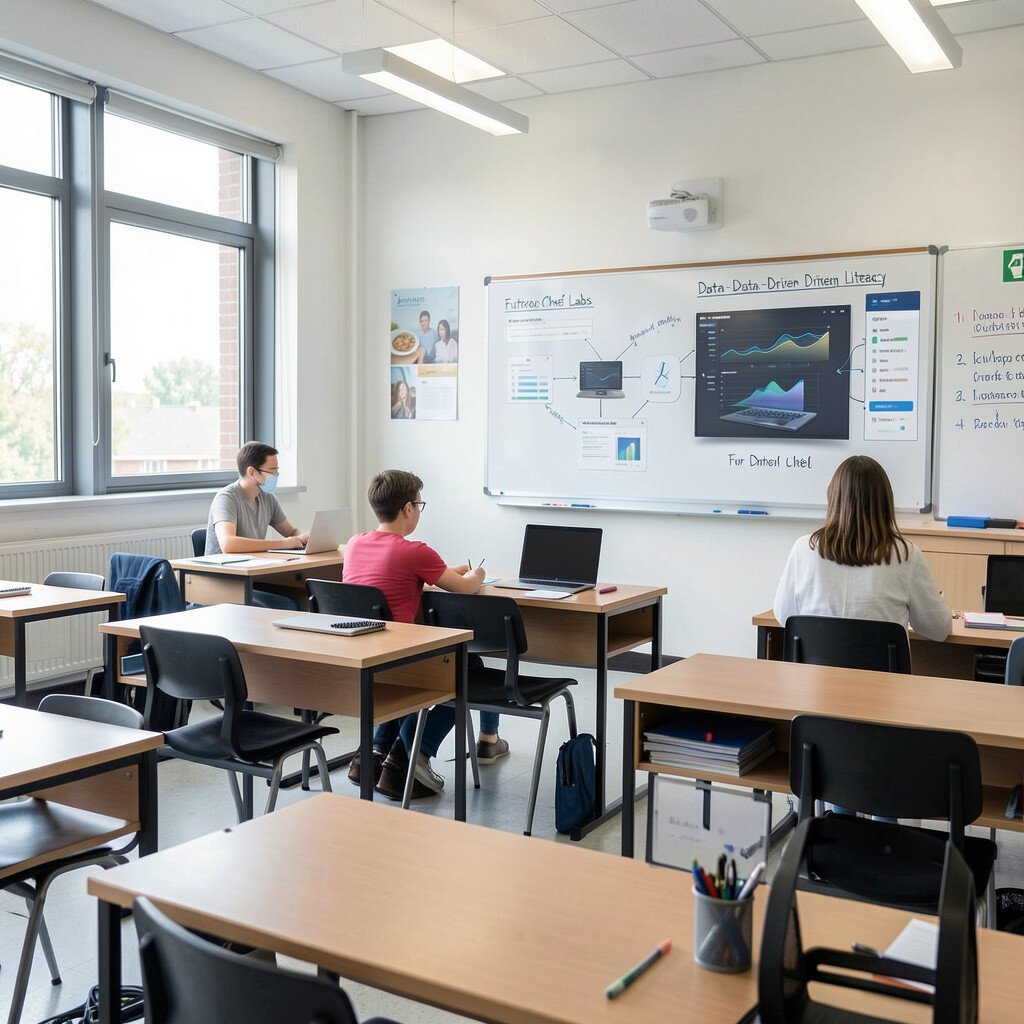
Picture “chef stations” where students measure, mix, and then read the results on a screen. They collect numbers from simple experiments, then use charts to describe what happened.
Students gain stronger reading and writing because they practice explaining results in clear language. Use practical tips like giving sentence stems for conclusions and using a shared chart template so everyone starts the same way.
Personalize by letting students name their lab teams and choose flavors or themes that match the unit, like weather and seasons or plant growth. Costs can stay low when you use everyday materials for experiments and free spreadsheet tools for visuals.
6. Podcast Radio Day For Voices And Vocabulary
Podcast Radio Day For Voices And Vocabulary
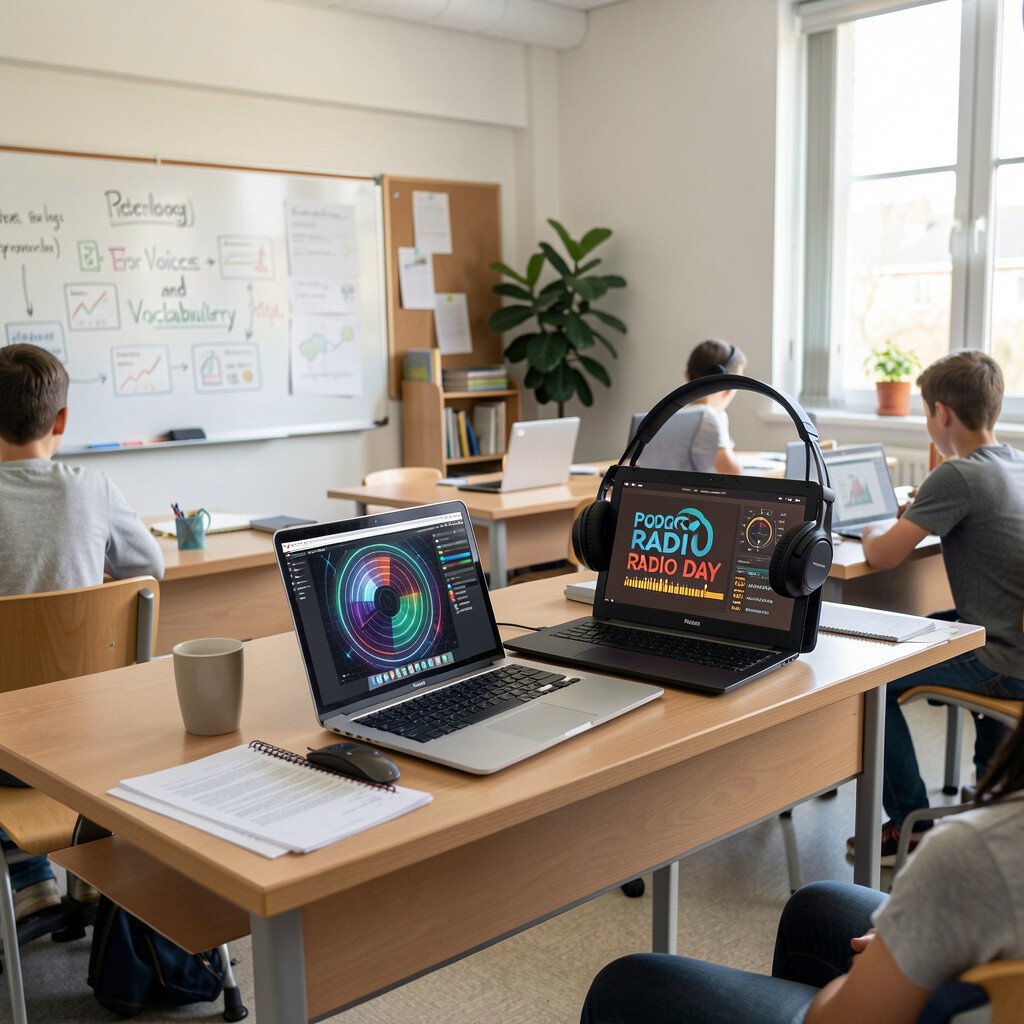
Hear the room fill with student voices as short episodes roll across a shared playlist. Students write scripts, record audio, and add sound effects to match the lesson topic.
This theme helps students build language skills because they rehearse meaning, not just facts. Choose simple tools for recording and editing, and set a routine for respectful listening with clear deadlines.
Make it unique by assigning roles like host, fact checker, and word coach, so every student contributes. For cost, many schools can use free recording apps and existing devices, while headphones can be shared in pairs to stretch resources.
Keep an eye on current trends since audio-first assignments are growing, and students often enjoy learning when their work sounds real.
7. Escape Room Quests With Stepwise Digital Clues
Escape Room Quests With Stepwise Digital Clues
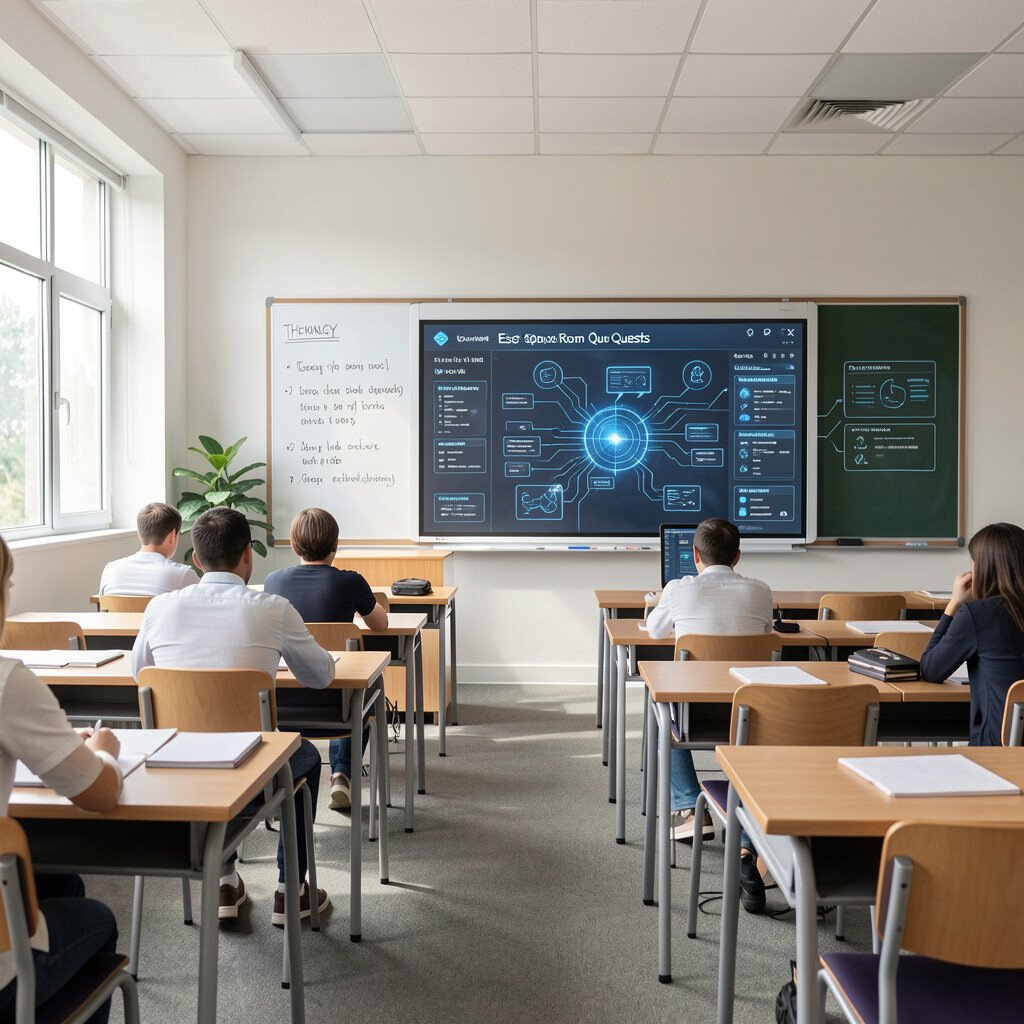
Visualize a classroom game where students solve puzzles to unlock the next screen message. Clues appear on devices, guiding groups from one task to another without turning the room into a free-for-all.
The benefit is high engagement because students must read carefully and work together to move forward. Use practical tips like keeping clue steps short, limiting each screen to one instruction, and building in “checkpoints” so groups can recover if they get stuck.
Personalize by letting students choose the story theme, like detectives or time travelers, while the clue content stays aligned to standards. Costs can be kept low using free quiz tools, simple QR links, and printable puzzle cards that pair with digital screens.
8. Virtual Field Notes With Real-World Photos
Virtual Field Notes With Real-World Photos
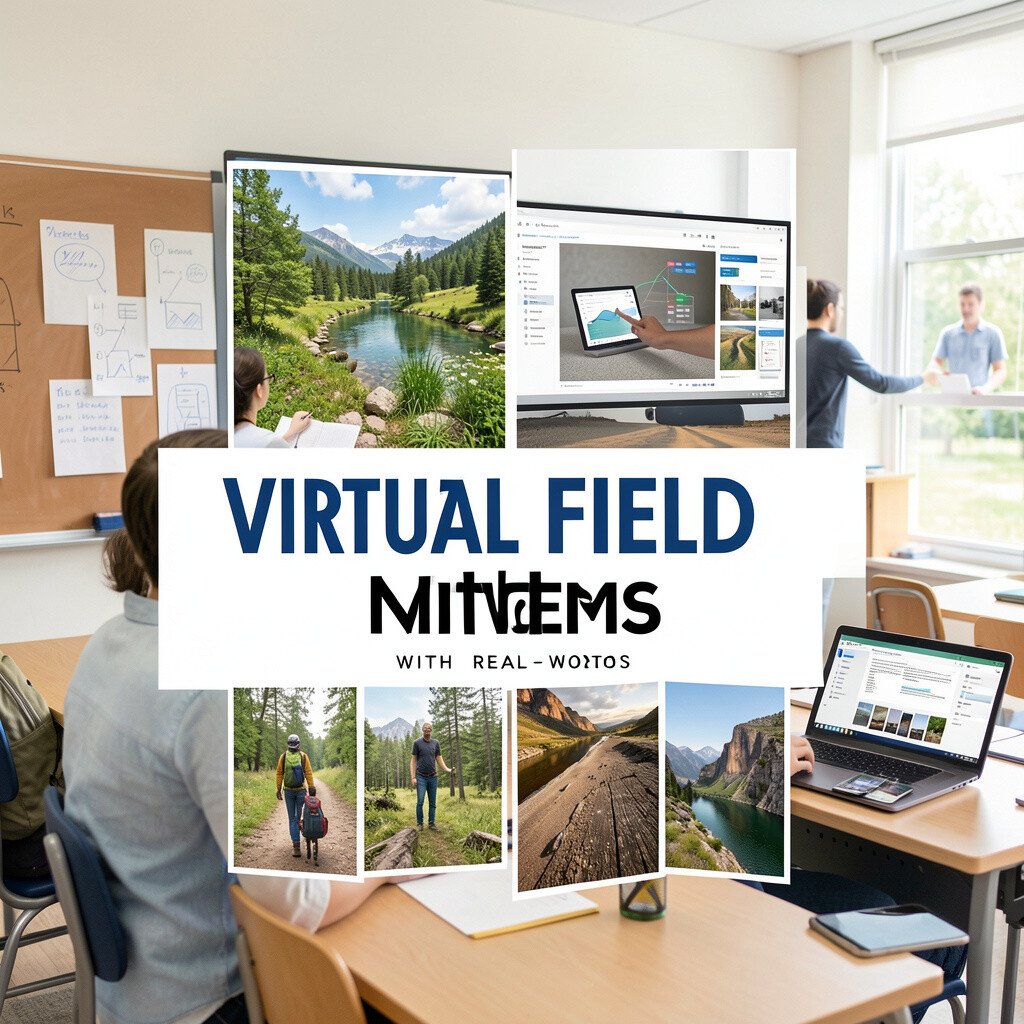
Imagine students capturing images outside the classroom, then uploading them to a shared board for quick reflections. Each photo becomes a “field note” paired with a short explanation of what they observed.
Students benefit because they connect learning to their own environment, which makes lessons feel grounded. Set practical rules like photo quality checks and using the same upload form so work stays organized.
Make this theme unique by asking students to collect a “mystery pattern,” such as repeating shapes, color changes, or evidence of motion. Cost considerations are friendly since phones are common, and many schools can use free shared boards for uploading and discussing.
This style fits current trends too, since photo-based evidence and quick digital journals are popular for student-centered learning.
9. Problem-Solving Garage With Simulation Challenges
Problem-Solving Garage With Simulation Challenges
Picture a “garage” where students test ideas using simulations on screen instead of risky guesswork in real life. They adjust variables, watch results, and then explain why the outcome changed.
The benefit is safe practice with fast feedback, so students can try again without wasting time. Use practical tips like starting with guided simulations that show controls clearly and using quick reflection prompts after each run.
Personalize by letting students choose scenarios that match their interests, like sports stats, weather decisions, or simple engineering fixes. For cost, look for free or low-cost simulations in a browser and reuse the same login for multiple activities.
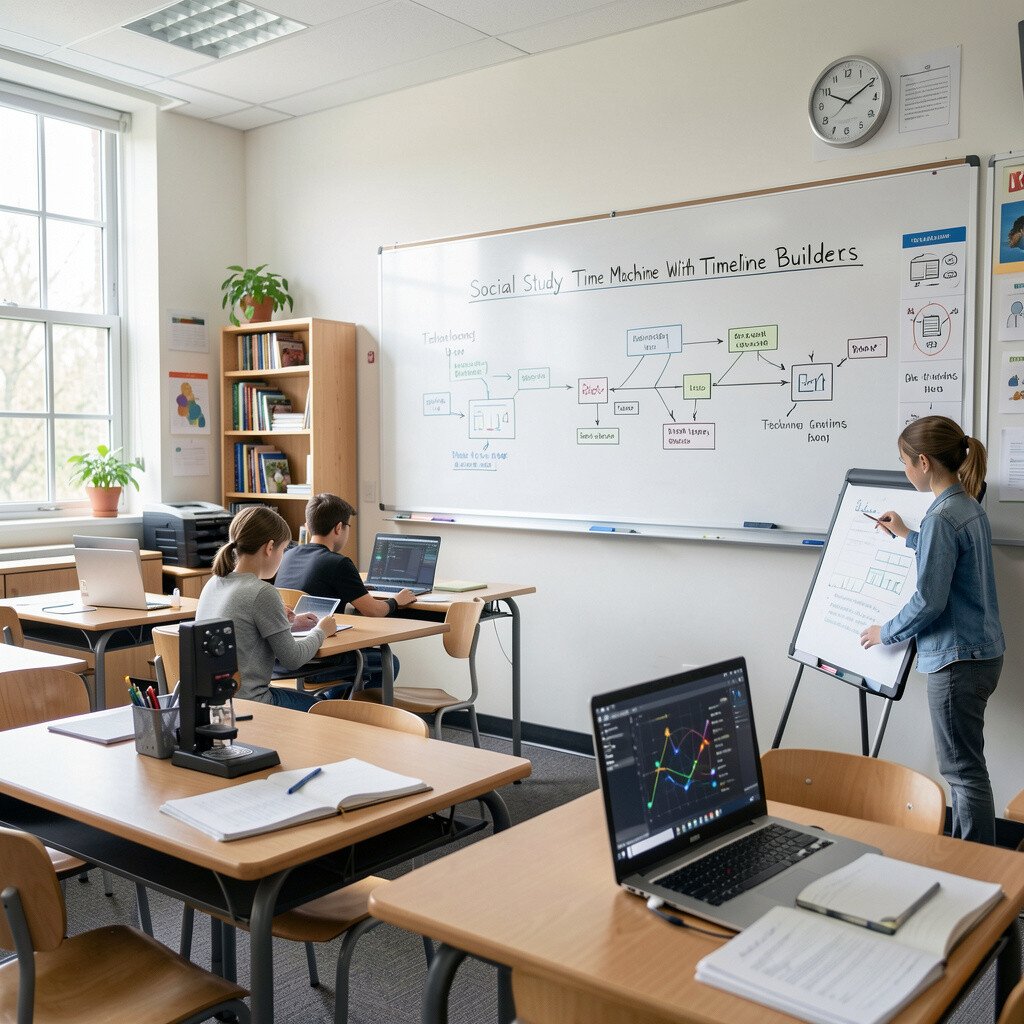
10. Social Study Time Machine With Timeline Builders
Social Study Time Machine With Timeline Builders
Imagine a glowing timeline on the screen, where students drag events into order and add notes to each milestone. They can attach images, short text, and links that support their thinking.
This theme supports deeper understanding because students see cause and effect across time. Use practical routines by giving a small set of required event types, like “new idea,” “challenge,” and “impact,” so work stays organized.
Make it unique by asking students to compare two timelines, like technology and culture, then explain what overlaps. Cost stays reasonable since many timeline tools offer free tiers and most students can work with web access on shared devices.
11. Sports Analytics Week With Visual Charts And Predictions
Sports Analytics Week With Visual Charts And Predictions
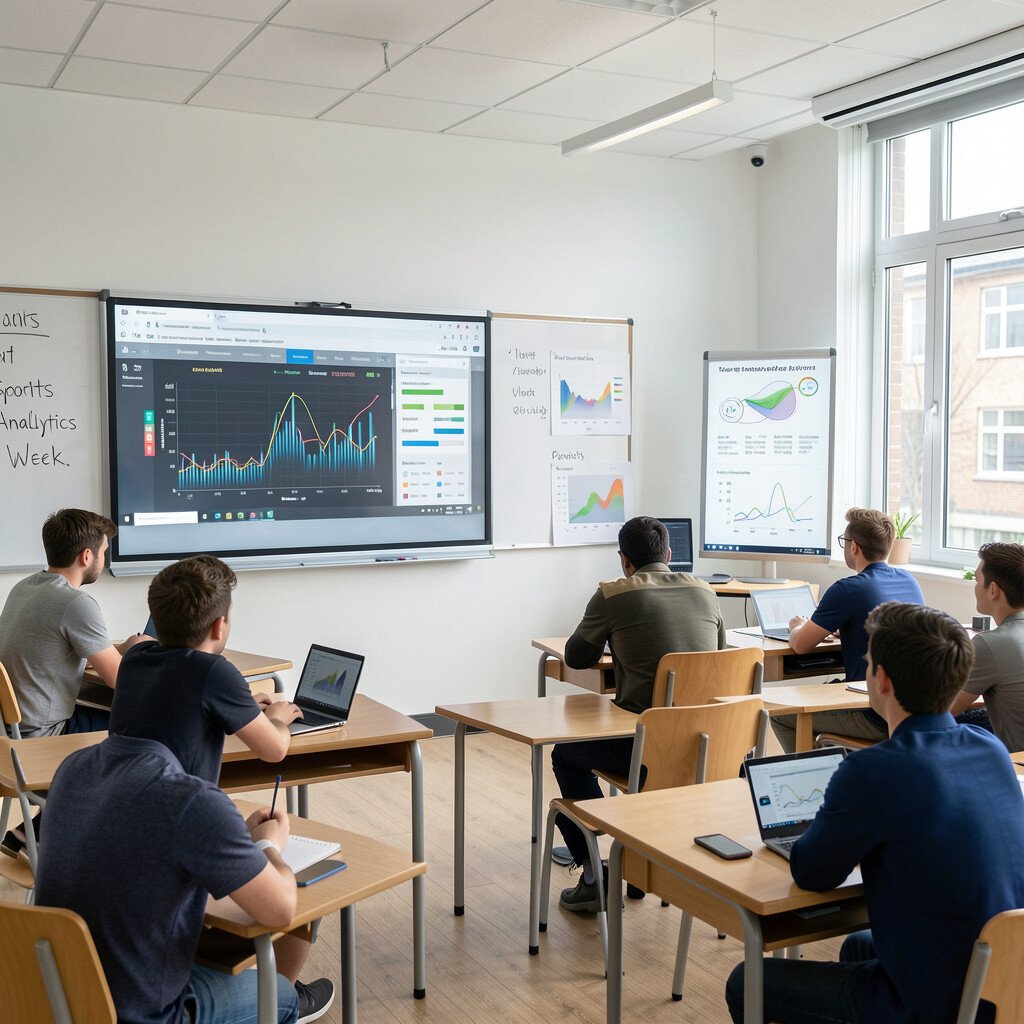
Think of a classroom where sports posters meet live data screens, and students read charts like they are playbooks. They collect simple statistics, plot trends, and make predictions using evidence from the visuals.
The benefit is that math and reading feel connected to something exciting, which improves motivation. Use practical tips like providing a ready chart template and using short guided questions so students practice interpretation, not just number entry.
Personalize by letting students choose teams, athletes, or game moments that they care about while you keep the skills consistent. Keep costs in check by using public, student-safe datasets or collecting class-made data with free spreadsheet tools.
Recent trends show a bigger push for data literacy, and this theme gives students real practice with interpreting information responsibly.
12. Mindful Tech Studio With Choice-Based Learning Paths
Mindful Tech Studio With Choice-Based Learning Paths
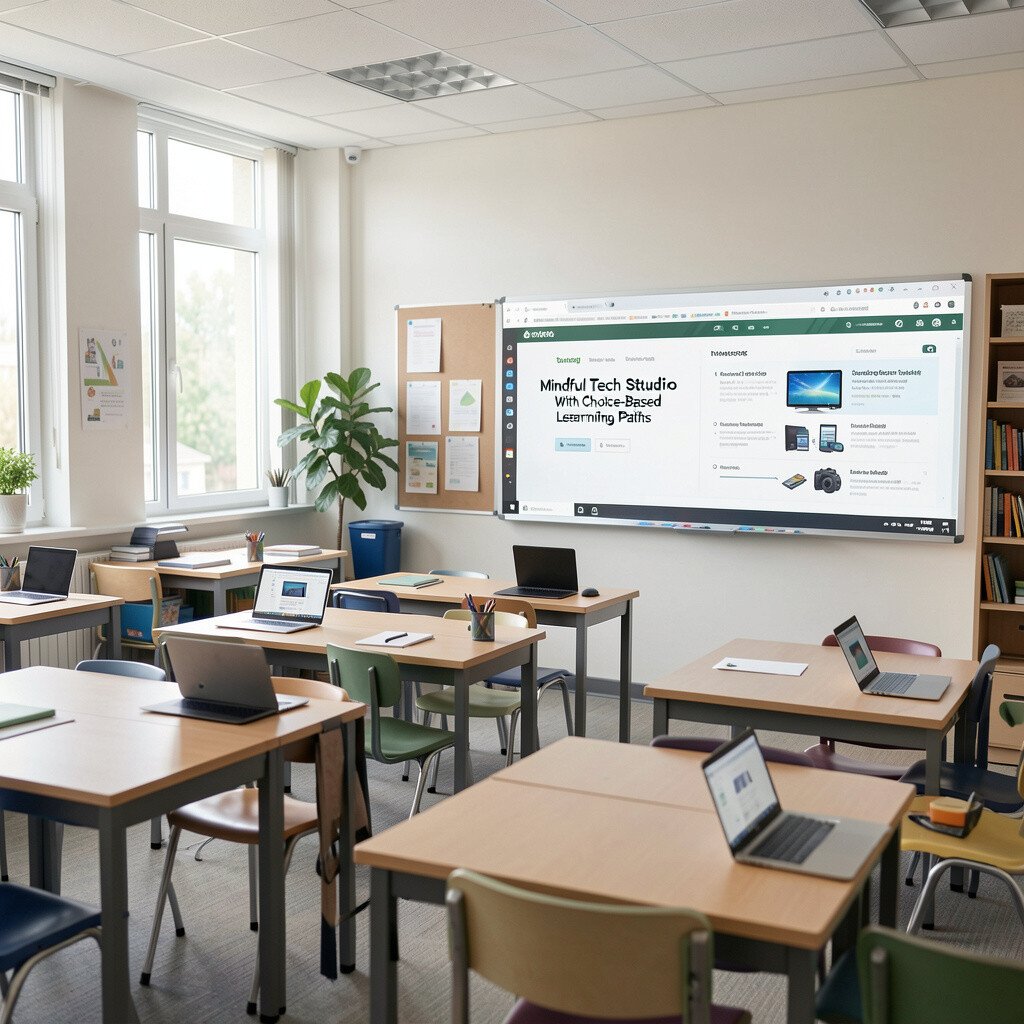
Picture students at stations where screens offer choices, and each choice fits a different learning pace. One student watches a short explanation, another practices with interactive questions, and another reads a resource page.
This theme helps students feel in control, which can lower stress and improve focus. Use practical tips like setting clear station expectations, using progress tracking, and keeping instructions consistent so students can move confidently.
Make it unique by building “personal mission cards” that connect to student goals, such as improving vocabulary or mastering a skill step. Cost considerations are workable since you can start with free content libraries, use offline-friendly materials when needed, and rotate devices in small groups.
To align with current trends, consider adding brief digital reflection check-ins so students notice growth and choose next steps based on evidence from their own work.